Setup & user guide.
Turn your artwork into products, connect your store, and keep each release moving. This guide covers setup, daily use, troubleshooting, and support.


Before you begin
Gather the accounts you plan to connect for your store, file storage, and print providers. Keep them open in your browser so their credentials are easy to find. The five panes are Storefront, Storage, Printers, Social, and Copy setup.
Start with Shopify or Etsy
You can complete setup with Shopify or Etsy as your first store. Etsy digital downloads require supported storage, and physical Etsy products use your Etsy-connected Printify shop or Gelato store.
Storage for your store
Keep only credentials for storage services you want ArtDrop to use, then verify one test upload before a batch. Etsy digital publishing requires a supported storage connection for its files.
A print provider for physical products
Use a print provider for physical products. Etsy digital downloads publish without one. Etsy physical products use your Etsy-connected Printify shop or Gelato store. ArtDrop creates Printful products that finish in Printful or, through a Shopify-connected Printful store, as a live Shopify listing.
Copy: optional and separate
Product publishing has no ArtDrop per-product fee. Copy generation is optional and separate. The signed-in app shows the available copy method and any limits or billing before generation. The Mac app requires your own provider key. Seller-written copy from a filename, template, CSV or XLSX copy sheet, JSON sidecar, or product editor is supported. JSON sidecars are limited to 2 MiB each.
How it works
ArtDrop analyzes your art, prepares the listing copy and files, creates your products, and publishes supported listings to your selected store. Each provider finishes at the stage it supports.
ArtDrop identifies the subject, composition, color palette, mood, and dominant forms. That analysis guides the product copy and files that come next.
Timing variesArtDrop drafts the title, product description, SEO fields, and alt text from the artwork analysis. Voice Trainer shapes the draft with your style.
Timing variesArtDrop prepares artwork that your selected provider can access.
Depends on file size and connectionArtDrop creates products from the active templates you selected, using their saved variants, placement, and prices.
Depends on products and providersEtsy digital downloads publish directly. Etsy physical products publish through your connected Printify shop or Gelato store. ArtDrop creates Printful products that finish in Printful or, through a Shopify-connected Printful store, as a live Shopify listing.
Timing variesFrom one file to four product ideas
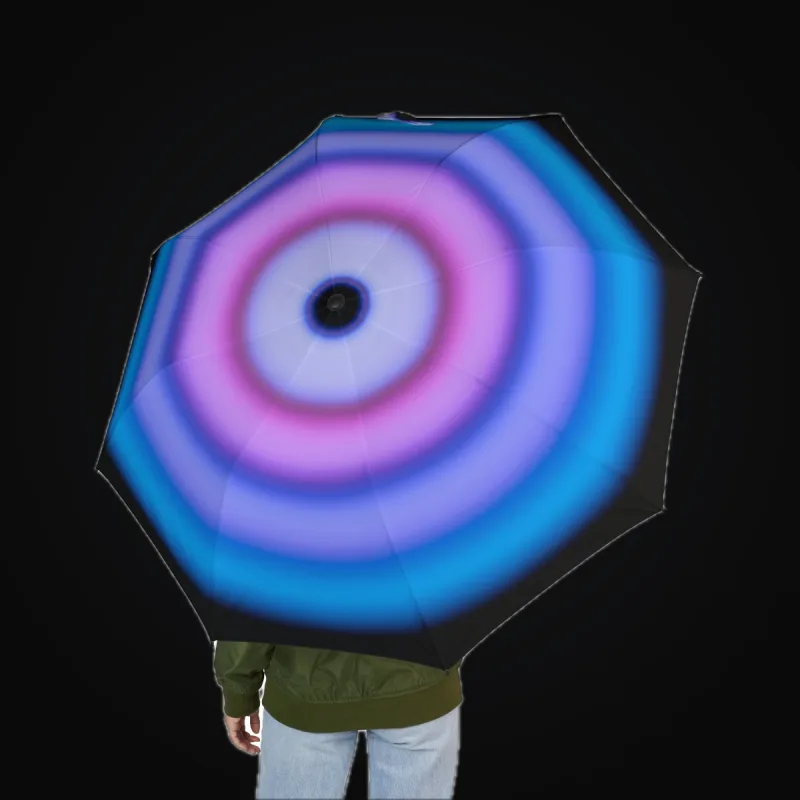
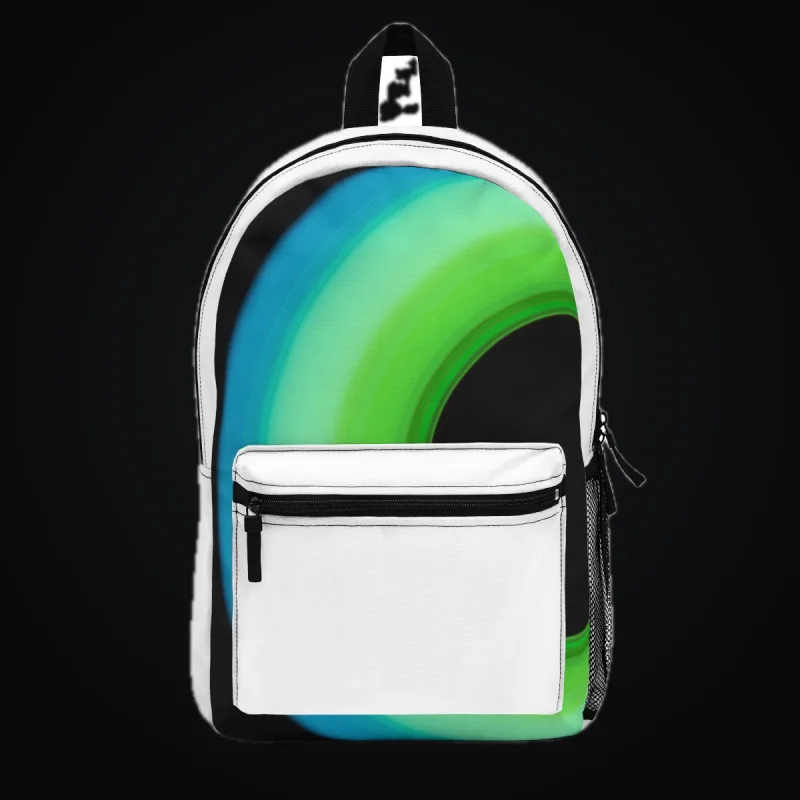
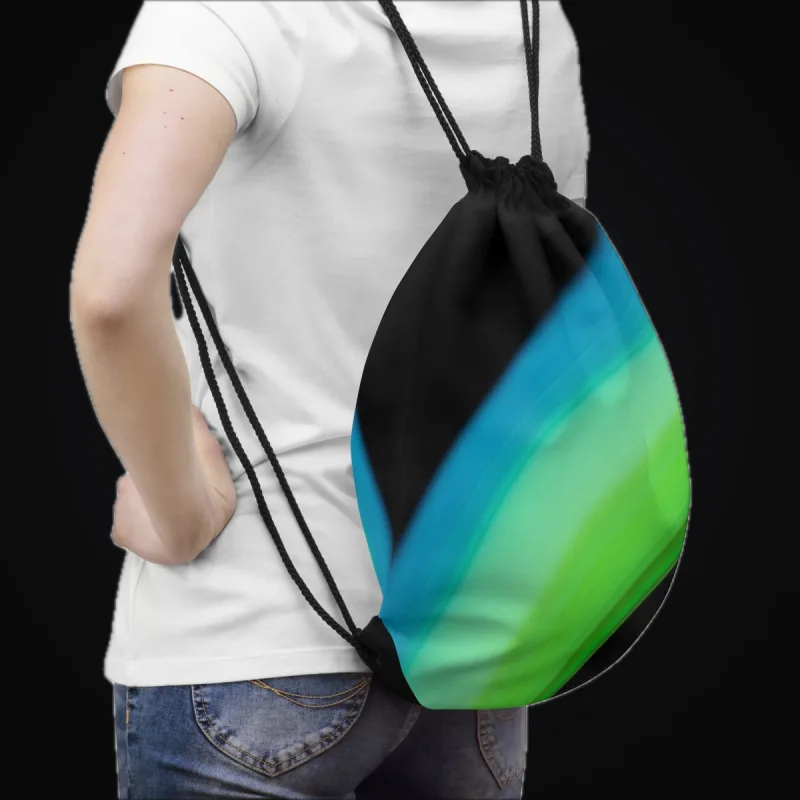
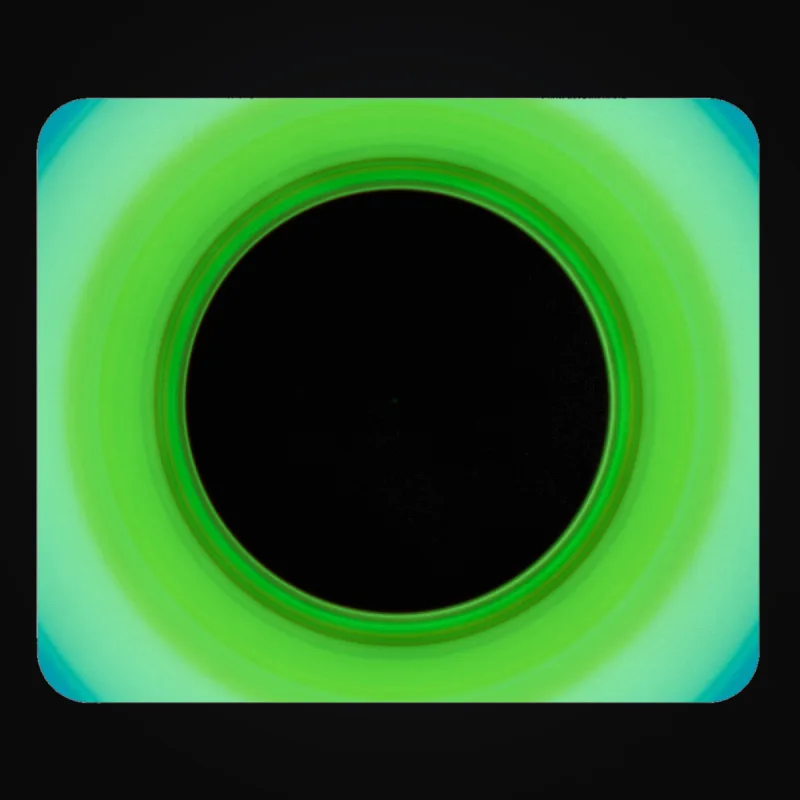
One sample artwork appears on one Printful and three Printify mockups. Use these as format and placement examples, then review your own listings and physical samples.



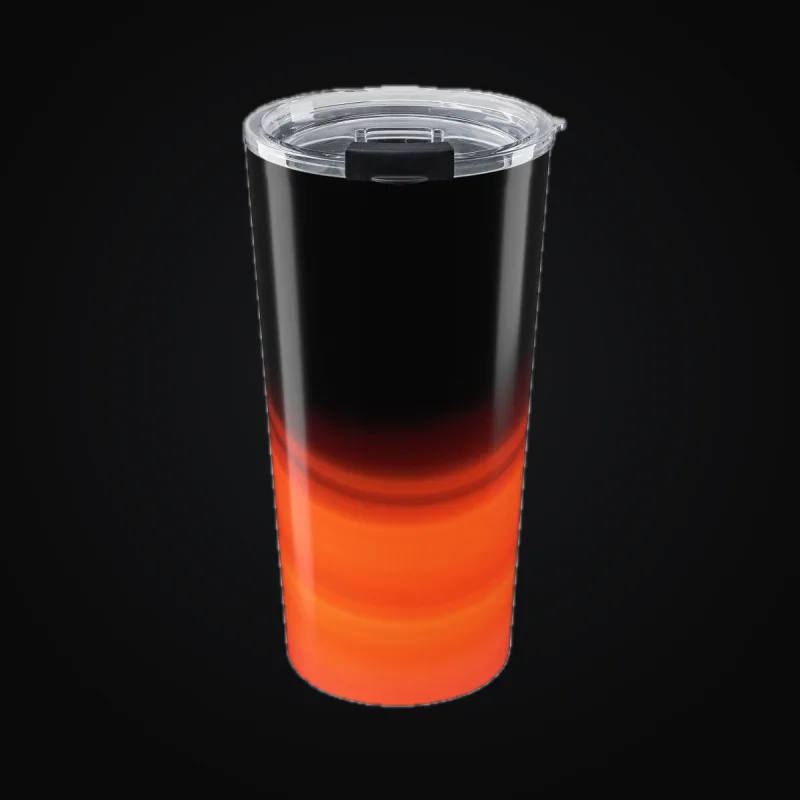

Step 1, Storefront
Choose Shopify or Etsy and connect the store you want to use. Either can be your first store. For Shopify, enter its myshopify.com domain. For Etsy digital downloads, connect the shop and supported storage. Use Test connection where offered and grant only the permissions ArtDrop shows. ArtDrop creates product and listing data only. It does not access orders, customers, payments, shipping, or fulfillment, relay orders, or provide checkout.
Etsy digital downloads publish directly after the shop and supported storage are configured. Physical products publish through your Etsy-connected Printify shop or Gelato store. ArtDrop creates the product in your Printful store. Use Printify or Gelato for physical Etsy publishing.
Current Shopify connection
ArtDrop is available in the Shopify App Store. Install it there and choose the shop you want to connect. If you bought ArtDrop directly at getartdrop.com, follow the guided connection steps shown in ArtDrop.
Store URL
Paste your .myshopify.com address into the visible URL field, not your custom domain. Example: yourstore.myshopify.com. You can find it in the browser bar while signed in to Shopify admin.
Create your Shopify Partner app
Open dev.shopify.com/dashboard, choose Apps, click Create app, then Start from Dev Dashboard, and give it a short name such as ArtDrop. On the Create version page, set App URL to https://app.getartdrop.com, uncheck Embed app in Shopify admin, and set Redirect URLs to https://app.getartdrop.com/oauth/shopify/callback. Under Access, paste the scope list ArtDrop shows on the Storefront step, then click Release. In Settings, copy the Client ID and reveal the Secret. Paste your store URL, the Client ID, and the Secret into ArtDrop, then click Install via my Partner app and approve on Shopify's install screen.
Using an existing access token
If you already have a Shopify Admin API access token from an older custom app, paste it into Access token instead of creating a Partner app. It should start with shpat_. New stores generally use the Dev Dashboard flow above because legacy custom app tokens are not available everywhere.
Shopify access boundary
ArtDrop prepares product and listing data with the permissions shown during setup. You keep checkout, customers, payments, shipping, and fulfillment in Shopify.
Step 2, Storage
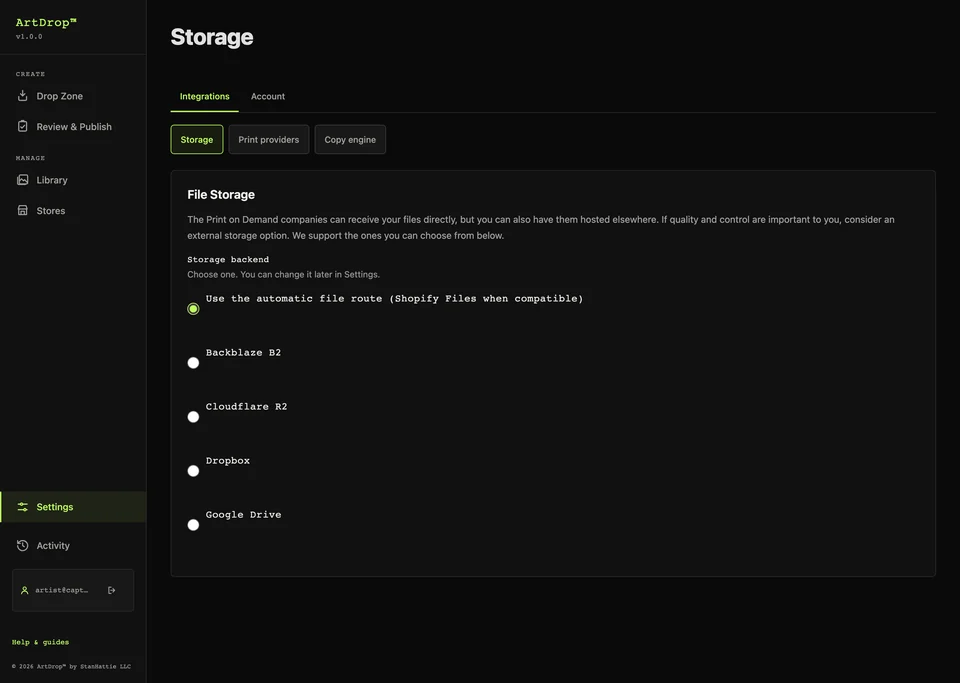
Choose the storage service ArtDrop should use for your artwork, save it, and test one file before a batch. With a Shopify store, you can instead choose Send files straight to my print provider, which needs no storage account and has no separate test, so check your first product closely. Etsy setup requires one supported external storage connection: Backblaze B2, Cloudflare R2, Dropbox, or Google Drive. If a test fails, inspect the named storage service before retrying, then check its credentials and destination.
If you use Backblaze B2, every B2 field on this step is required. Other services and providers may impose their own file limits.
What you need from Backblaze
- Key ID and Application Key, create these at App Keys → Add a New Application Key in Backblaze. The Application Key is shown only once.
- Bucket Name and Bucket ID, found on the Backblaze Buckets page.
- Endpoint URL, click your bucket in Backblaze to find this. Looks like
https://s3.us-west-004.backblazeb2.com.
Step 3, Printers
Set up the print providers you want for each store. Every store keeps its own provider destination, voice, product lines, and templates. Your Gelato and Printify API keys are shared across your stores. For Printful, choose the store you want ArtDrop to use.
ArtDrop creates products at Gelato, Printful, and Printify. Supported Gelato and Printify connections can publish Shopify or Etsy listings. ArtDrop creates the Printful product. It finishes in Printful, where you publish it when you are ready, or as a live Shopify listing through a Shopify-connected Printful store.
Use the store and provider results guide to see where each provider sends a product.
Gelato
Enter your Gelato API key and the Gelato Store ID for this store. For Shopify, use Add Gelato Product and choose sizes and prices from the catalog. For Etsy physical products, use an existing Studio template from the Etsy-connected Gelato store. V2 catalog products use a Product UID; legacy Studio templates use a Template ID.
Printful
Create a private token in the Printful developer portal with read and write access to Sync Products and File Library. Paste it into the Printers pane, then choose the store you want ArtDrop to use.
Enter your Printful token and choose the Printful store you want ArtDrop to use. Use Add Printful Product, choose variants, placement, and price, then save. ArtDrop creates your product in the Printful store you chose, where you can review it. If your Printful store is connected to your Shopify store, the drop finishes as a live Shopify listing with a Printful mockup as the product image. Open it in Shopify and check the mockup and the price.
Printify
Enter your Printify API key and choose the Etsy-connected or Shopify-connected shop you want to use. Use Add Printify Product, choose the print provider, variants, and prices, then save.
On four supported MWW On Demand Fabric by the Yard products, ArtDrop turns one finished artwork into a Mirror repeat. Follow the fabric setup guide, check the chosen variant, and order a physical sample.
Provider output examples
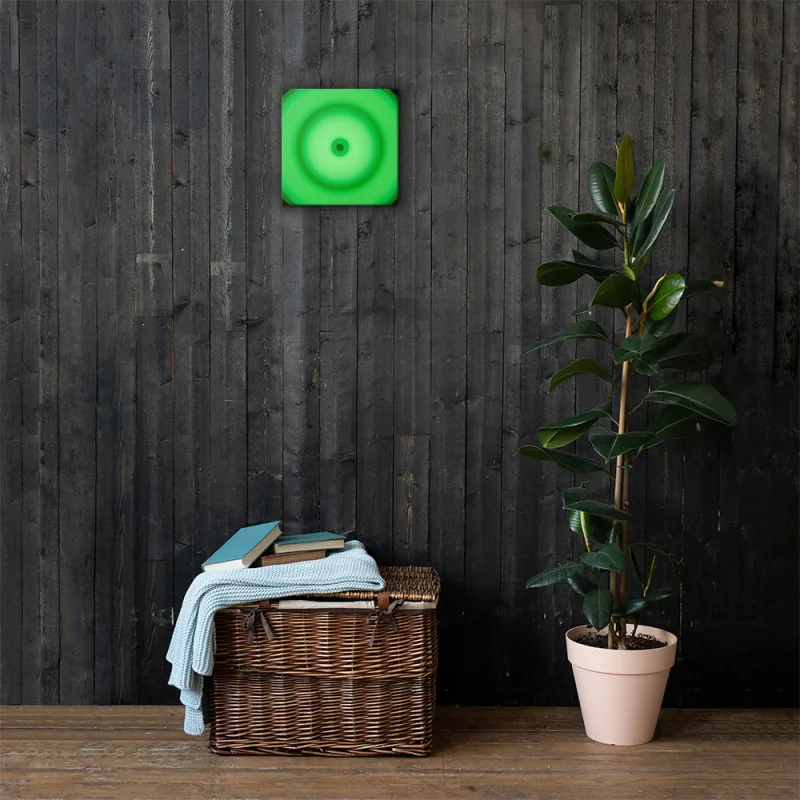
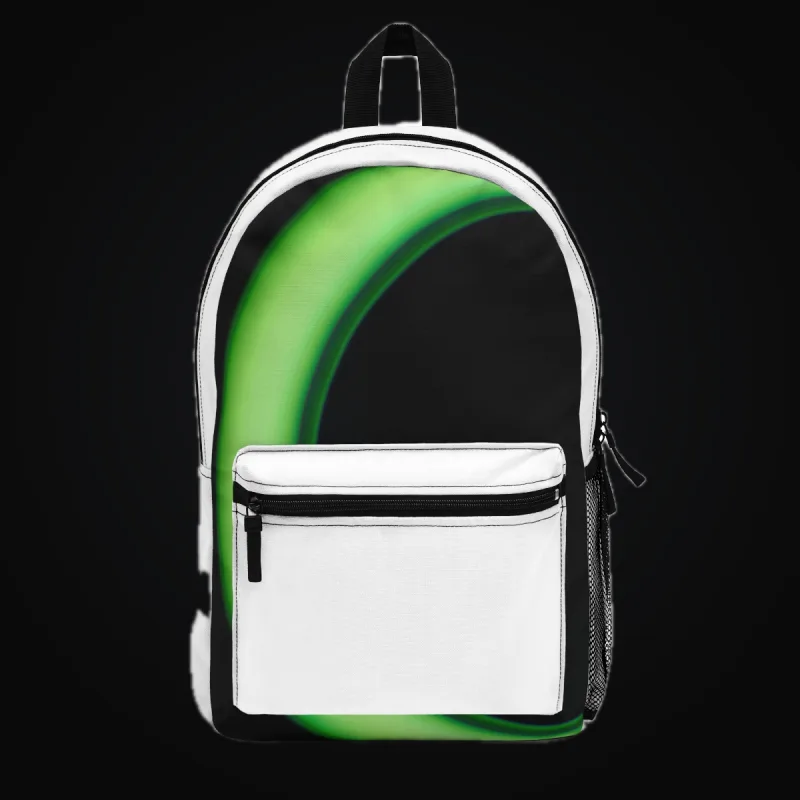
Each mockup appears under the provider that generated it. Use the images as format and placement examples, then confirm your listing, stock, and sample with the provider.
Printful wall art

Printify products
Provider Cost Comparison
Provider Cost Comparison brings together available base costs from your connected print providers and saved Printify templates. Compare the product, variant, currency, and cost source shown for each row. Shipping, taxes, and selling fees are additional. Confirm the final cost for your chosen product and destination with its provider.
Choose Refresh to request updated provider references. The last lookup time appears below the table. Saved template costs keep their saved values, so check those amounts in Printify when setting your prices.
Step 4, Social
Social posting is optional. Once your product is live, Social Publishing in the sidebar opens Social Studio, where you connect Bluesky, review a post and choose when to send it. Follow the Bluesky guide. For Pinterest, see Pinterest.
Step 5, Copy
Choose whether ArtDrop drafts your product copy or uses copy you provide. Add your brand context if you want generated titles, descriptions, SEO fields, and alt text to sound more like you. Product publishing works either way.
Yes, let ArtDrop write my copy
In the hosted app, review the available method and terms before generating. On Mac, open Advanced and enter your own provider key. Then add your Store Identity and Copy Rules so ArtDrop can draft from your artwork and voice.
No, I'll write my own copy
For each field (title, description, SEO title, SEO description, alt text) pick one of two modes:
- Filename: ArtDrop uses the artwork's filename as the text. A file called
abstract-sunset.tifbecomes the title "Abstract Sunset". - Template: define a reusable string with
{artwork_name}as a placeholder. For example,{artwork_name}, fine-art print by Your Name.
Store Identity
Add your name, store name, the kind of art you make, and how you make it. Specific details give ArtDrop better material for writing about your work.
Copy Rules
Set the tone, tell ArtDrop what matters, add examples you like, and list words to avoid. Blank fields use ArtDrop defaults. Review each draft and edit it when needed.
EXIF camera data
If your image files carry supported EXIF metadata (camera model, lens, ISO, or shutter), ArtDrop can mention those fields in the listing. Three options: Full (include specs in the description and add them as tags), Tags only (hidden tags, clean description), or Off (never mention them). The default is Full, and many photographers turn it off for a cleaner presentation.
What changes when copy generation is off
ArtDrop skips generated copy and Voice Trainer. Your product publishing workflow stays the same.
Copy review
Copy review is off by default, so a drop moves on to publishing as soon as its copy is ready. Turn on Review copy before publishing in the Copy step to pause each drop after its copy is drafted. The drop then appears in Drop Zone under Waiting for your review, where you can edit the title, description, and tags for each destination. Choose Approve to publish now, Schedule to release at a daily or hourly pace, or Reject to cancel that drop. Copy review is separate from Shopify drafts, which stay unpublished until you publish them in Shopify.
Voice Trainer (post-wizard)
Supported writing files: Voice Trainer accepts up to 10 files per request: DOCX, TXT, PDF, CSV, JPG, JPEG, and PNG. ArtDrop does not currently set a per-file byte limit for these samples. Combined extracted text is limited to 120,000 characters. Review the extracted rules and every generated draft.
Open Copy and Data after setup to teach ArtDrop your style from work you have already written.
How it works:
- Give it something to read: supported writing files, a website URL, or your Store Identity fields
- Choose Analyze Voice: ArtDrop extracts concrete style rules from the source
- Review the filled fields: Voice Trainer applies its rules directly to Copy and Data
- Choose Save: the rules are ready for later drops
Return to Voice Trainer any time you want to learn from a different sample or refine the rules.
Dropping artwork
Choose a store, drop your artwork, and let ArtDrop prepare the products tied to that store and product line.
- Confirm the destination. With more than one store, or product lines on the active store, Drop Zone shows Dropping to: the active store and its optional line, or the stores checked under Publish drops to
- Drag artwork onto the Dashboard, or choose it with the file browser
- Follow its progress in the Live Log
- Open the named store or provider to review the finished result
Supported formats: Artwork uploads accept TIF, TIFF, PNG, JPG, and JPEG.
Upload sizes: One upload request is limited to 3 GiB total and 200 files. Each artwork file is limited to 2 GiB. Your storage service, browser, network, template, or provider can still set a lower limit.
Print quality: follow the pixel dimensions, aspect ratio, color guidance, and recommended resolution for the largest print area. Check provider warnings and order representative samples.
One artwork across four formats
The same artwork appears on one Printful and three Printify mockups so you can compare formats and placement. Review your own listing and physical sample before selling.


.tif, .png, or .jpg. ArtDrop reads the metadata from whatever format you provide. No need to pair files, one image is all you need.
Paste artwork from the clipboard
On the dashboard, press Cmd+V on a Mac or Ctrl+V on Windows, Linux, or ChromeOS while your cursor is outside an editable field. ArtDrop turns the clipboard image into a timestamped upload for the active store and product choices.
Clipboard paste is handy for a screenshot or an image copied from an editor. It uses the resolution currently on the clipboard. Choose the original file when the print master, color profile, transparency, or metadata matters.
Batch scheduling, release a few at a time
Drop more than one image at once and ArtDrop lets you start the group now or space it out over time. Start with a few images, confirm the store and templates, then grow the next batch.
- Select a manageable batch. Confirm the active store, templates, and provider connections
- Choose "Schedule publishing." Pick 1, 2, 5, or 10 artworks per day, or 1 per hour, then choose Start scheduling. ArtDrop Web runs the schedule even after you close your browser. On Mac, keep the app running.
- Or choose "Publish all now." ArtDrop starts processing every accepted artwork in the group
Choosing Decide later, pressing Escape, or clicking outside the dialog keeps the uploads held. Return to Uploads waiting for your decision and choose Review held uploads. For a saved schedule, use Pause schedule to keep the remaining uploads held or Publish scheduled uploads now to start them.
Scheduling controls when work starts. ArtDrop Web runs scheduled releases with your browser closed. The Mac app must remain running for Mac schedules. Review the named results as the batch moves.
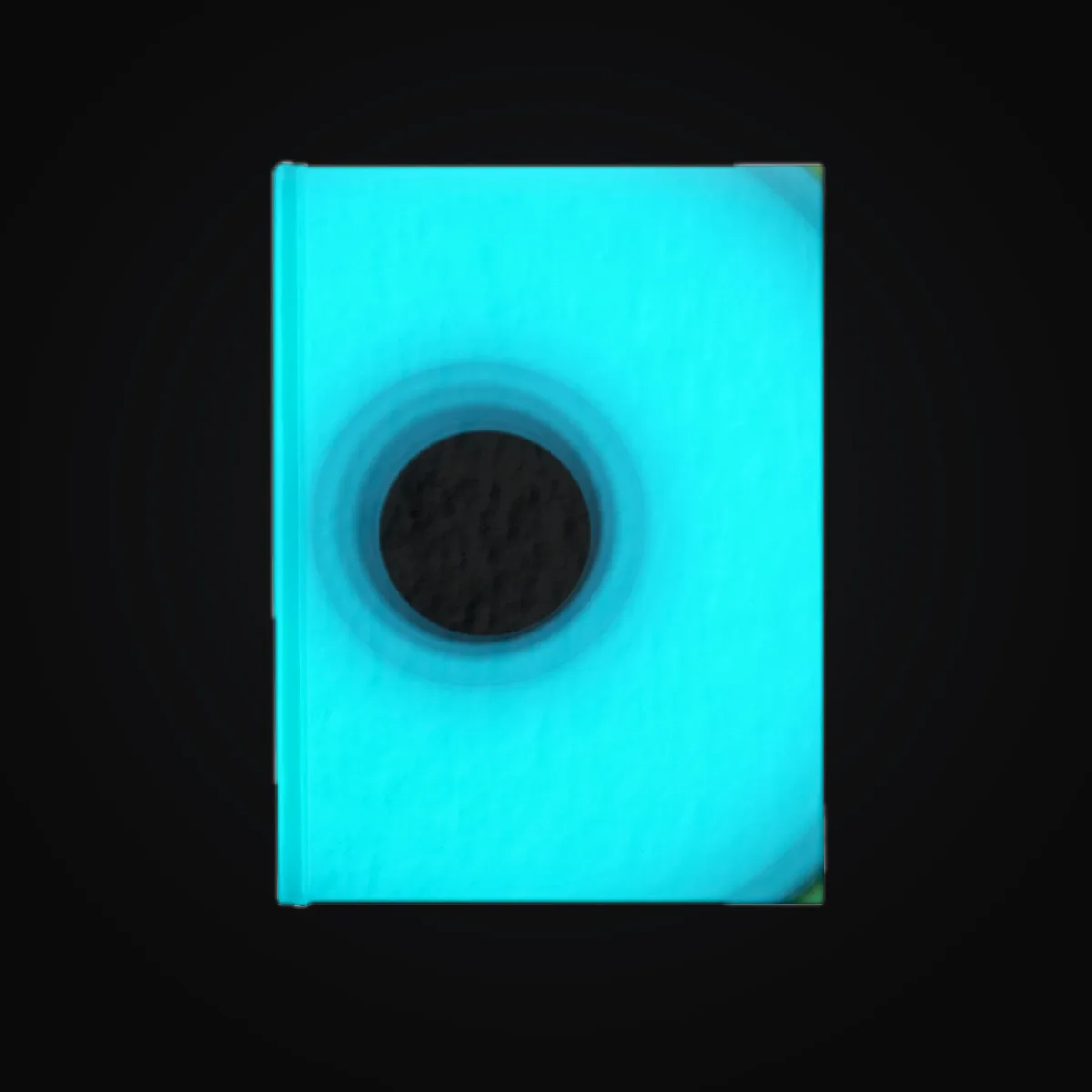
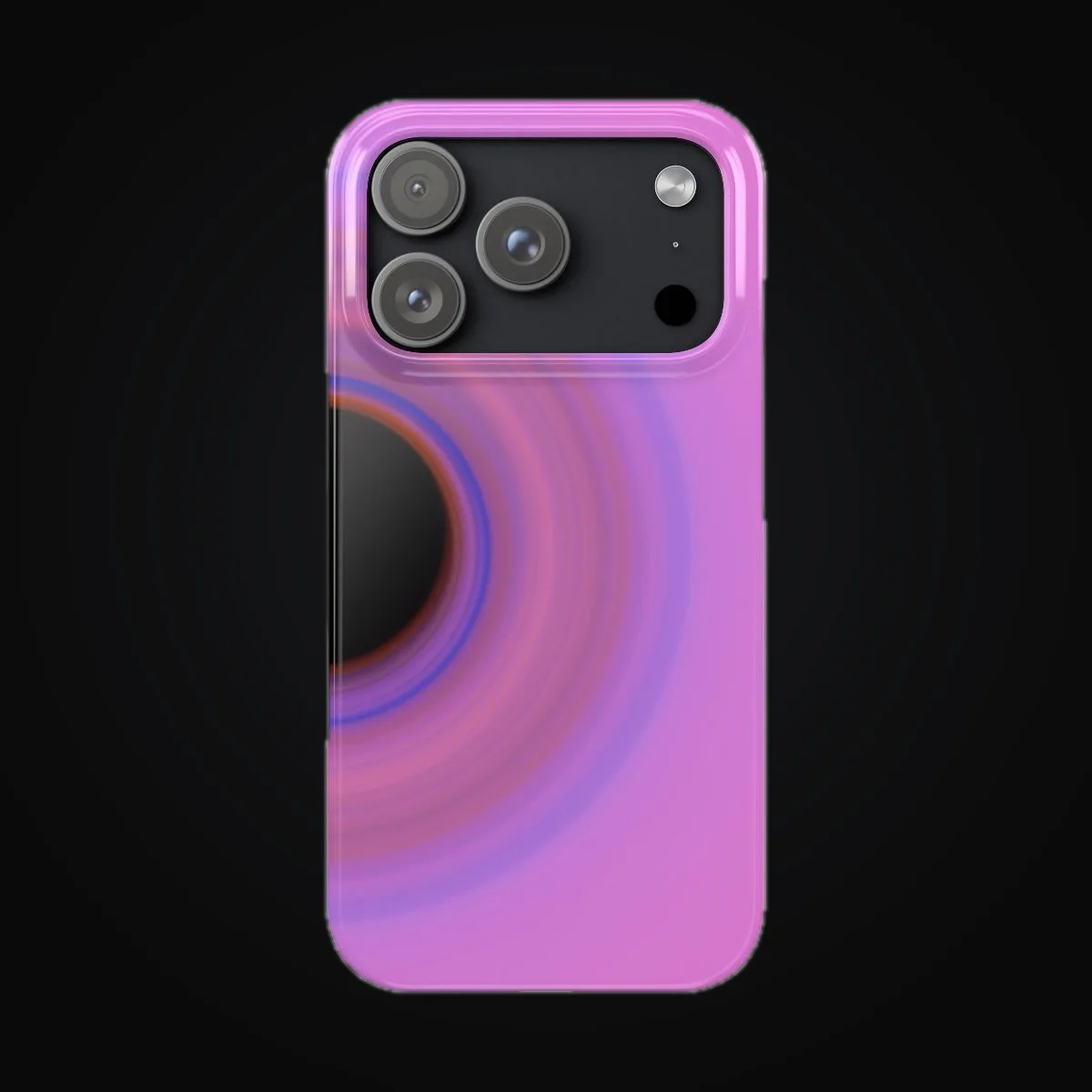
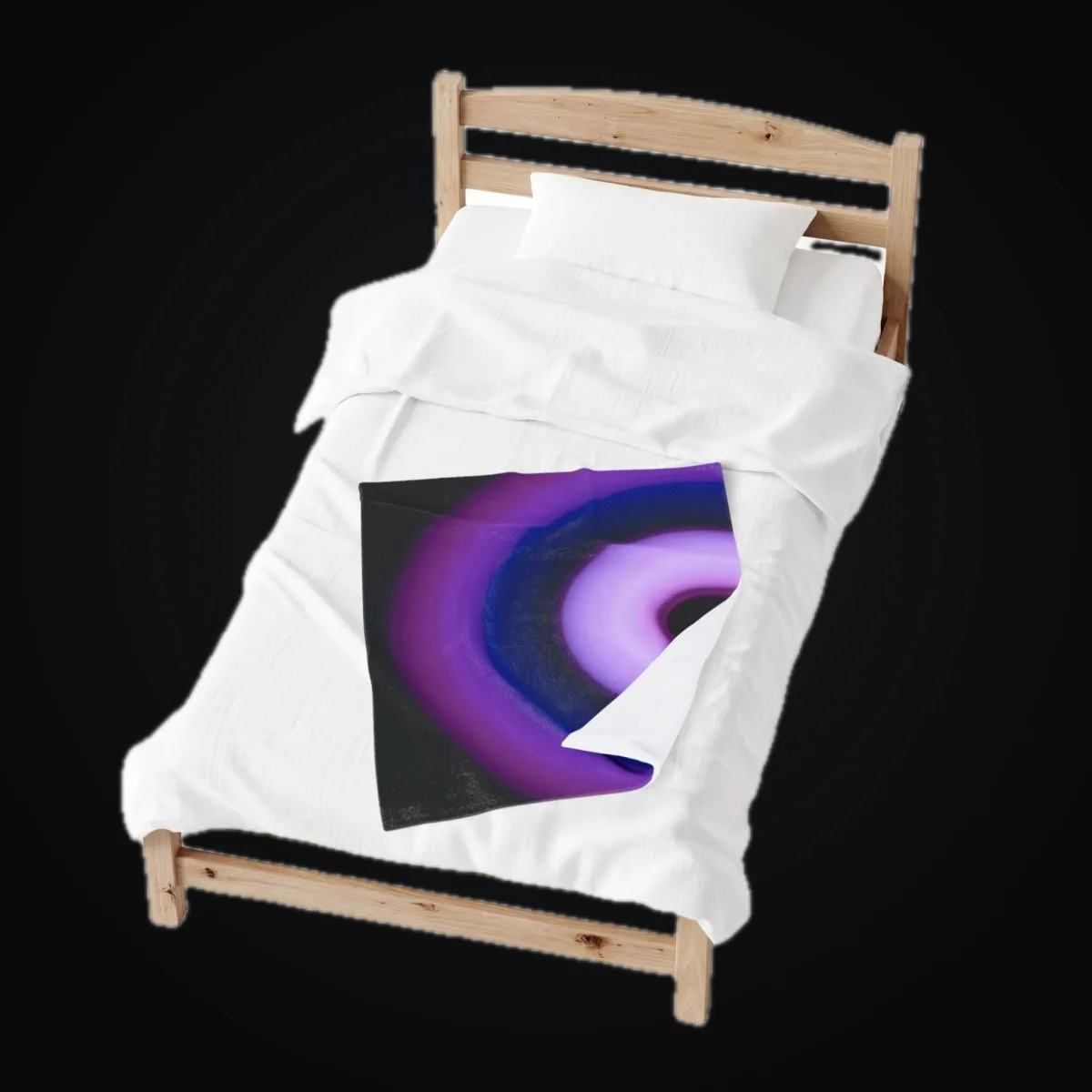
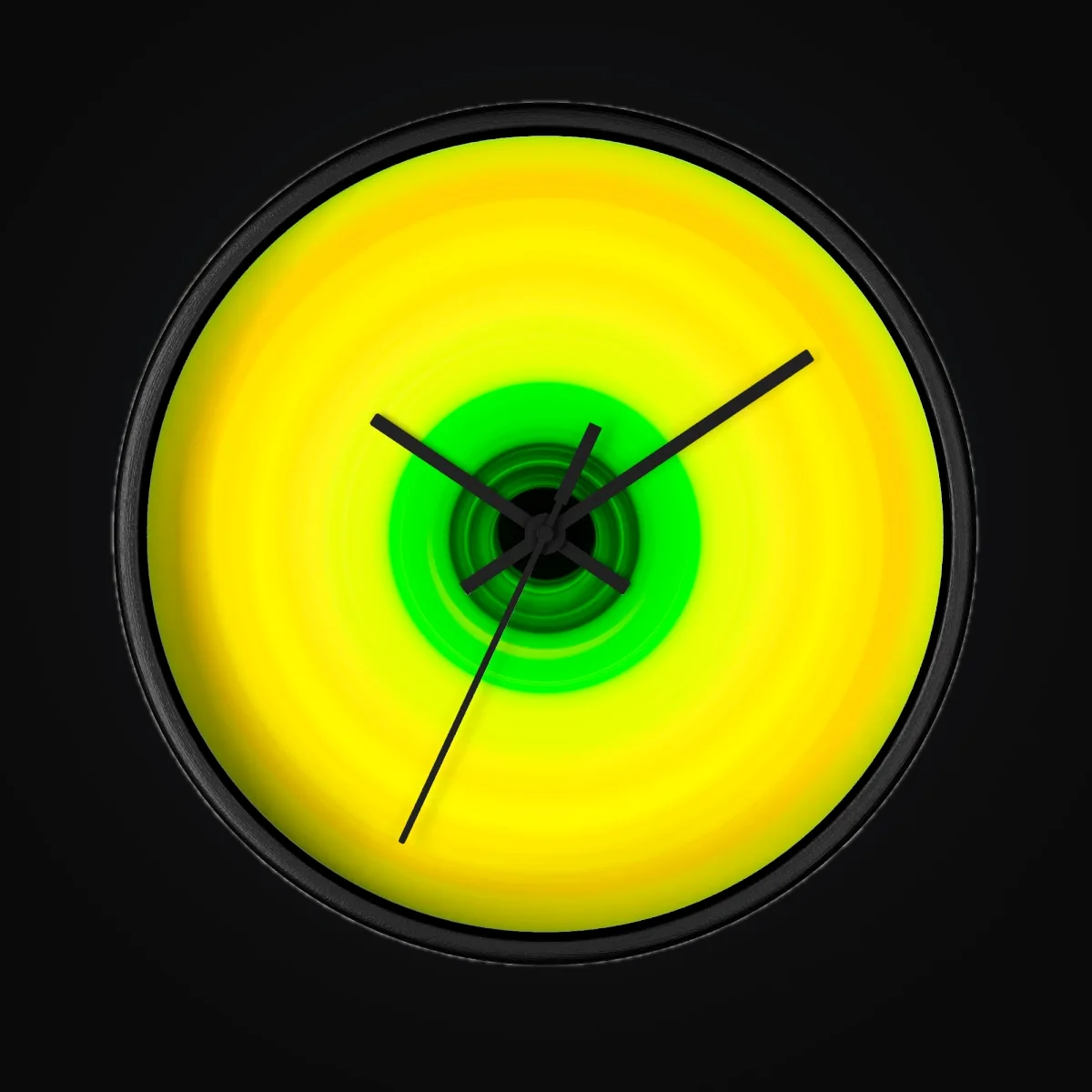
A varied batch, ready for review
Six separate artworks appear on six formats to show the range a batch can contain. Each image and product is its own example.


Write your own copy with a spreadsheet
Control the supported copy, store, and product fields for every image with one CSV or XLSX sheet. With Copy Engine on, ArtDrop can draft supported copy fields you leave blank. With it off, blank cells stay empty.
- Download the XLSX or CSV template. In the app, on the Copy step or in Copy and Data after setup, choose the matching template button. You can also make your own
.xlsxor UTF-8.csvsheet in Excel, Google Sheets, or Numbers. ArtDrop accepts CSV and XLSX copy sheets. CSV is decoded as UTF-8 with an optional BOM, and XLSX uses the active worksheet. Each CSV or XLSX copy sheet is limited to 2 MiB. ArtDrop does not currently set a row-count or per-cell character limit. - One row per image. Put the image's file name in the
filenamecolumn. Matching is forgiving: capitalization does not matter and the extension is optional, sosunset.png,SUNSET.PNG, andsunsetall match the same file. - Fill only what you want to control. The documented columns are
title,description,seo_title,seo_description,alt_text, andproduct_tags(a comma-separated list added on top of your base tags). - Drop the sheet into the drop zone together with your images, or ahead of them. To change a later batch, upload the revised sheet with that batch’s artwork.
ArtDrop matches each artwork to its row. Check the finished listing to review the copy and tags you supplied.
.json sidecar takes priority over the spreadsheet when the two conflict. A sheet or sidecar can name the store and line. An unknown value stops the drop instead of sending it to another store.
Edit storefront copy and tags from Products
Open Products, choose a Shopify or Etsy product, then edit its supported copy fields and tags. Save updates that storefront. Use Shopify or Etsy for media, pricing, variants, inventory, status, or alt text.
Rewrite with ArtDrop drafts new copy from the artwork used for that product. Managed rewriting uses one copy credit; your own provider key uses that provider account. Review and edit the draft, then choose Save.
Publish to multiple stores
Choose a store in Storefront, or name the store and optional line in a sheet or JSON sidecar. Each store keeps its own voice, product lines, connection details, and provider destination. The first store is included.
Up to 25 stores per account. Your first store is included. See Pricing for added-store prices.
Release one upload to several stores
In Your Stores, use Publish drops to to select several stores for one upload. ArtDrop prepares each store separately, so a problem in one store does not stop the others.
If a saved store change does not appear, reload Storefront. Contact support if the store manager or Add store is still missing.
Each selected store can release now or after its own delay of up to 30 days. Hosted Web can release scheduled work while the browser is closed. On Mac, keep the app running. Processing begins around the chosen time, so open each store to confirm its final publication time.
Fabric by the Yard
ArtDrop supports four Printify Fabric by the Yard products fulfilled by MWW On Demand: Combed Cotton Prima, Spun Polyester, Faux Linen, and Cotton Twill. It turns one finished artwork into a Mirror repeat.
Prepare the full composition in the source, save the Printify product and variant, and order a sample. Longer cuts are not treated as continuous repeats, and there is no dedicated quilting-weight-cotton integration. Read the full fabric setup guide.
By default, publication to the official Pinterest for Shopify sales channel is automatic for each Shopify product created by ArtDrop once that channel is installed on the merchant's Shopify store. This is Shopify channel publication, not direct Pinterest publishing by ArtDrop.
In ArtDrop Web, you can also connect Pinterest and create reviewed Pins, one at a time, on your own boards. Pinterest reviewed publishing is a beta for Shopify stores.
Read the Pinterest setup guide.
Post to Bluesky · Facebook availability · Instagram availability · Threads availability
Match artwork to each channel shape
These examples show how the same artwork can fit different social image shapes. Choose a crop that suits the post you want to share.




Documentation & support
Use the task guides in Docs for current store setup, providers, publishing, and recovery instructions. If the guides do not cover your issue, email support@getartdrop.com.
Live Log, Needs Attention, and Retry Sync
Customer activity follows your artwork through product creation. Open the finished product from its progress messages. Accepted and scheduled mean the artwork is waiting to be processed. Products appear in your store after processing and publication finish.
Needs Attention lists storefront synchronizations that need your review. Retry Sync checks the named storefront synchronization again. It leaves the rest of the drop as it is. Dismiss removes a pending synchronization from Needs Attention. The product stays in its provider or storefront, where you can review or edit it.
Reload ArtDrop to restore Customer activity. Use Copy Activity to share progress with support. If support asks for more detail, open Recent technical activity and choose Copy or Download.
Common issues
The most frequent setup snags and how to fix them. Tap any issue to expand.
Compare the token's permissions with the list shown during ArtDrop setup. If a Gelato V2 product remains unpublished, open it in Shopify and connect every chosen variant before publishing.
If you used the Dev Dashboard Partner app: open dev.shopify.com/dashboard → your app → Settings → Access → Scopes, confirm the scopes needed by the operations you intend to run, click Release, then reconnect in ArtDrop. If you used an existing access token, change its grant in Shopify and paste the replacement token into ArtDrop.
If it still fails, check that the Store URL is your .myshopify.com domain (not your custom domain), formatted as your-store.myshopify.com with no https:// prefix.
Large files can take several minutes. After a network error or timeout, reload Drop Zone and Live Log before uploading again. If the artwork is already waiting or processing, leave it in place. Upload it again only when it is absent.
Inspect the storage service named in the Live Log, then check its credentials, permissions, destination, and limits. Save the configuration and submit one controlled file before trying a batch.
If the Live Log names B2, confirm the Key ID, Application Key, bucket fields, and private-bucket access. The Key ID and Application Key are separate values.
A standalone Printful store keeps the product in Printful, and you publish it when you are ready. If your Printful store is connected to your Shopify store, open the listing in Shopify and check the mockup and the price.
For Gelato or Printify, confirm the intended Shopify store is connected inside the provider and every variant is linked. Inspect the provider product and Shopify before retrying so you do not create a duplicate.
Open Copy and Data and use Voice Trainer with writing files, a website URL, or Store Identity. Review the suggested rules, adjust them, and choose Save.
Use another strong writing sample if the first rules feel too broad. Review the resulting listing and revise it where needed.
The lifetime Mac license covers 2 Macs. If you've hit that limit, email support@getartdrop.com with your order number and the name of the Mac you want to deactivate.
If you replaced a machine and the old one is no longer accessible, include that in your email, we can deactivate the old machine remotely without needing access to it.
If activation or release returns no confirmed result, refresh license status first because the device slot may already have changed. If the status remains unknown, email support with the machine name and time. Keep the license key private.
For a compatible Printify to Shopify connection, the saved retail price is written to Shopify. With a standalone Printful store, products and prices stay in Printful, where you can correct them. With a Shopify-connected Printful store, ArtDrop sets the price on the Printful variant, and the Shopify listing carries that price, so correct it on the Printful variant.
You set the retail price for each product type. ArtDrop leaves the margin in your hands because it varies by artwork and sales channel.
The signed-in app shows whether copy uses ArtDrop-provided access or a personal key, along with any limits or billing before generation. If it shows a personal-key option, open Copy and Data, expand Advanced, enter the key, and choose Validate. The Mac app requires your own provider key. Keep every credential private.
See the Copy step and review the copy service provider's current terms. You can also skip generation and use your own copy.
Back up, restore, and secure your sessions
Download a settings backup
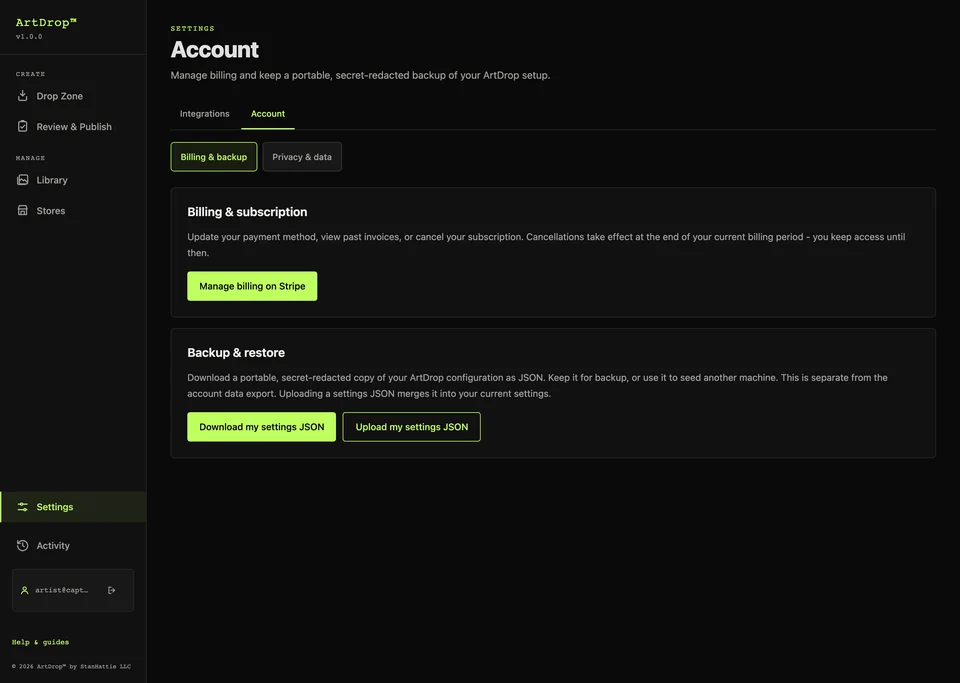
Open Backup and Restore and choose Download my settings JSON. Treat every settings backup as sensitive and inspect it before sharing.
Restore settings
Choose the settings backup you want to restore. After restoring, re-enter credentials and test each store, provider, and storage connection. Artwork and external products stay where they are.
Know when hosted sessions end
ArtDrop Web supports email sign-in links and optional passkeys. Use the newest email link. If sign-in still fails, request a new link or contact support without sending a key. Sign out when you finish on a shared browser.
Export or delete hosted account data
Use Data and privacy in ArtDrop Web to request an account export or start account deletion. Contact support to confirm a broader privacy request. Cancel any time from your Account page. Access runs to the end of the billing period. Connected services keep data under their own policies.
See the Privacy Policy and the security and privacy record for retention and request details.
License & devices
A Mac license covers up to 2 Macs and does not include hosted Web access. The Mac app is not available for purchase right now; existing Mac licenses keep working. Hosted Web requires a separate active Web subscription. To move a Mac activation, use the License tab if available or contact support.
If you can't access the old device, email support@getartdrop.com and we'll reset it for you.
Still need help?
If the guides above do not cover your issue, reach out directly.
Best for detailed questions, license issues, or anything that needs a written reply.
support@getartdrop.com →Pricing, licensing, refunds, platform support, and the other questions that come up most often before and after buying.
Browse the FAQ →Setup guide, troubleshooting, and support in one place. For pricing and pre-sale questions see the FAQ.