// Common questions
Answers about setup, publishing, pricing, and your data.
If you have a question that's not here, email support@getartdrop.com

Bring finished artwork plus the accounts you want to connect for your store, print provider, and storage. You can begin with Shopify or Etsy. Etsy digital downloads need a connected Etsy shop and supported storage; physical Etsy products use an Etsy-connected Printify shop or Gelato store. ArtDrop creates Printful products that finish in Printful or, through a Shopify-connected Printful store, as a live Shopify listing. Copy generation is optional, and artwork can be PNG, JPG, JPEG, TIF, or TIFF.
The wizard guides you through accounts, storage, providers, templates, copy settings, and connection checks. The time depends on what you connect. Start with a small drop and check the first result in your store and provider before increasing the batch size.
ArtDrop asks only for credentials used by the services you connect. Find each key in that service's account dashboard. ArtDrop saves your settings, then checks the connection. Confirm each connection before your first live drop, and never send credentials to support.
Yes, through Hosted Web. It runs in a supported modern browser on desktop and mobile. It is a web app, not a native mobile app. Hosted Web needs an active Web subscription.
No. ArtDrop guides you through setup in a visual interface. You will copy credentials and destination IDs from your own account dashboards, then run connection checks. The setup guide walks you through it.
Start with the task guides in Docs or the Help Center. They cover current setup and troubleshooting. If your problem is not covered, email support@getartdrop.com.
A service key lets ArtDrop perform the work you authorize in a connected account. Keep every key private. Give it only the access ArtDrop needs, and revoke it in the service that issued it if you think it was exposed.
ArtDrop Web supports email sign-in links and optional passkeys. Use the newest email link. If sign-in still fails, request a new link or contact support without sending a key.
Yes. Open ArtDrop Web in Safari or Chrome, choose finished artwork, and follow each product from upload to its provider or store.
What one artwork can become
One source artwork appears on one Printful and three Printify mockups to show different formats and placements.




It is an artist-issued authenticity record created and preserved through the ArtDrop system. The artist or issuing studio makes the authenticity assertion. ArtDrop hosts, timestamps, and preserves the issued record. ArtDrop does not independently authenticate authorship, appraise the artwork, or inspect the physical object. Read the dedicated certificate page.
A certificate issued through ArtDrop opens a public page when its code is scanned. It shows the current certificate status, the issuing artist or studio, the artist's statement, artwork details, issue date, public code, image, and original certificate PDF. No ArtDrop account is needed to view it.
No. Public verification is live for certificates already issued through ArtDrop. Issuance for artists is in development, and this answer will change when it opens to ArtDrop customers.
ArtDrop saves the artwork, creates the products selected for that store, and follows each result in Live Log. Depending on the connection and store settings, Shopify and Etsy can receive a live listing or a draft. ArtDrop creates Printful products that finish in Printful or, through a Shopify-connected Printful store, as a live Shopify listing.
Yes. Copy a supported image and paste it into the Drop Zone with your usual paste command. Check the Dropping to badge first, then follow the Live Log. Pasted artwork goes through the same file, size, storage, provider, and store checks as a drag or file selection.
Open the provider and storefront named in the message to check the product. Retry Sync checks the listed storefront synchronization again. Dismiss clears that item from Needs Attention and leaves existing products in place. Before uploading the artwork again, check for a product that was already created. The drop progress guide explains each action.
Refresh ArtDrop and check the connected service before repeating an action with an unclear result. For a Mac activation, refresh License Status first. If the result is still unclear, email support@getartdrop.com with the action and time. Never send credentials or a license key.
ArtDrop studies your artwork and saved writing preferences to draft titles, descriptions, SEO copy, and image alt text. Use Voice Trainer to develop your style, then read and refine the copy in Review copy before publishing or the Products editor. The copy guide explains the options.
Yes. Turn on Review copy before publishing to read, edit, and approve each drop's copy before it publishes. Leave it off for automatic publishing. Your saved voice rules shape future drafts, and you can edit existing listings in Products or directly in your storefront. See how copy review works.
Yes. Choose the store and listing in Products to edit its title, description, and tags. Shopify listings also offer SEO title and SEO description. Rewrite with ArtDrop can suggest fresh copy from the original artwork for you to review before choosing Save. Each managed rewrite uses one copy credit; your own provider key uses that provider's billing. Change images, prices, variants, and publication status in Shopify or Etsy. See the product editing guide.
Use Voice Trainer in Copy and Data. Give it supported writing files, a website URL, or your Store Identity fields. Each request accepts up to 10 DOCX, TXT, PDF, CSV, JPG, JPEG, or PNG files. ArtDrop sets no per-file byte cap for these samples, while combined extracted text is capped at 120,000 characters. Review the fields, choose Save, and reload the selected store to confirm the profile. The signed-in app shows the available copy method and any applicable limits or billing. The Mac app requires your own provider key.
Yes. Save the product templates you want to use, including variants, artwork placement, and prices. Each drop uses the enabled templates for its selected store and product line. You can make one artwork into a poster, a mug, and a shirt, or keep a collection focused on a single format. See how product lines organize your collections.
Templates choose the product mix
Four artworks show four examples of the products and formats you can choose in your saved templates.

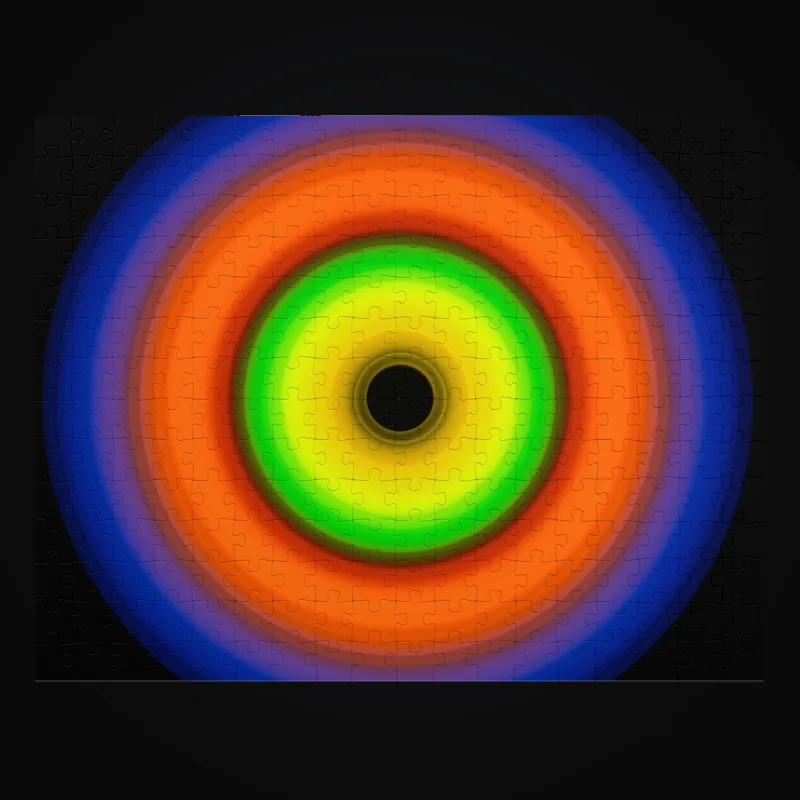
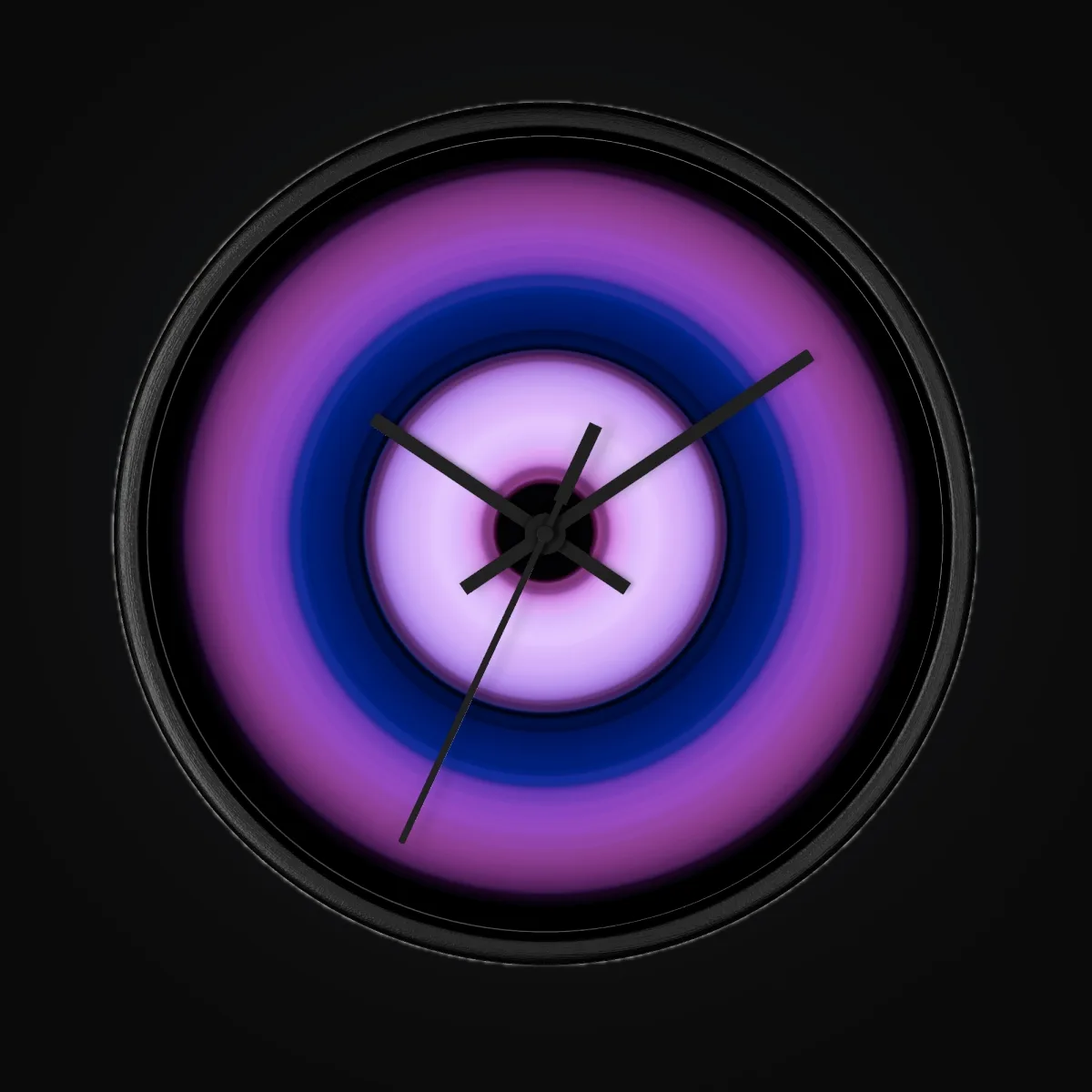

Upload TIF, TIFF, PNG, JPG, or JPEG artwork. One request can contain up to 200 files and 3 GiB total, and each artwork file can be up to 2 GiB. Your browser, network, storage, template, and provider may have lower limits. Follow the specifications for your largest print area and order representative samples.
ArtDrop can read EXIF or XMP details such as camera, lens, focal length, aperture, shutter speed, and ISO. Choose Full display to show technical details on the product page, Tags only to use them for tags without displaying them, or Off to ignore them. Set the choice in Settings. Review the extracted details first because EXIF can contain a location or other information you would rather keep private.
ArtDrop Web is $39 per month. Prices are in US dollars. Up to 25 stores per account. Your first store is included. Each store supports up to 50 product lines. Try up to 3 free drops on ArtDrop Web. No card is required. ArtDrop Web includes a 14-day money-back guarantee. The Mac app is not available for purchase right now. Existing Mac licenses keep working. See Pricing for added stores and costs that remain with connected services.
ArtDrop Web runs in a supported browser on your computer, phone, or tablet with an active Web subscription. An existing Mac license covers up to 2 Macs and does not include ArtDrop Web. Contact support if you need help moving a Mac activation.
ArtDrop Web includes a 14-day money-back guarantee. To request a refund, email support@getartdrop.com within 14 days of purchase and include the email address you used at checkout.
ArtDrop Web includes a 14-day money-back guarantee. To request a refund, email support@getartdrop.com within 14 days of purchase and include the email address you used at checkout.
Yes. Choose a store in Storefront to manage its voice, product lines, saved products, and print provider connection. Send a drop to that store or select several stores under Publish drops to. Each uses its own settings. See how to choose stores for your drops and added-store pricing.
Yes. Select each shop under Publish drops to. ArtDrop sends the artwork to every selected store with that store's voice, product lines, template filter, and destination. If one destination is missing or incomplete, ArtDrop stops that store instead of falling back to another one.
Yes. Set each selected store to release now or after its own delay of up to 30 days. Hosted Web starts due releases without an open browser. Keep the Mac app running for Mac schedules. A release time starts processing; the provider or store may finish later.
Every store finishes independently. If one store has a problem, leave successful stores alone, check whether the product already exists in the affected provider or storefront, and retry only that store.
No. Your ArtDrop account shares Gelato and Printify credentials across its stores. Each store keeps its own Gelato or Printify destination, and incomplete store details stop that store instead of sending products elsewhere. Printful uses the store you selected in Printful, which can be a standalone store or one connected to your Shopify store.
ArtDrop publishes to Shopify and Etsy. Gelato and Printify can create supported store listings, Etsy digital downloads publish directly, and ArtDrop creates Printful products that finish in Printful or, through a Shopify-connected Printful store, as a live Shopify listing. Gelato V2 creates Shopify product data. A live publication reaches Shopify Online Store only after ArtDrop verifies the exact Gelato connection for every intended variant. Missing connection evidence keeps the product unpublished and requires a manual connection handoff in Shopify. ArtDrop creates product and listing data only. It does not access orders, customers, payments, shipping, or fulfillment. It does not relay orders or provide checkout.
ArtDrop publishes to Shopify and Etsy. By default, publication to eBay through Shopify Marketplace Connect is automatic for each Shopify product created by ArtDrop once that sales channel is installed and configured on the merchant's Shopify store. By default, publication to the official Pinterest for Shopify sales channel is automatic for each Shopify product created by ArtDrop once that channel is installed on the merchant's Shopify store. ArtDrop has no direct integration with eBay, Amazon, Walmart, or Target Plus.
By default, publication to the official Pinterest for Shopify sales channel is automatic for each Shopify product created by ArtDrop once that channel is installed on the merchant's Shopify store. Shopify manages the catalog and Product Pins. This is Shopify channel publication, not direct Pinterest publishing by ArtDrop. In ArtDrop Web, you can also connect Pinterest and create reviewed Pins, one at a time, on your own boards. See the Pinterest guide.
ArtDrop can publish reviewed posts to Bluesky from the web app. Connect your profile in Social Publishing, then review the caption and image before scheduling. Threads, Facebook Pages and Instagram professional account posting are built into Social Publishing. Each one opens to customers when Meta approves ArtDrop's review for it. TikTok posting is built and opens when TikTok approves ArtDrop's review. Until then, these channels show Coming soon in the app. Pinterest has its own reviewed Pin workflow in ArtDrop Web.
The app offers English plus beta translations in Spanish (Latin America), French, German, Portuguese (Brazil), Italian, Japanese, Korean, Dutch, Hindi, and Swahili. The website is available in English and Spanish, with Beta translations in Japanese, Brazilian Portuguese, Italian, French, Hindi, German, Dutch, Korean, and Swahili; some blog posts are English-only.
ArtDrop works with Shopify and Etsy storefronts, plus three POD providers: Gelato, Printful, and Printify. Publishing options depend on the storefront and provider you connect.
Yes. Standard Shopify plans can grant the Admin API access ArtDrop uses. Confirm access in Shopify during setup. Connect several Shopify stores to one ArtDrop account, each with its own writing rules and product lines. Up to 25 stores per account. Your first store is included. See Pricing for added-store prices.
Yes. You can begin with Etsy without connecting Shopify. Digital downloads publish through your connected Etsy shop and storage; physical products use your Etsy-connected Printify shop or Gelato store. Printful creates products in Printful rather than publishing them to Etsy. Review your first Etsy listing and download before you begin selling.
Both. Digital downloads publish directly through Etsy without a print provider, but they still require the authorized shop and supported storage. Physical products publish through your own Etsy-connected Printify shop or Gelato store. Printful creates its product in Printful rather than publishing to Etsy.
Digital and physical Etsy paths
The square artwork shows a digital-download preview, and the Printify tote shows a physical Etsy product. Physical Etsy products can also use a connected Gelato store.

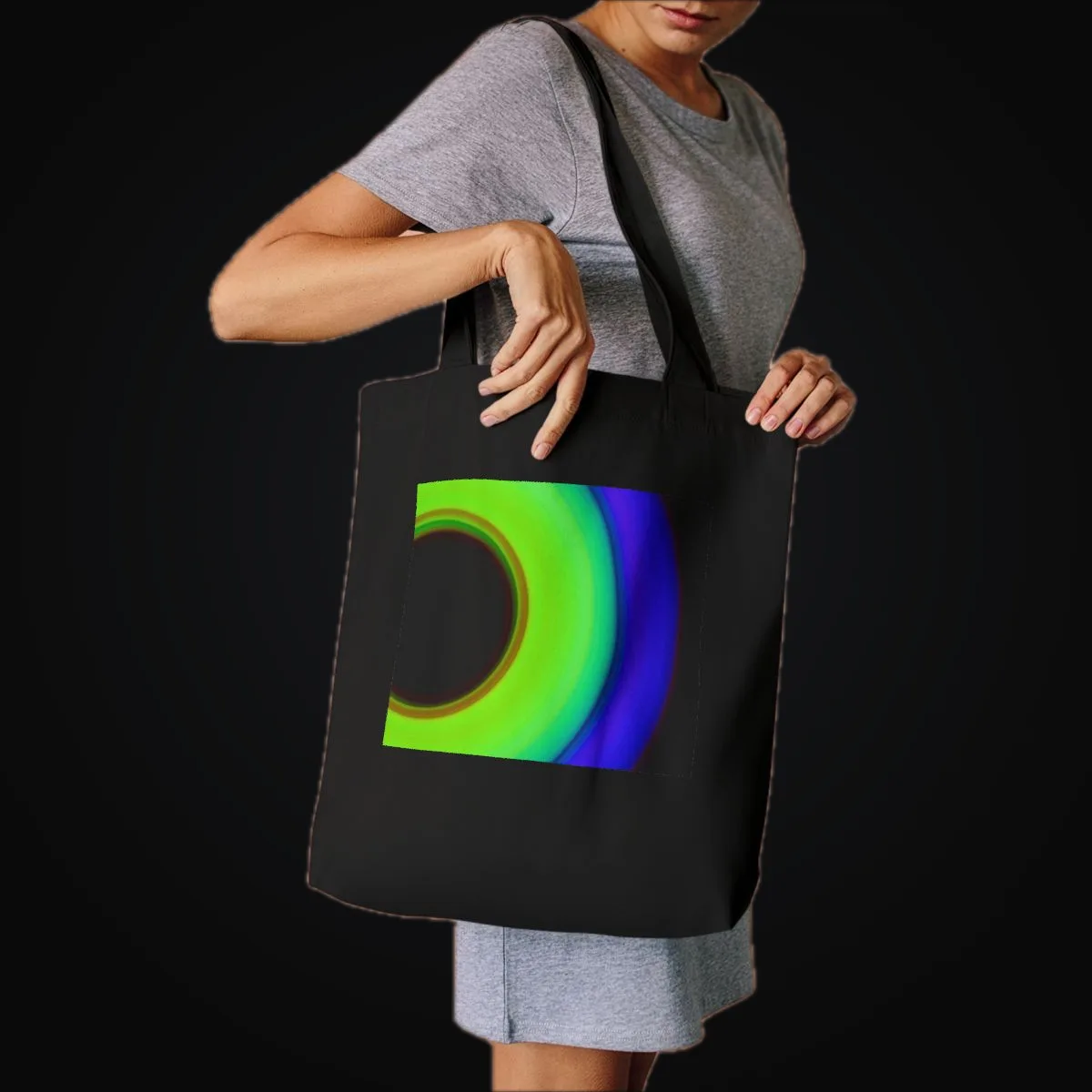
No. Etsy digital downloads publish directly through the authorized Etsy shop and supported storage. Physical Etsy products use your own Etsy-connected Printify shop or Gelato store. Printful creates its product in Printful rather than publishing to Etsy.
Yes. ArtDrop can turn one finished artwork into a Mirror repeat for supported Printify fabric products. ArtDrop prepares the print file to the provider's resolution and size specifications. Choose the fabric, motif size, ground color, price, and destination. Inspect the preview and order a physical sample before selling. The Fabric by Yard guide has the full workflow.
ArtDrop works with a valid Gelato API key and Store ID. Gelato decides which plans and accounts receive API access, so check Gelato's current account terms for your plan.
It supports digital illustration, photography, scanned painting, mixed media, and graphic design saved as TIF, TIFF, PNG, JPG, or JPEG. The file still has to open and meet the requirements of your storage, template, provider, and store. Review drafted copy for subject, context, rights, and accuracy before you use it.
No. One supported provider is enough to begin. ArtDrop supports Gelato, Printful, and Printify. Choose the products, regions, prices, quality, shipping, and account features that fit your business. Add and test providers one at a time.
Product examples by provider
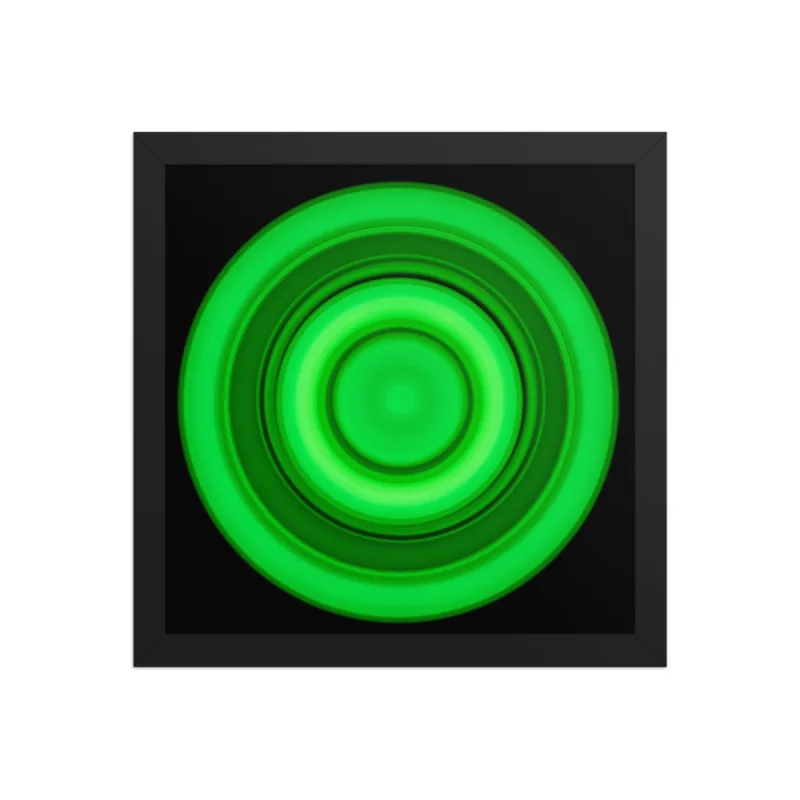
These Printful and Printify mockups show examples of product formats and artwork placement.
Printful wall art
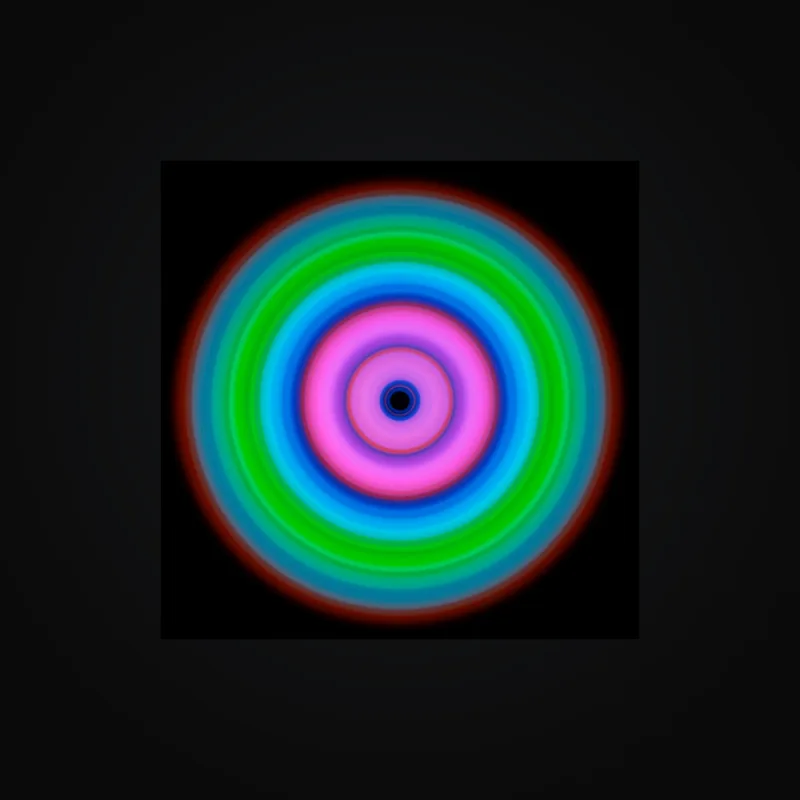
Printify products
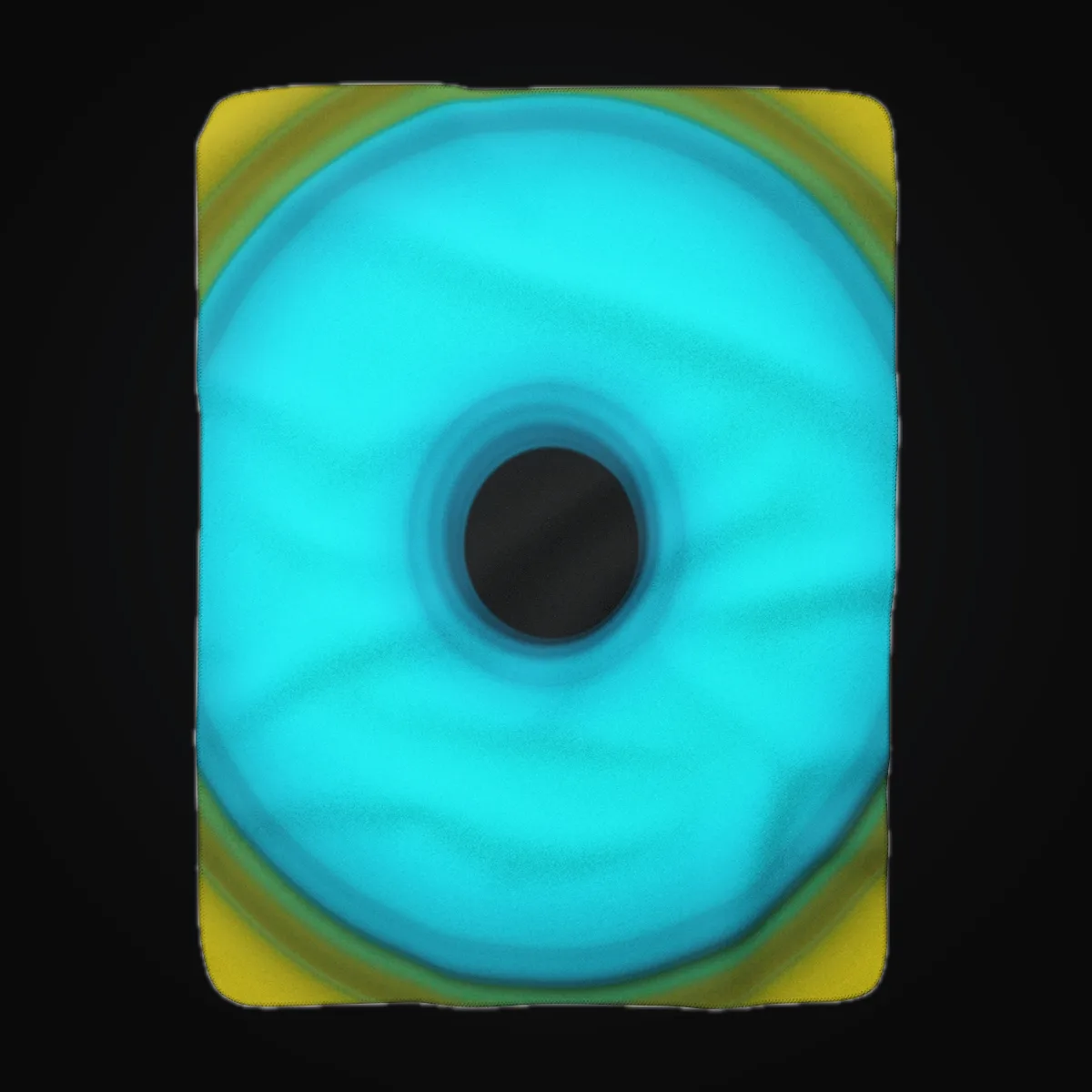
Gelato is supported too. Choose from the Gelato products available to your connected account.
Printful follows the store you connect. When your Printful store is connected to your Shopify store, ArtDrop creates the Shopify product, Printful imports it, and ArtDrop sets your artwork, price, and SKU on the Printful variant, attaches a Printful mockup as the product image, and publishes the listing to the sales channels you chose. Review mode stops at a Shopify draft for you to publish instead. A standalone Printful store keeps the product in Printful, and you publish it when you are ready. Start with one product before you run a batch.
Yes. Provider Cost Comparison brings together available base costs from your connected print providers and saved Printify templates. Each row identifies the reference product and cost source. Compare sizes, materials, and currencies, then confirm the final cost with the provider. Shipping, taxes, and selling fees are additional. Refresh updates provider references; saved template costs keep their saved values.
ArtDrop turns one image into products and listings for supported stores and providers. Its optional Copy Engine can draft listing copy in your voice, or you can supply your own words. It creates supported Shopify products through Gelato or Printify, publishes Etsy digital downloads directly, sends physical Etsy products through your own Etsy-connected Printify shop or Gelato store, and creates Printful products that finish in Printful or, through a Shopify-connected Printful store, as a live Shopify listing. You can also manage multiple stores, product lines, scheduled batches, pasted artwork, and results for each store from one workflow.
The Mac app is not available for purchase right now. Existing Mac licenses keep working, and license holders can still download the Mac app. ArtDrop Web is $39 per month, runs in a supported browser, and updates automatically. Try up to 3 free drops on ArtDrop Web. No card is required.
ArtDrop brings your Gelato, Printful, and Printify product setups into one workspace. Save the products you want to create, keep a writing style for each store, and reuse those choices with new artwork. Your provider accounts remain yours, and you can continue using their catalogs and product controls alongside ArtDrop.
Yes. A general writing tool can be enough for low volume or a manual workflow. You will move its output into your store and provider fields yourself. ArtDrop connects its copy draft and your saved voice rules to product creation. Review any generated text for facts, brand voice, and store readiness.
Bulk upload tools often focus on marketplace listings. ArtDrop focuses on its supported stores and print providers. Shopify and Etsy are live. Etsy digital downloads publish directly through an authorized shop and supported storage, physical products use your own Etsy-connected Printify shop or Gelato store, and ArtDrop creates Printful products that finish in Printful or, through a Shopify-connected Printful store, as a live Shopify listing. Compare the current channels, copy tools, and provider connections against the work you actually need.
ArtDrop Web keeps files needed to run your drops and show their results. Connected storage, print providers, and stores receive the files needed for the work you authorize. See the Privacy Policy and the security and privacy record for retention and request details.
Set up your products, artwork storage, stores, and writing preferences once. ArtDrop reuses those choices to prepare listing copy, send artwork to your print providers, create products, and publish to your connected stores. You choose the products and release times, then follow each drop's progress in one place.
ArtDrop Web is $39 per month. Up to 25 stores per account. Your first store is included. Product publishing has no ArtDrop per-product fee. See Pricing for added stores and costs from connected services.
ArtDrop does not sell personal data. Hosted Web uses application servers and databases for account, settings, credentials, billing, security, and operations. It sends the information needed for your work to the connected services you choose. The Mac app keeps its ArtDrop settings locally, while connected services still process the data they need. See the Privacy Policy for current categories, purposes, disclosures, and retention.
ArtDrop sends the information needed for the work you request: artwork and context to your chosen copy service, files through your storage and print provider connections, and listing data to Shopify or Etsy. Credentials are used to authorize the connected service. Each service has its own processing and retention policy. ArtDrop's Privacy Policy explains how ArtDrop handles your information.
No. ArtDrop does not sell personal data. It processes account, settings, credential, billing, security, support, and operational information to provide Hosted Web. It also shares the needed information with processors and the connected services you choose. The Privacy Policy has the current details.
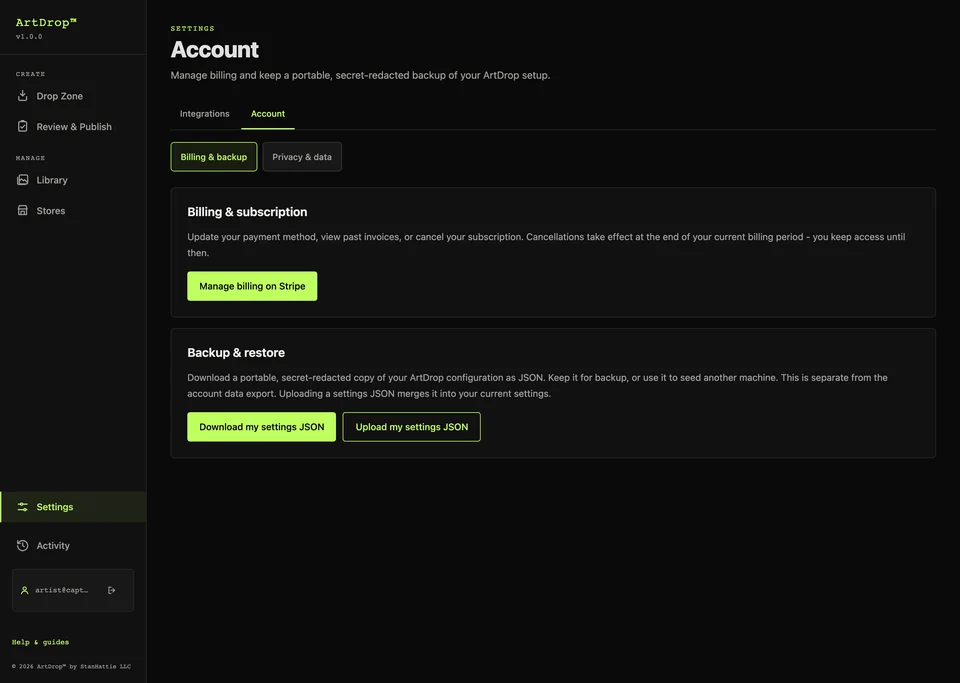
Use Download my settings JSON to save a settings backup. Treat every downloaded settings file as sensitive. After restoring a backup, re-enter credentials and test each store, provider, and storage connection.
Use Data and privacy in ArtDrop Web to request an account export or start account deletion. Contact support to confirm a broader privacy request. Cancel any time from your Account page. Access runs to the end of the billing period. Connected services keep data under their own policies.
ArtDrop does not sell your email address. Transactional emails cover purchases, account access, security, support, service changes, or licenses. Use the unsubscribe link in an optional email or contact support for help.
Yes. Turn off copy generation and supply your own titles, descriptions, SEO copy, and image alt text. Use filenames, reusable text templates, a CSV or XLSX copy sheet, or a matching JSON file for individual artwork. Add product tags in your saved settings or artwork instructions. ArtDrop uses your words while creating products and publishing the supported listings.