Give each collection its own writing style
Use product lines to give each collection its own titles, descriptions, tags, and saved product choices. Each store supports up to 50 lines.
Before you begin
- Open Storefront, choose the store under Your Stores, then open its product lines.
- Save any product templates you want to use for the collection.
How it works
A product line adds collection-specific instructions to your store’s writing style. For example, a fine-art collection can use different descriptions and tags from a gift collection.

Steps
-
Name your collection
Create a product line with a name you will recognize, such as Fine Art Prints or Holiday Gifts.
-
Set its writing preferences
Choose how titles should be written, add collection tags, and describe any changes to the store’s usual writing style. You can also add a product introduction or an SEO title suffix.
-
Choose its products
To use only certain saved templates, enter their full names. Copy each name from the saved template so it matches. Set sizes and colors inside those templates.
-
Use the line for a drop
Make the line your store’s default, or name it in a copy sheet or matching JSON file for particular artwork. Try one artwork and check the products and copy before uploading the collection.
Ideas for your product collections

Gallery Canvas Gallery Canvas mockup with original artwork by Michael Hill 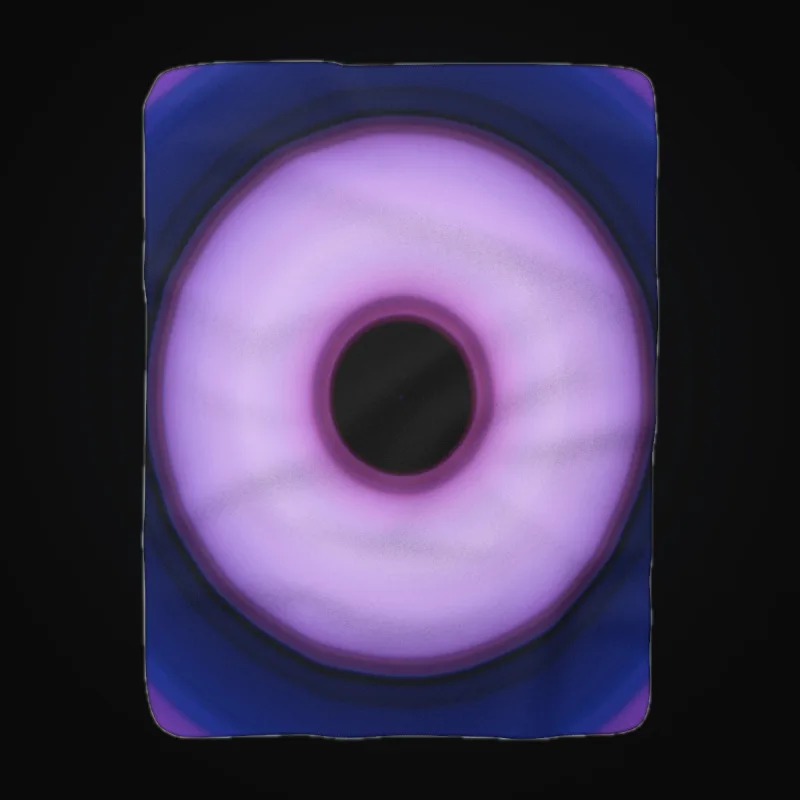
Sherpa Blanket Sherpa Blanket mockup with original artwork by Michael Hill 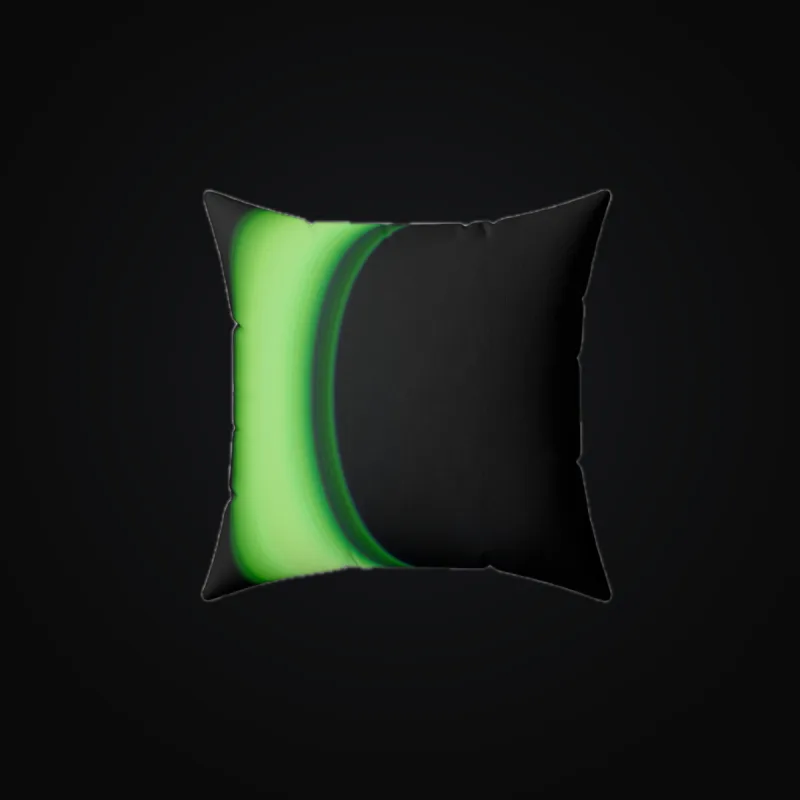
Square Pillow Square Pillow mockup with original artwork by Michael Hill 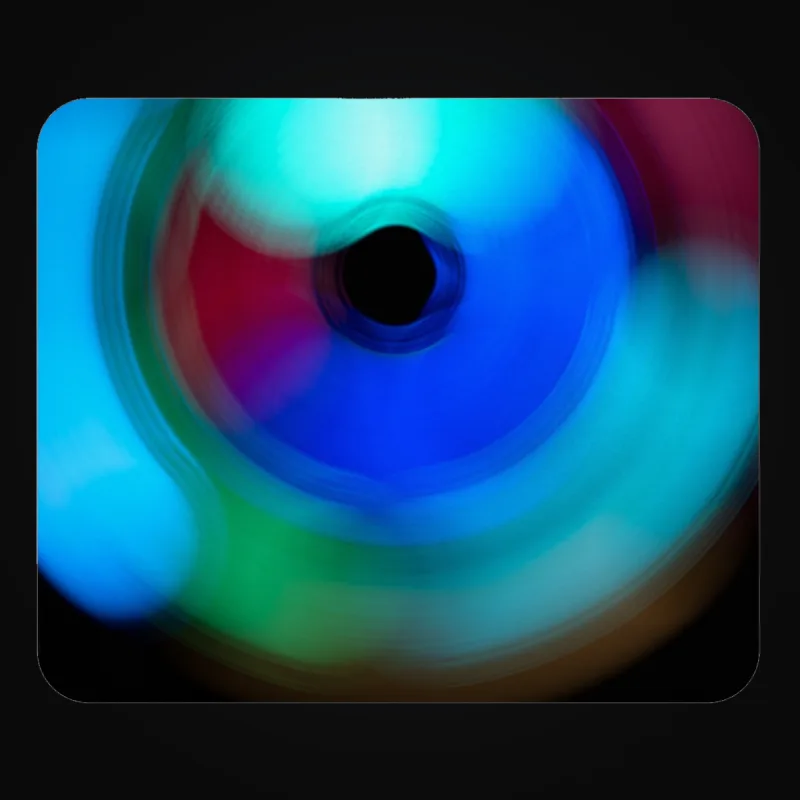
Mouse Pad Mouse Pad mockup with original artwork by Michael Hill 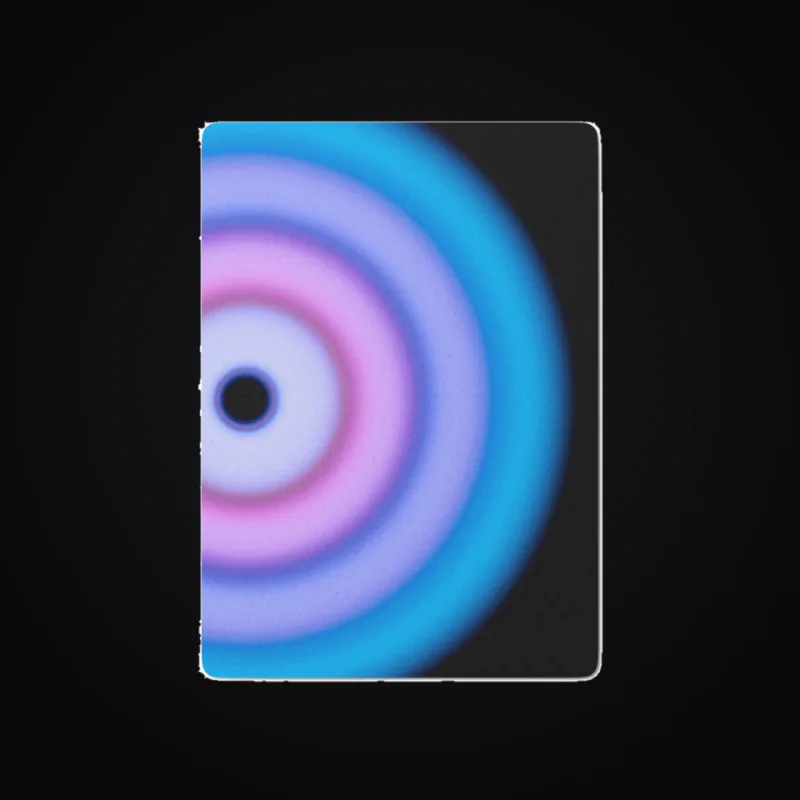
Playing Cards Playing Cards mockup with original artwork by Michael Hill
Expected result
New drops using the line share the collection’s writing preferences, tags, and selected product templates.
Good to know
- Each store supports up to 50 product lines.
- Template selection works with saved Gelato Studio, Printful, and Printify templates. Gelato V2 products use their separate product settings.
- If no entered template name matches a saved template, all enabled templates can be used. Copy saved names carefully.
- When store and line selections overlap, ArtDrop uses the shared templates. If they do not overlap, it uses the store’s selection.
Troubleshooting
- Too many products appeared? Check the template names against the saved names. Capitalization does not matter, but the full name must match.
- Need different sizes or colors? Save a separate template with those variants, then choose that template for the line.
How to undo or clean up
Edit or delete the line to change future drops. Existing products keep their current copy and settings.