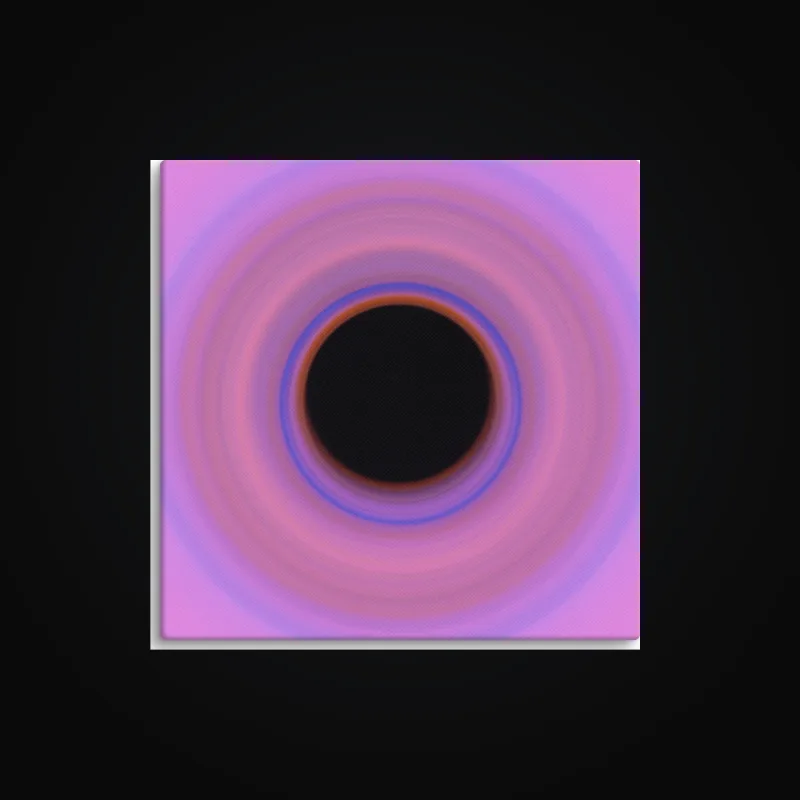
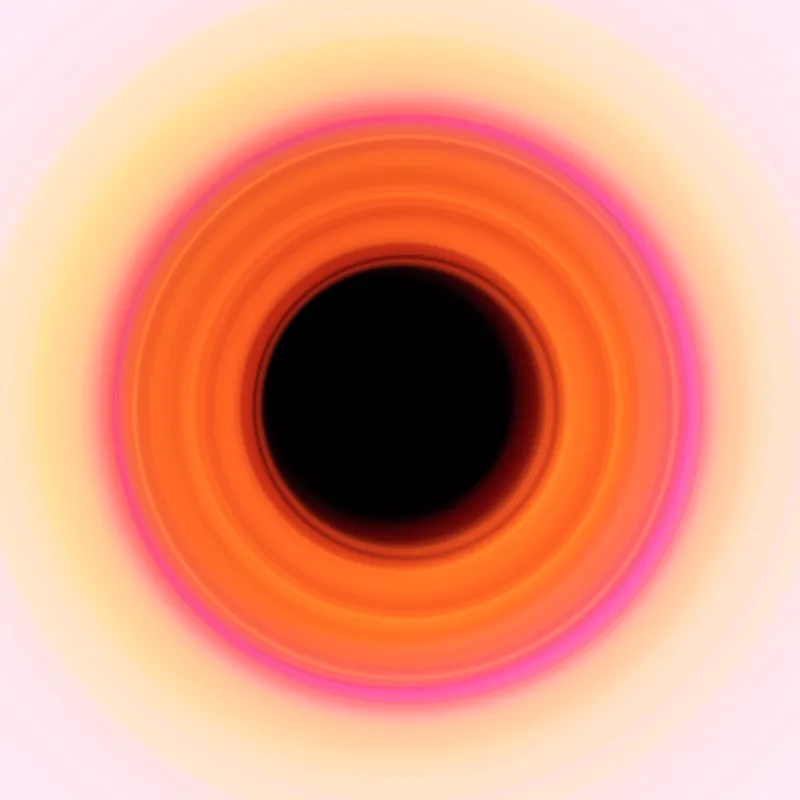
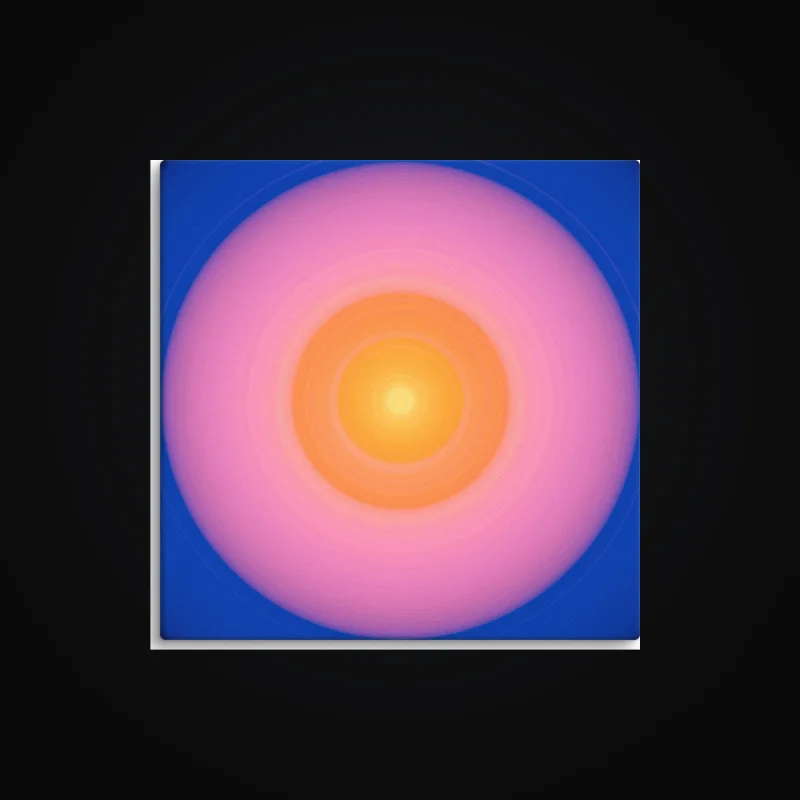
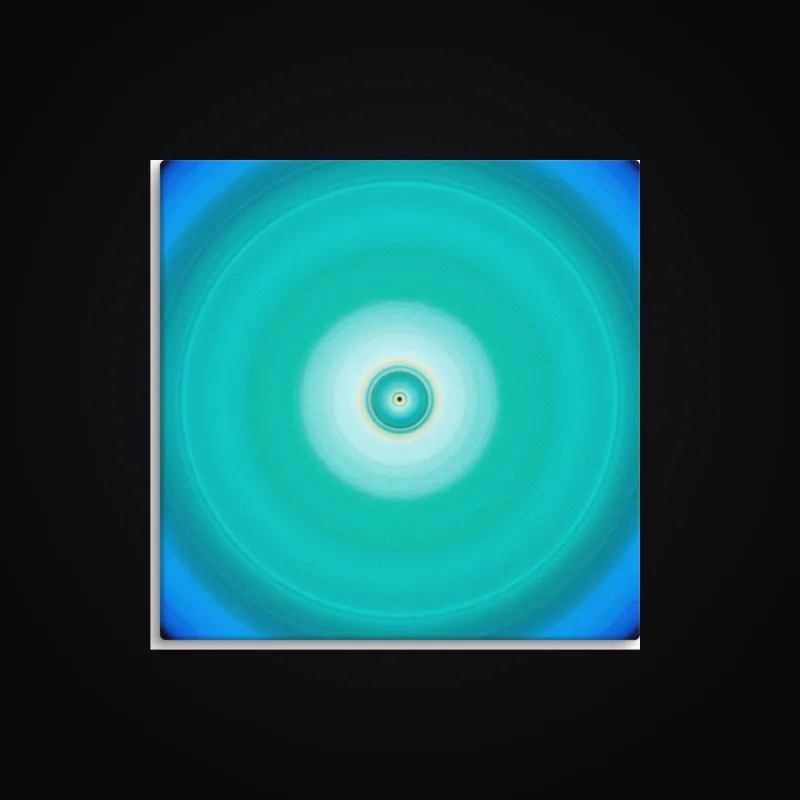
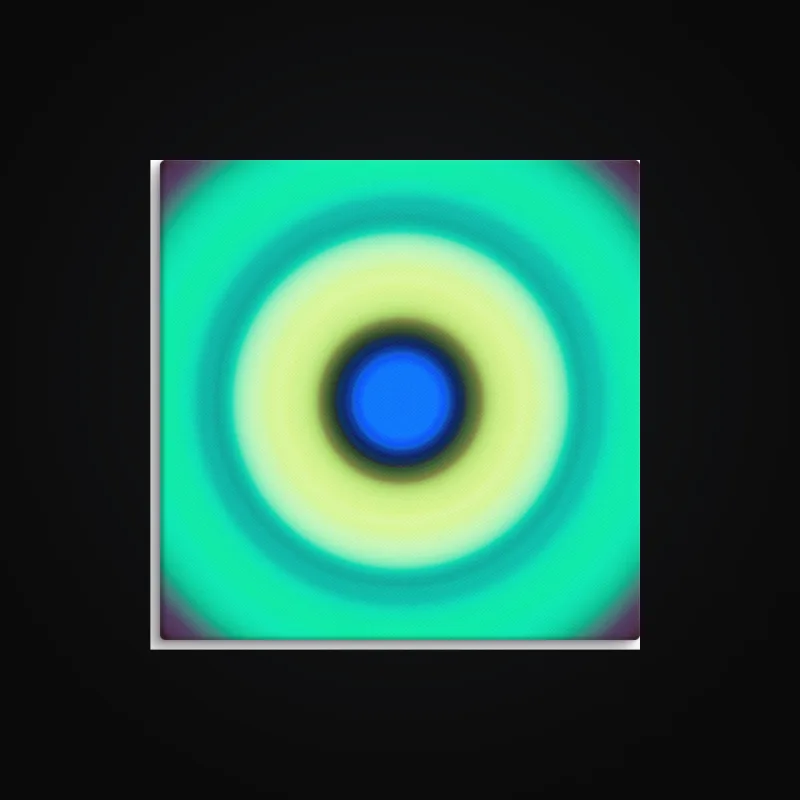
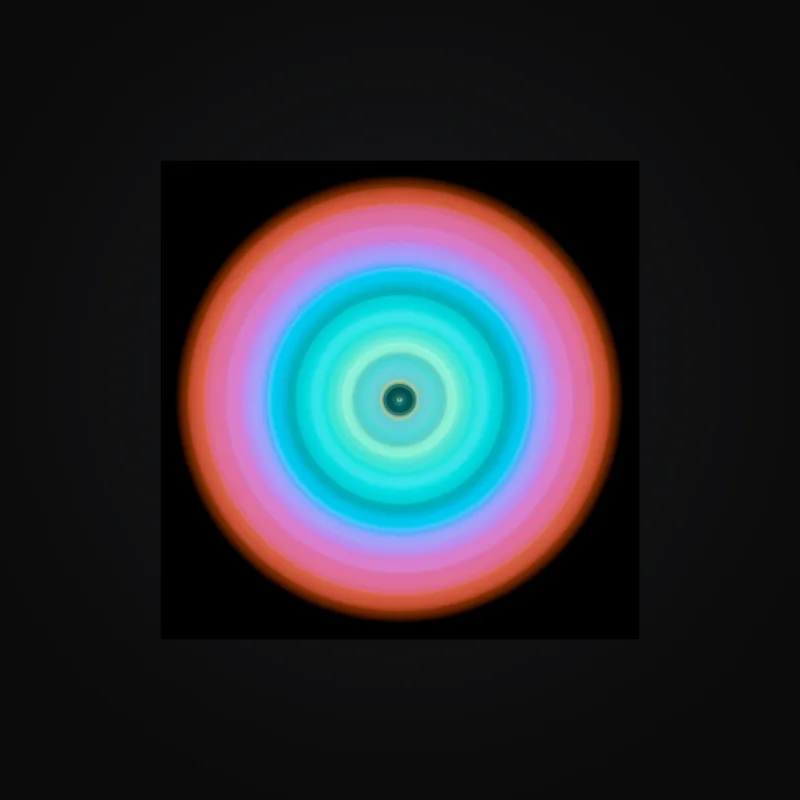
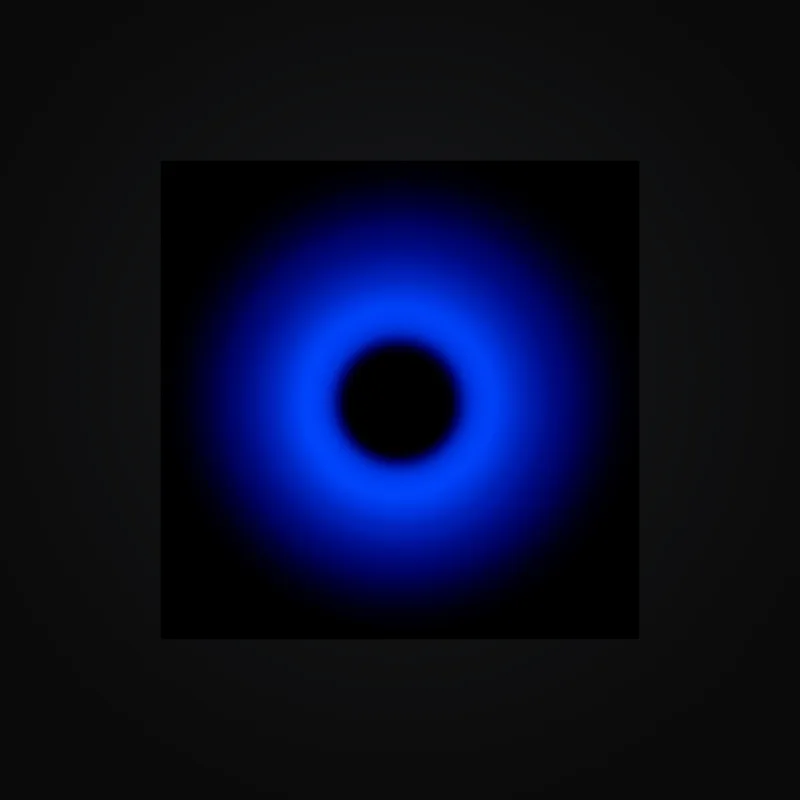
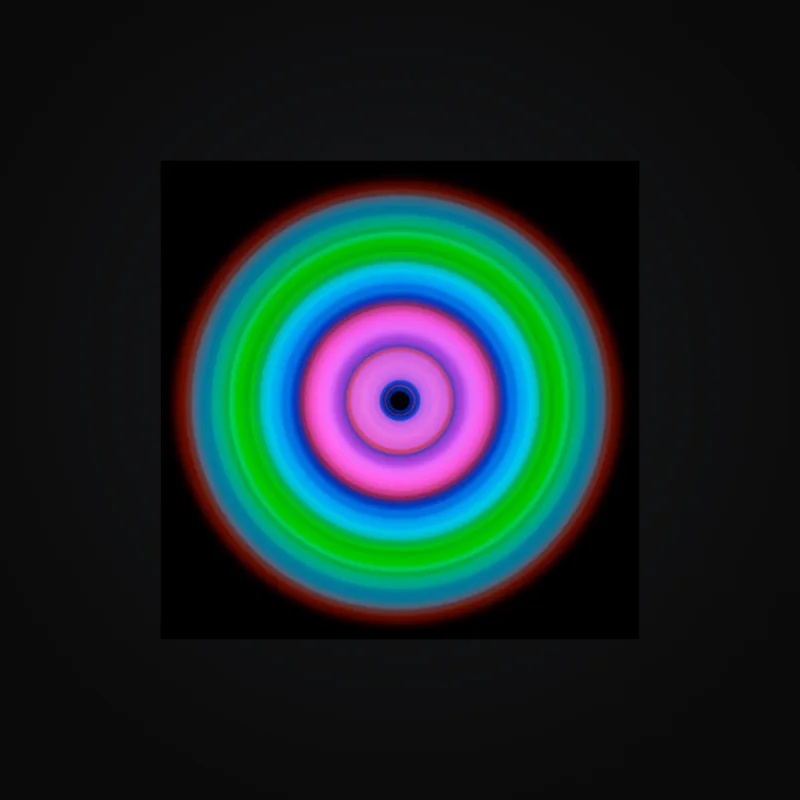
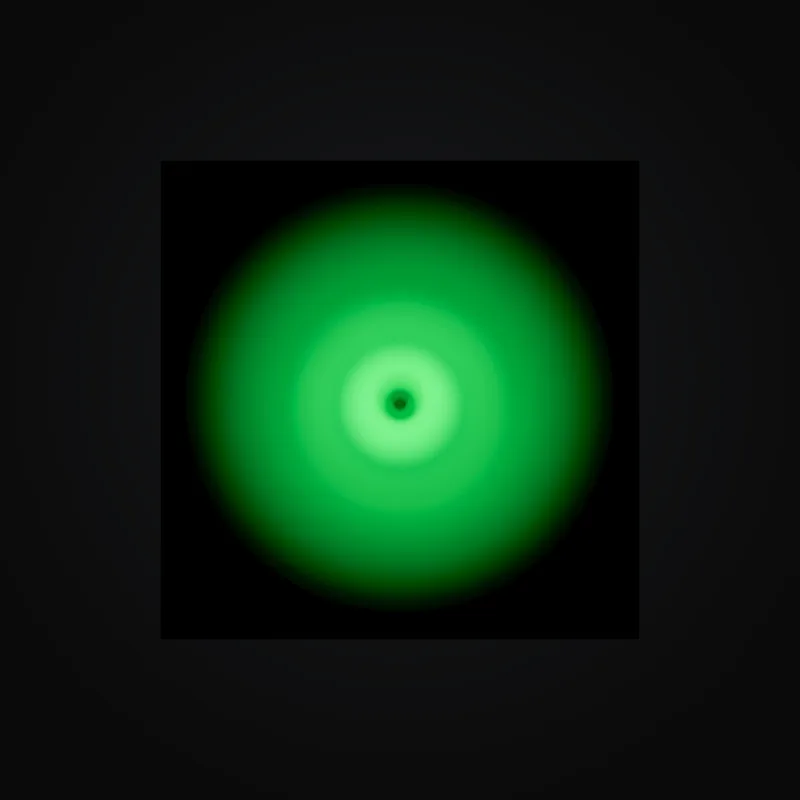
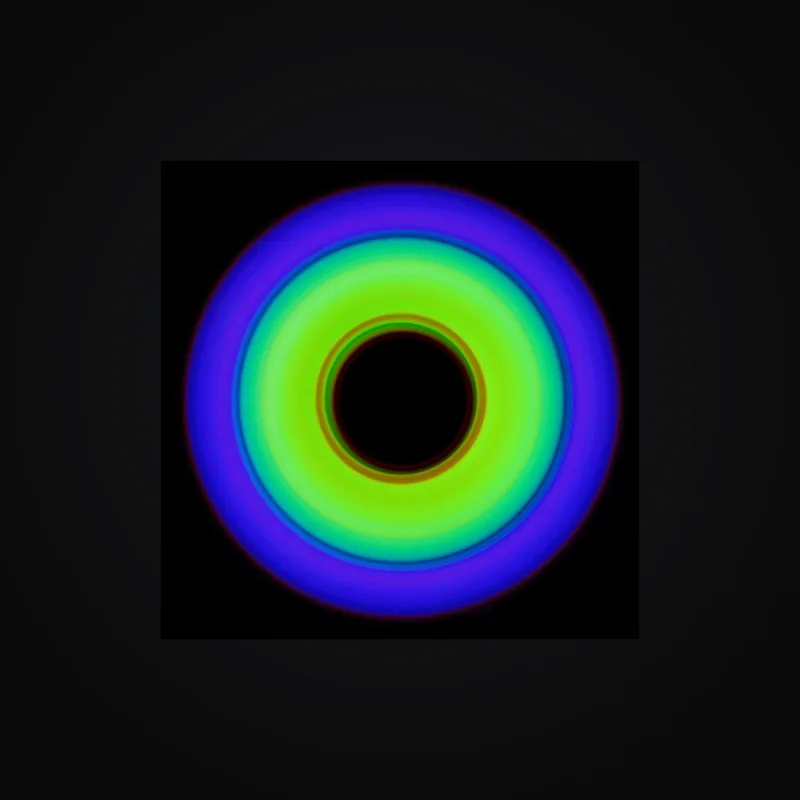
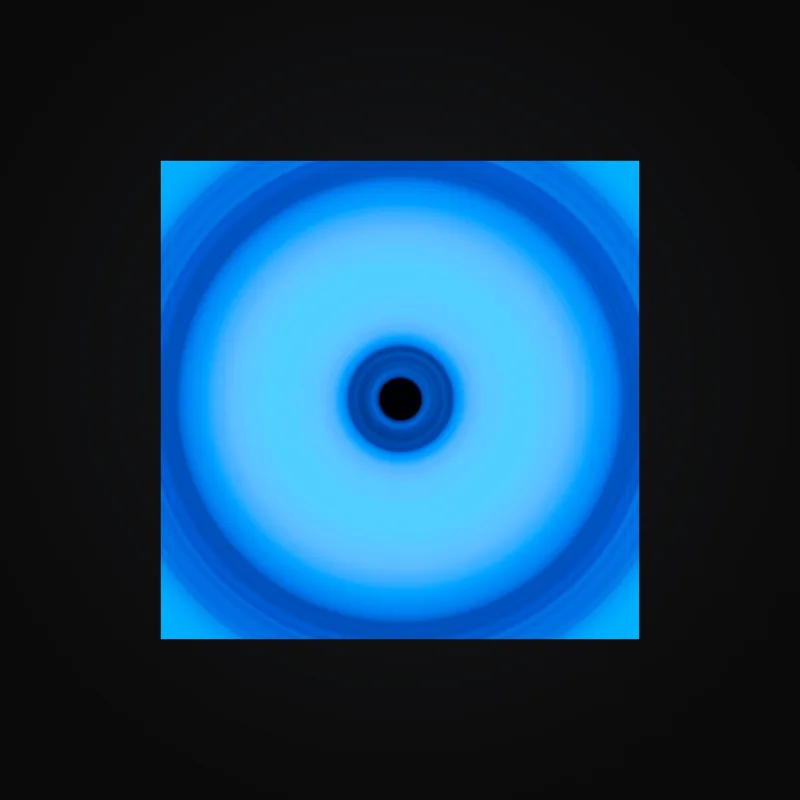
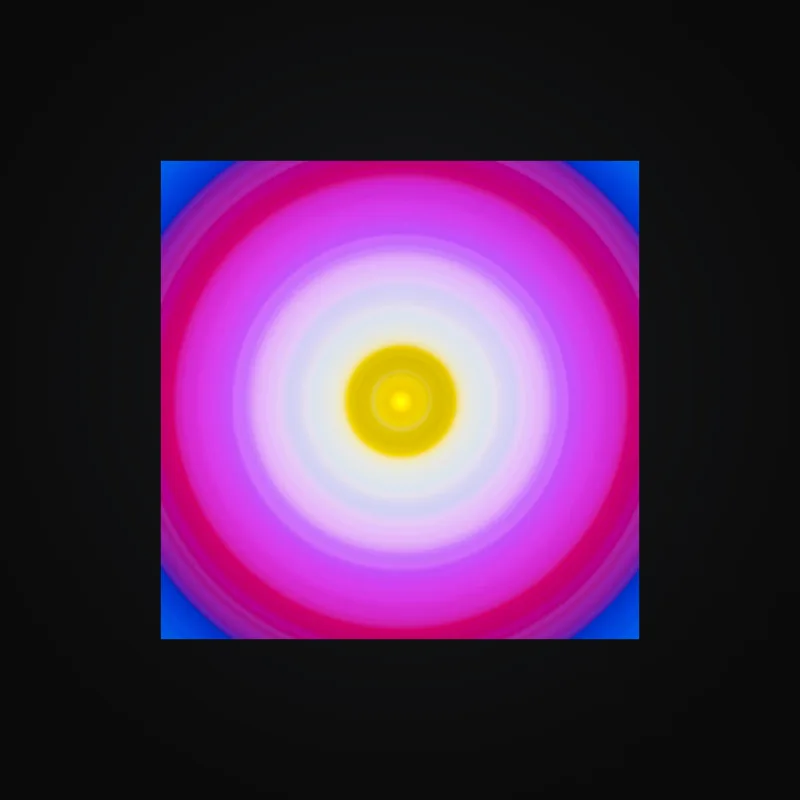
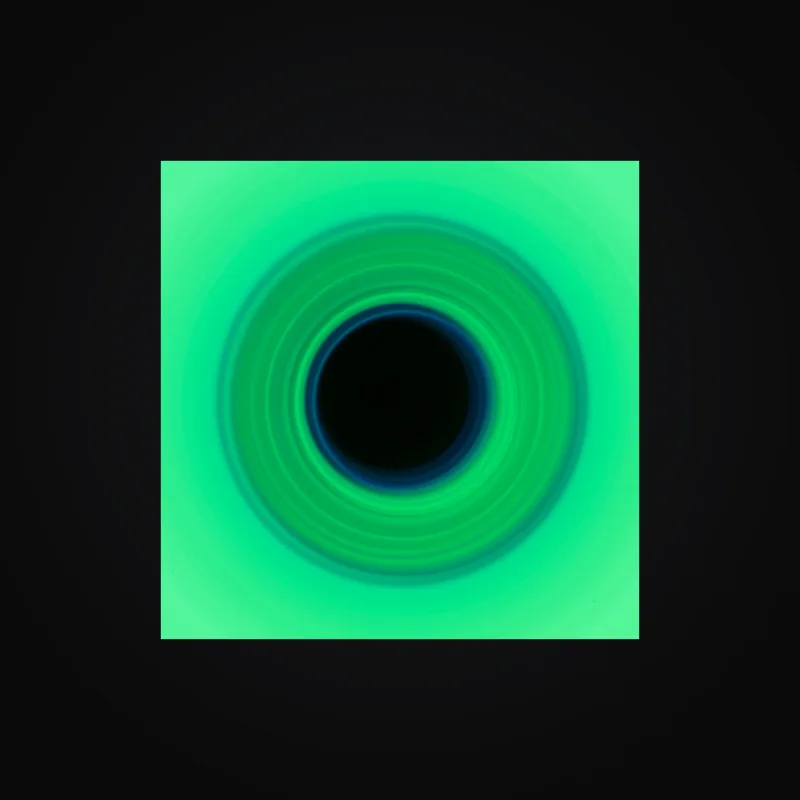
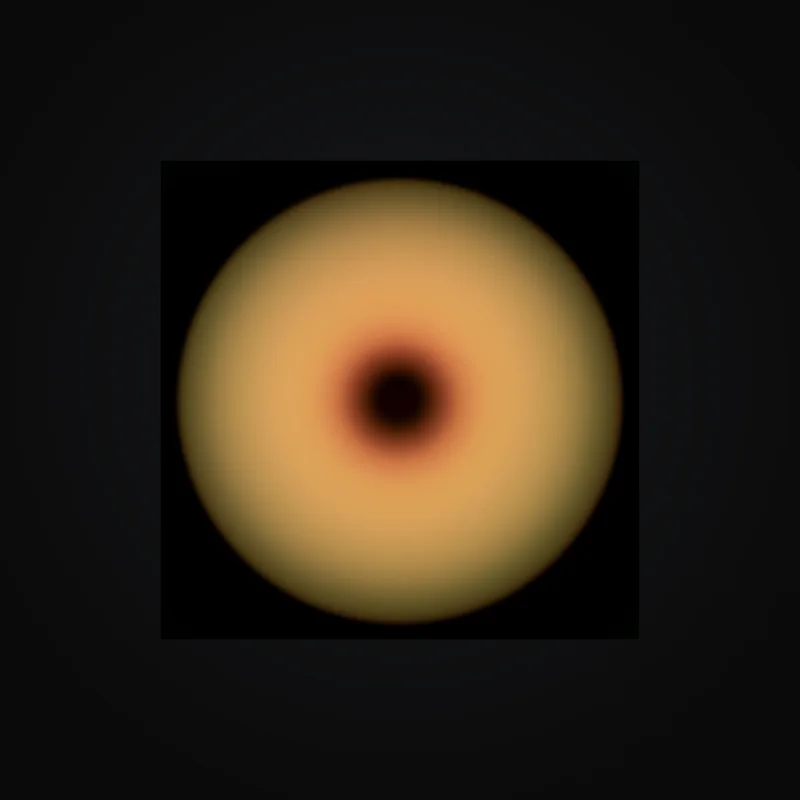
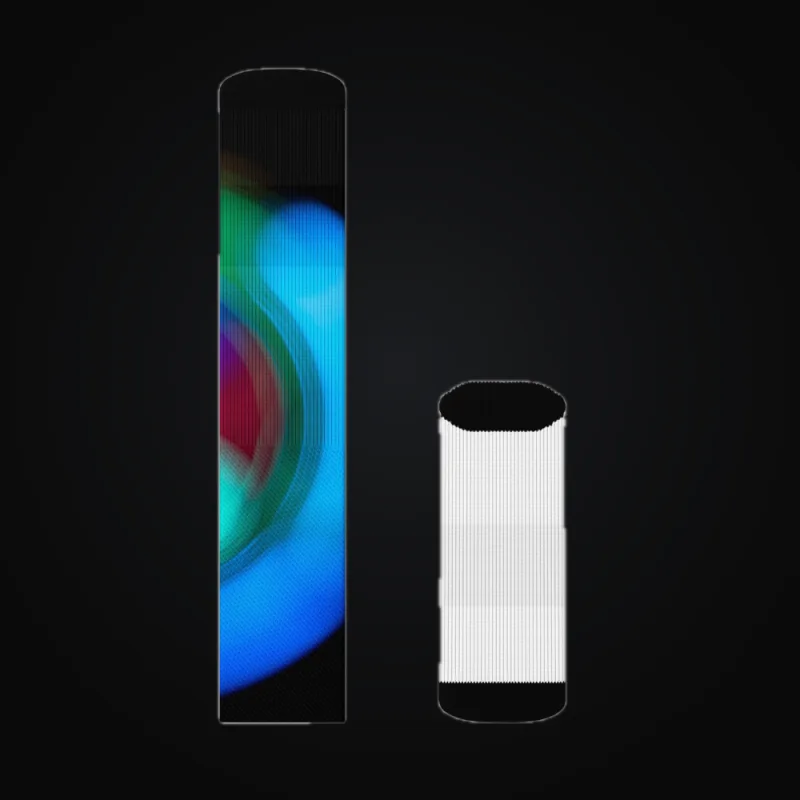
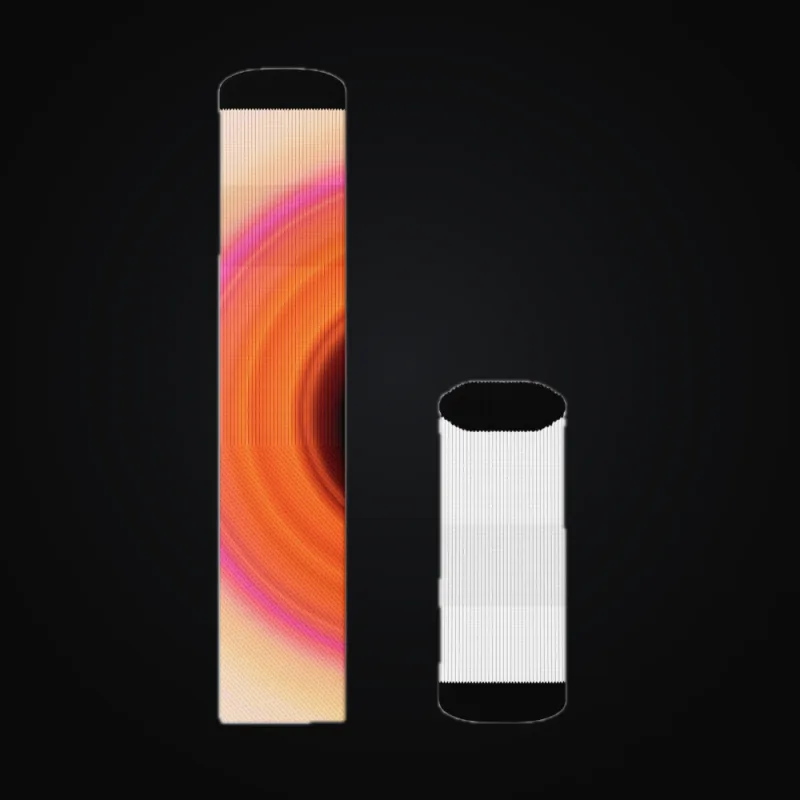
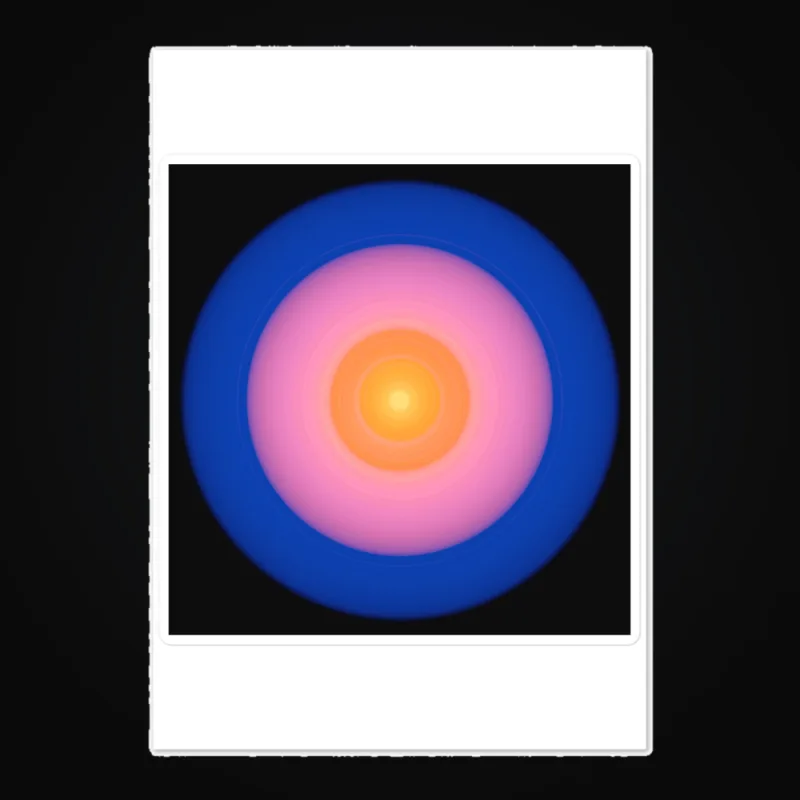
Digital Artwork Preview
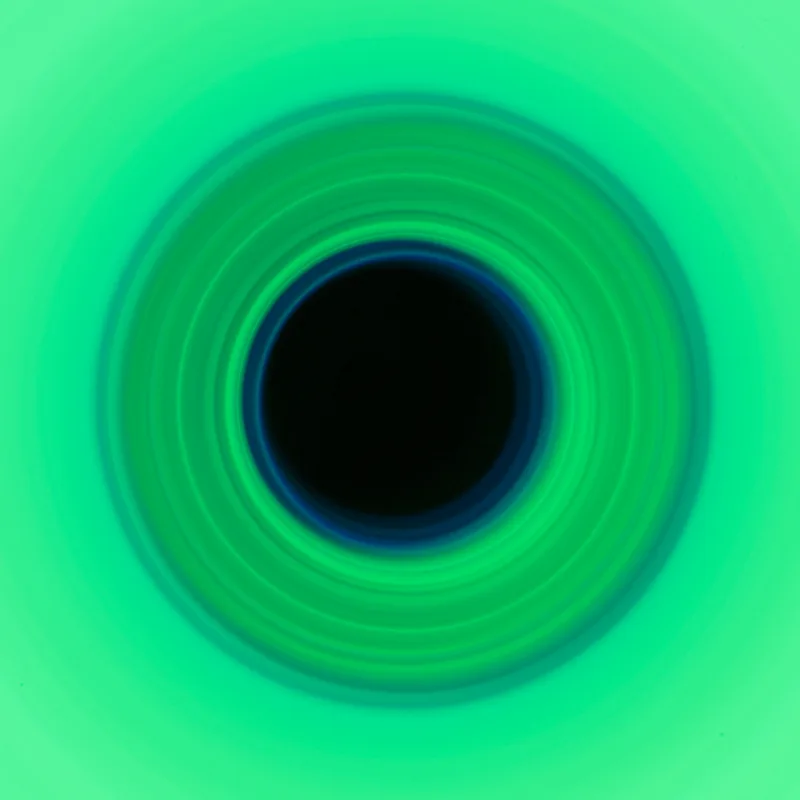
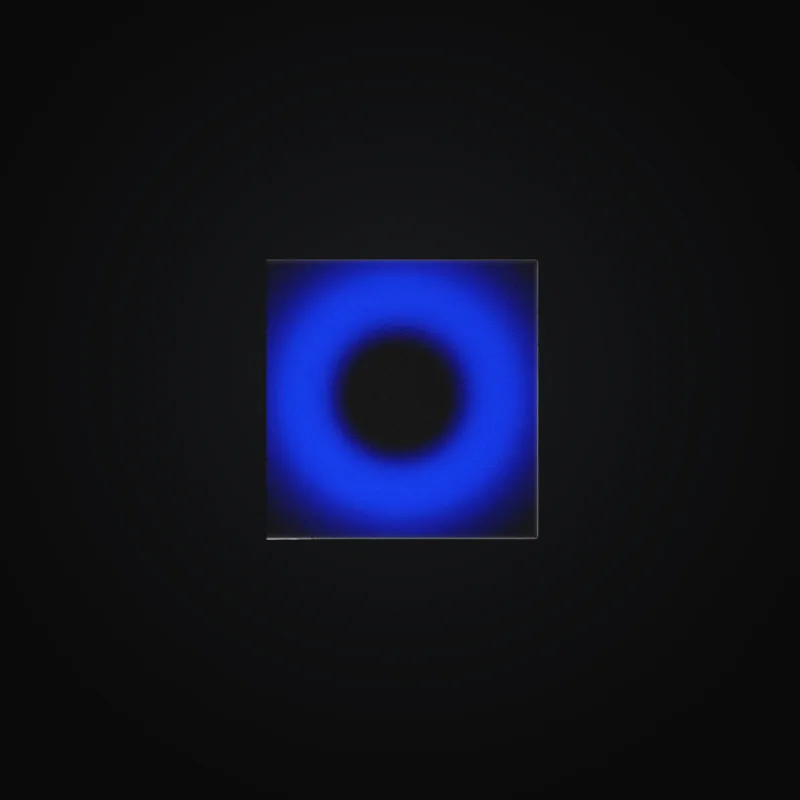
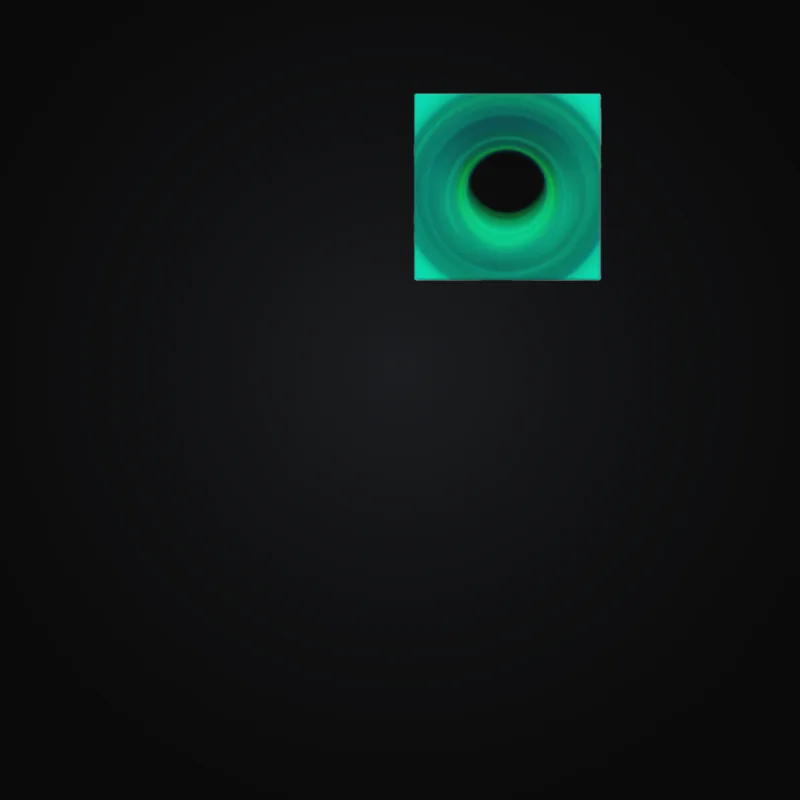
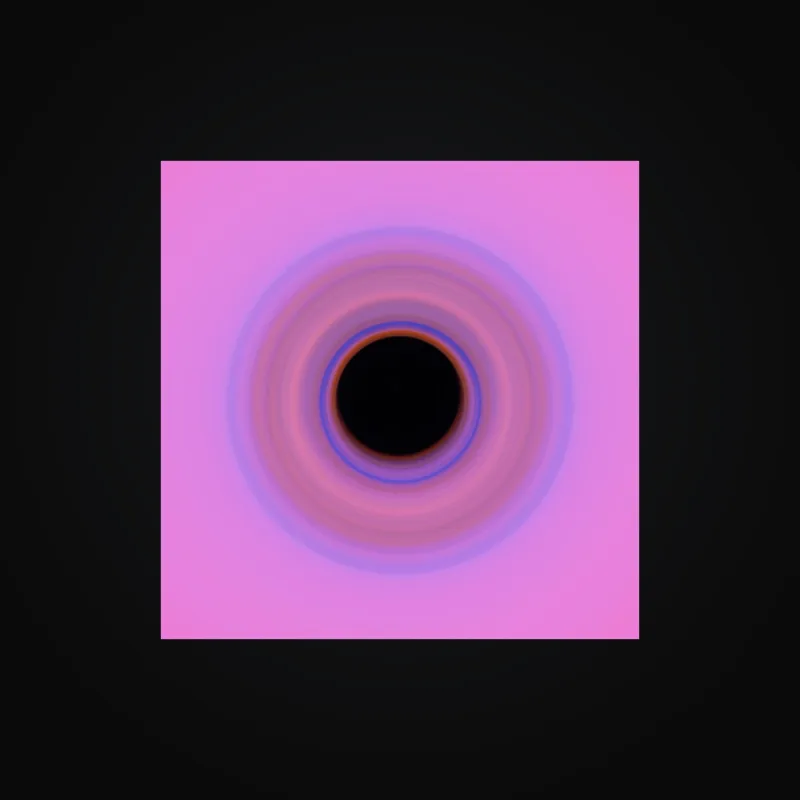
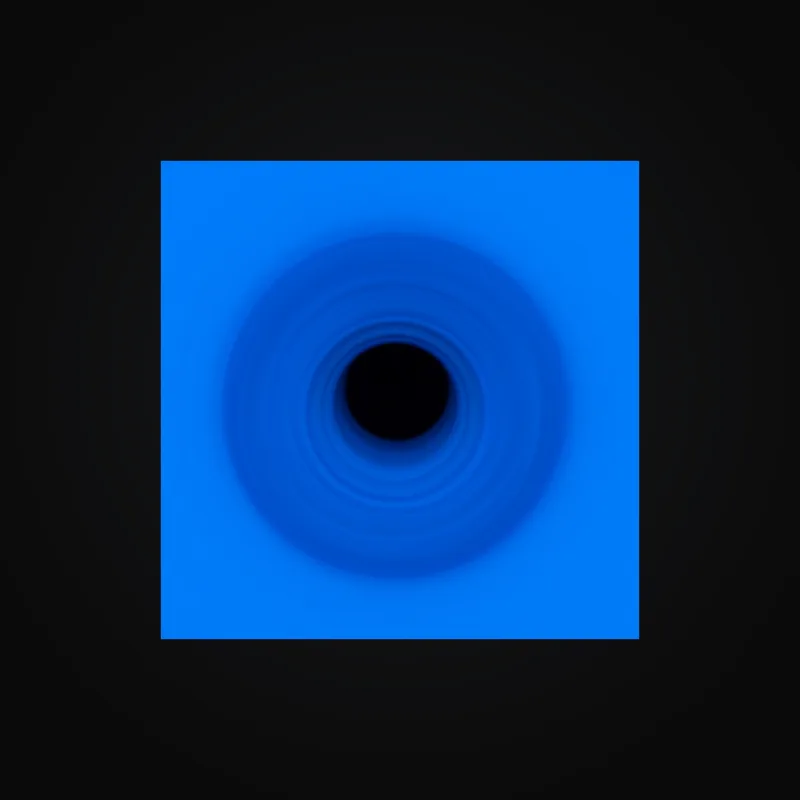
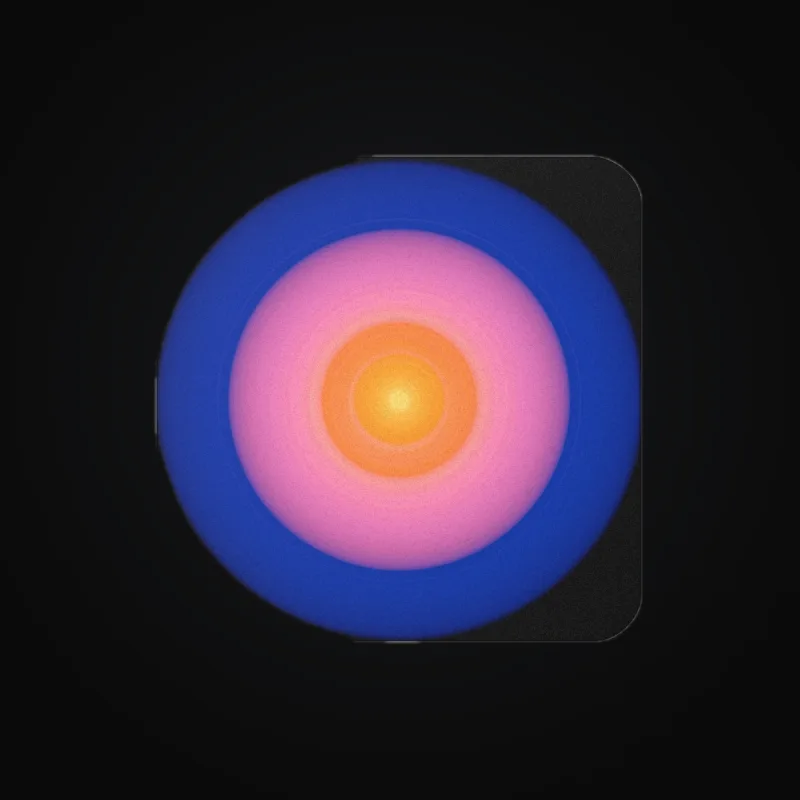
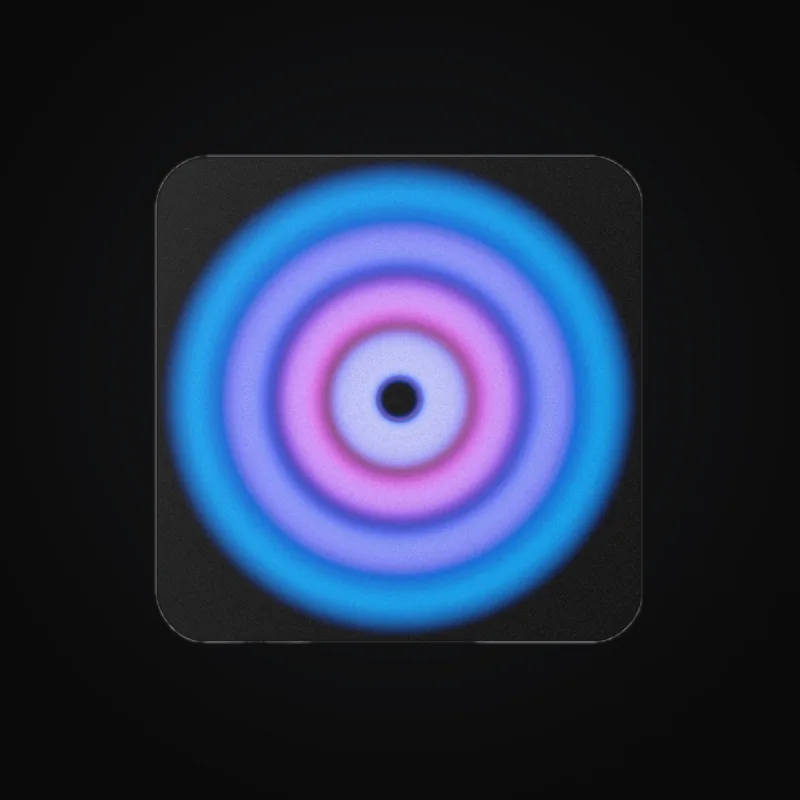
Square artwork crop for a digital preview example
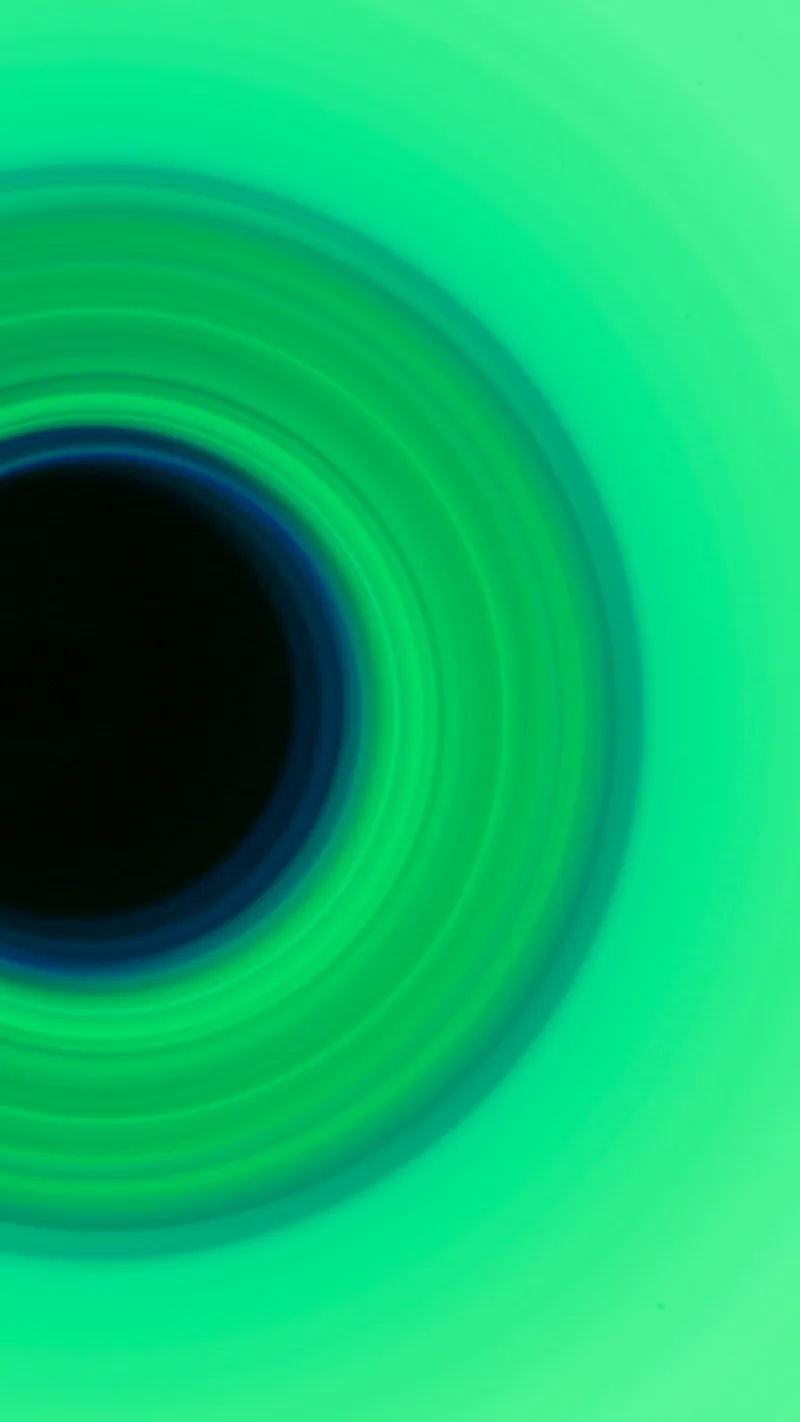
Vertical Creative
9 by 16 composition example for a vertical creative
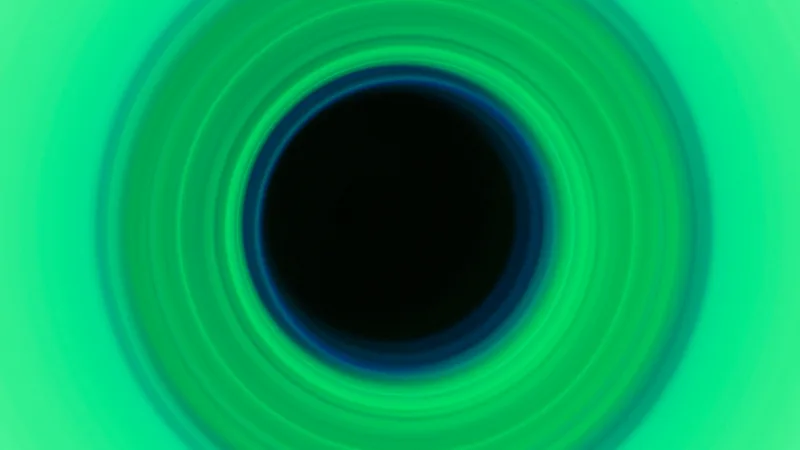
Wide Creative
16 by 9 composition example for a wide creative
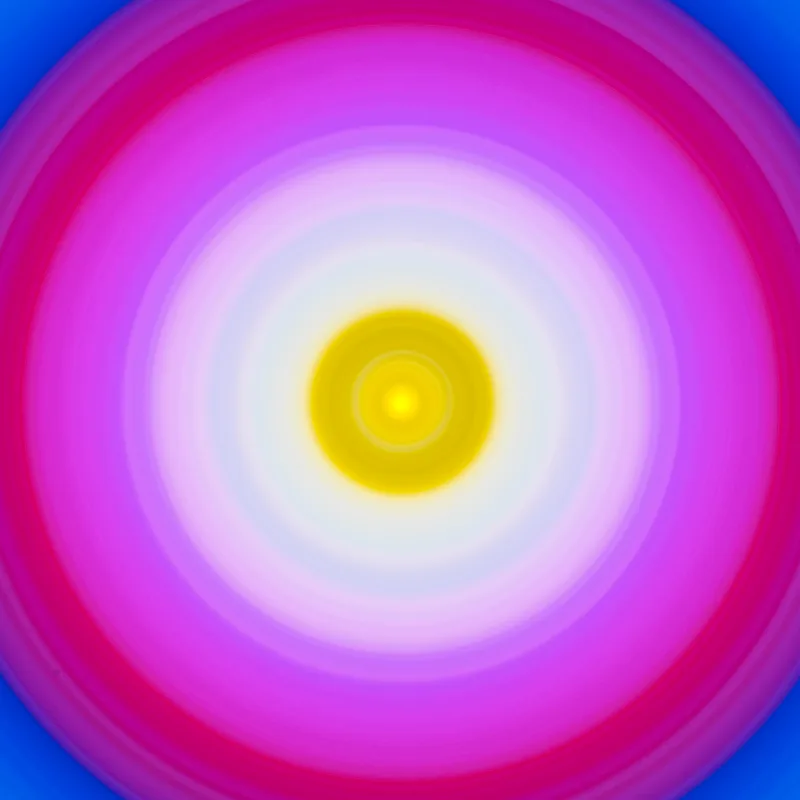
Square Creative
1 by 1 composition example for a square creative
Link Preview Crop
1200 by 630 composition example for a link preview
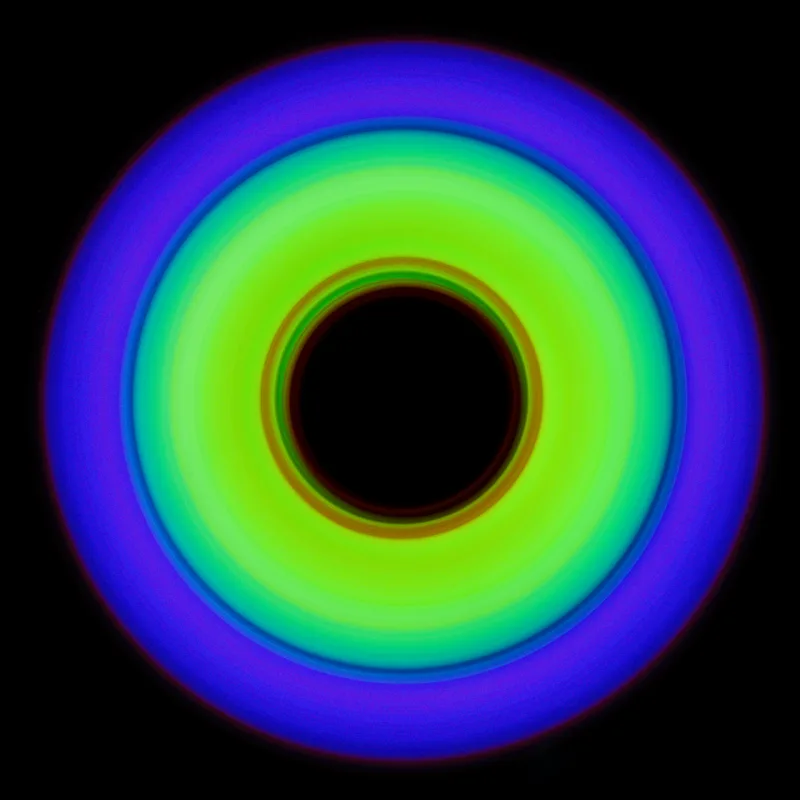
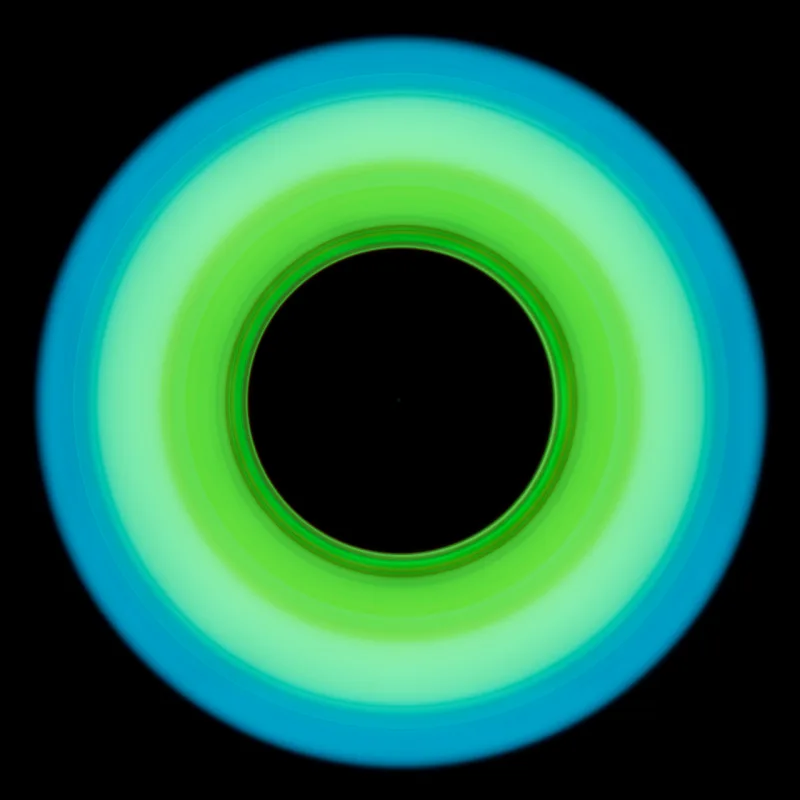
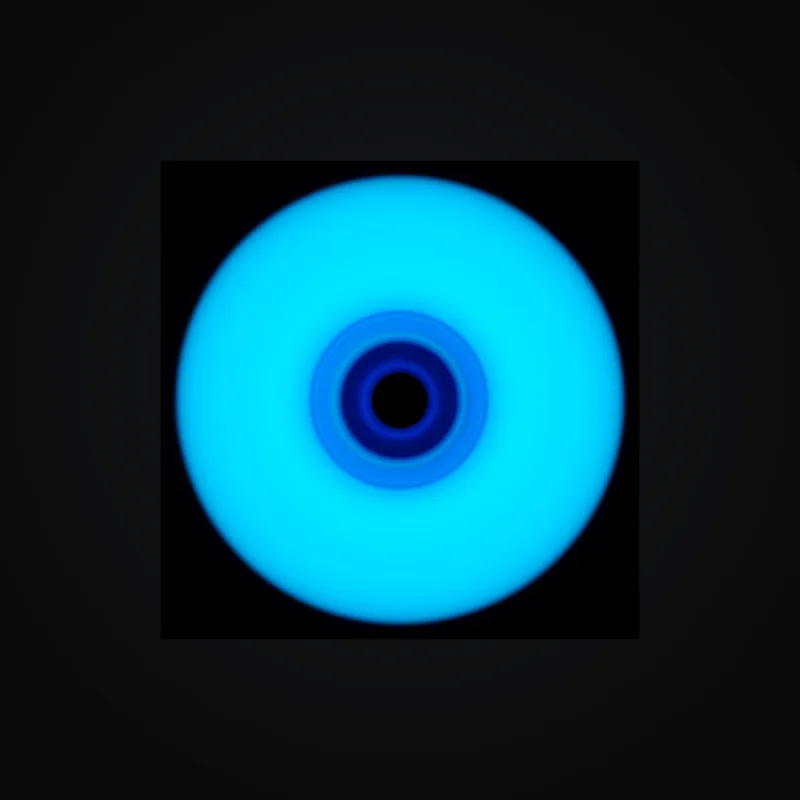
Original Artwork
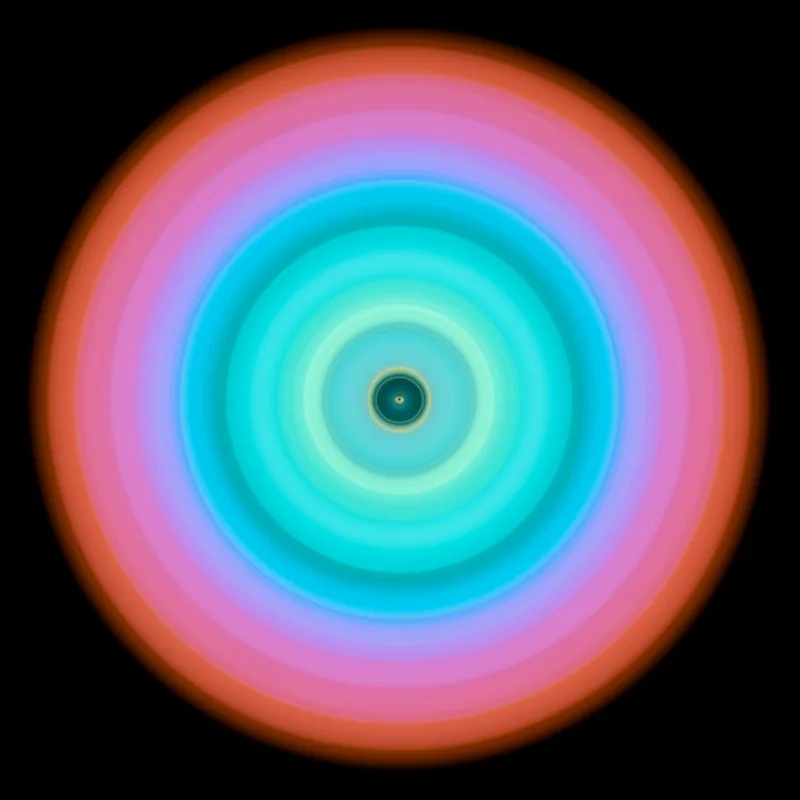
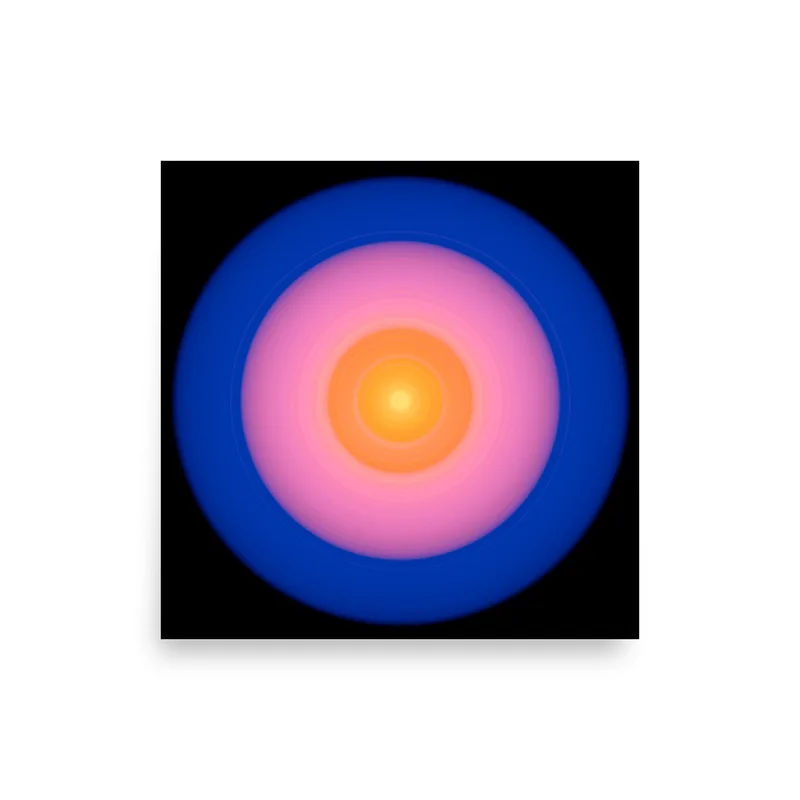
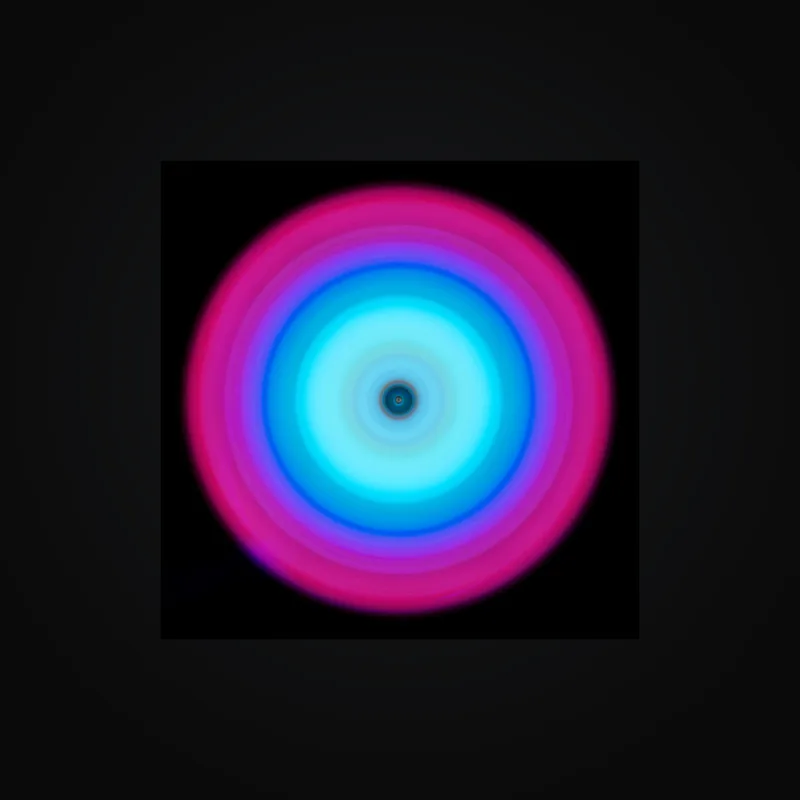
Original artwork by Michael Hill before product placement
Original Artwork
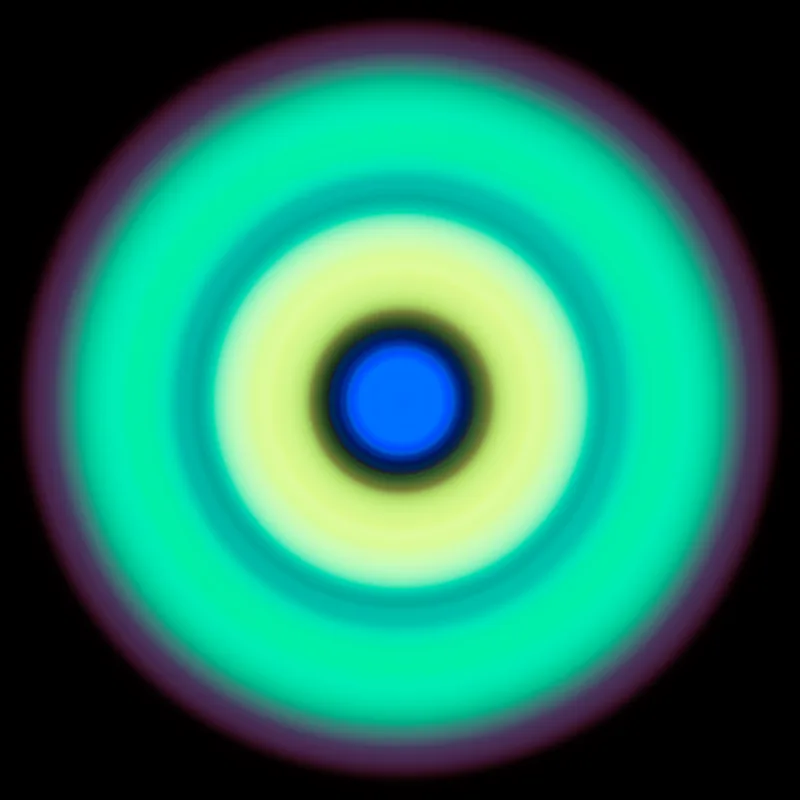
Original artwork by Michael Hill before product placement
Original Artwork
Original artwork by Michael Hill before product placement
Original Artwork
Original artwork by Michael Hill before product placement
Original Artwork
Original artwork by Michael Hill before product placement
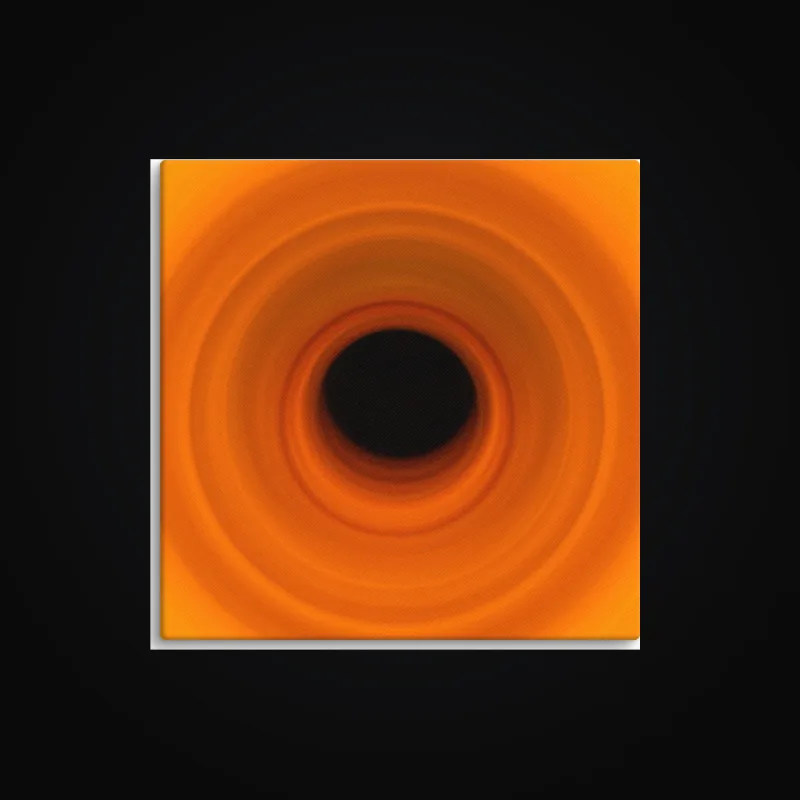
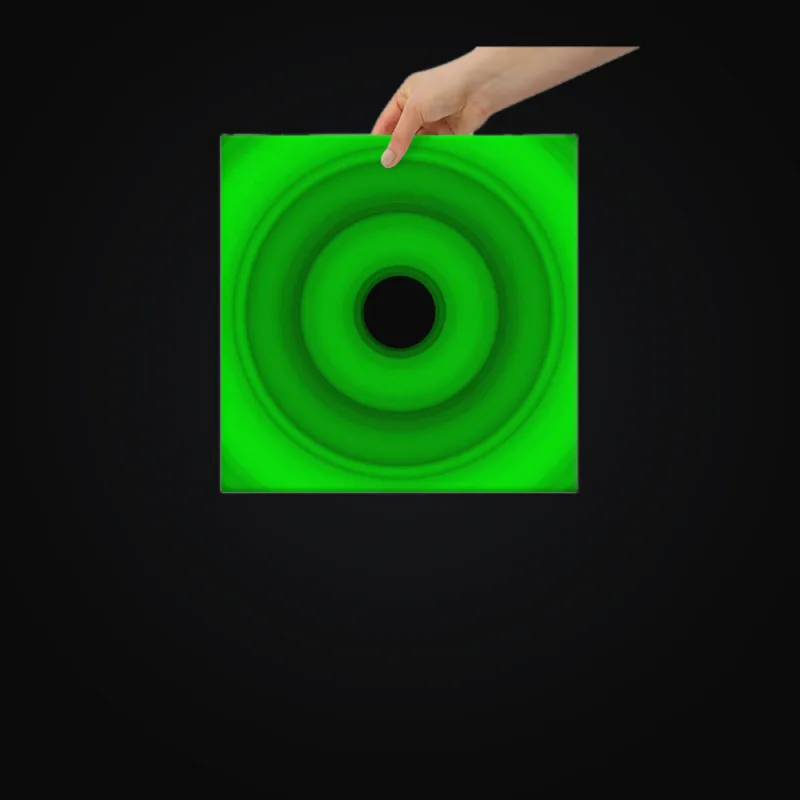
Gallery Canvas
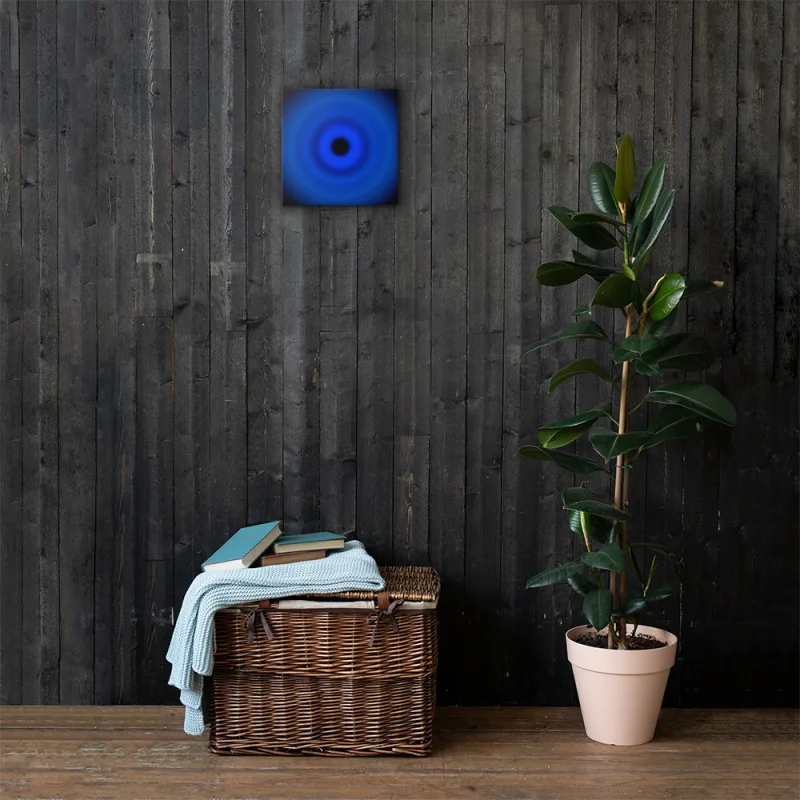
Gallery Canvas mockup with original artwork by Michael Hill
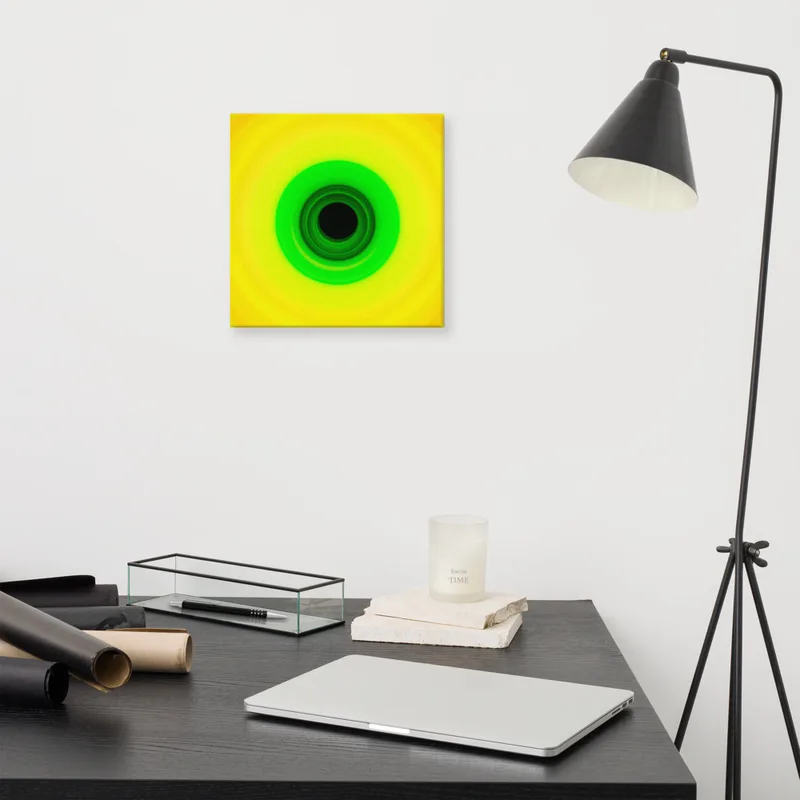
Gallery Canvas
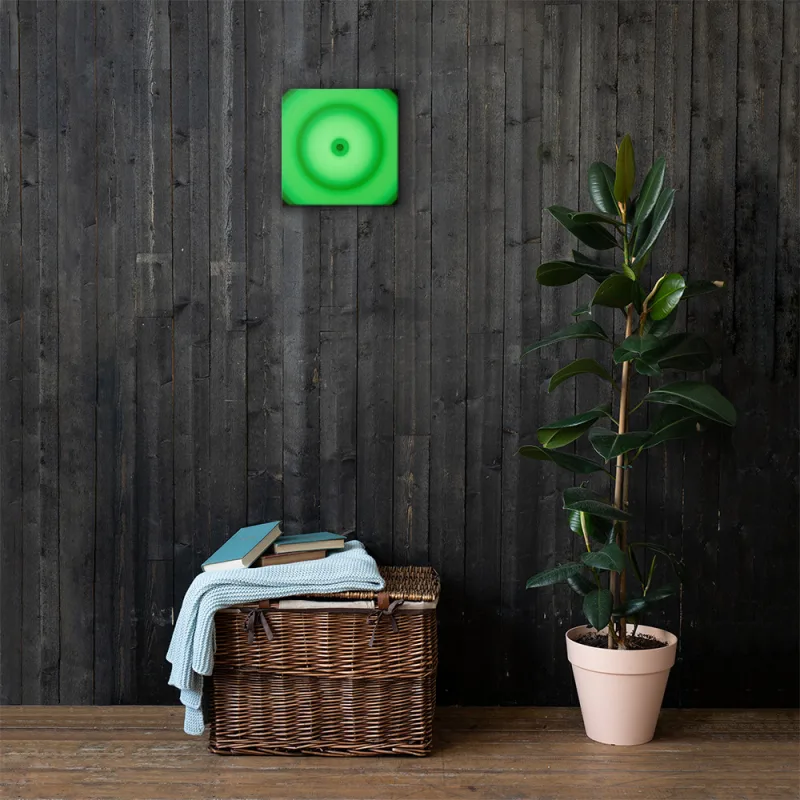
Gallery Canvas mockup with original artwork by Michael Hill
Gallery Canvas
Gallery Canvas mockup with original artwork by Michael Hill
Gallery Canvas
Gallery Canvas mockup with original artwork by Michael Hill
Gallery Canvas
Gallery Canvas mockup with original artwork by Michael Hill
Gallery Canvas
Gallery Canvas mockup with original artwork by Michael Hill
Gallery Canvas
Gallery Canvas mockup with original artwork by Michael Hill
Gallery Canvas
Gallery Canvas mockup with original artwork by Michael Hill
Gallery Canvas
Gallery Canvas mockup with original artwork by Michael Hill
Gallery Canvas
Gallery Canvas mockup with original artwork by Michael Hill
Gallery Canvas
Gallery Canvas mockup with original artwork by Michael Hill
Gallery Canvas
Gallery Canvas mockup with original artwork by Michael Hill
Gallery Canvas
Gallery Canvas mockup with original artwork by Michael Hill
Gallery Canvas
Gallery Canvas mockup with original artwork by Michael Hill
Gallery Canvas
Gallery Canvas mockup with original artwork by Michael Hill
Gallery Canvas
Gallery Canvas mockup with original artwork by Michael Hill
Gallery Canvas
Gallery Canvas mockup with original artwork by Michael Hill
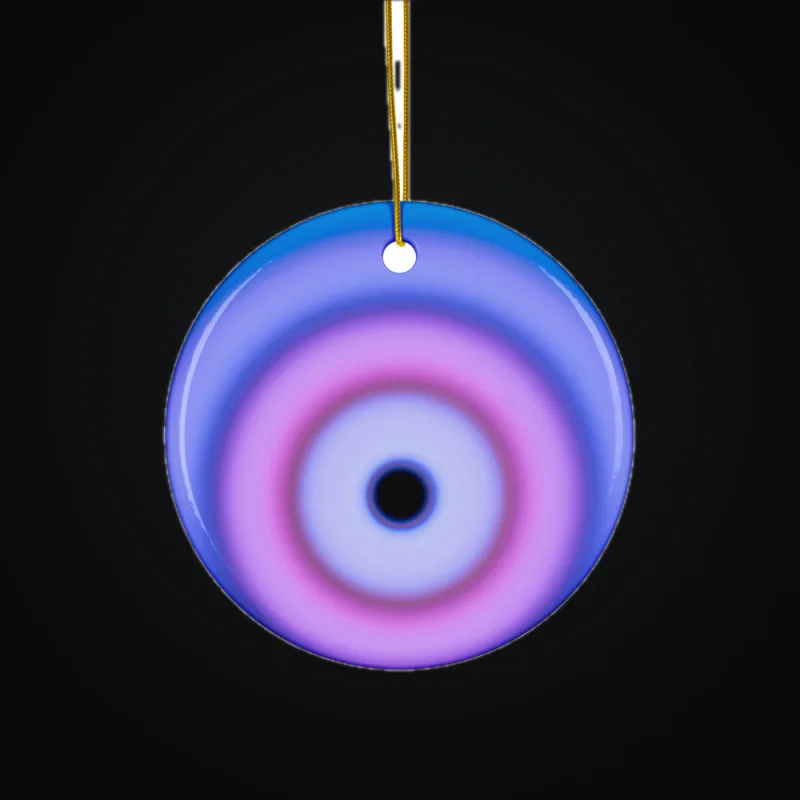
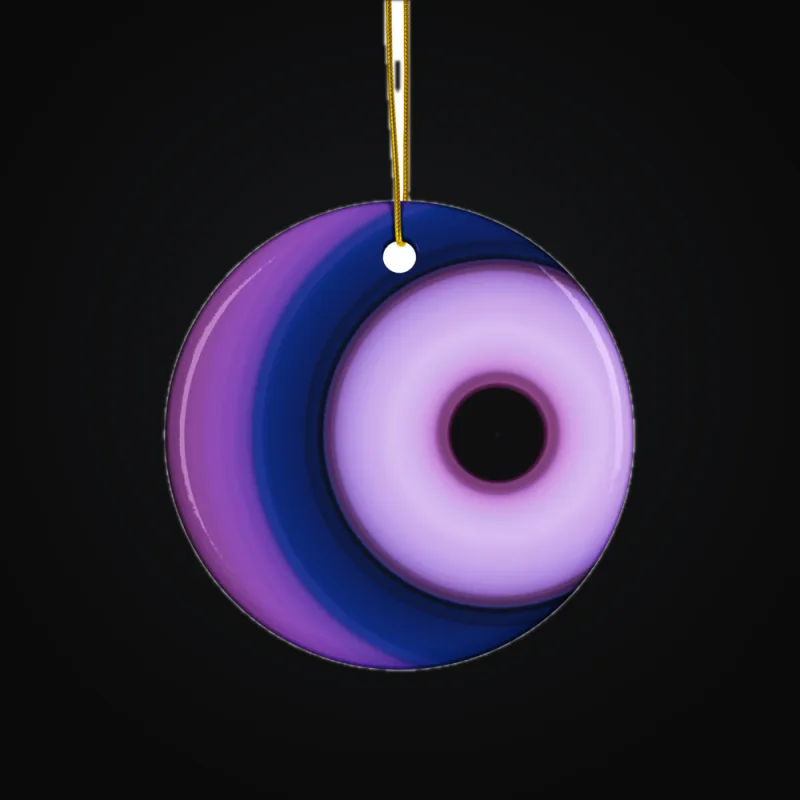
Ceramic Ornament
Ceramic Ornament mockup with original artwork by Michael Hill
Ceramic Ornament
Ceramic Ornament mockup with original artwork by Michael Hill
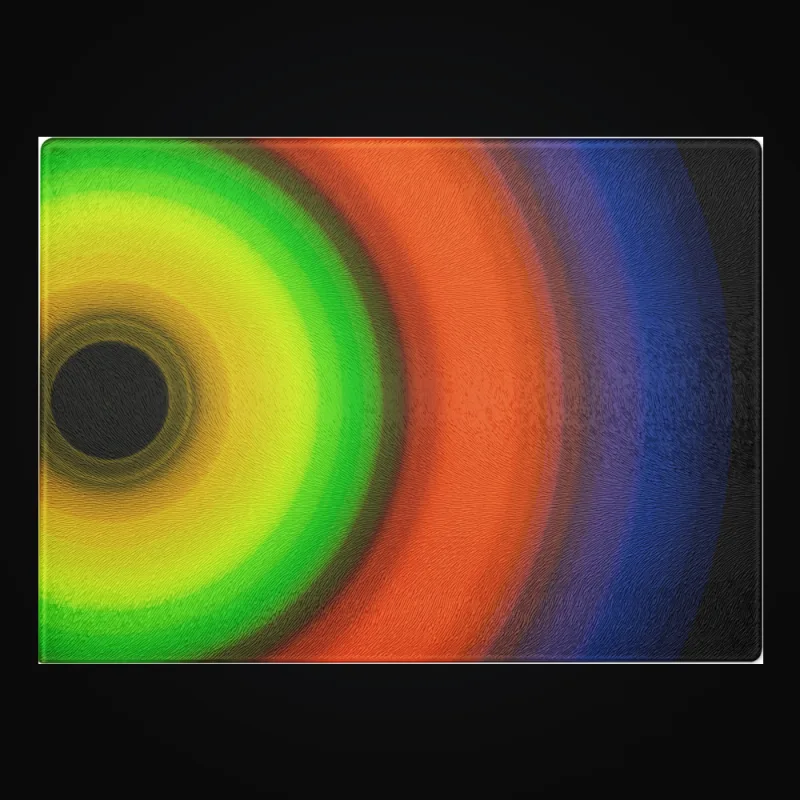
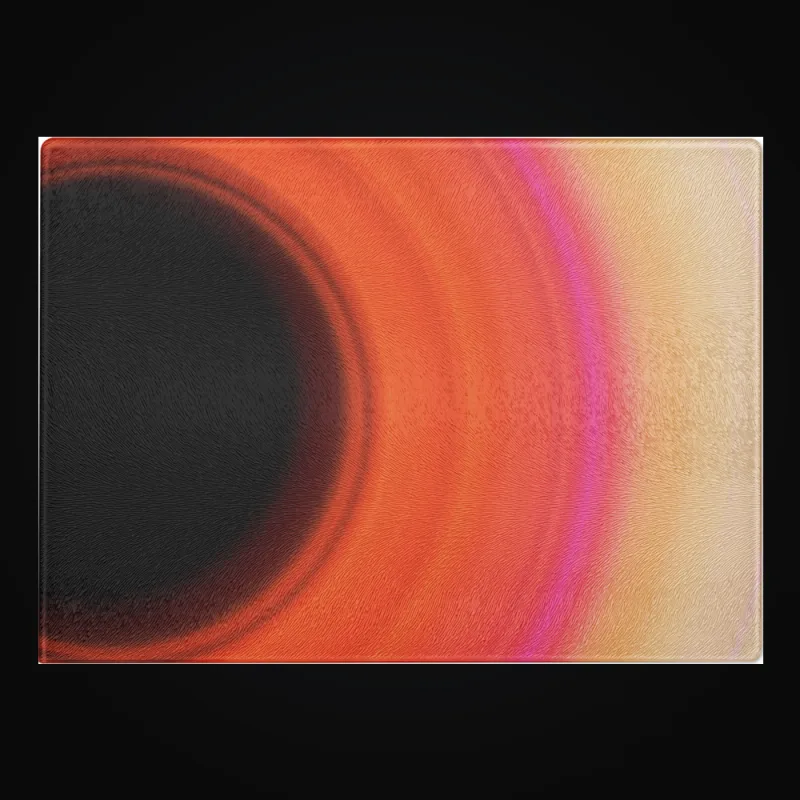
Glass Cutting Board
Glass Cutting Board mockup with original artwork by Michael Hill
Glass Cutting Board
Glass Cutting Board mockup with original artwork by Michael Hill
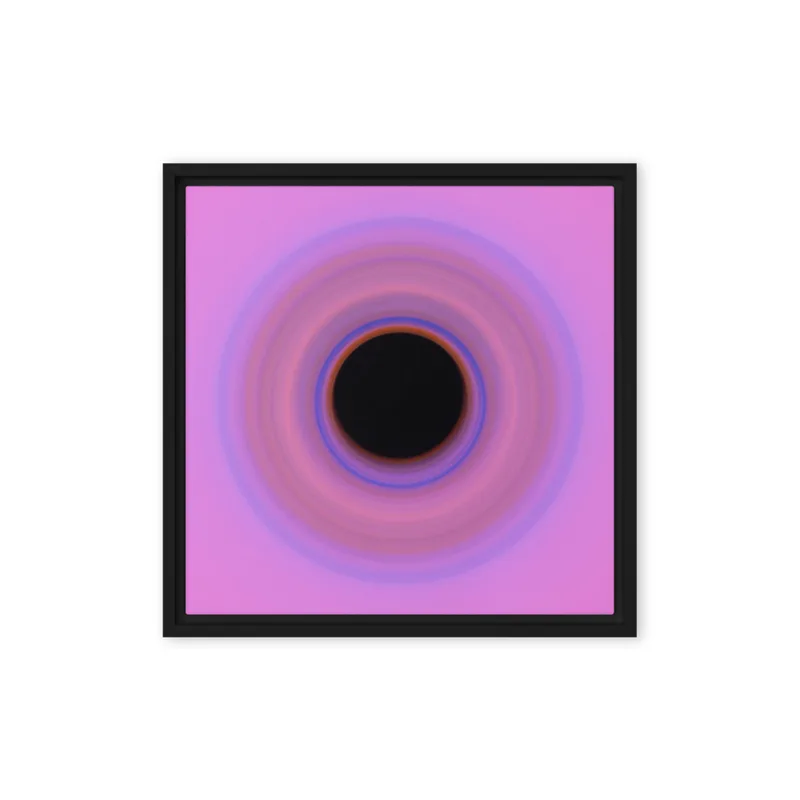
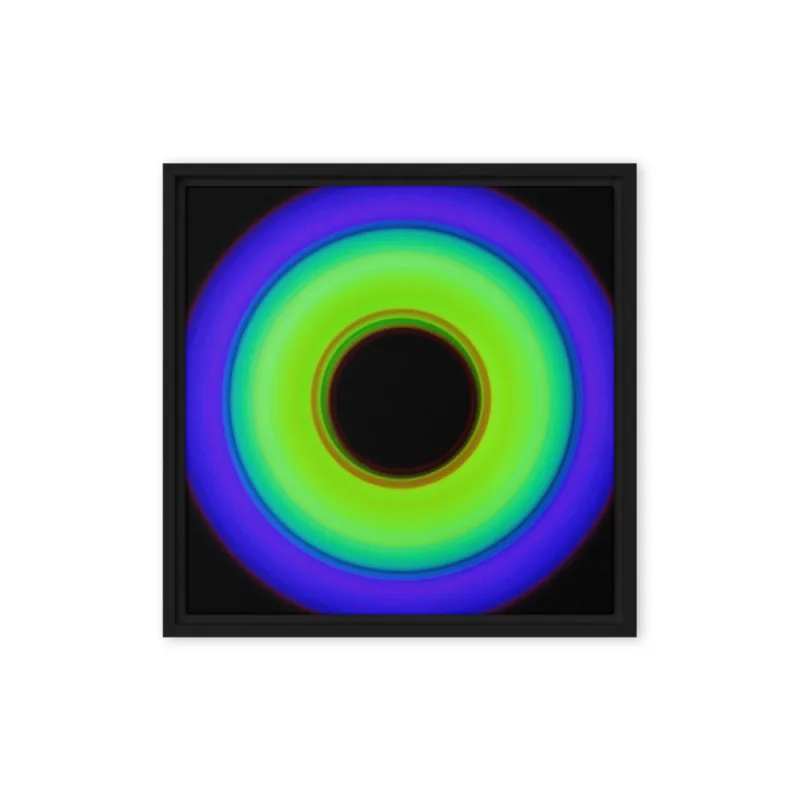
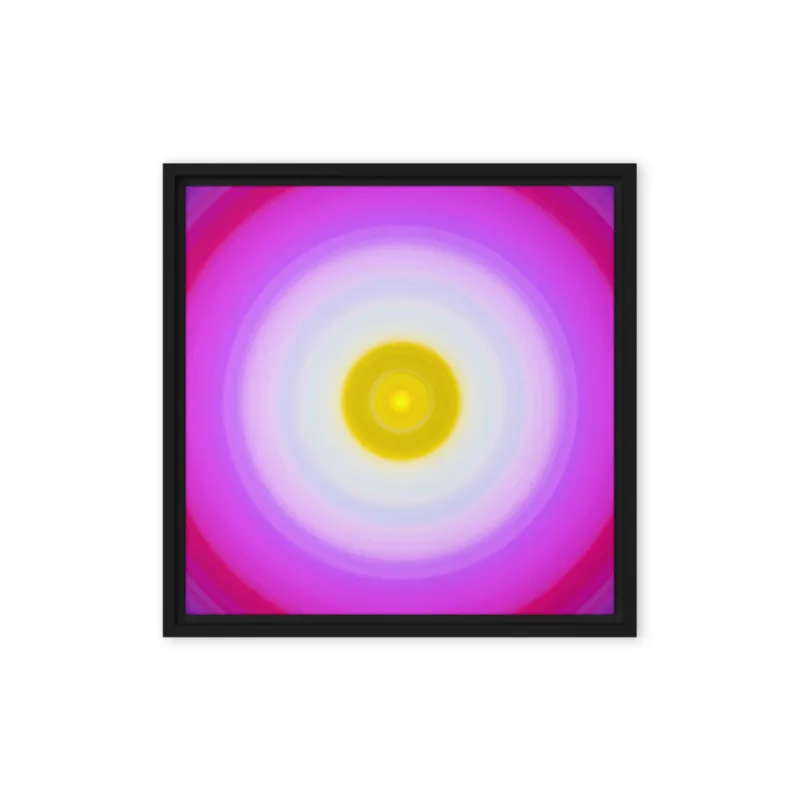
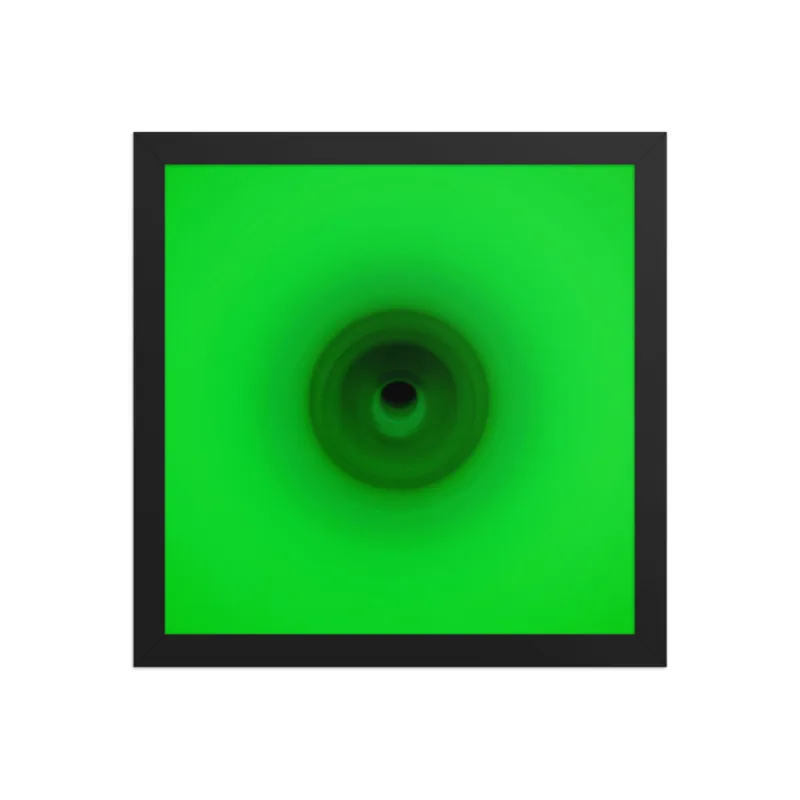
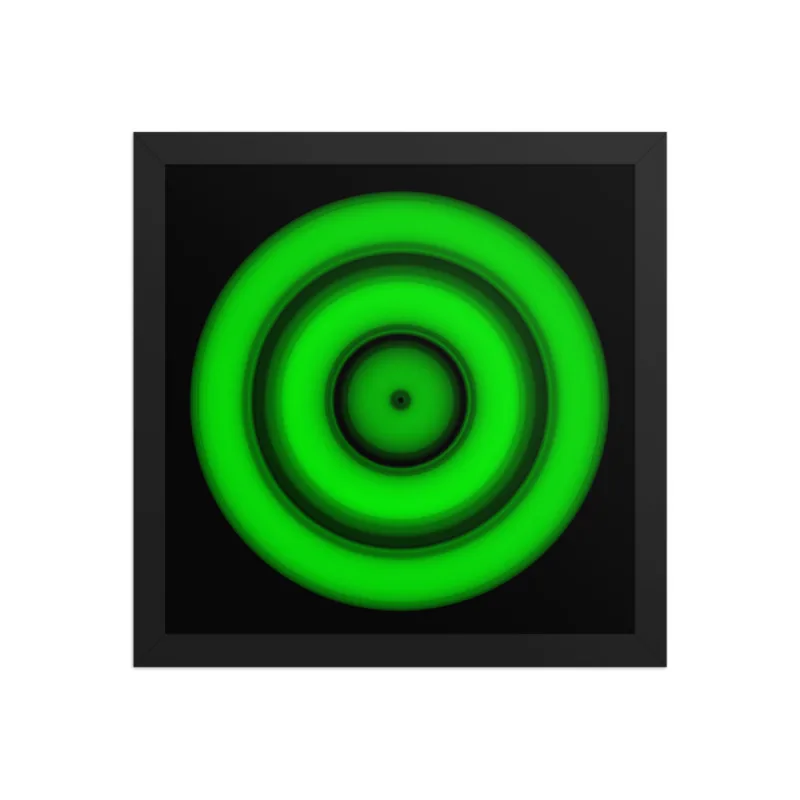
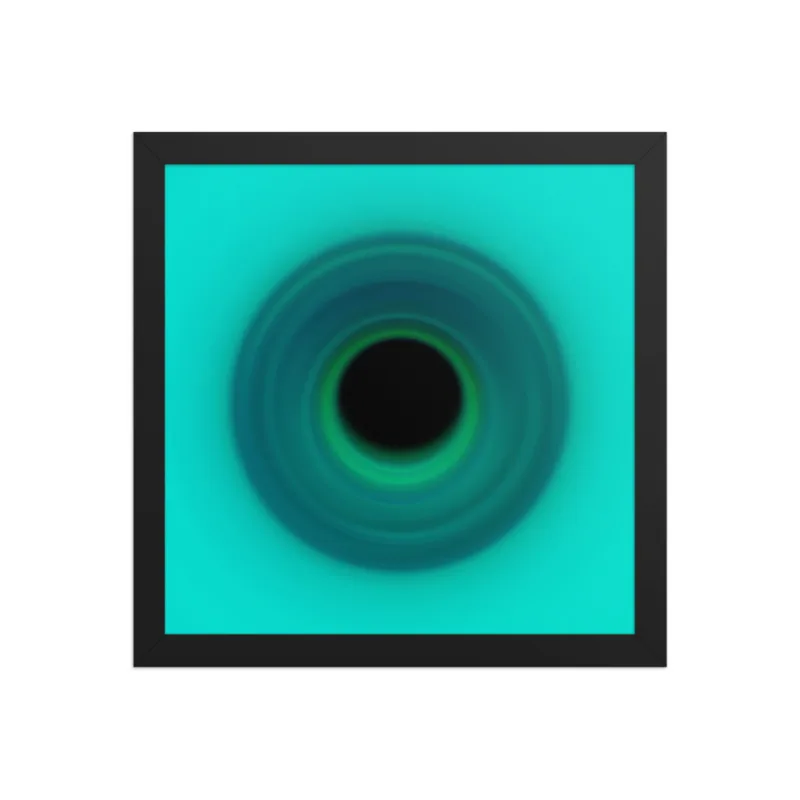
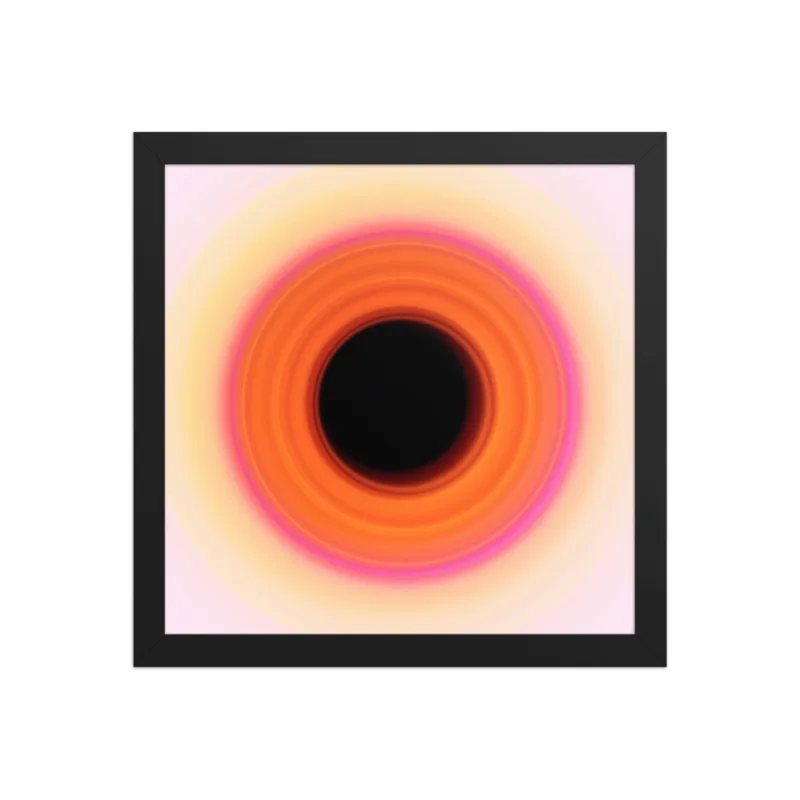
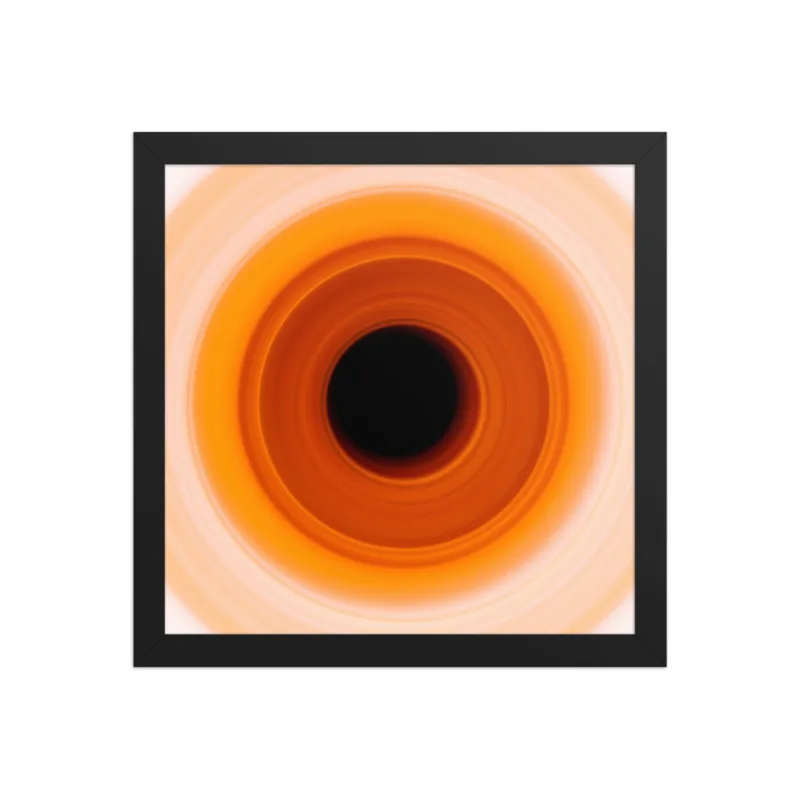
Framed Canvas
Framed Canvas mockup with original artwork by Michael Hill
Framed Canvas
Framed Canvas mockup with original artwork by Michael Hill
Framed Canvas
Framed Canvas mockup with original artwork by Michael Hill
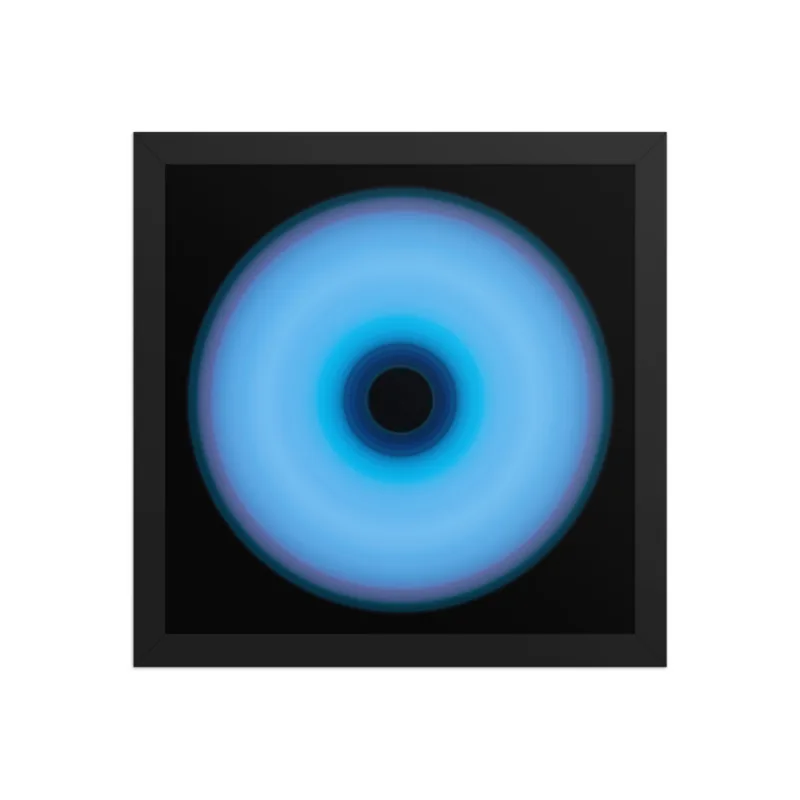
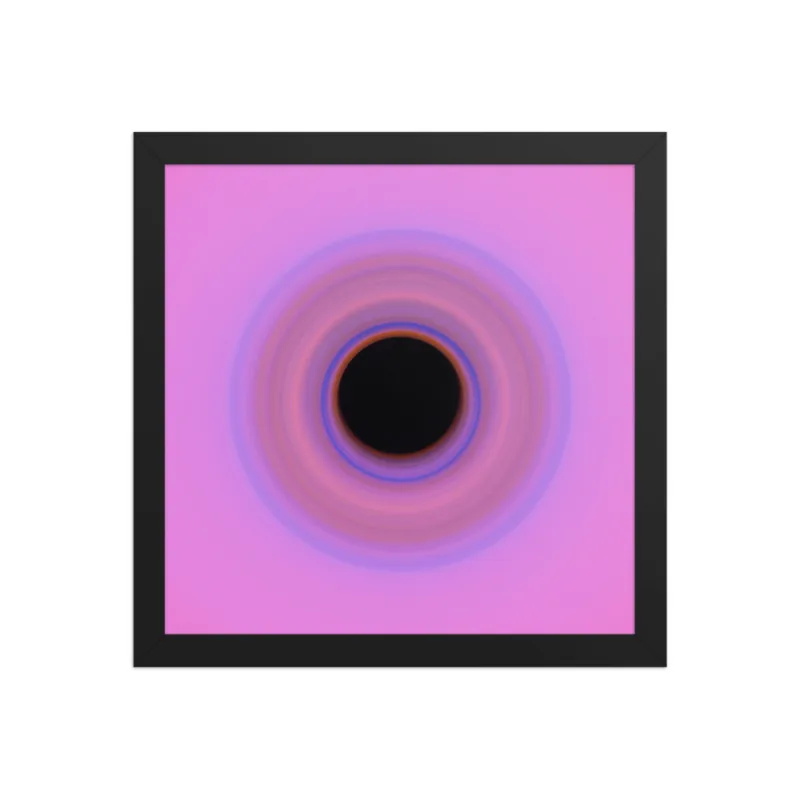
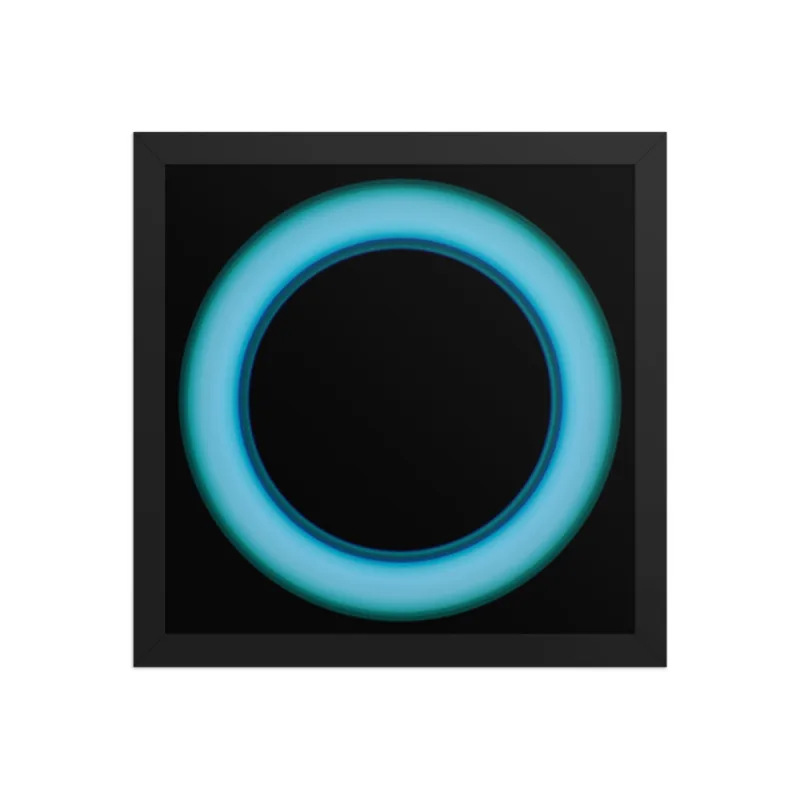
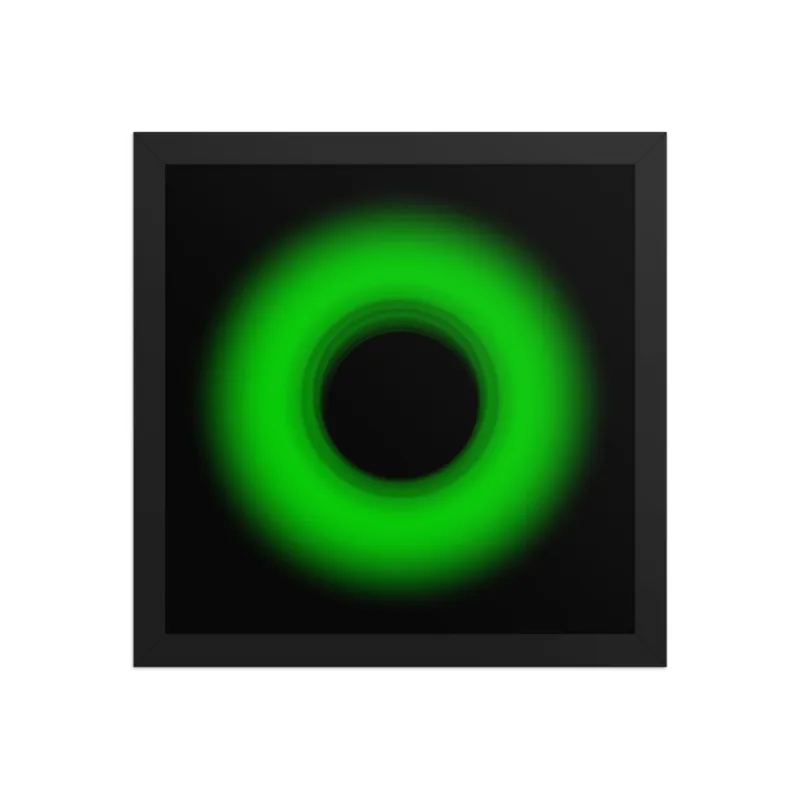
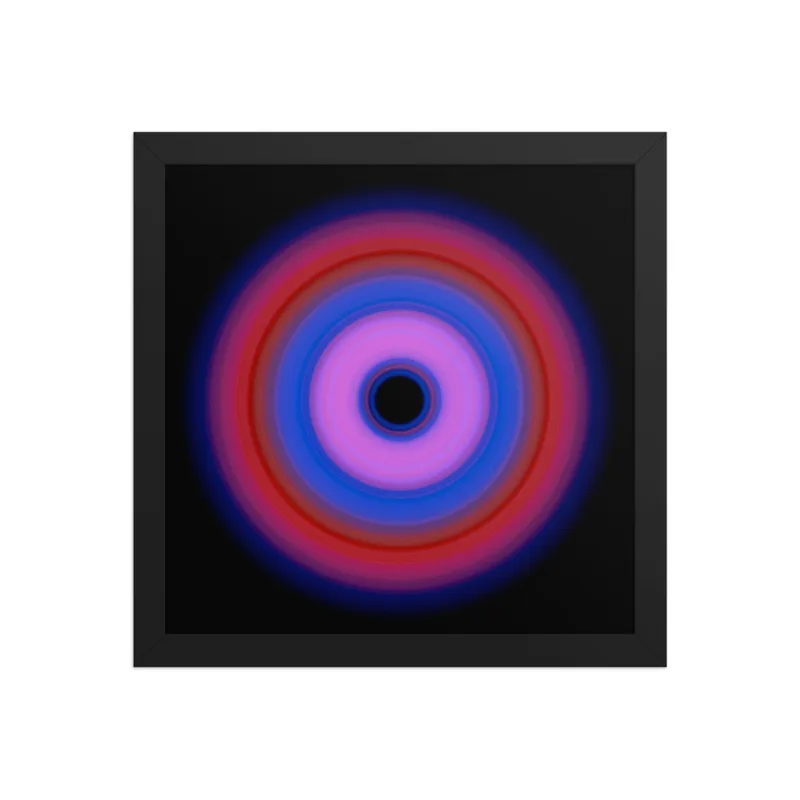
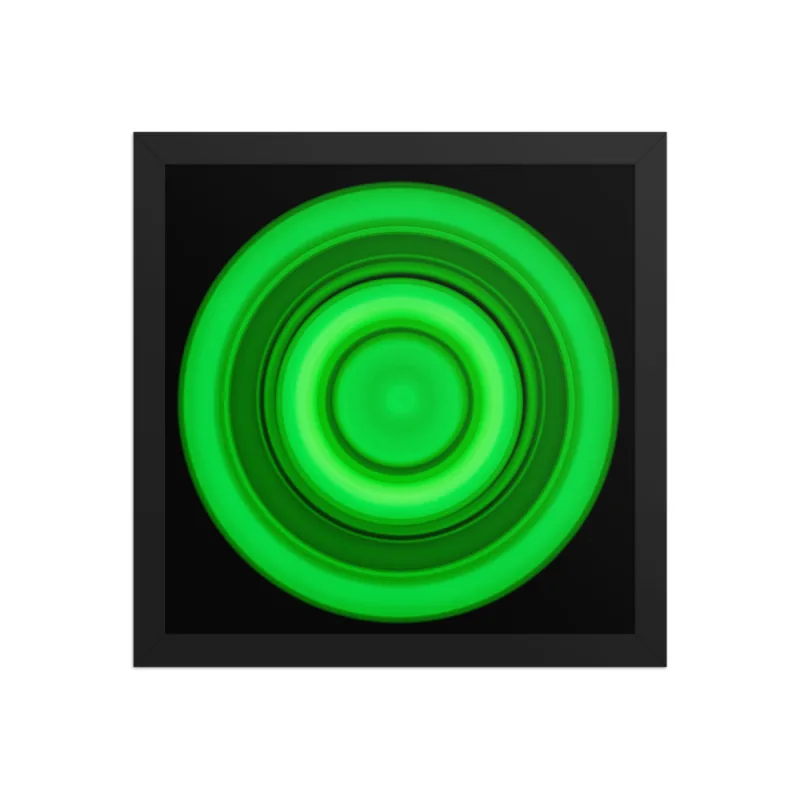
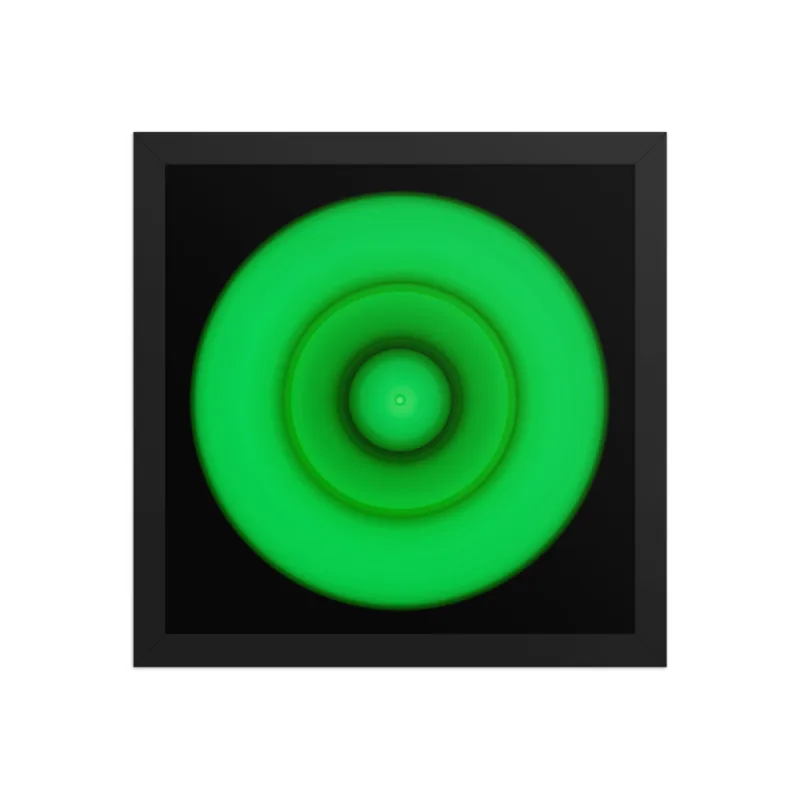
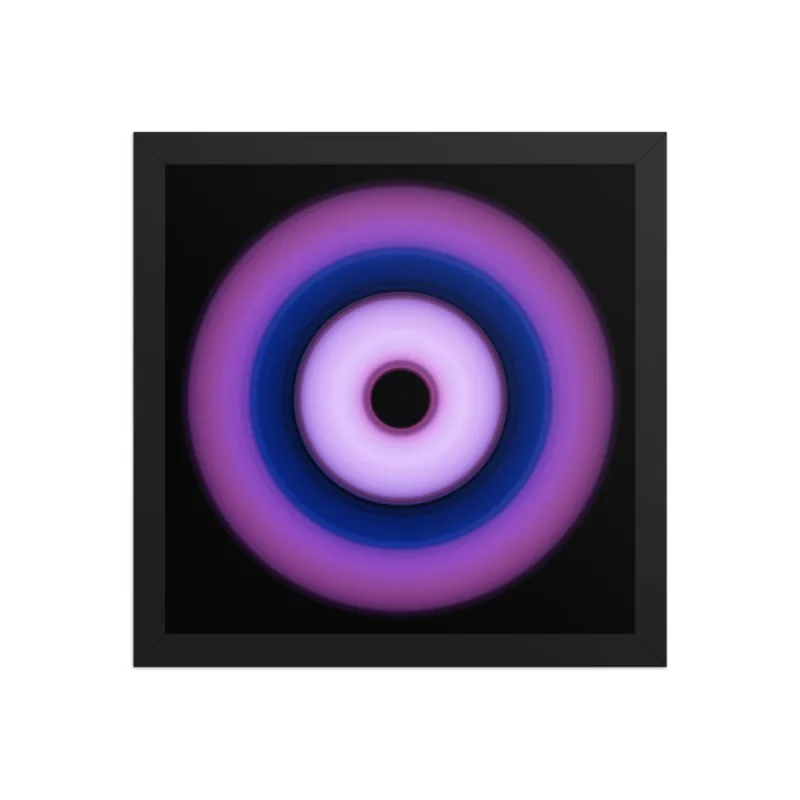
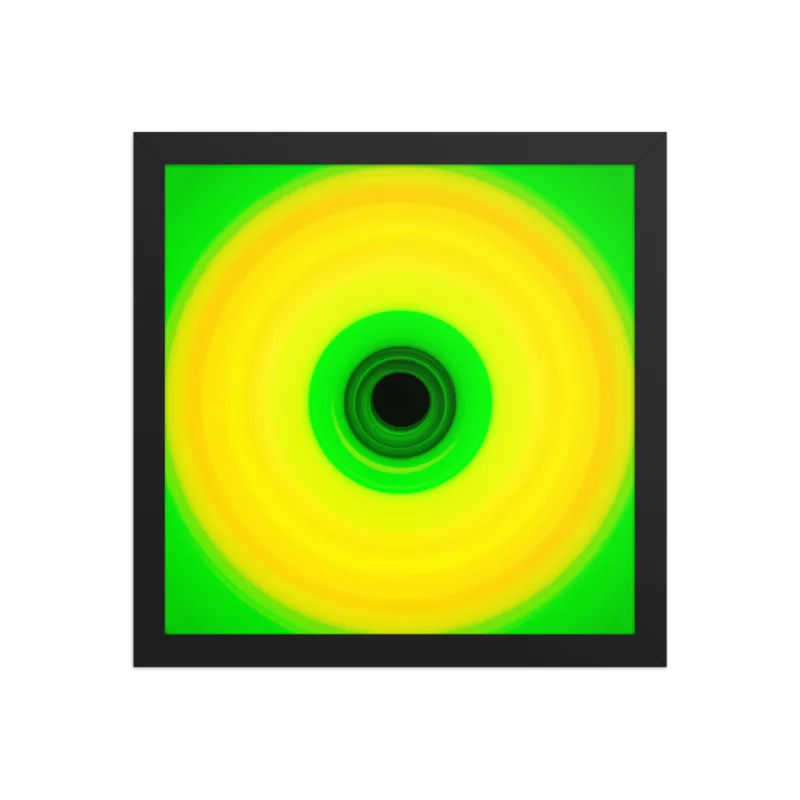
Framed Fine Art Poster
Framed Fine Art Poster mockup with original artwork by Michael Hill
Framed Fine Art Poster
Framed Fine Art Poster mockup with original artwork by Michael Hill
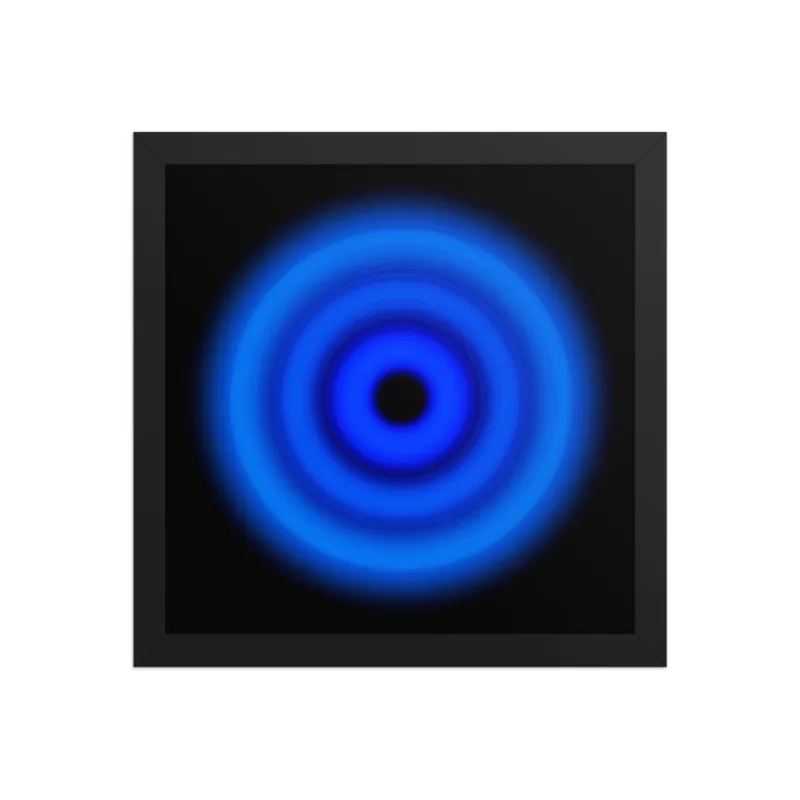
Framed Fine Art Poster
Framed Fine Art Poster mockup with original artwork by Michael Hill
Framed Fine Art Poster
Framed Fine Art Poster mockup with original artwork by Michael Hill
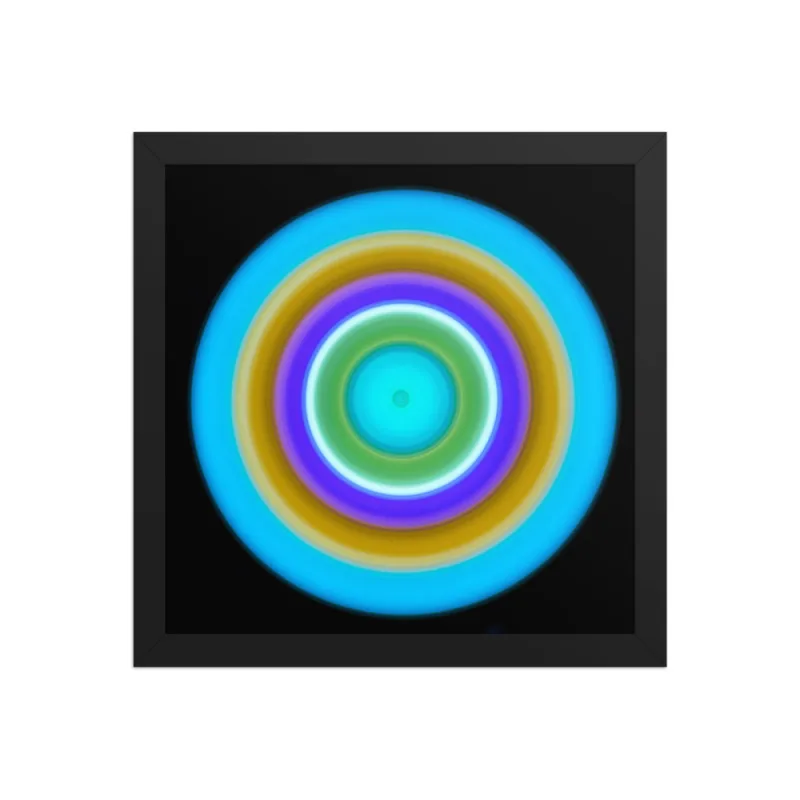
Framed Fine Art Poster
Framed Fine Art Poster mockup with original artwork by Michael Hill
Framed Fine Art Poster
Framed Fine Art Poster mockup with original artwork by Michael Hill
Framed Fine Art Poster
Framed Fine Art Poster mockup with original artwork by Michael Hill
Framed Fine Art Poster
Framed Fine Art Poster mockup with original artwork by Michael Hill
Framed Fine Art Poster
Framed Fine Art Poster mockup with original artwork by Michael Hill
Framed Fine Art Poster
Framed Fine Art Poster mockup with original artwork by Michael Hill
Framed Fine Art Poster
Framed Fine Art Poster mockup with original artwork by Michael Hill
Framed Fine Art Poster
Framed Fine Art Poster mockup with original artwork by Michael Hill
Framed Fine Art Poster
Framed Fine Art Poster mockup with original artwork by Michael Hill
Framed Fine Art Poster
Framed Fine Art Poster mockup with original artwork by Michael Hill
Framed Fine Art Poster
Framed Fine Art Poster mockup with original artwork by Michael Hill
Framed Fine Art Poster
Framed Fine Art Poster mockup with original artwork by Michael Hill
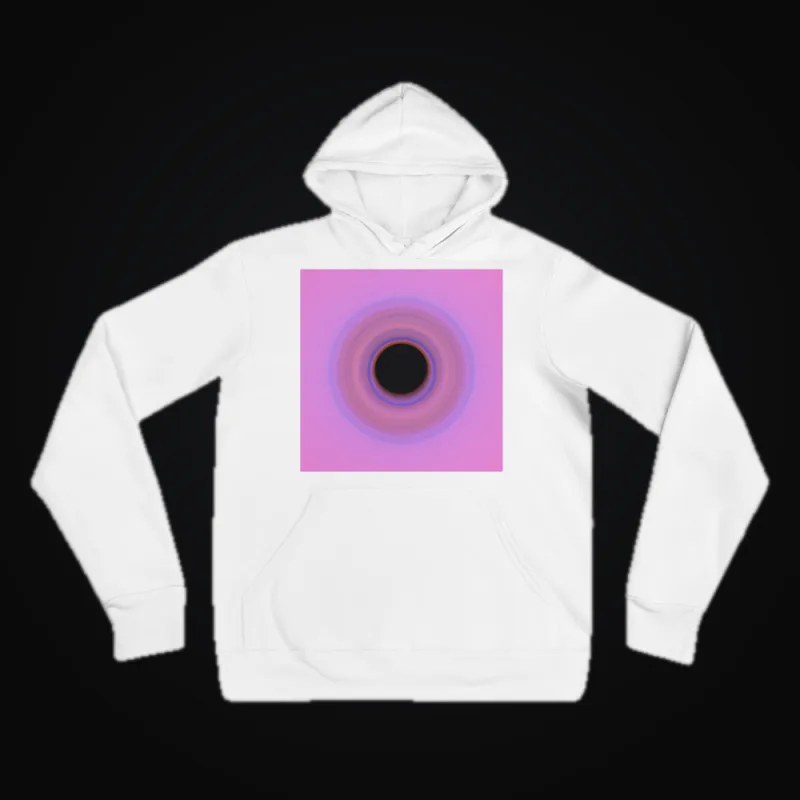
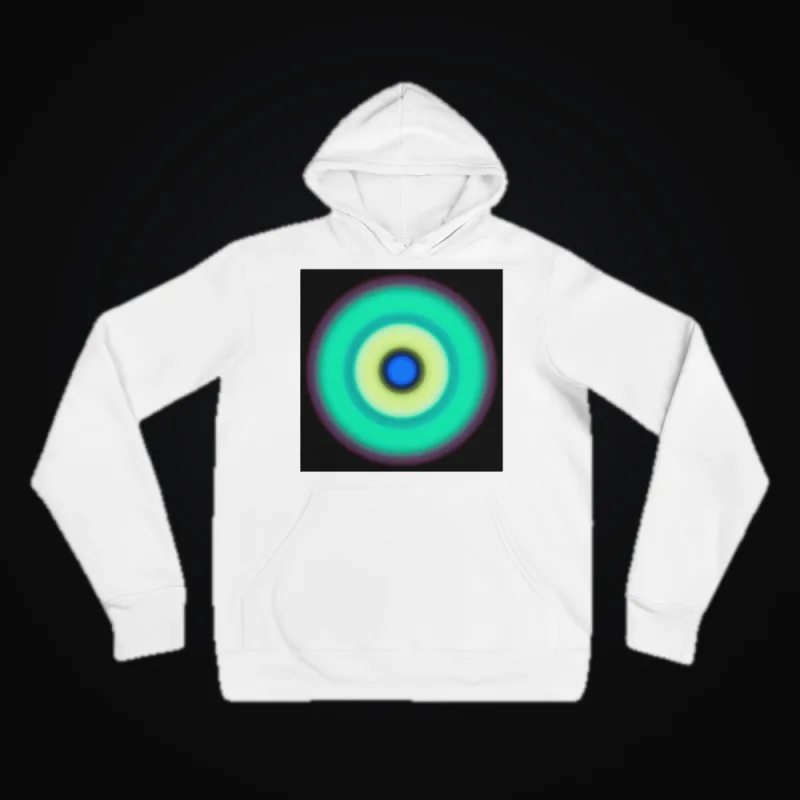
Pullover Hoodie
Pullover Hoodie mockup with original artwork by Michael Hill
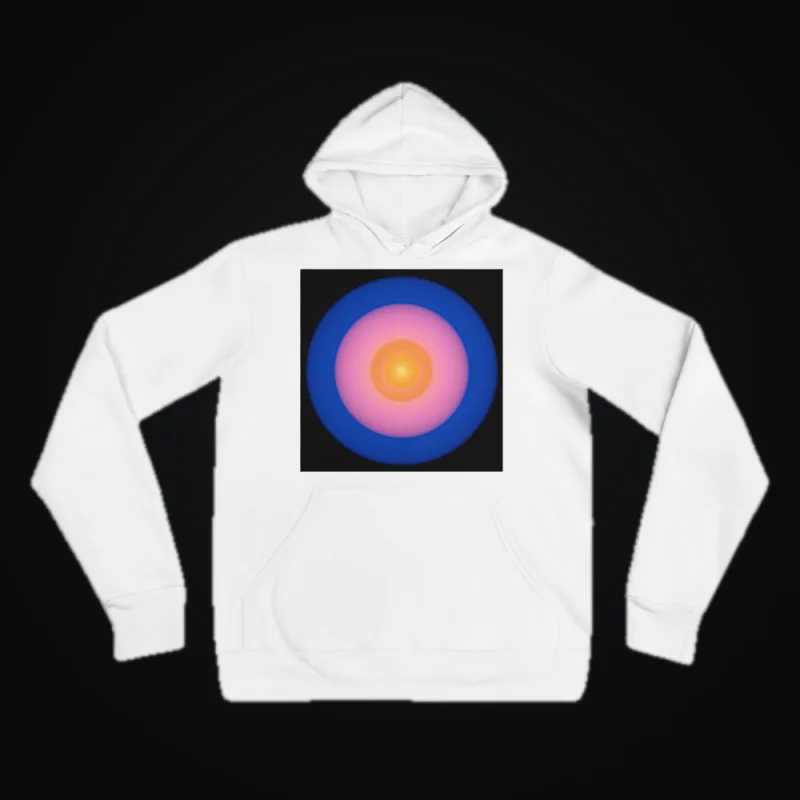
Pullover Hoodie
Pullover Hoodie mockup with original artwork by Michael Hill
Pullover Hoodie
Pullover Hoodie mockup with original artwork by Michael Hill
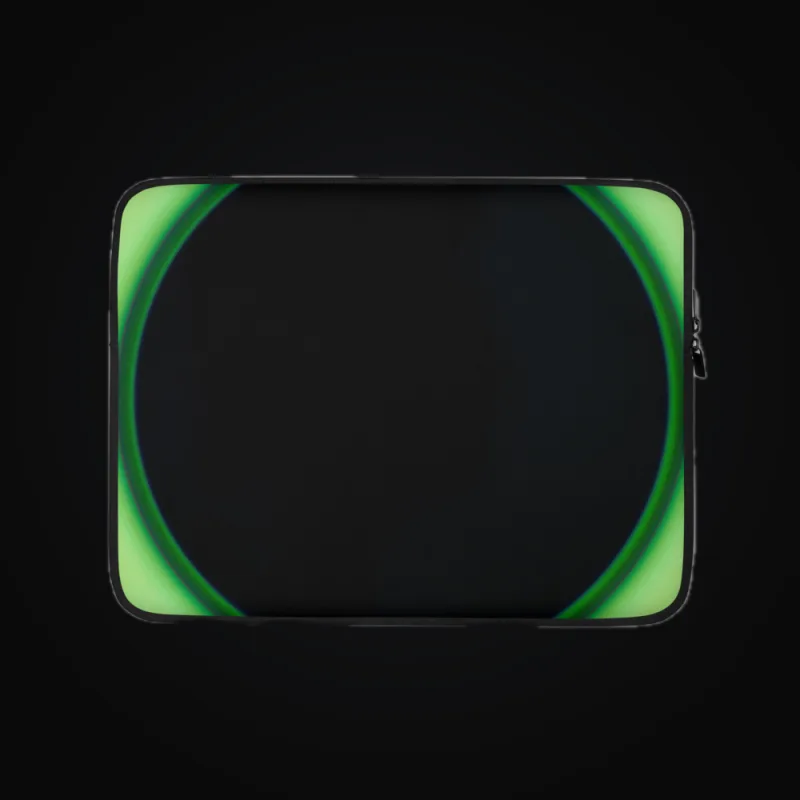
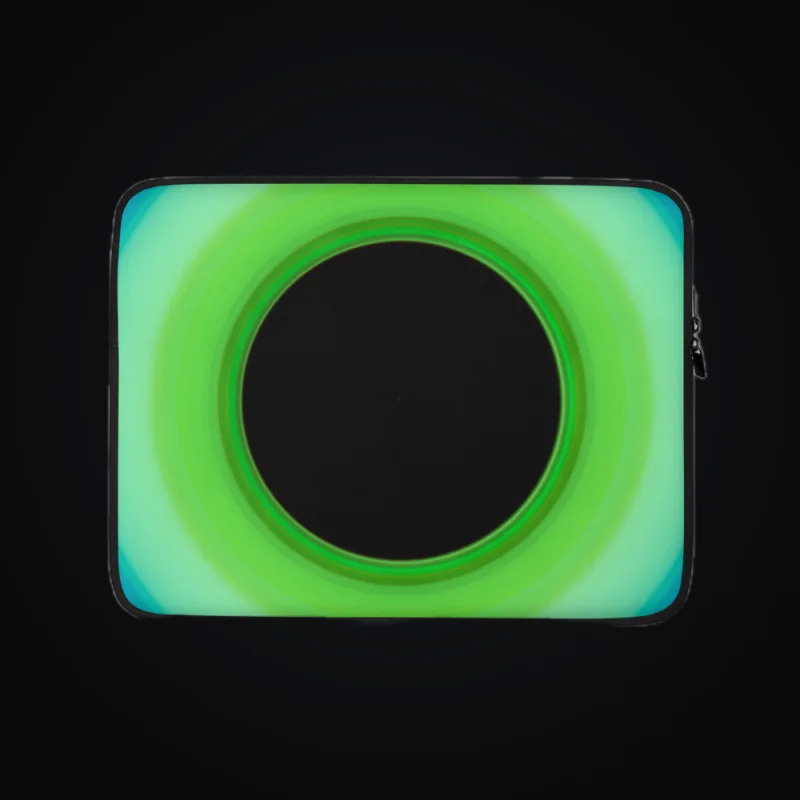
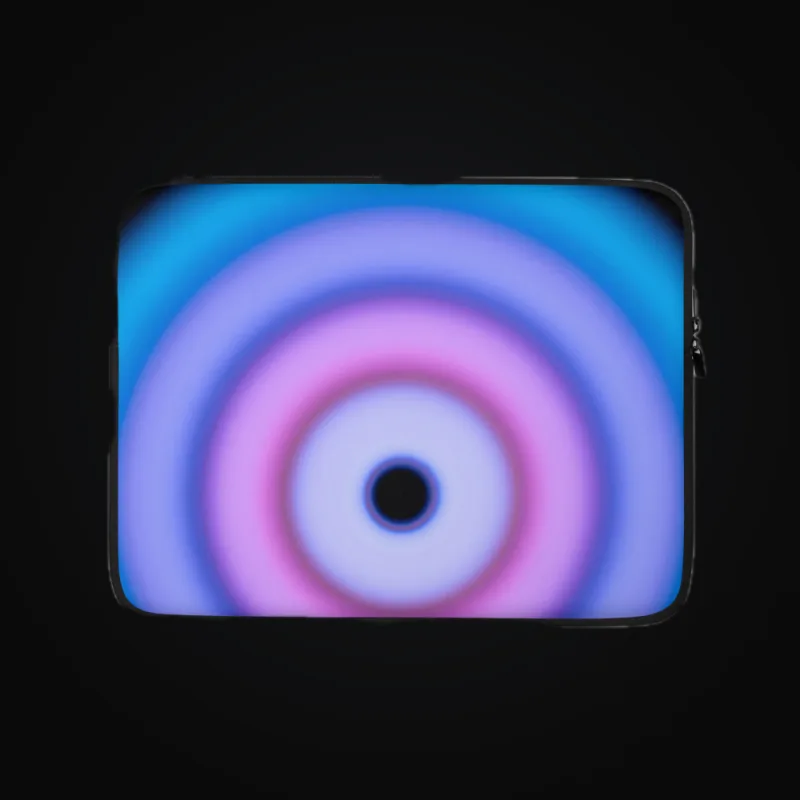
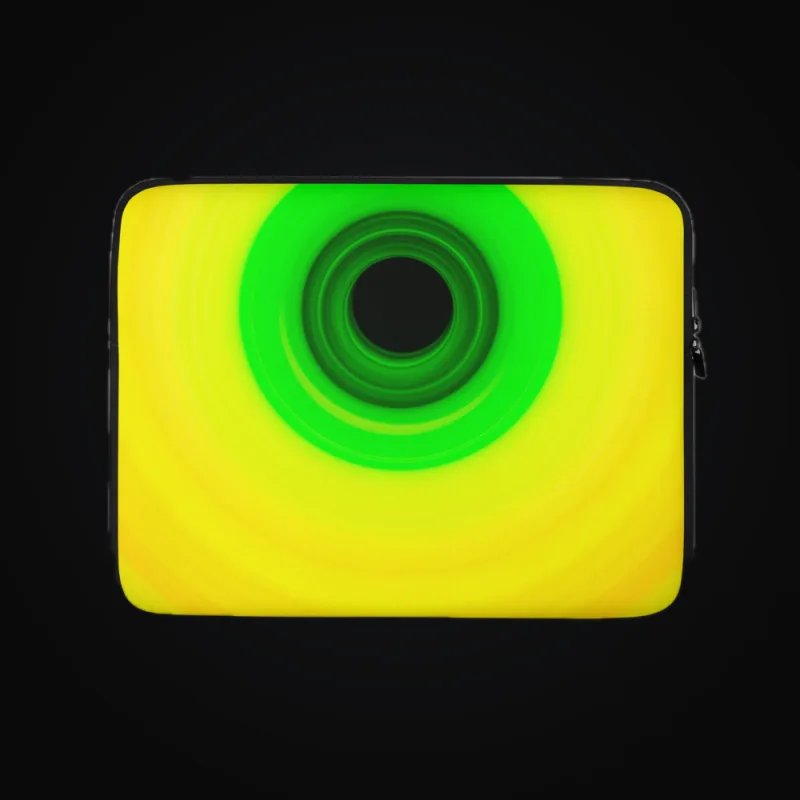
Laptop Sleeve
Laptop Sleeve mockup with original artwork by Michael Hill
Laptop Sleeve
Laptop Sleeve mockup with original artwork by Michael Hill
Laptop Sleeve
Laptop Sleeve mockup with original artwork by Michael Hill
Laptop Sleeve
Laptop Sleeve mockup with original artwork by Michael Hill
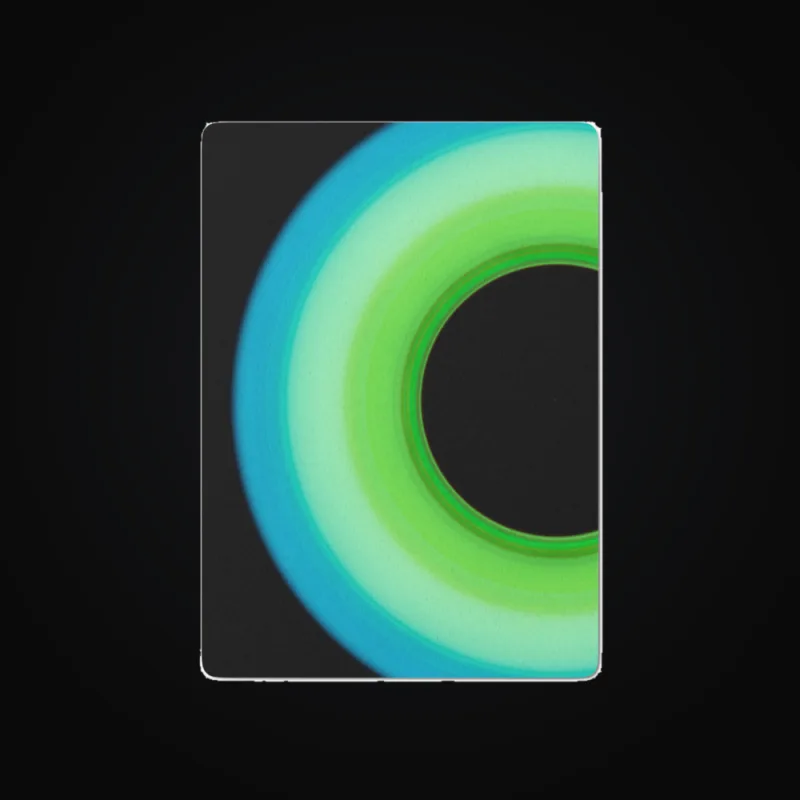
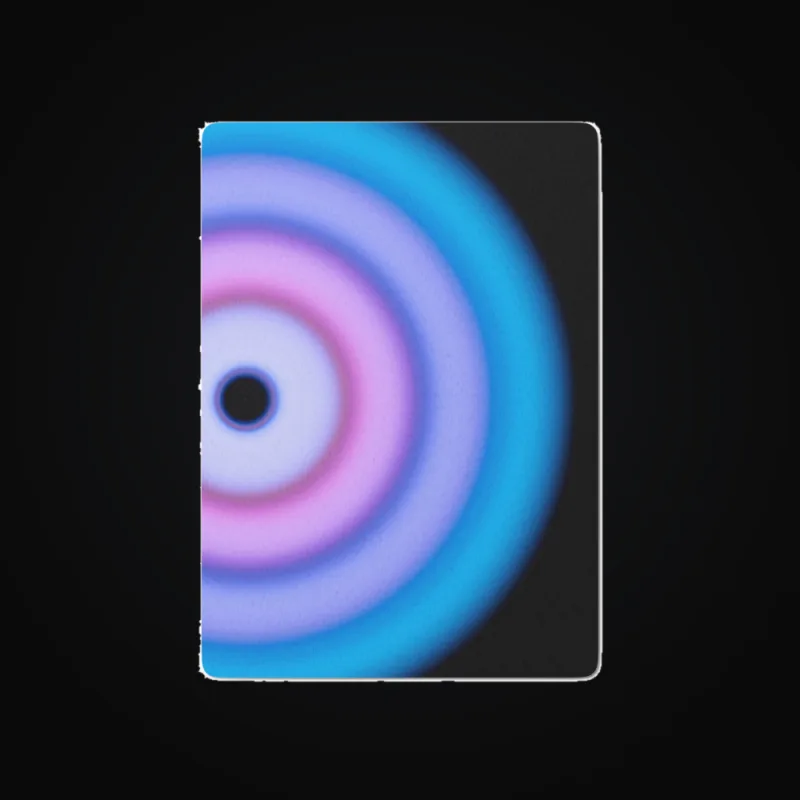
Playing Cards
Playing Cards mockup with original artwork by Michael Hill
Playing Cards
Playing Cards mockup with original artwork by Michael Hill
Fine Art Poster
Fine Art Poster mockup with original artwork by Michael Hill
Fine Art Poster
Fine Art Poster mockup with original artwork by Michael Hill
Fine Art Poster
Fine Art Poster mockup with original artwork by Michael Hill
Fine Art Poster
Fine Art Poster mockup with original artwork by Michael Hill
Fine Art Poster
Fine Art Poster mockup with original artwork by Michael Hill
Fine Art Poster
Fine Art Poster mockup with original artwork by Michael Hill
Fine Art Poster
Fine Art Poster mockup with original artwork by Michael Hill
Fine Art Poster
Fine Art Poster mockup with original artwork by Michael Hill
Fine Art Poster
Fine Art Poster mockup with original artwork by Michael Hill
Fine Art Poster
Fine Art Poster mockup with original artwork by Michael Hill
Fine Art Poster
Fine Art Poster mockup with original artwork by Michael Hill
Fine Art Poster
Fine Art Poster mockup with original artwork by Michael Hill
Fine Art Poster
Fine Art Poster mockup with original artwork by Michael Hill
Fine Art Poster
Fine Art Poster mockup with original artwork by Michael Hill
Fine Art Poster
Fine Art Poster mockup with original artwork by Michael Hill
Fine Art Poster
Fine Art Poster mockup with original artwork by Michael Hill
Fine Art Poster
Fine Art Poster mockup with original artwork by Michael Hill
Fine Art Poster
Fine Art Poster mockup with original artwork by Michael Hill
Fine Art Poster
Fine Art Poster mockup with original artwork by Michael Hill
Fine Art Poster
Fine Art Poster mockup with original artwork by Michael Hill
Socks
Socks mockup with original artwork by Michael Hill
Socks
Socks mockup with original artwork by Michael Hill
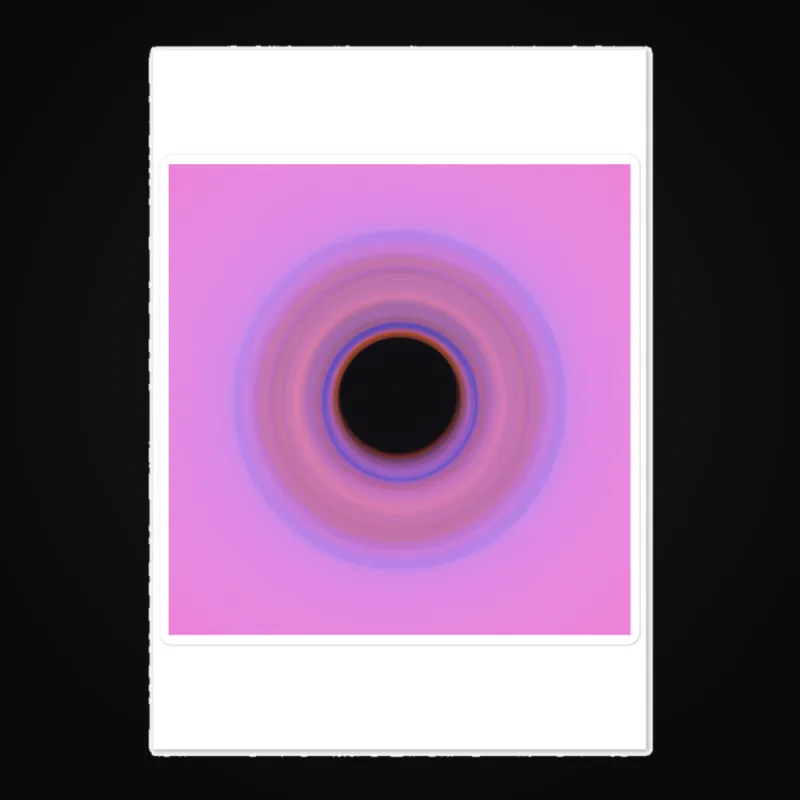
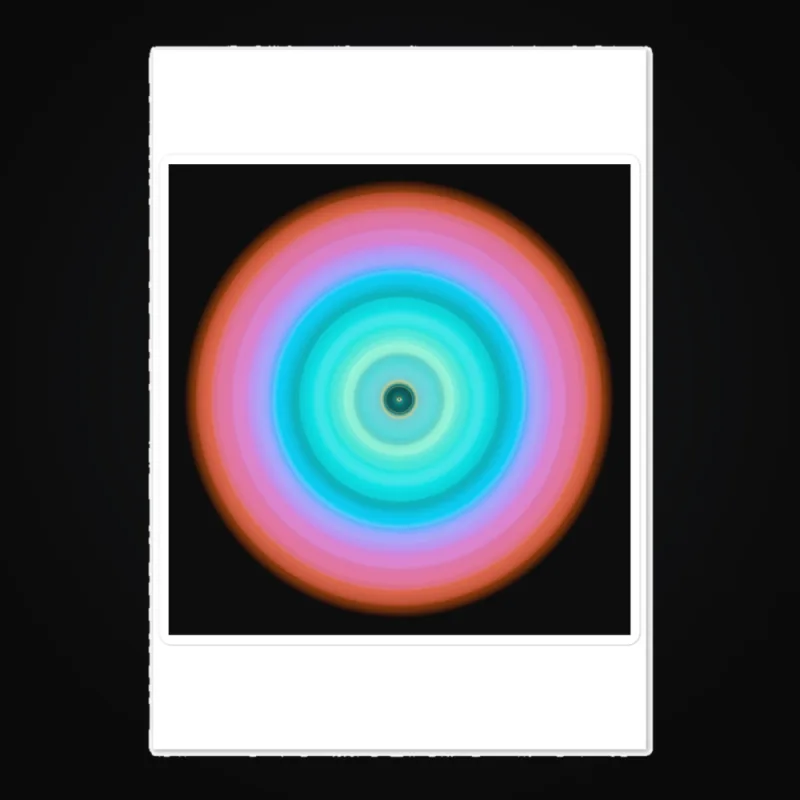
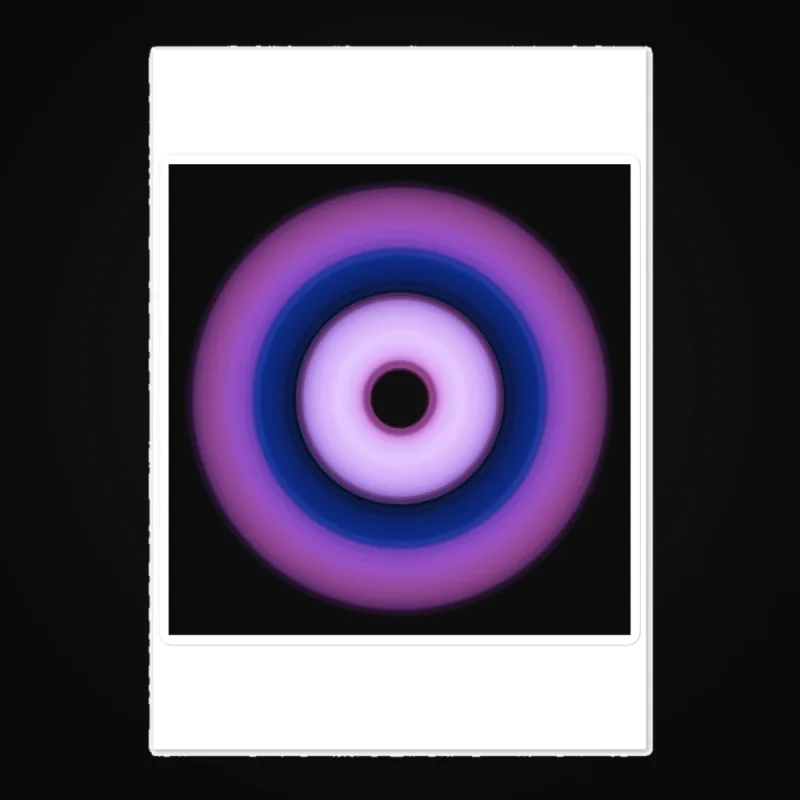
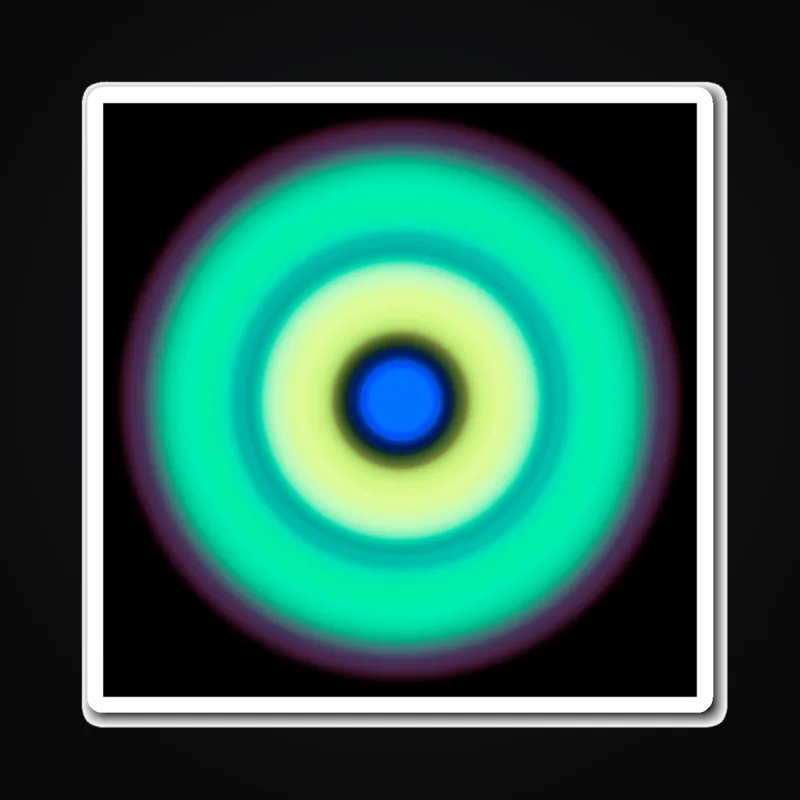
Sticker Sheet
Sticker Sheet mockup with original artwork by Michael Hill
Sticker Sheet
Sticker Sheet mockup with original artwork by Michael Hill
Sticker Sheet
Sticker Sheet mockup with original artwork by Michael Hill
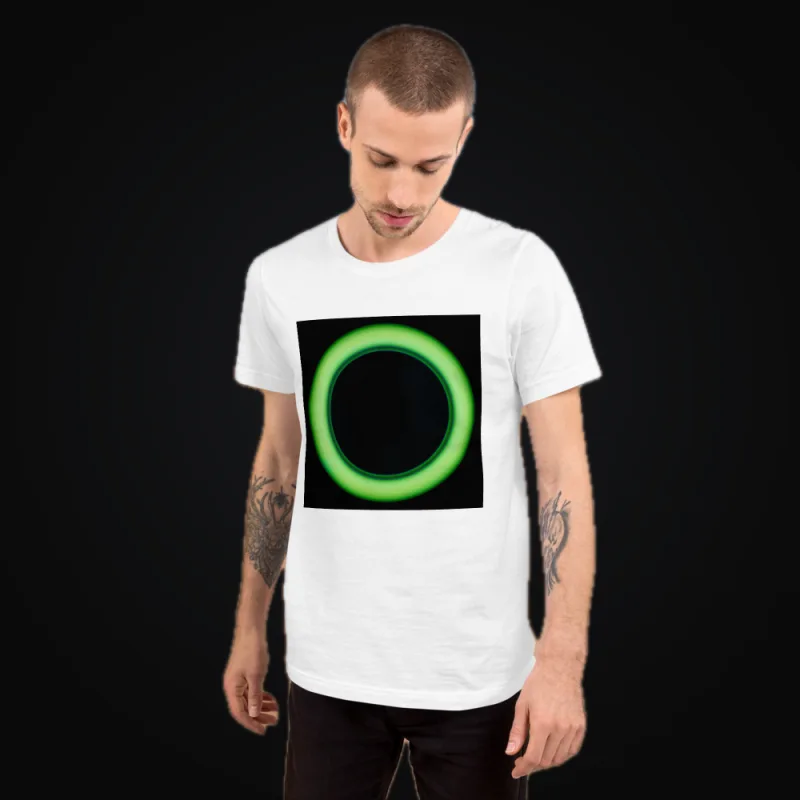
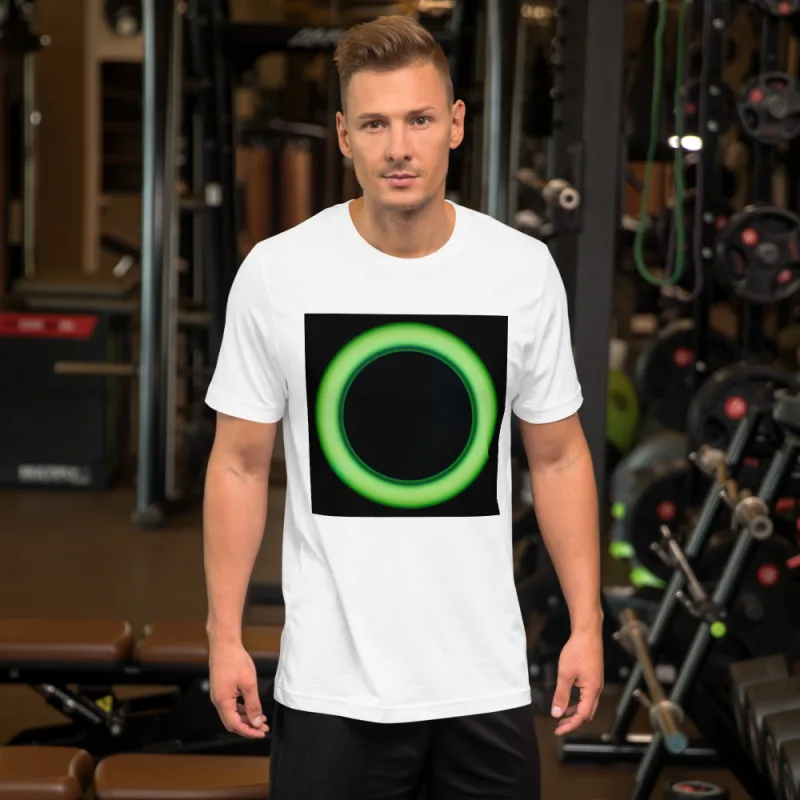
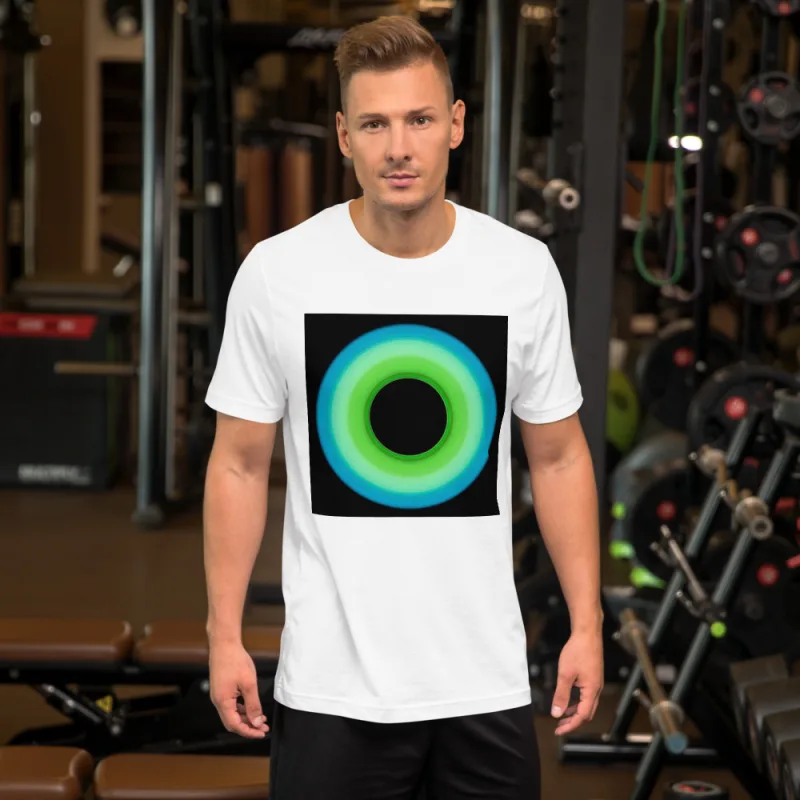
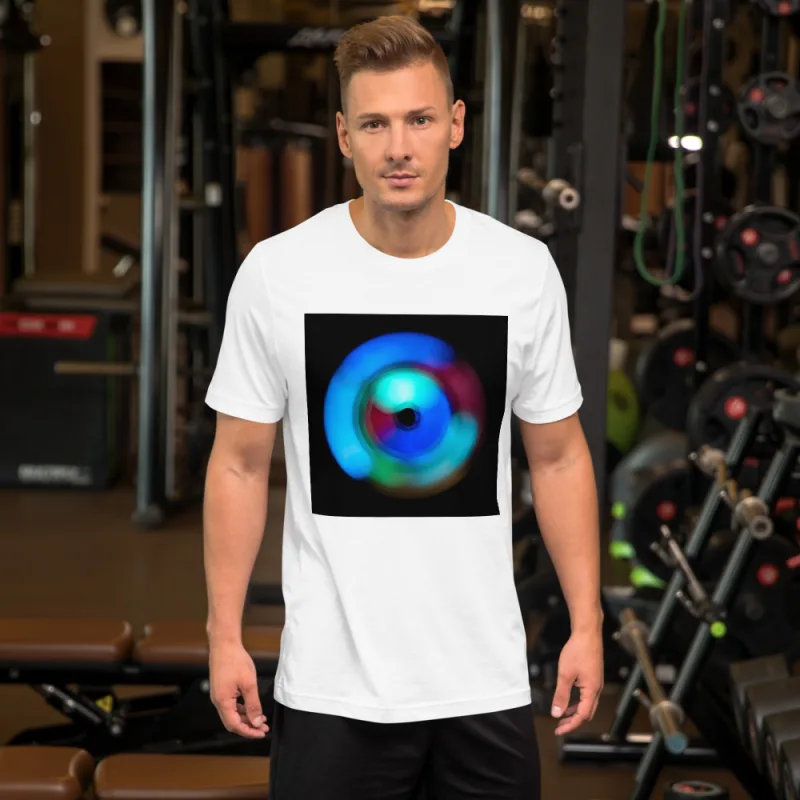
Unisex T Shirt
Unisex T Shirt mockup with original artwork by Michael Hill
Unisex T Shirt
Unisex T Shirt mockup with original artwork by Michael Hill
Unisex T Shirt
Unisex T Shirt mockup with original artwork by Michael Hill
Unisex T Shirt
Unisex T Shirt mockup with original artwork by Michael Hill
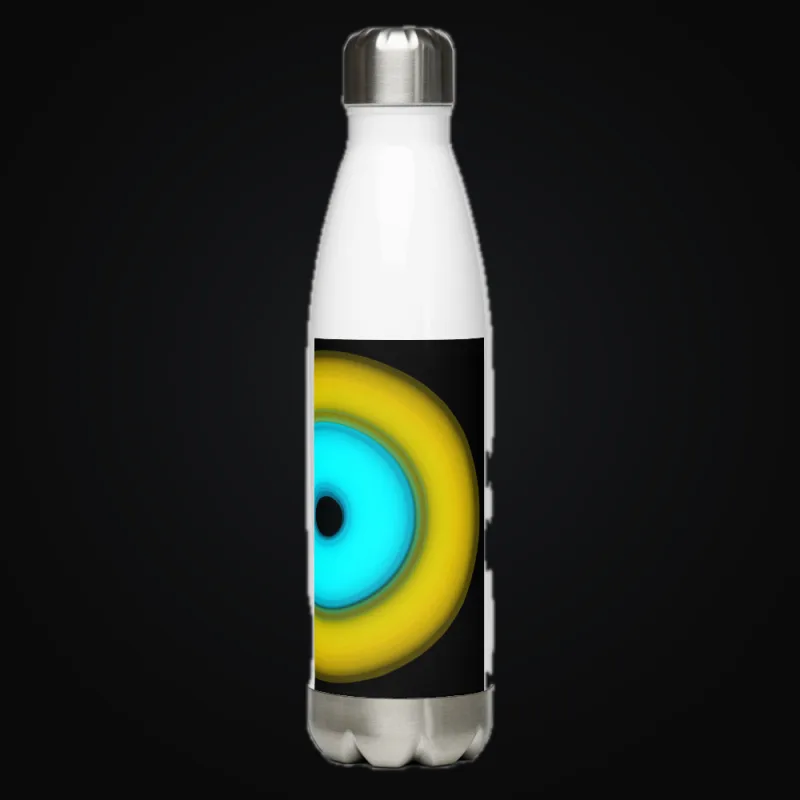
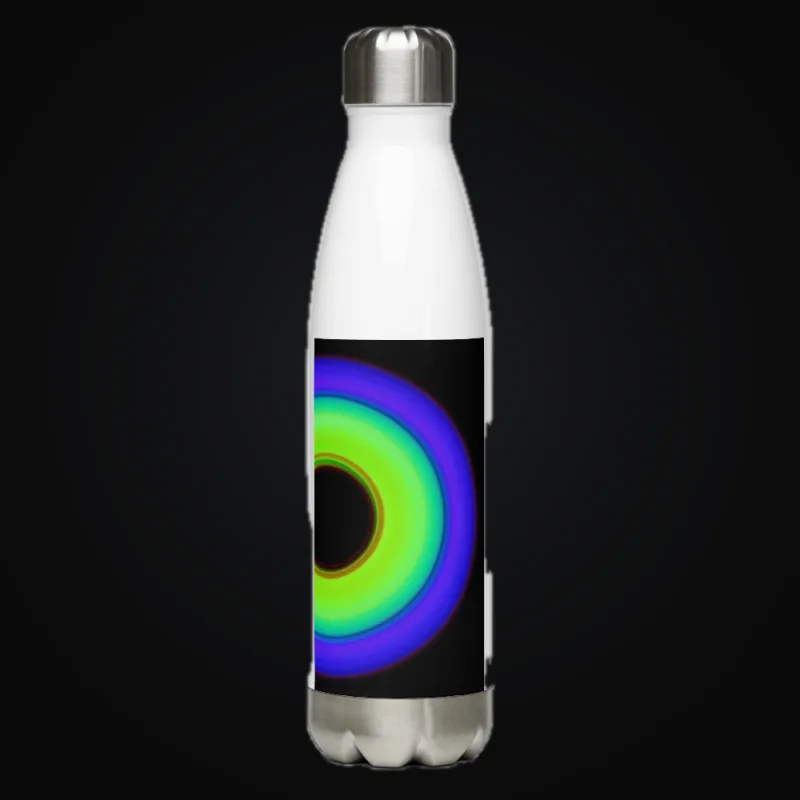
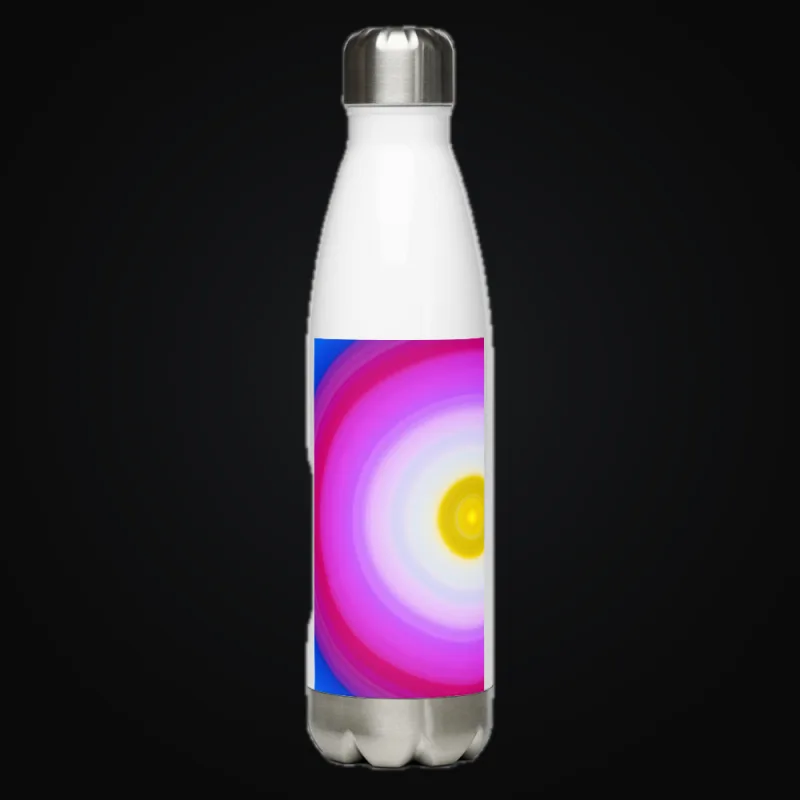
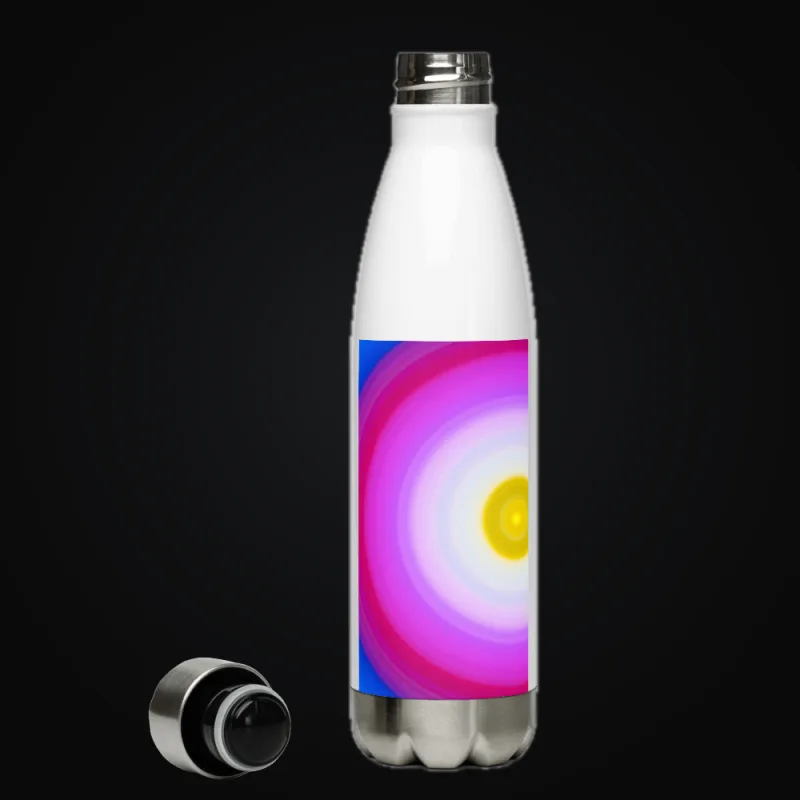
Water Bottle
Water Bottle mockup with original artwork by Michael Hill
Water Bottle
Water Bottle mockup with original artwork by Michael Hill
Water Bottle
Water Bottle mockup with original artwork by Michael Hill
Water Bottle
Water Bottle mockup with original artwork by Michael Hill
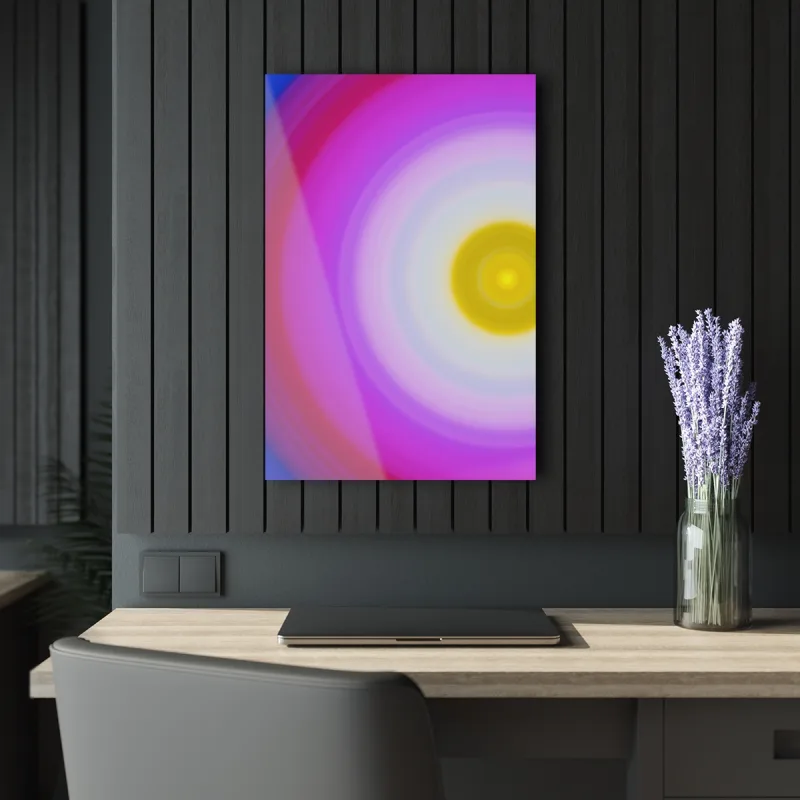
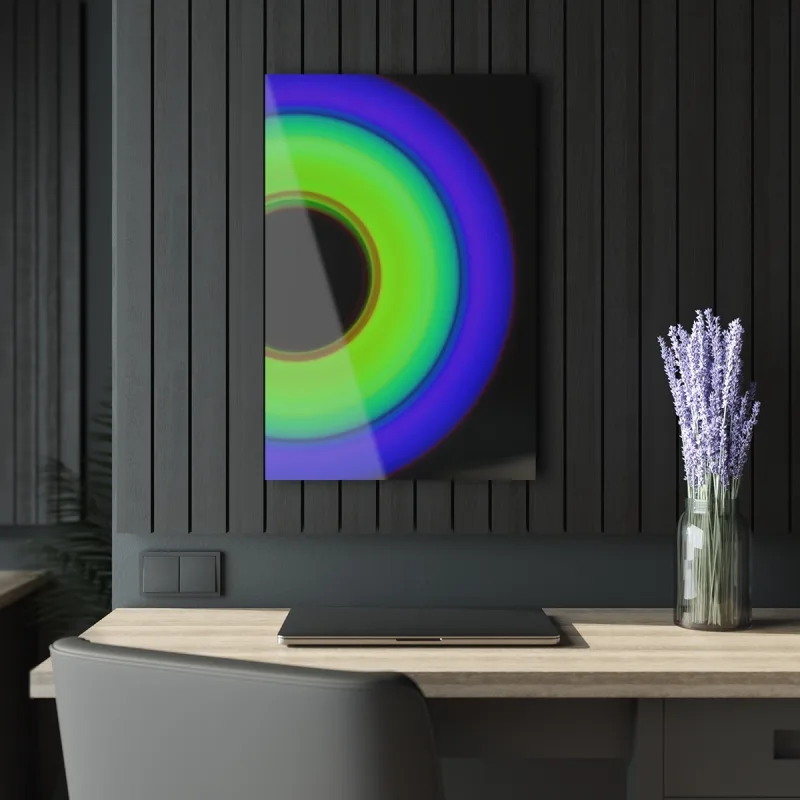
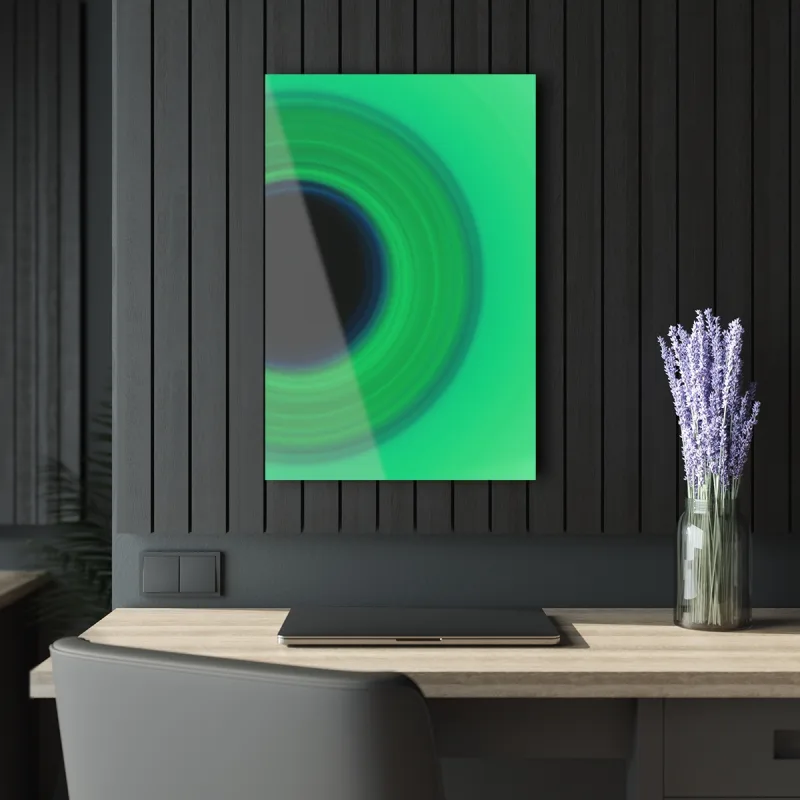
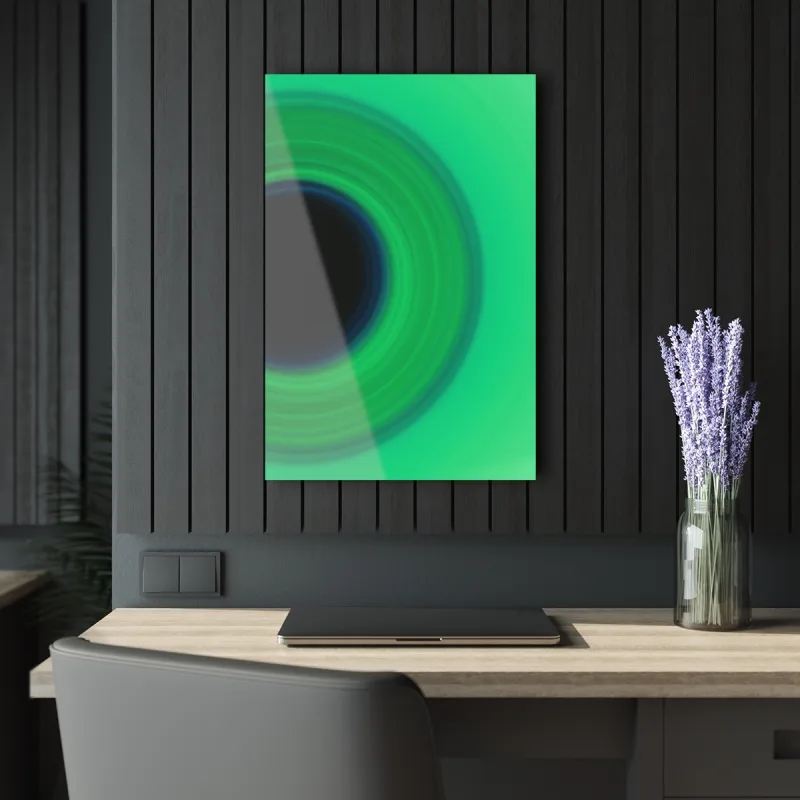
Acrylic Print
Acrylic Print mockup with original artwork by Michael Hill
Acrylic Print
Acrylic Print mockup with original artwork by Michael Hill
Acrylic Print
Acrylic Print mockup with original artwork by Michael Hill
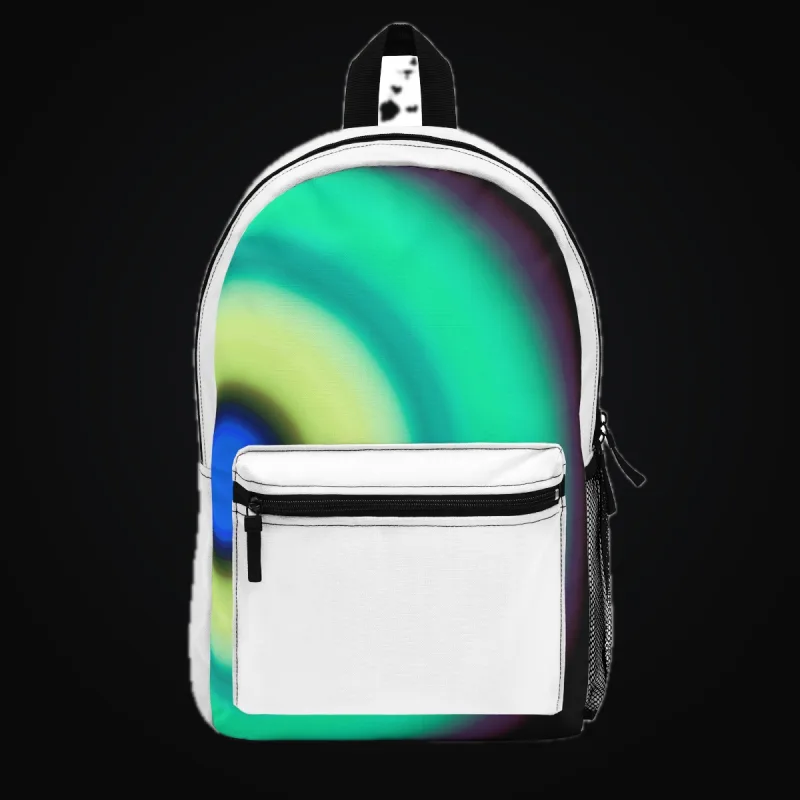
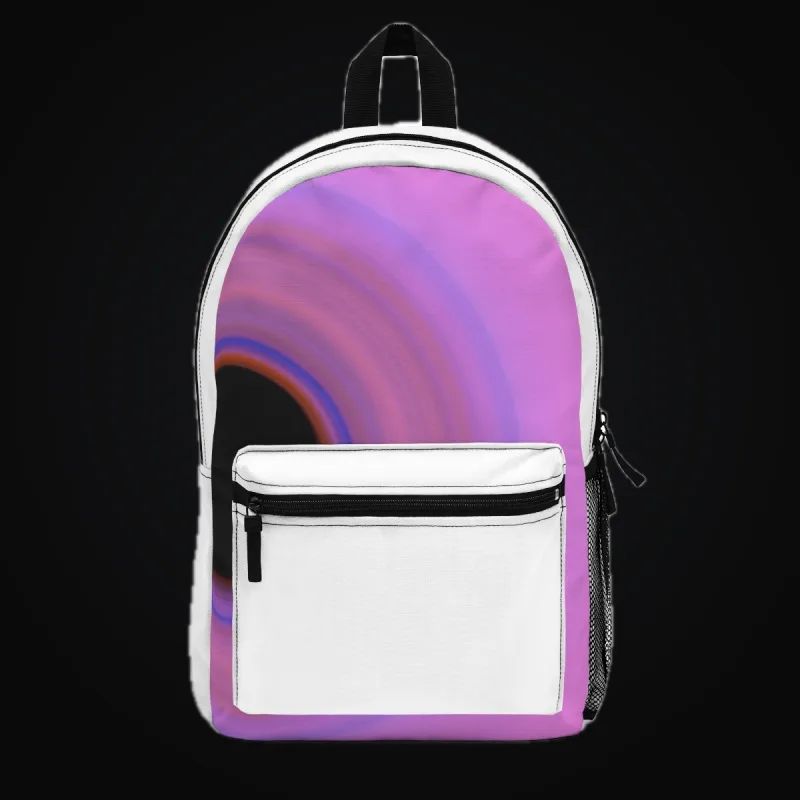
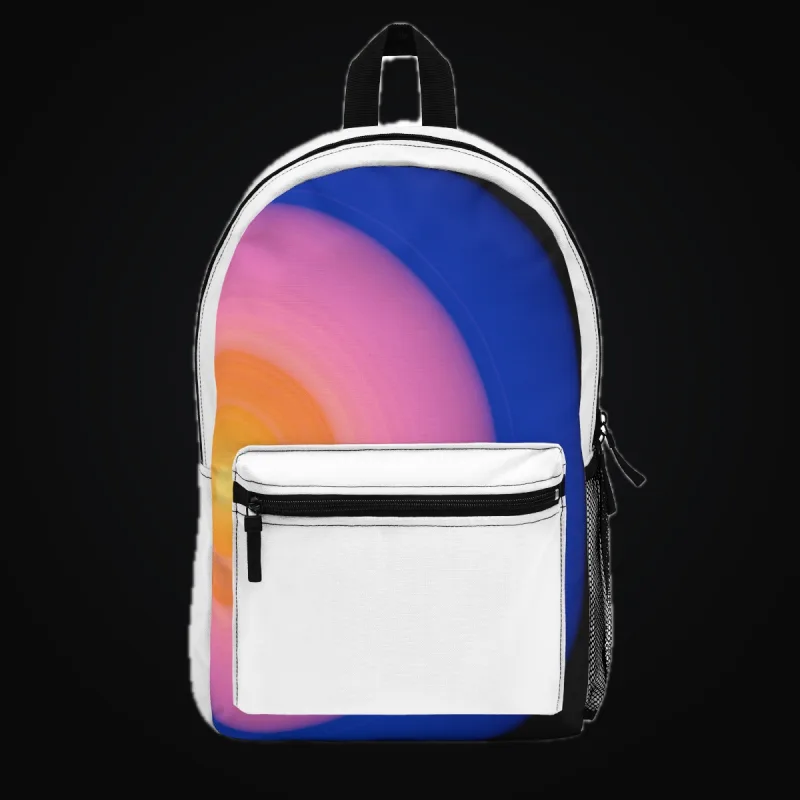
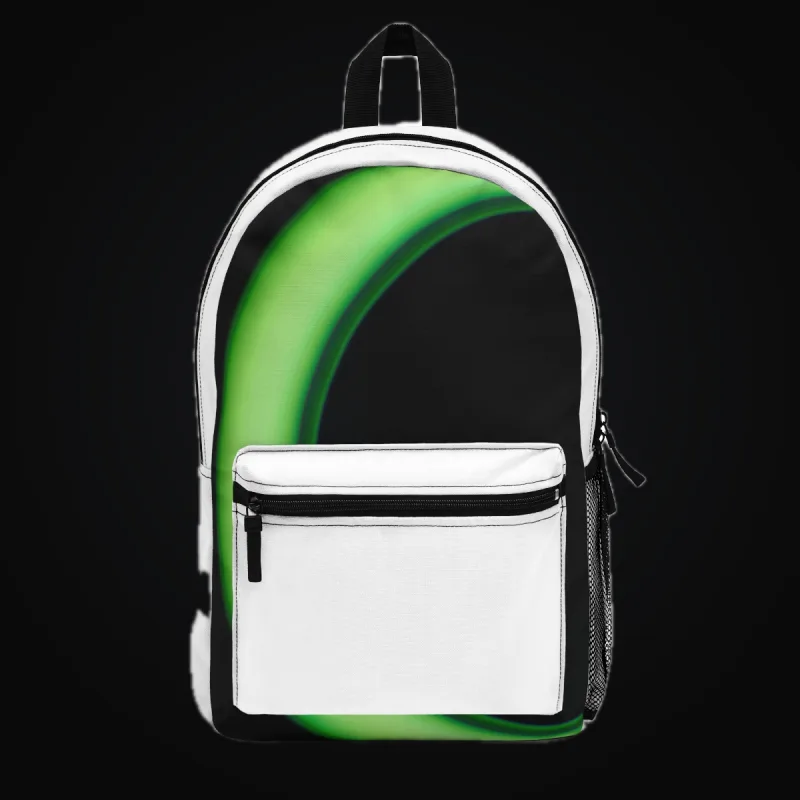
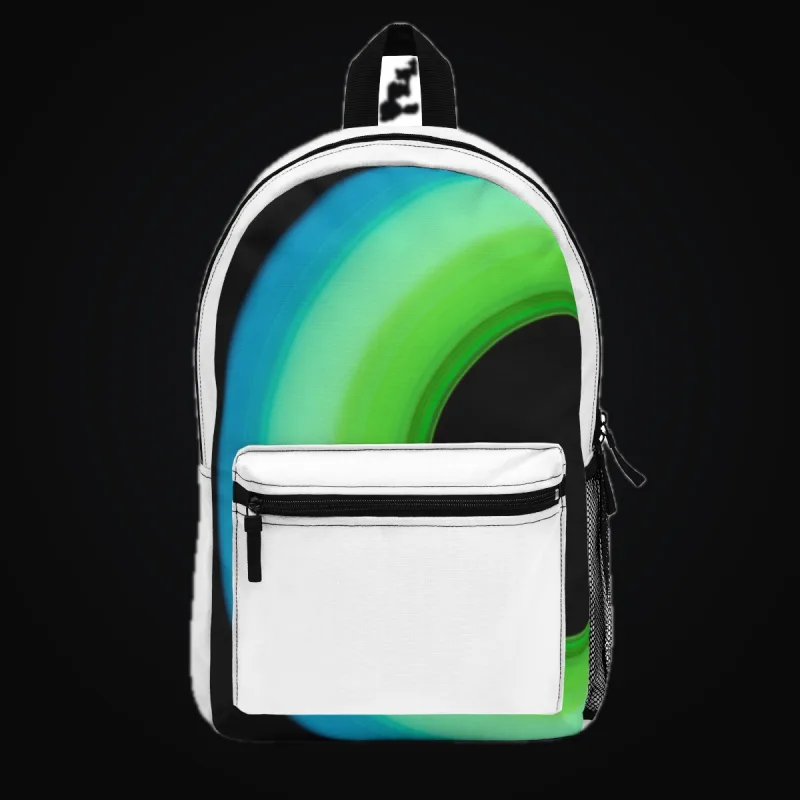
Backpack
Backpack mockup with original artwork by Michael Hill
Backpack
Backpack mockup with original artwork by Michael Hill
Backpack
Backpack mockup with original artwork by Michael Hill
Backpack
Backpack mockup with original artwork by Michael Hill
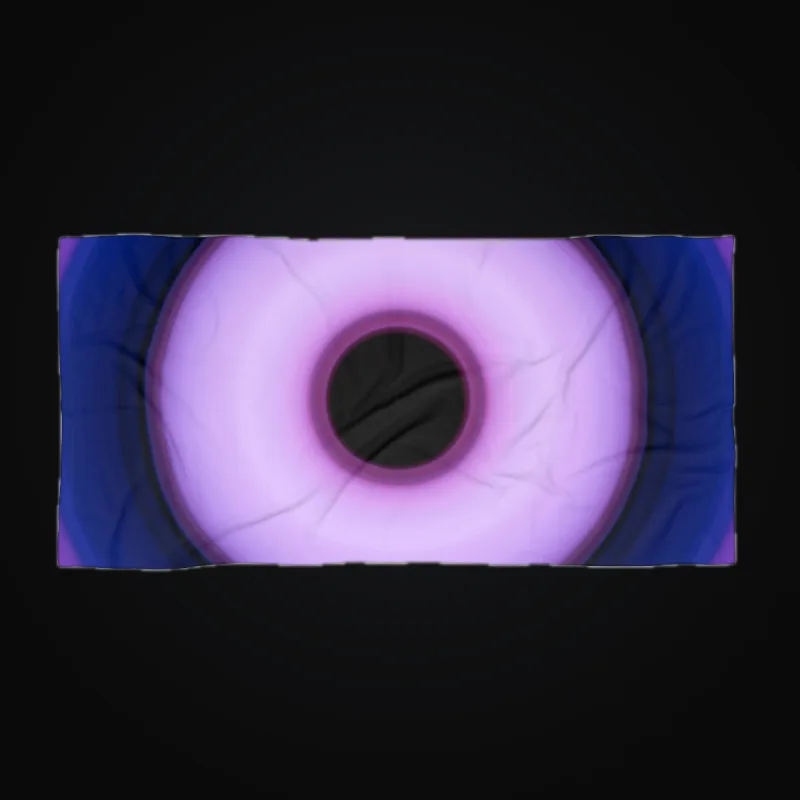
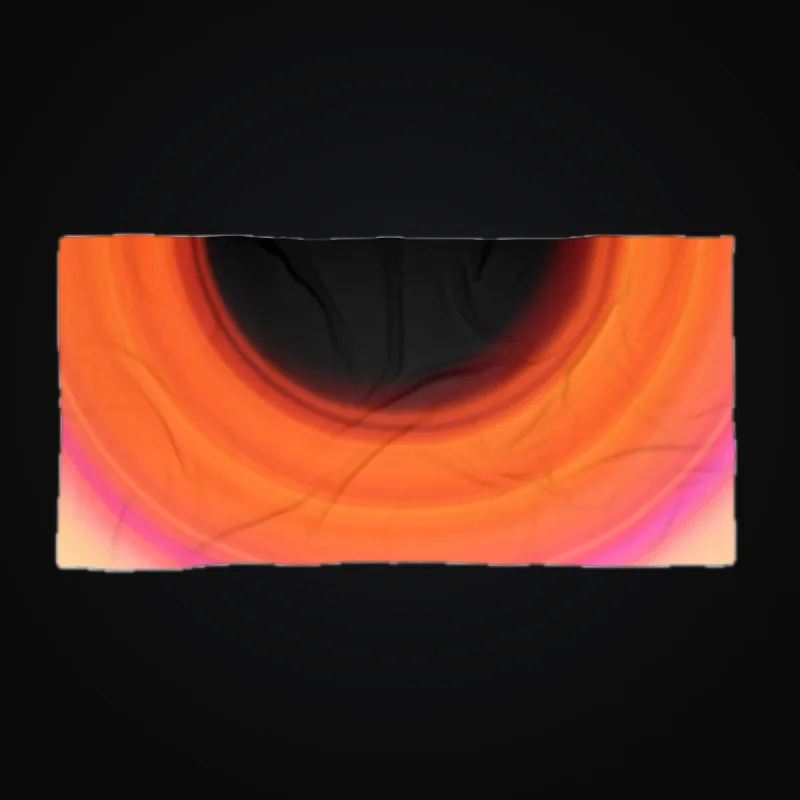
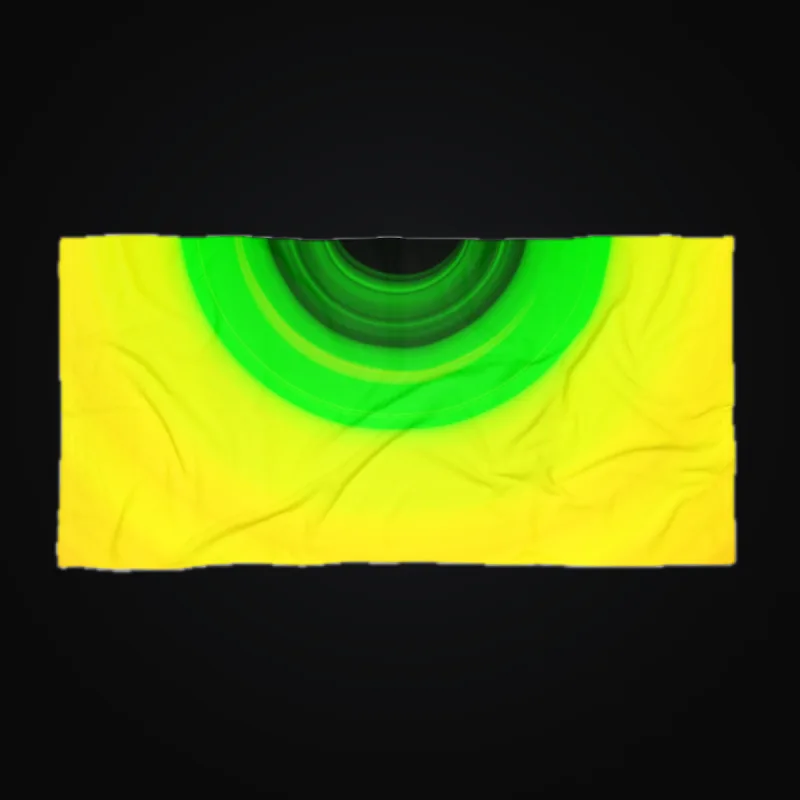
Beach Towel
Beach Towel mockup with original artwork by Michael Hill
Beach Towel
Beach Towel mockup with original artwork by Michael Hill
Cork Coaster
Cork Coaster mockup with original artwork by Michael Hill
Cork Coaster
Cork Coaster mockup with original artwork by Michael Hill
Cork Coaster
Cork Coaster mockup with original artwork by Michael Hill
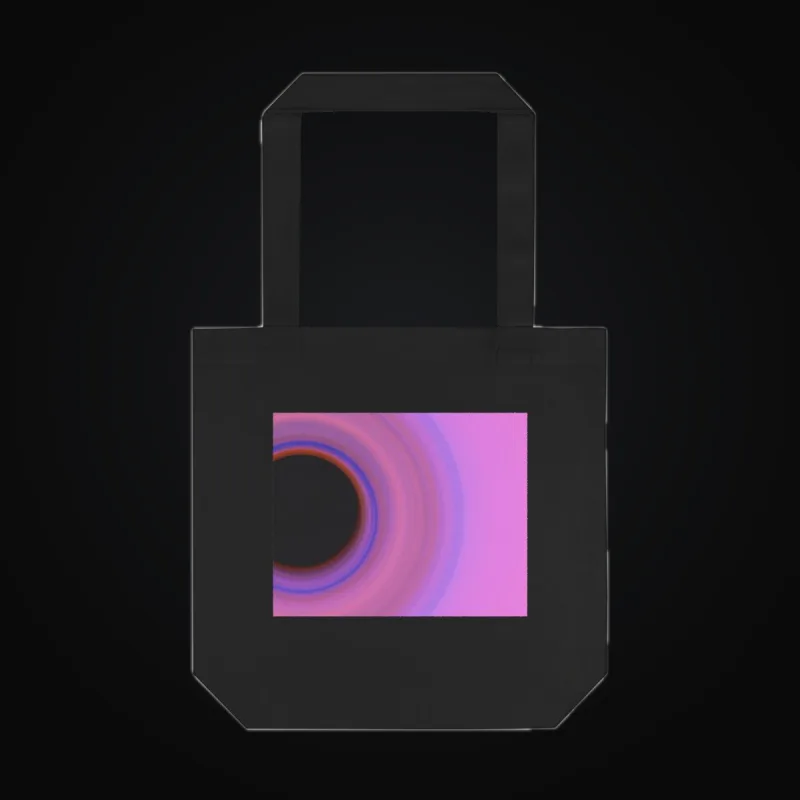
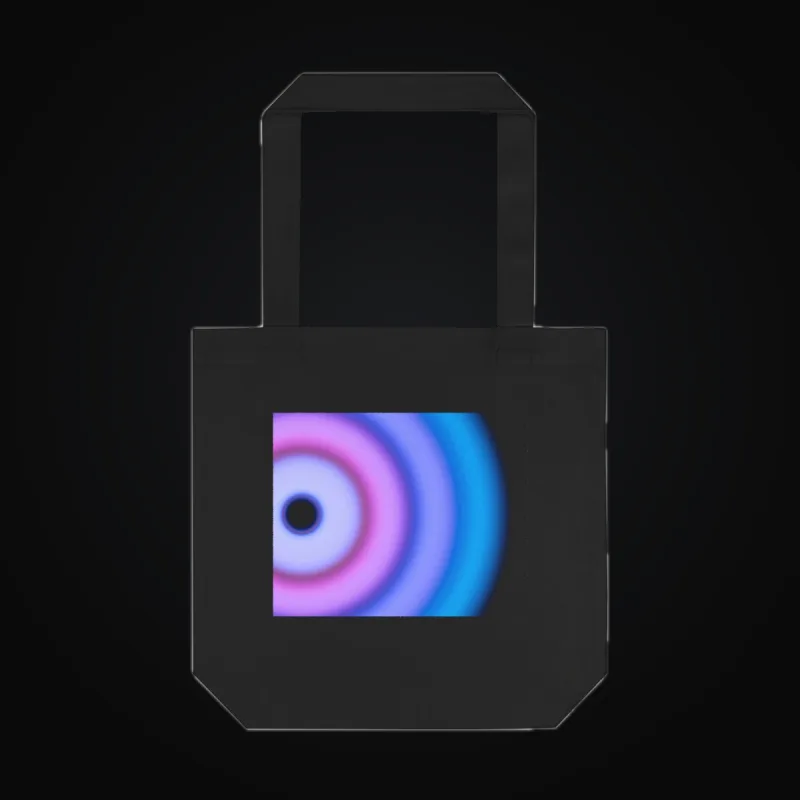
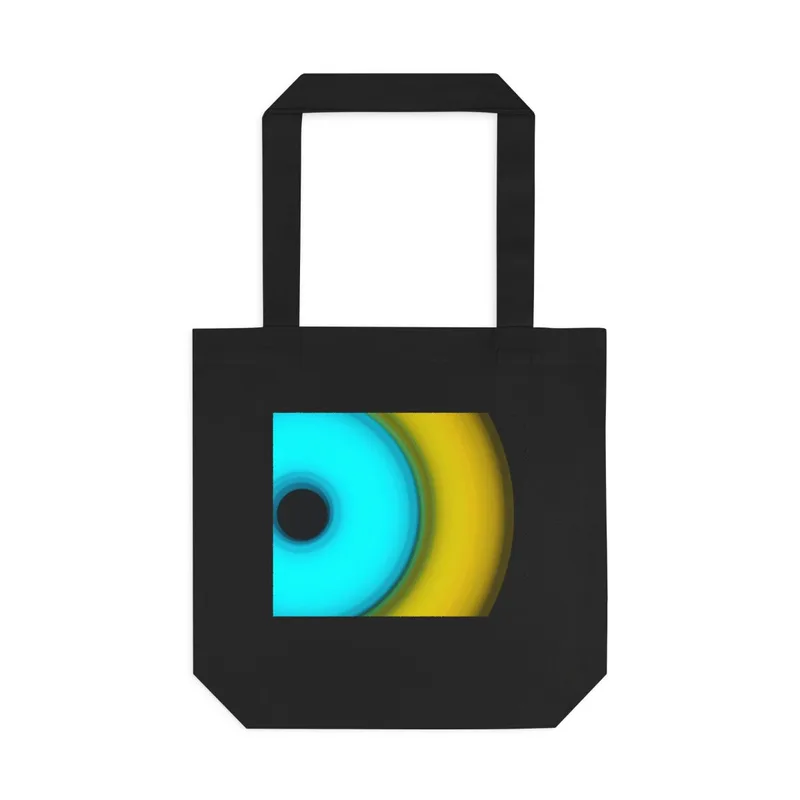
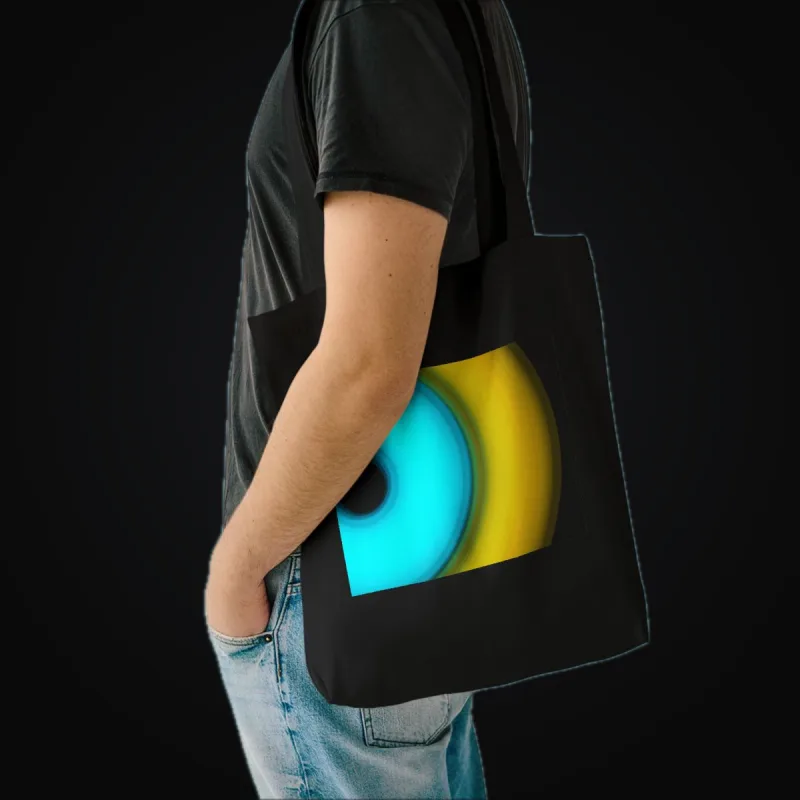
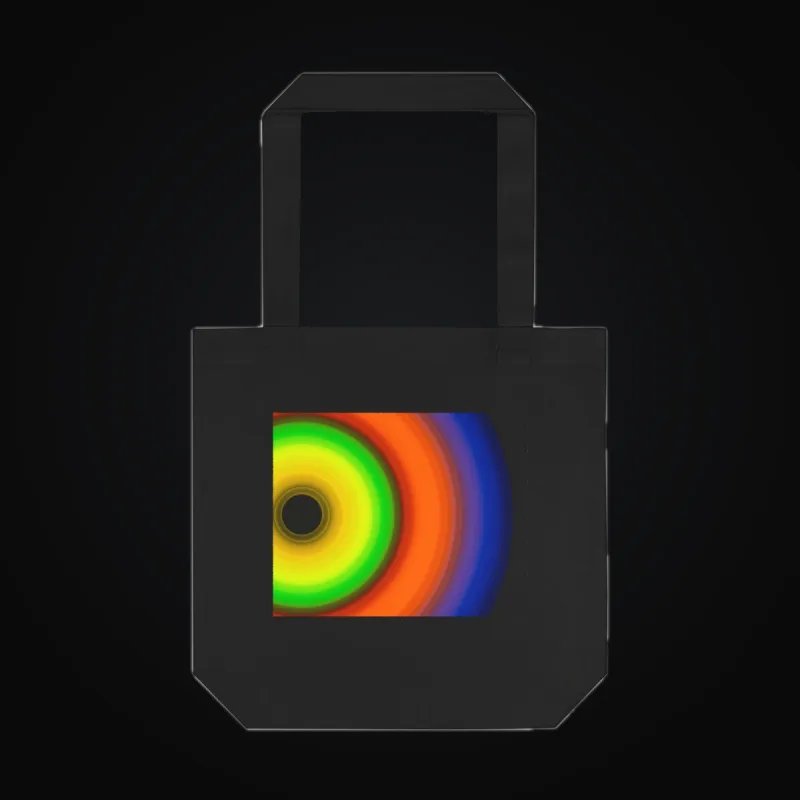
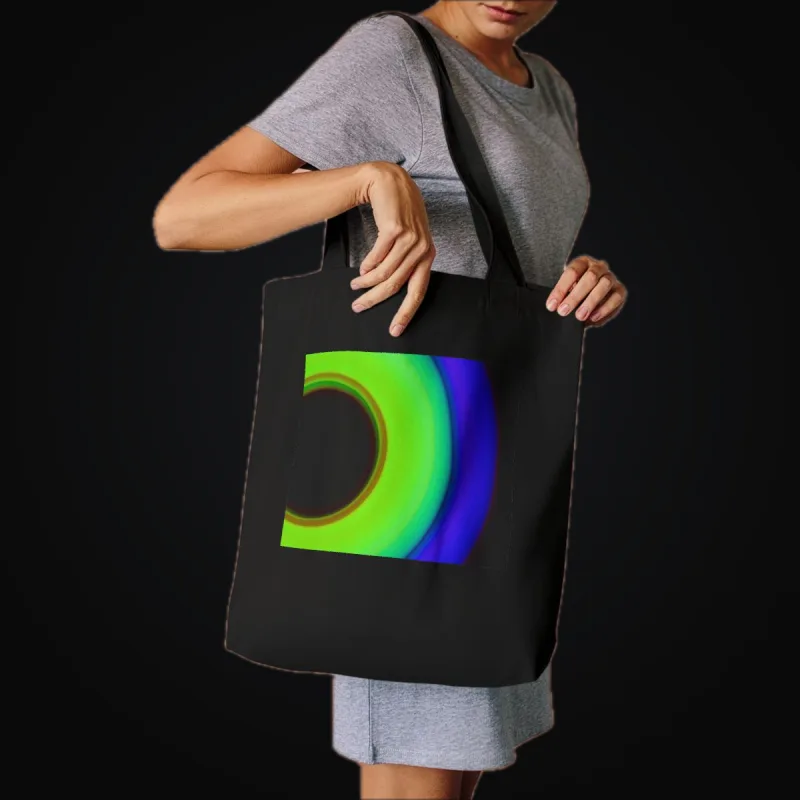
Cotton Tote
Cotton Tote mockup with original artwork by Michael Hill
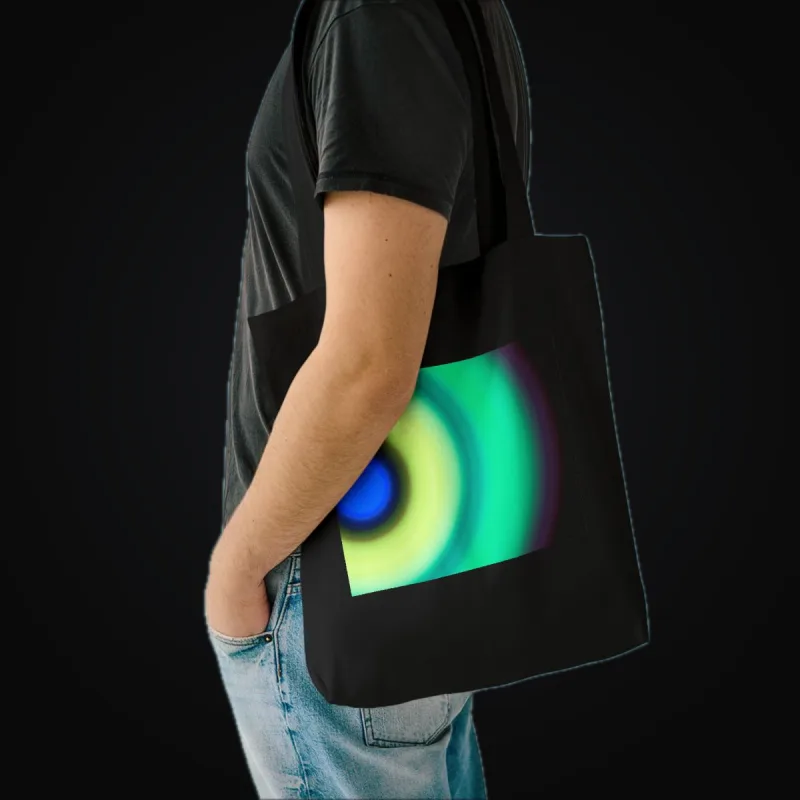
Cotton Tote
Cotton Tote mockup with original artwork by Michael Hill
Cotton Tote
Cotton Tote mockup with original artwork by Michael Hill
Cotton Tote
Cotton Tote mockup with original artwork by Michael Hill
Cotton Tote
Cotton Tote mockup with original artwork by Michael Hill
Cotton Tote
Cotton Tote mockup with original artwork by Michael Hill
Cotton Tote
Cotton Tote mockup with original artwork by Michael Hill
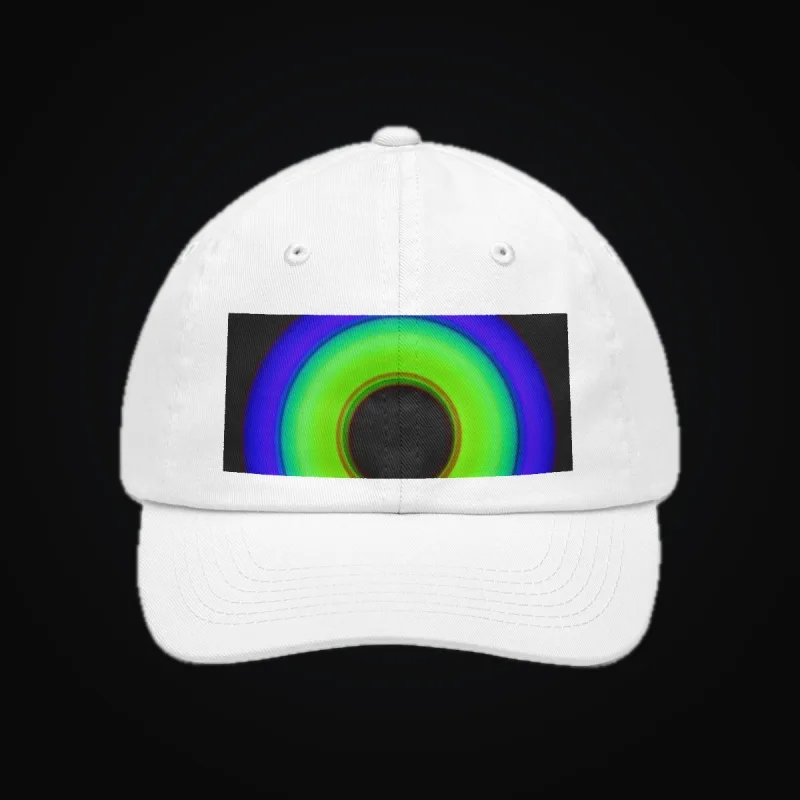
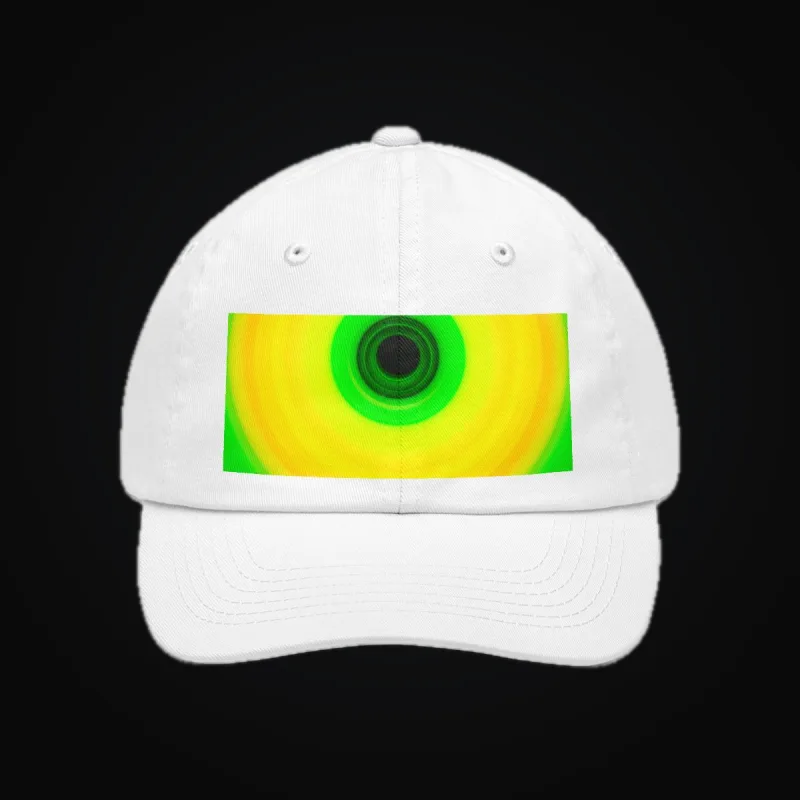
Classic Dad Hat
Classic Dad Hat mockup with original artwork by Michael Hill
Classic Dad Hat
Classic Dad Hat mockup with original artwork by Michael Hill
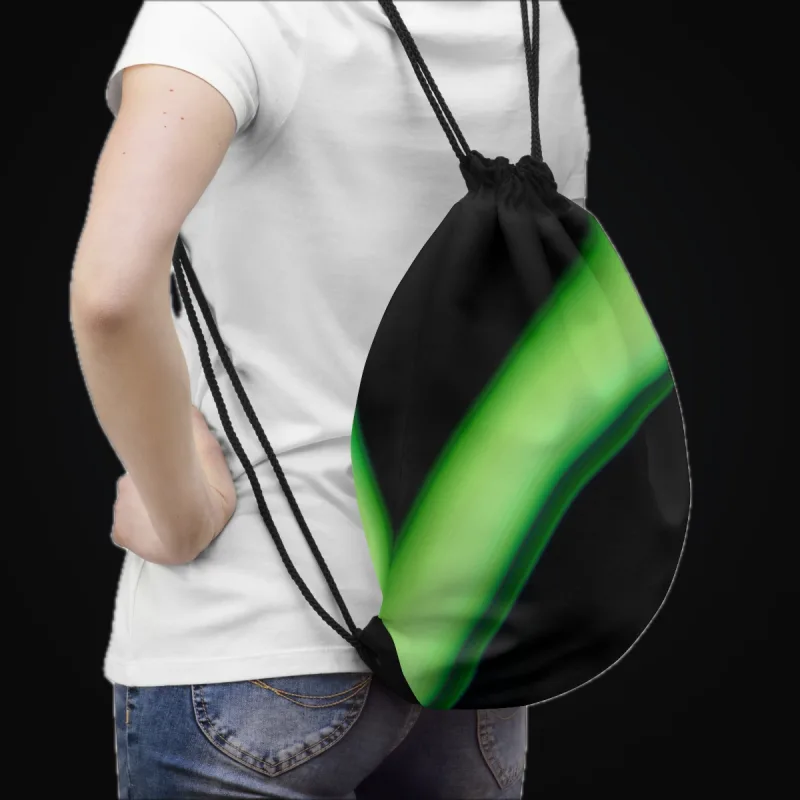
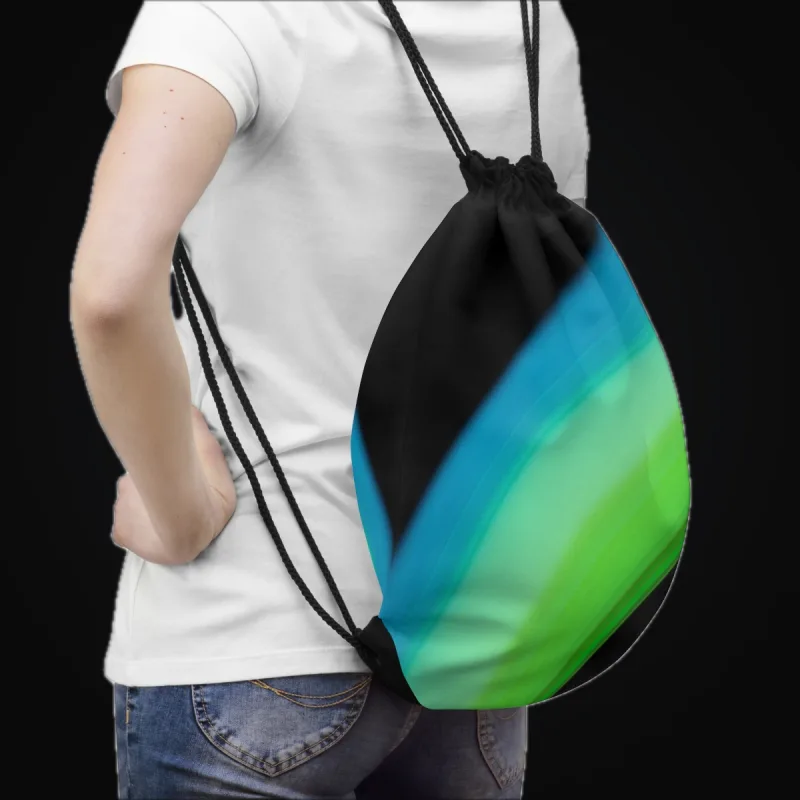
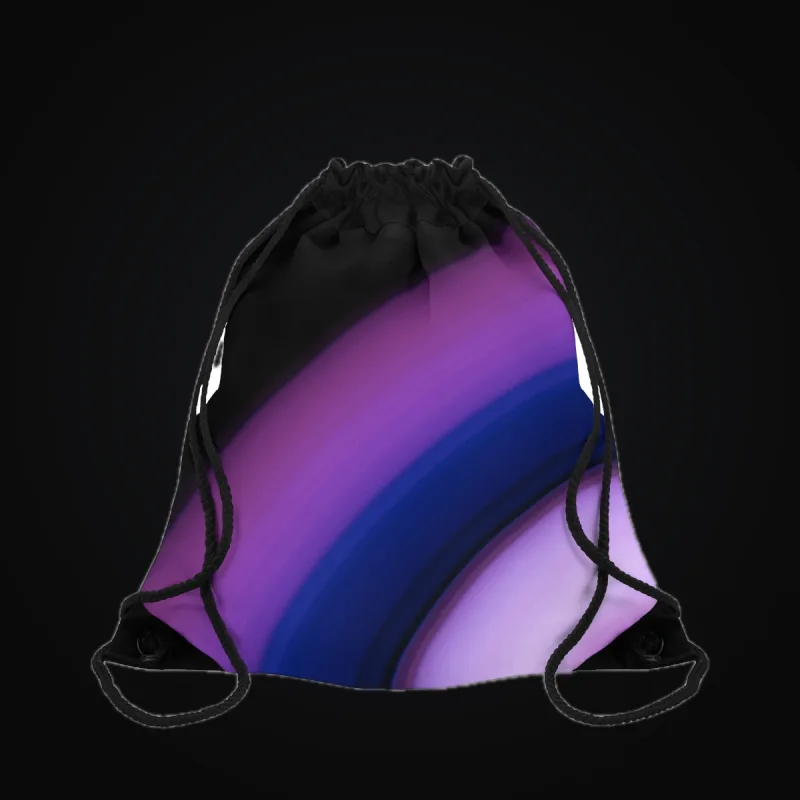
Drawstring Bag
Drawstring Bag mockup with original artwork by Michael Hill
Drawstring Bag
Drawstring Bag mockup with original artwork by Michael Hill
Drawstring Bag
Drawstring Bag mockup with original artwork by Michael Hill
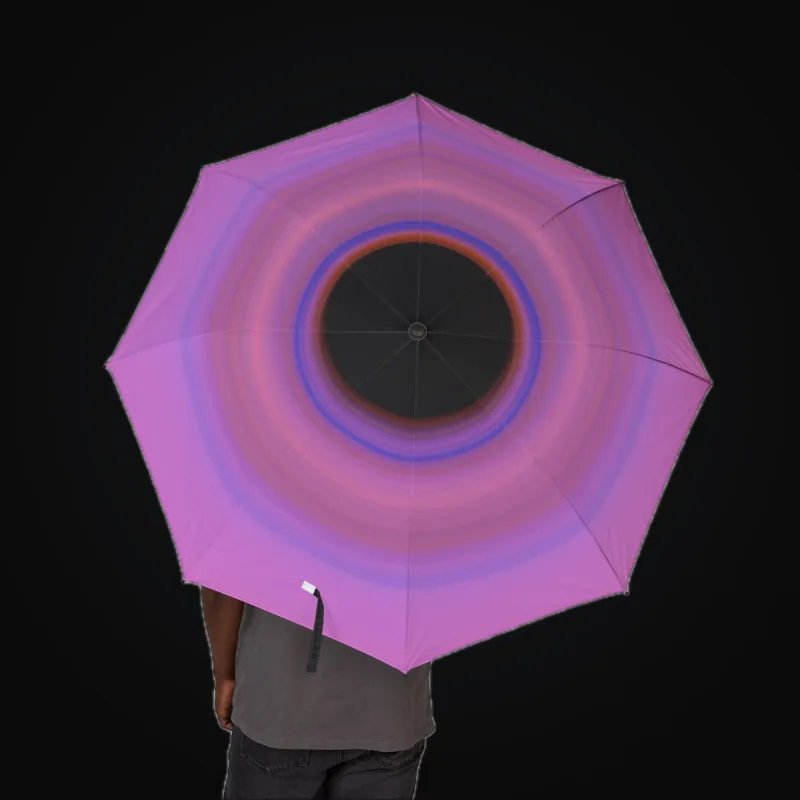
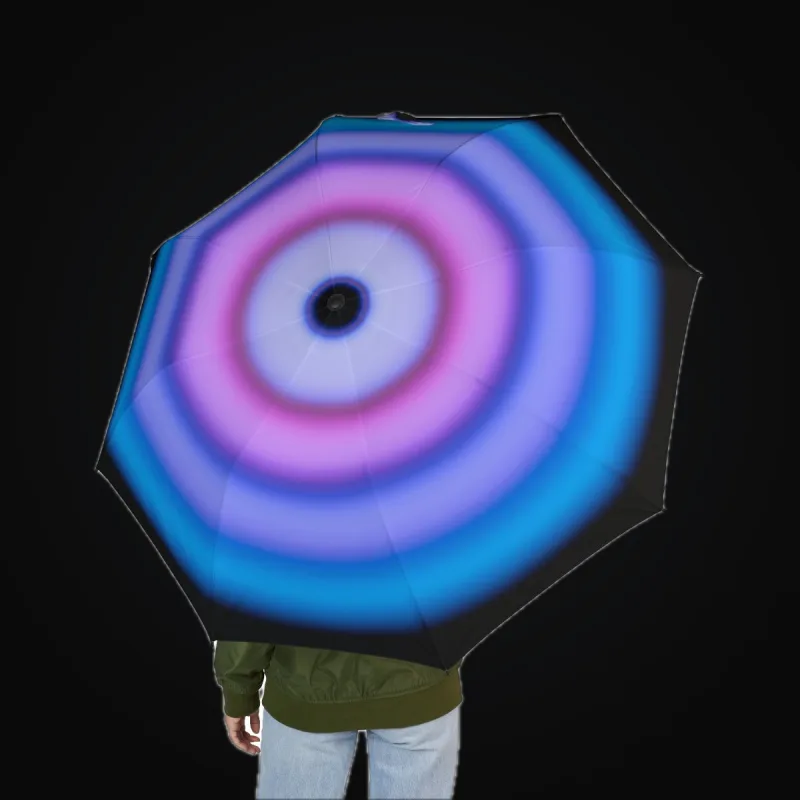
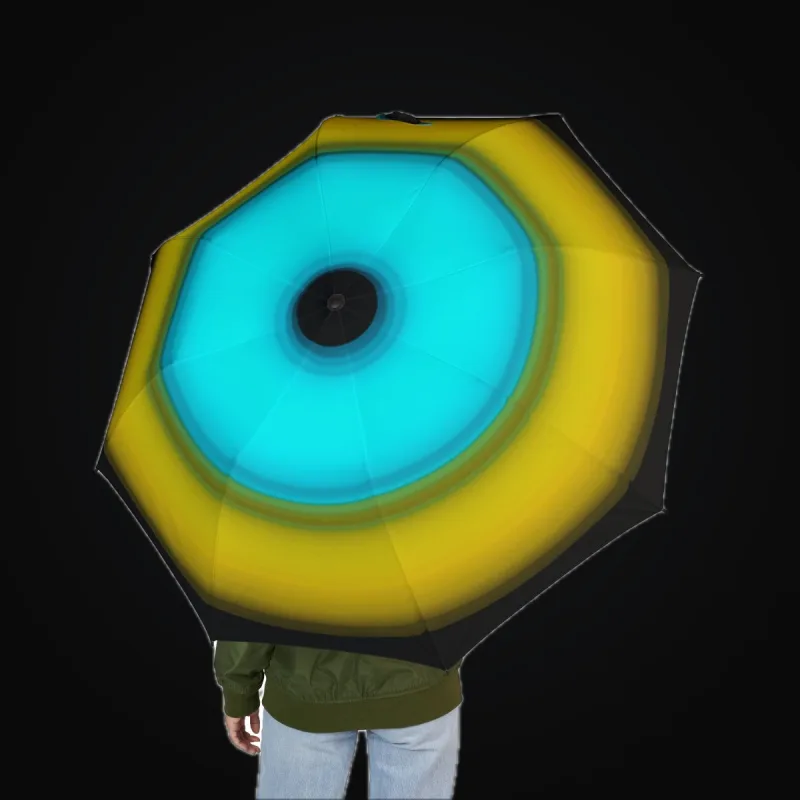
Compact Umbrella
Foldable Umbrella mockup with original artwork by Michael Hill
Foldable Umbrella
Foldable Umbrella mockup with original artwork by Michael Hill
Foldable Umbrella
Foldable Umbrella mockup with original artwork by Michael Hill
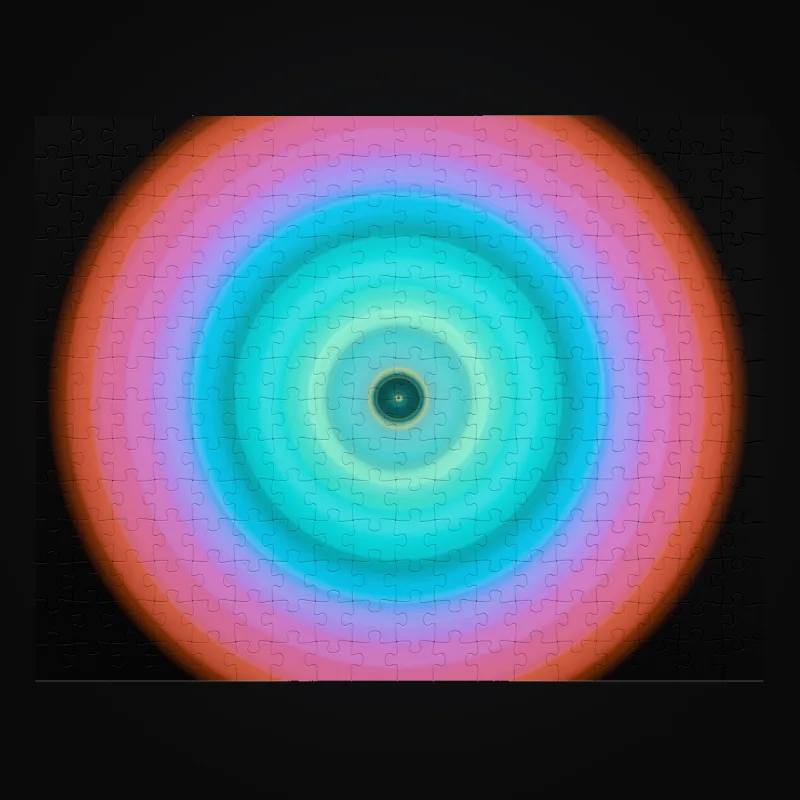
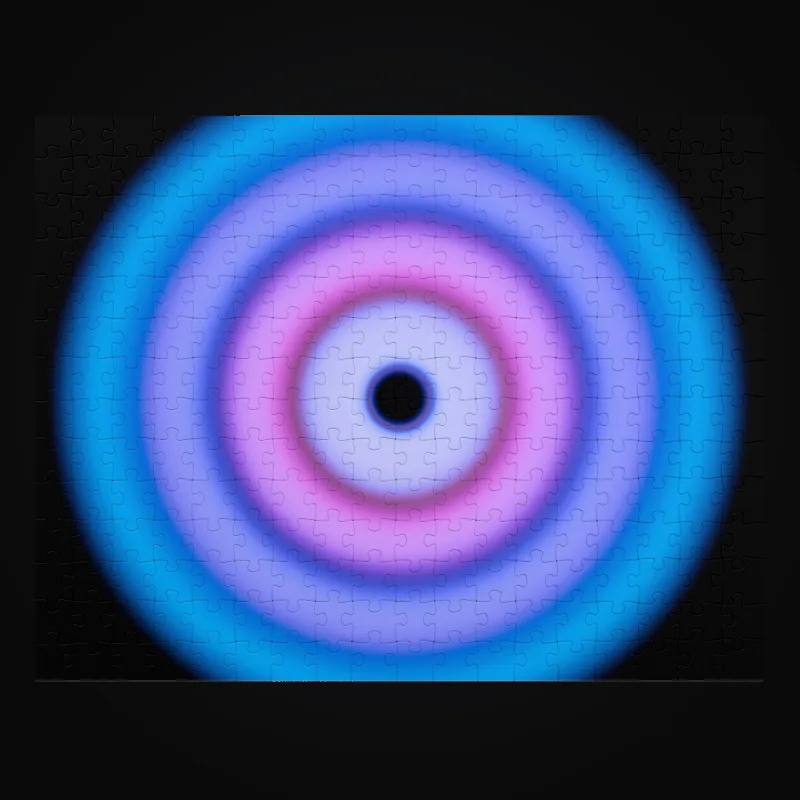
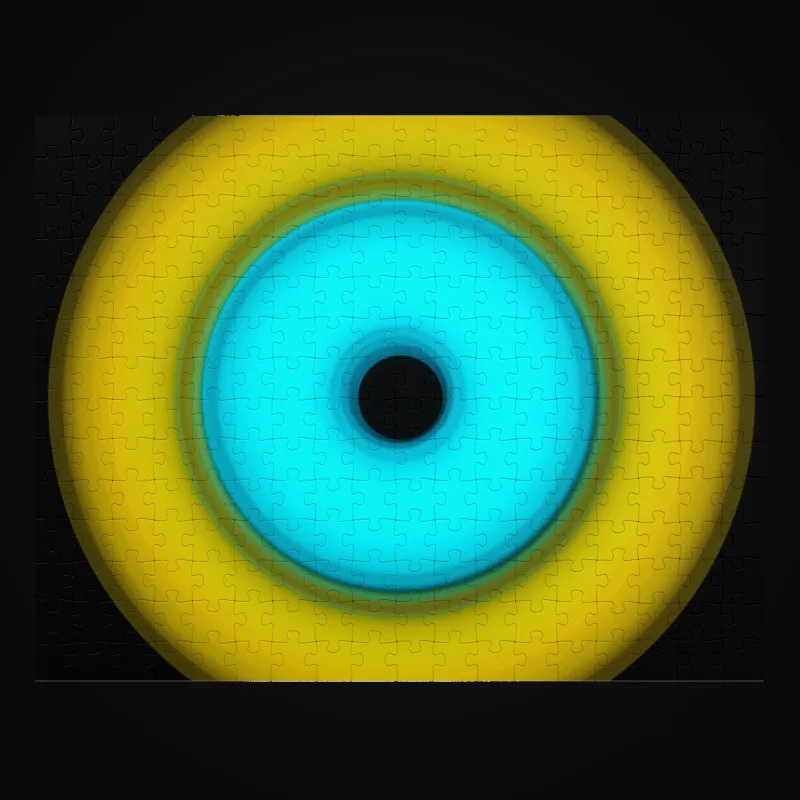
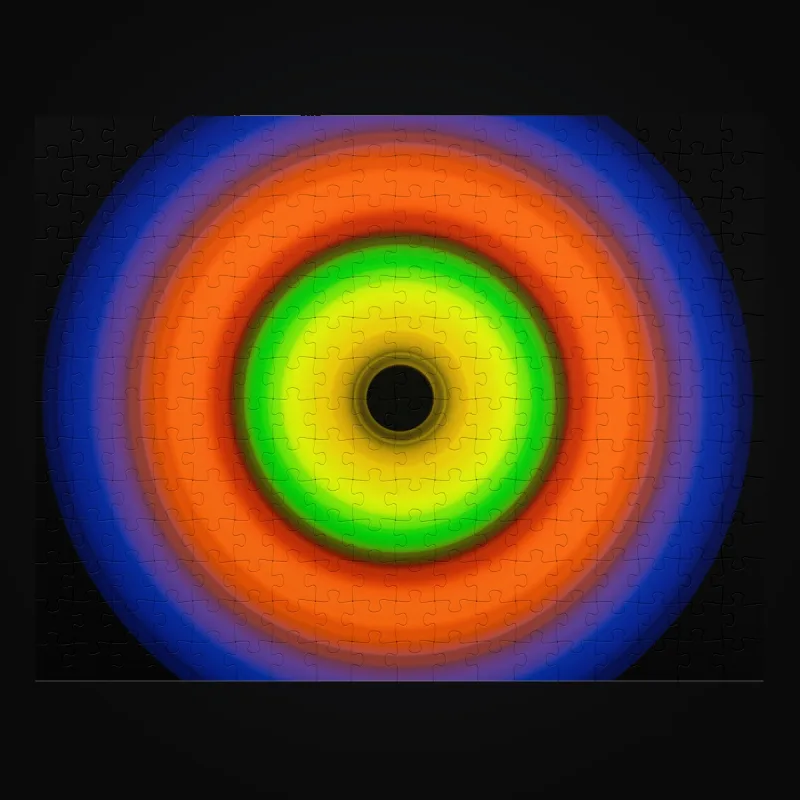
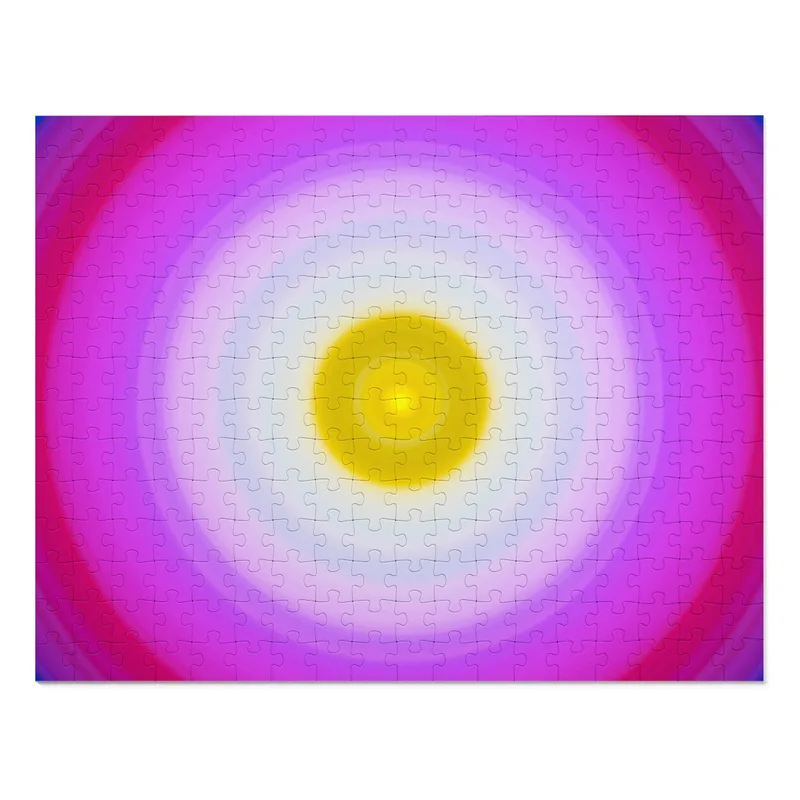
Jigsaw Puzzle
Jigsaw Puzzle mockup with original artwork by Michael Hill
Jigsaw Puzzle
Jigsaw Puzzle mockup with original artwork by Michael Hill
Jigsaw Puzzle
Jigsaw Puzzle mockup with original artwork by Michael Hill
Jigsaw Puzzle
Jigsaw Puzzle mockup with original artwork by Michael Hill
Jigsaw Puzzle
Jigsaw Puzzle mockup with original artwork by Michael Hill
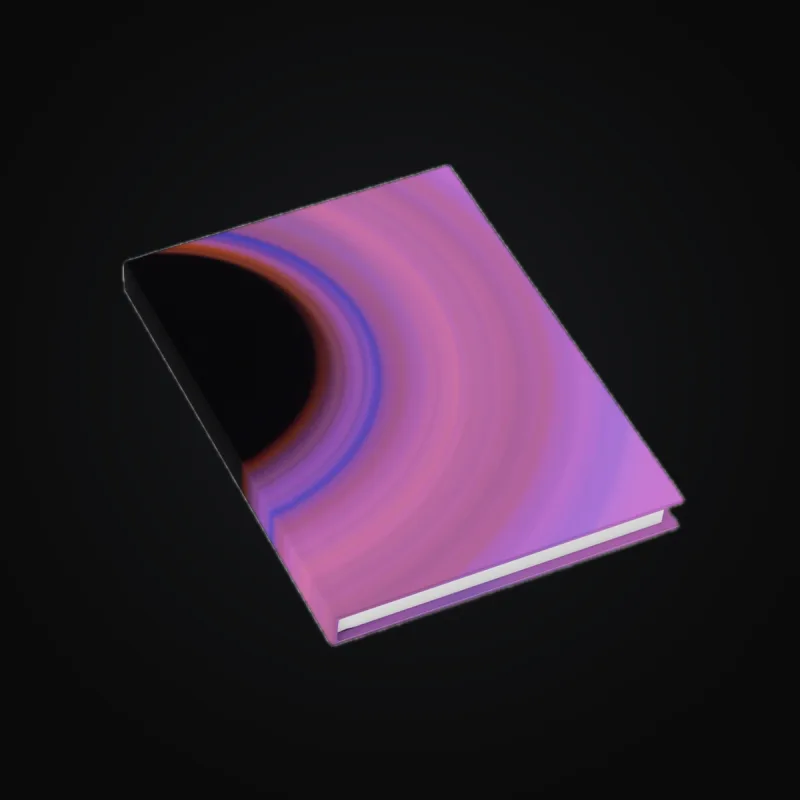
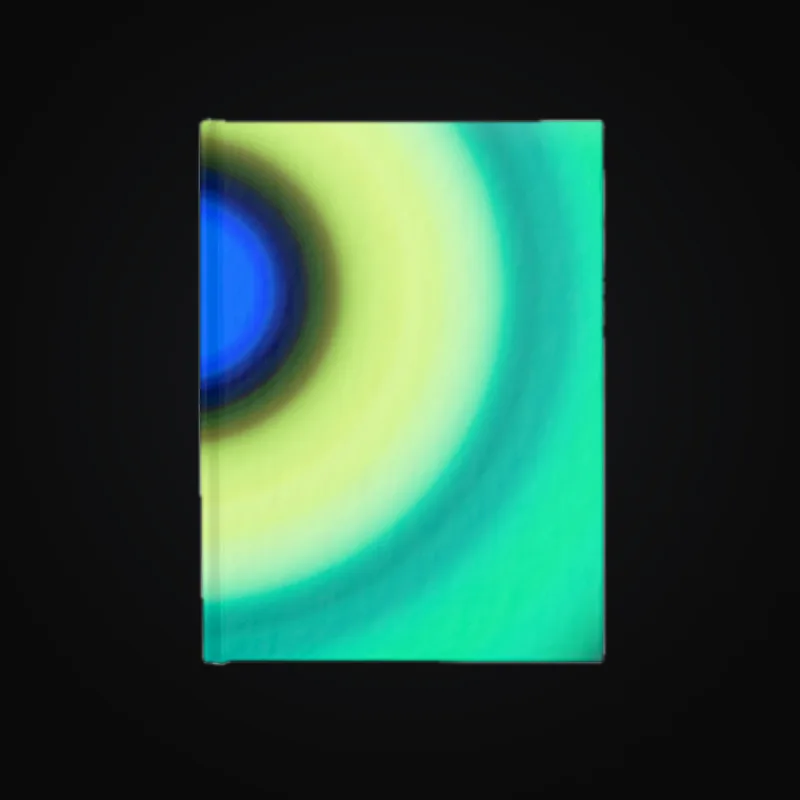
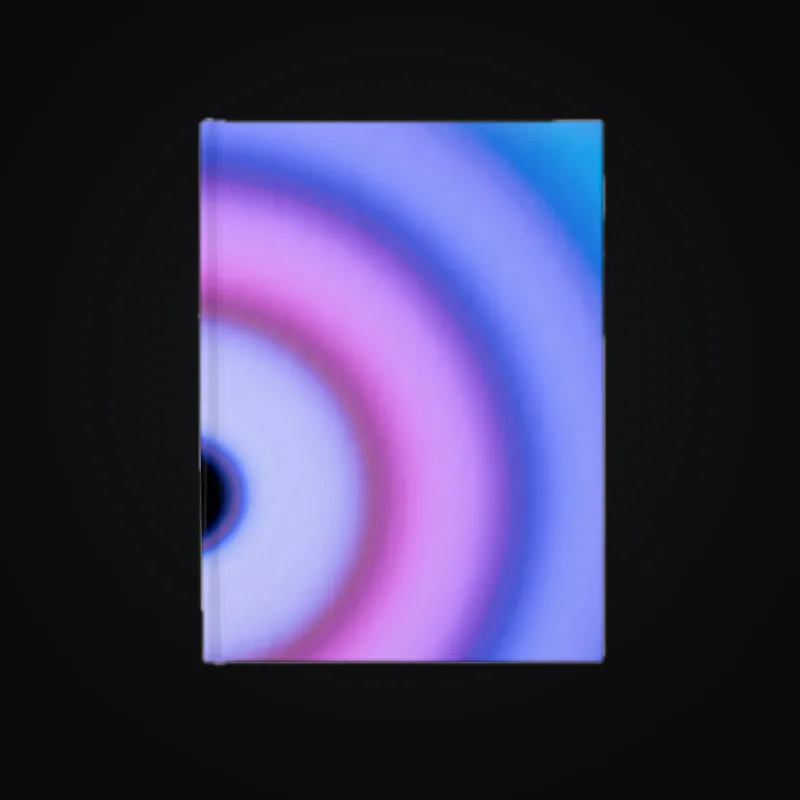
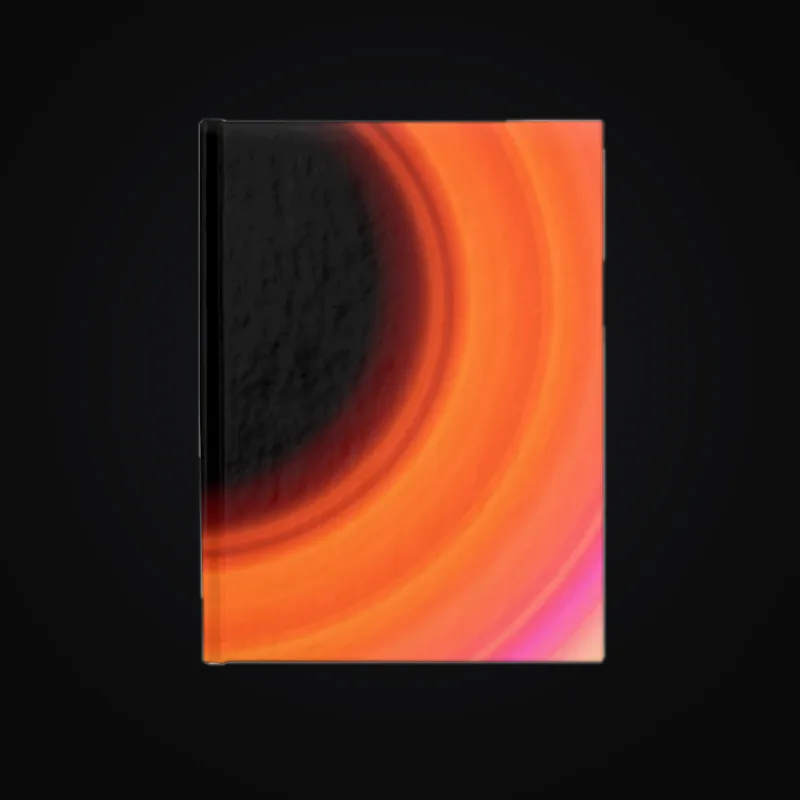
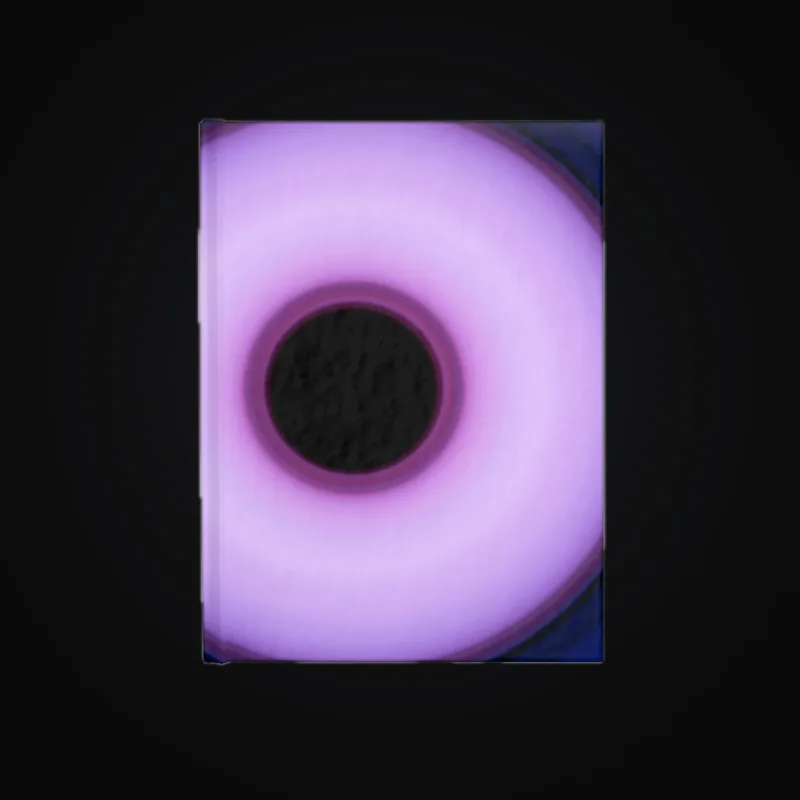
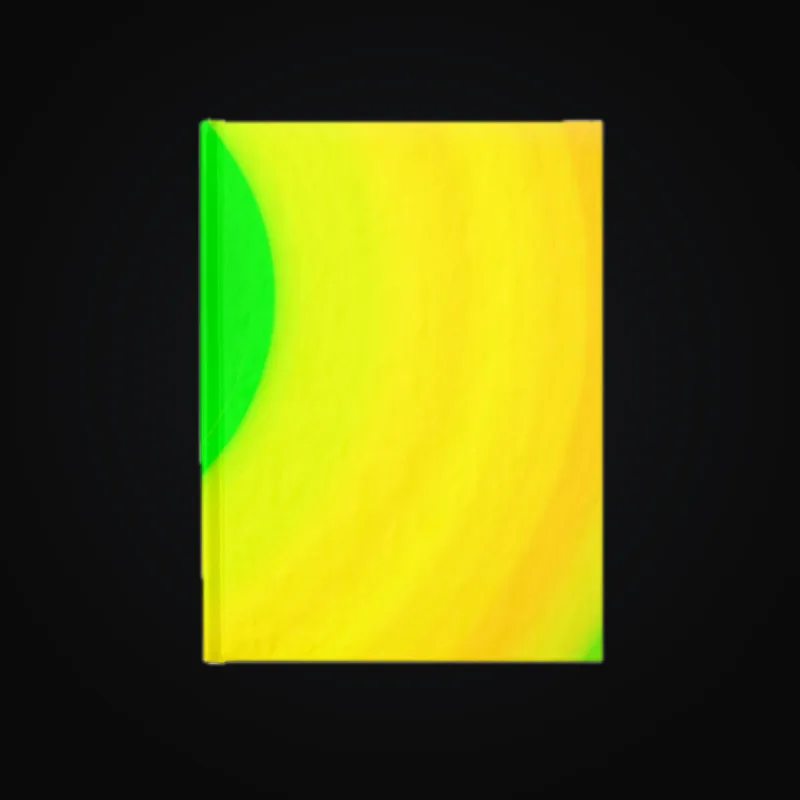
Journal
Journal mockup with original artwork by Michael Hill
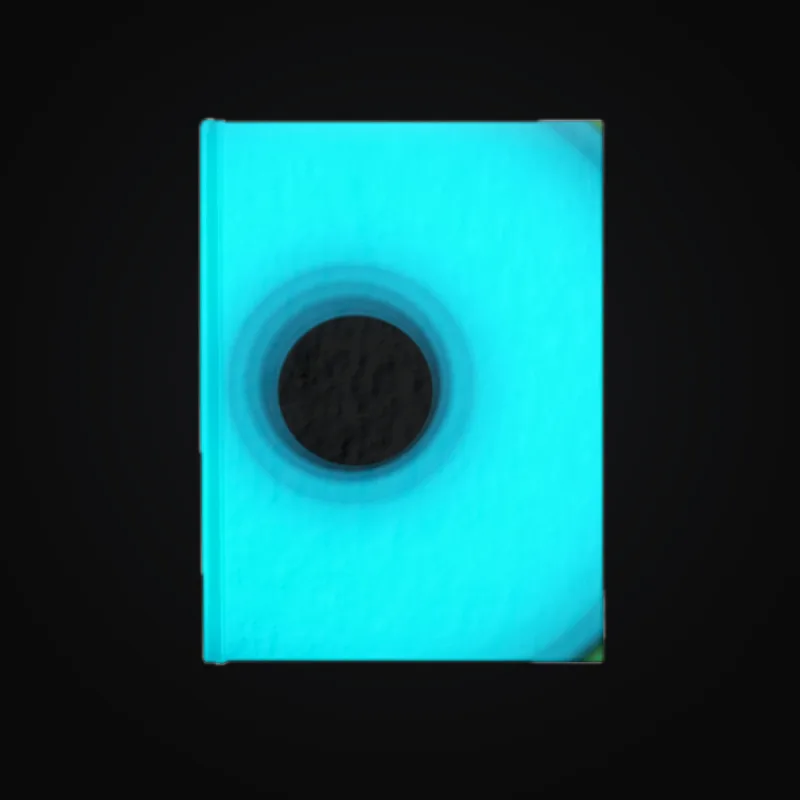
Journal
Journal mockup with original artwork by Michael Hill
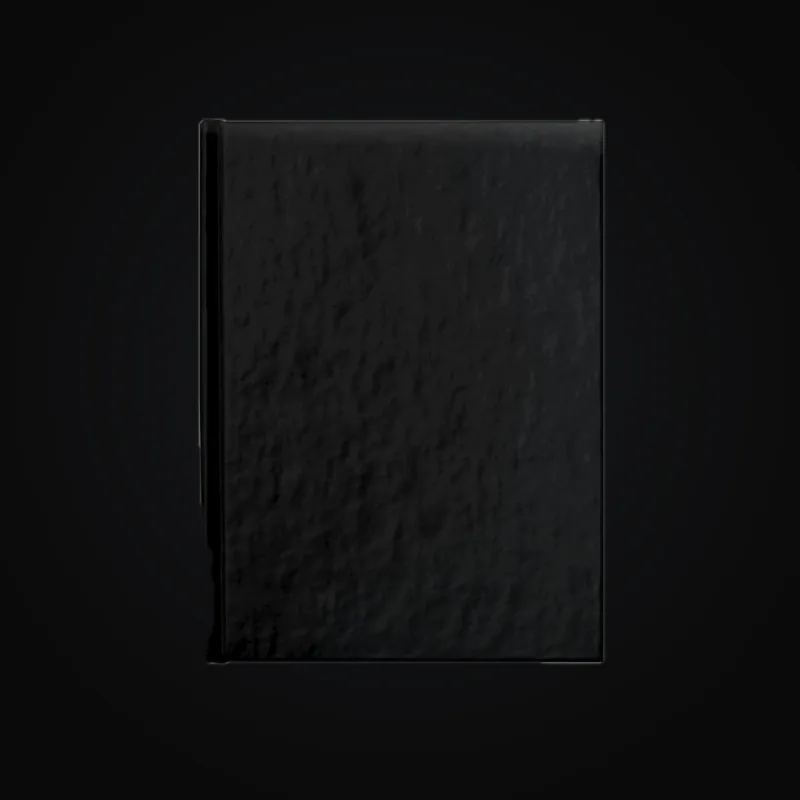
Journal
Journal mockup with a plain dark cover
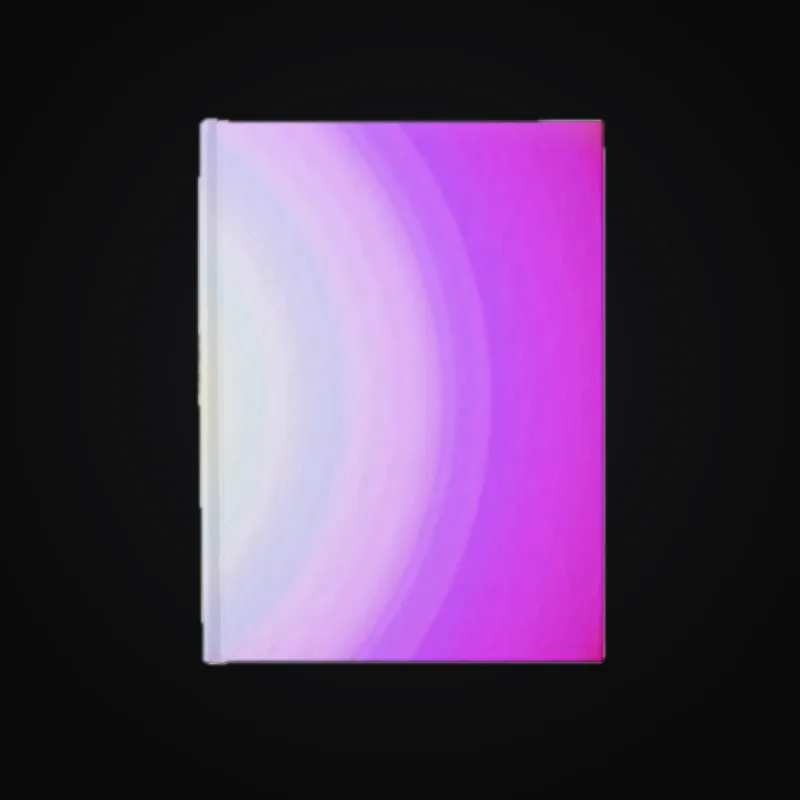
Journal
Journal mockup with original artwork by Michael Hill
Journal
Journal mockup with original artwork by Michael Hill
Journal
Journal mockup with original artwork by Michael Hill
Journal
Journal mockup with original artwork by Michael Hill
Journal
Journal mockup with original artwork by Michael Hill
Journal
Journal mockup with original artwork by Michael Hill
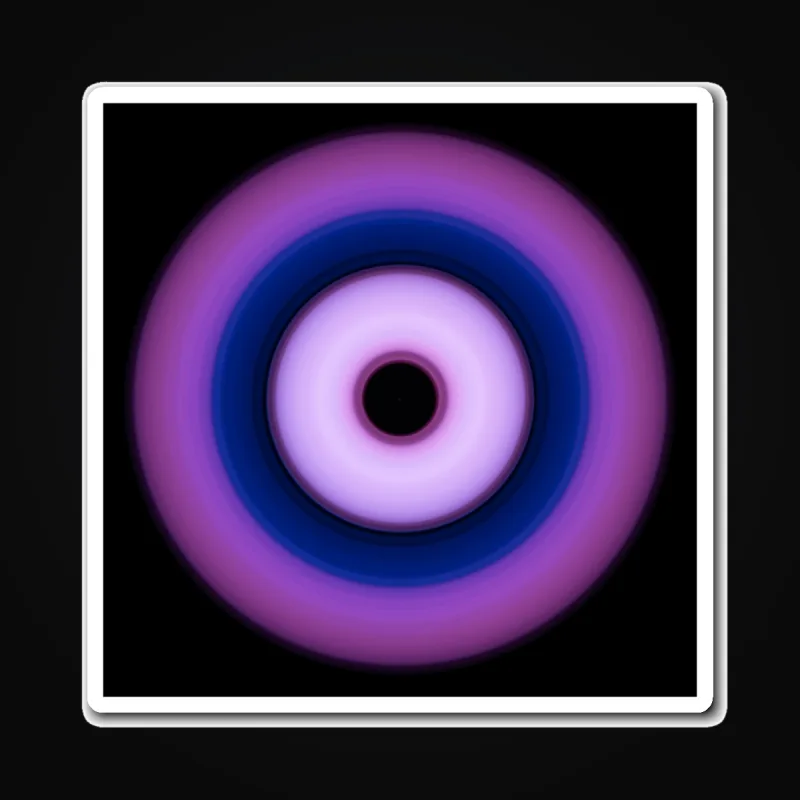
Magnet
Magnet mockup with original artwork by Michael Hill
Magnet
Magnet mockup with original artwork by Michael Hill
Magnet
Magnet mockup with original artwork by Michael Hill
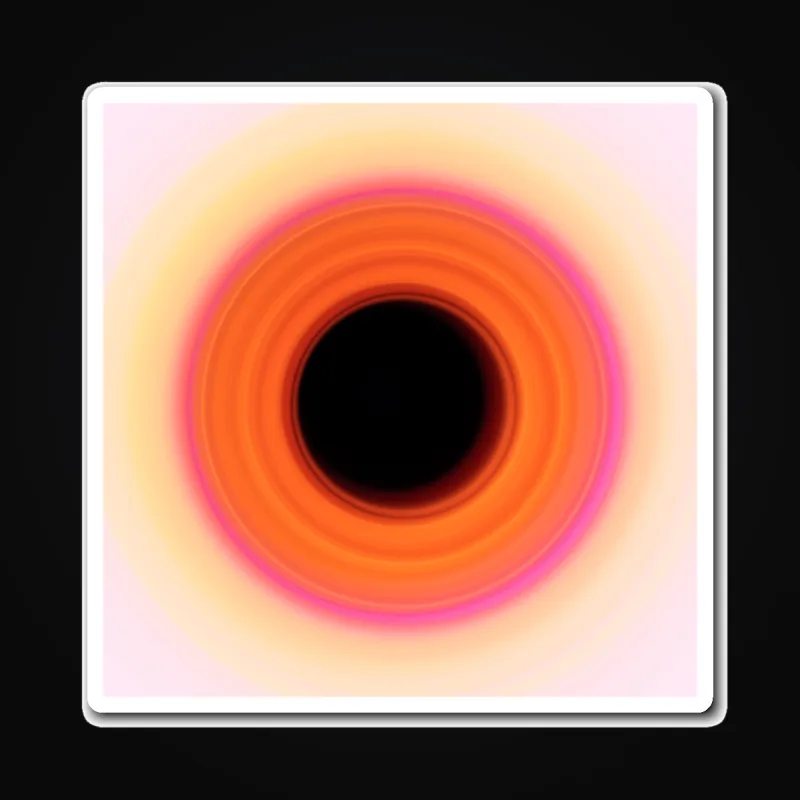
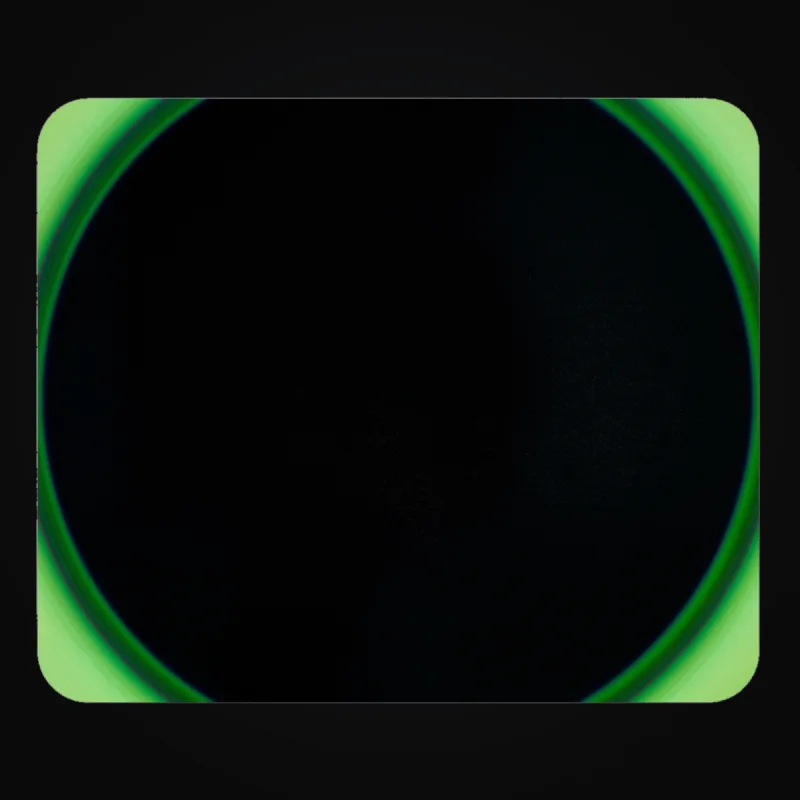
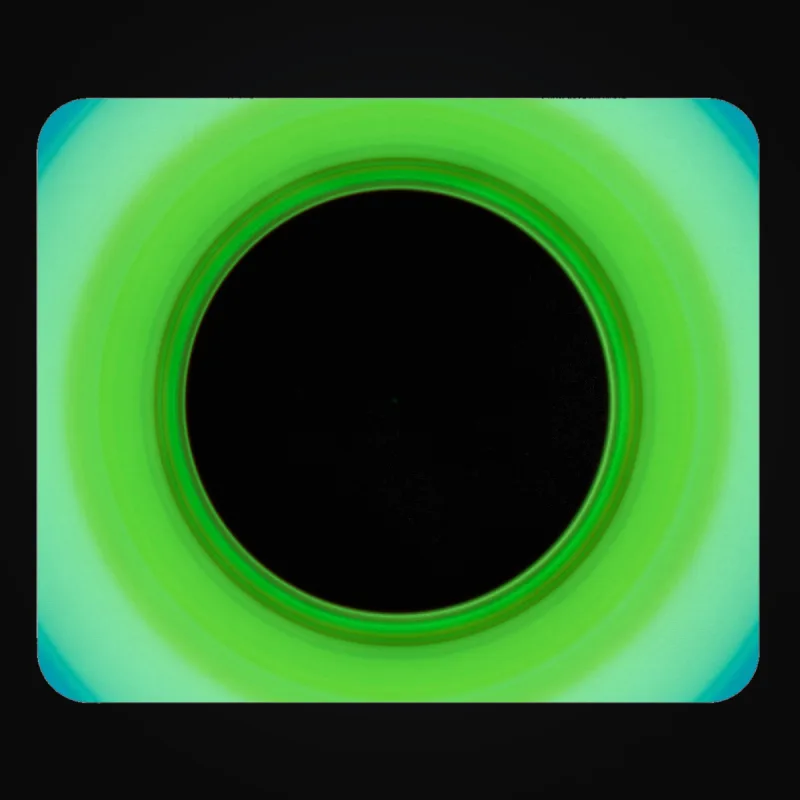
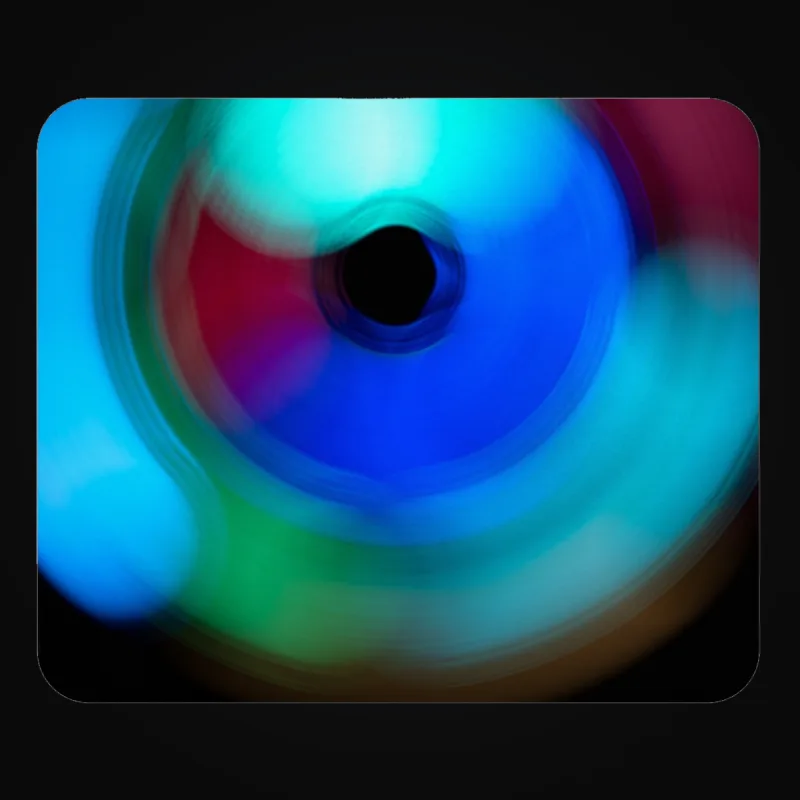
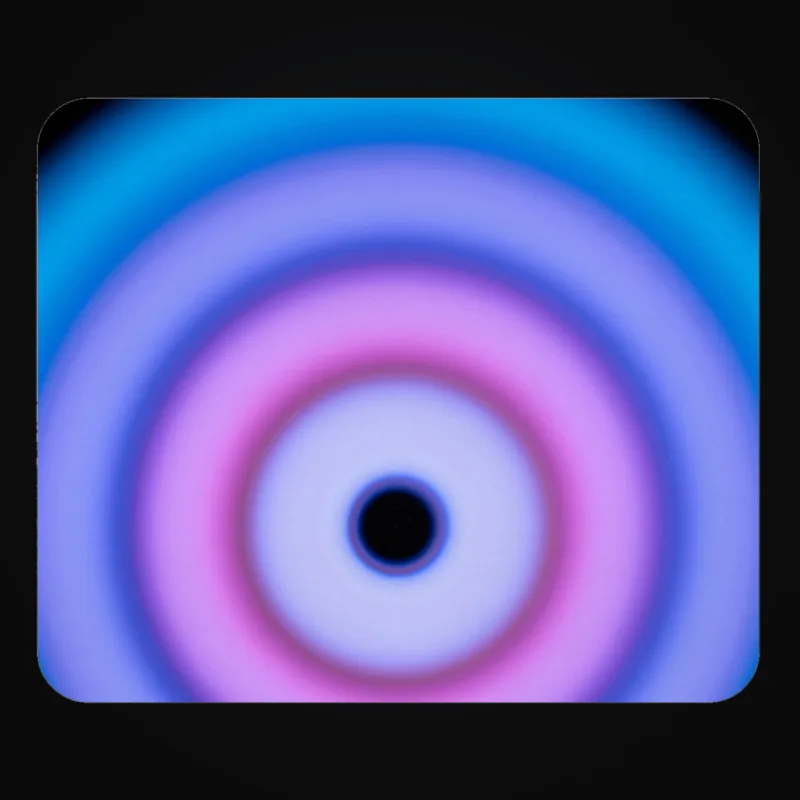
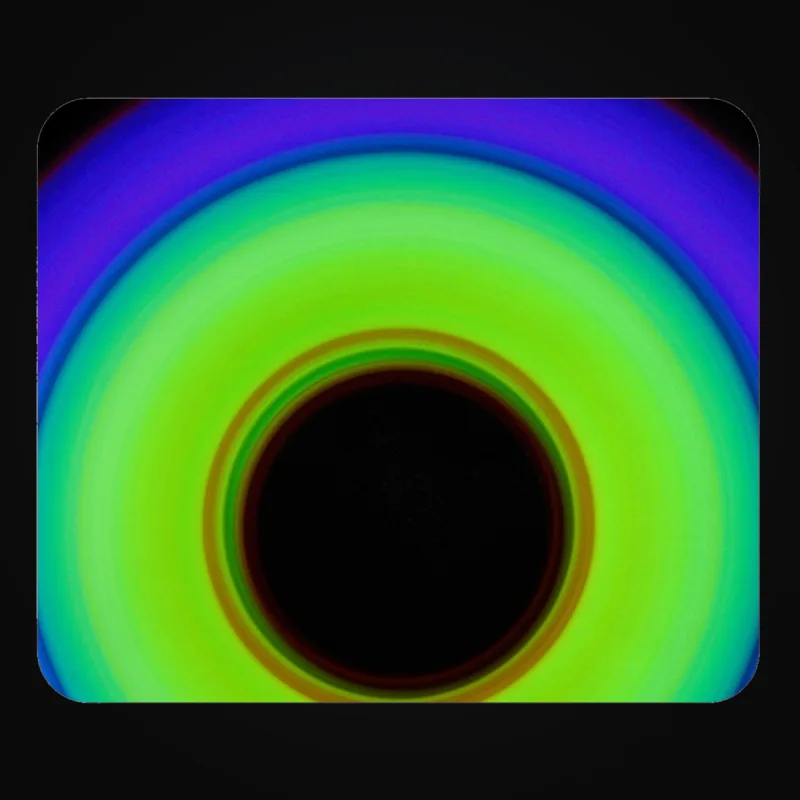
Mouse Pad
Mouse Pad mockup with original artwork by Michael Hill
Mouse Pad
Mouse Pad mockup with original artwork by Michael Hill
Mouse Pad
Mouse Pad mockup with original artwork by Michael Hill
Mouse Pad
Mouse Pad mockup with original artwork by Michael Hill
Mouse Pad
Mouse Pad mockup with original artwork by Michael Hill
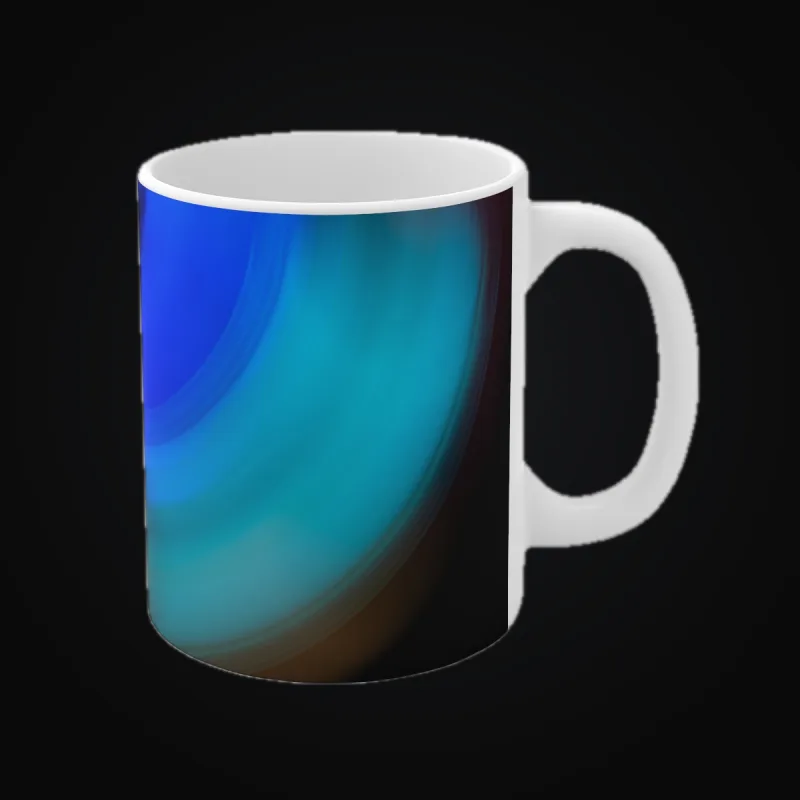
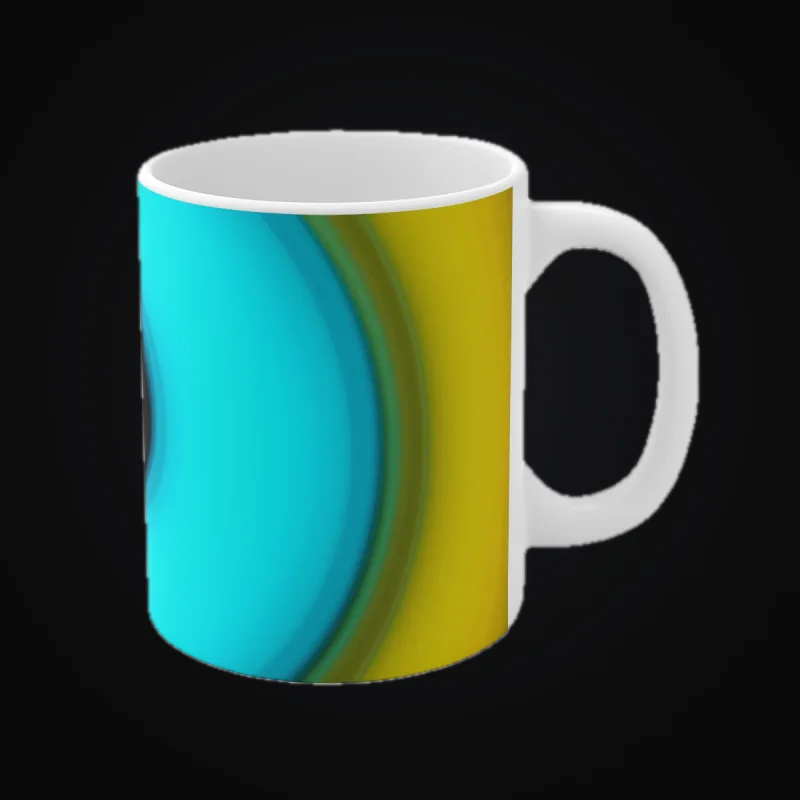
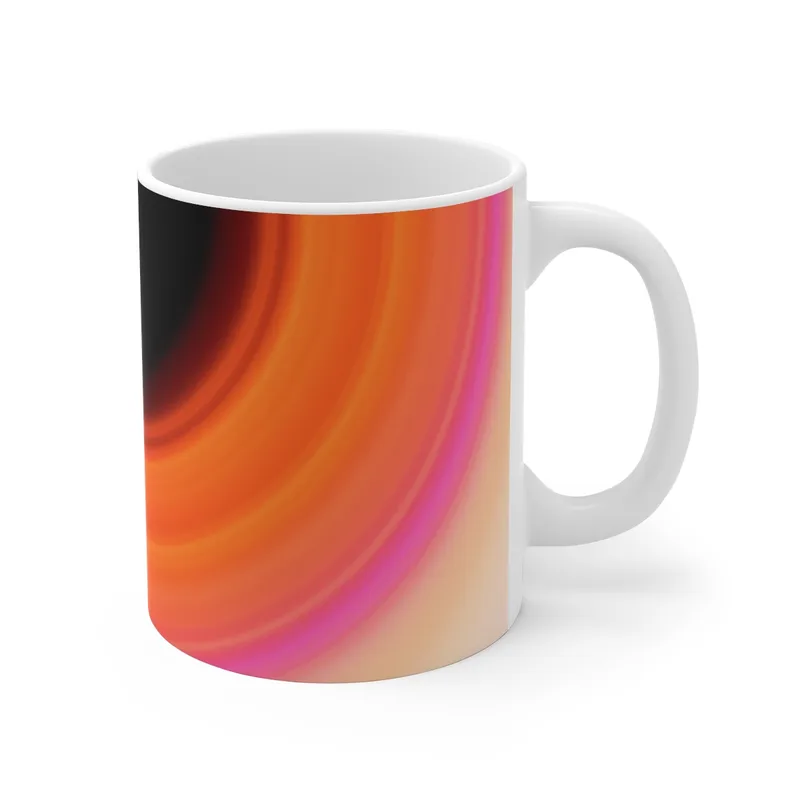
Ceramic Mug
Ceramic Mug mockup with original artwork by Michael Hill
Ceramic Mug
Ceramic Mug mockup with original artwork by Michael Hill
Ceramic Mug
Ceramic Mug mockup with original artwork by Michael Hill
Ceramic Mug
Ceramic Mug mockup with original artwork by Michael Hill
Ceramic Mug
Ceramic Mug mockup with original artwork by Michael Hill
Ceramic Mug
Ceramic Mug mockup with original artwork by Michael Hill
Ceramic Mug
Ceramic Mug mockup with original artwork by Michael Hill
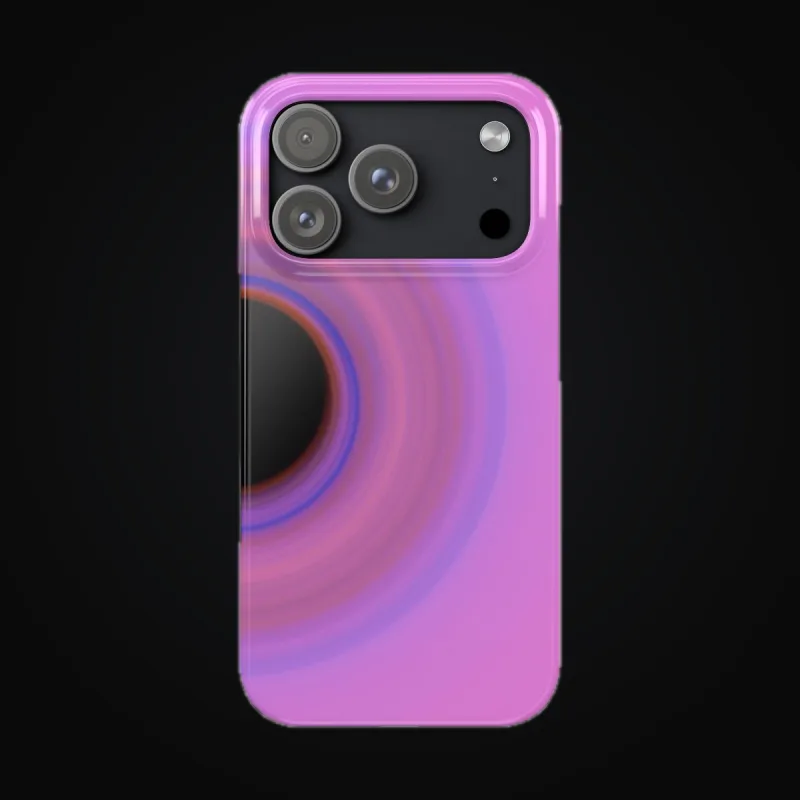
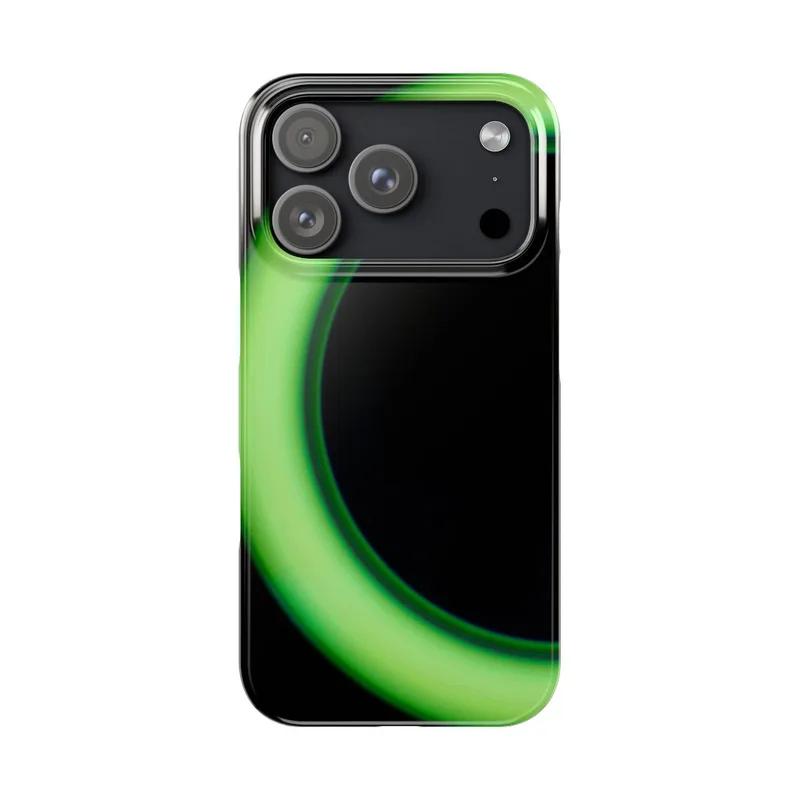
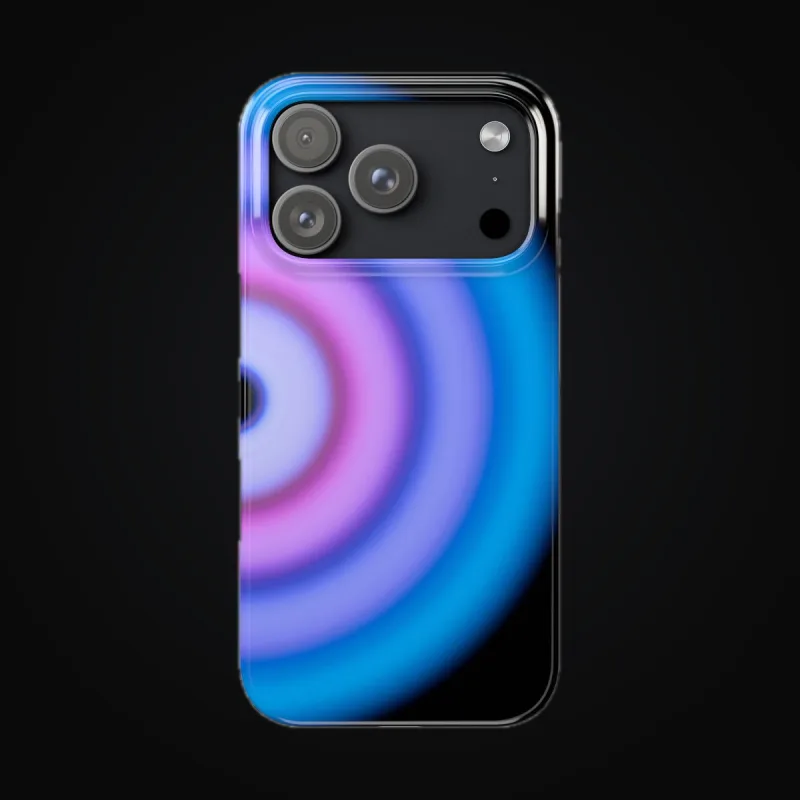
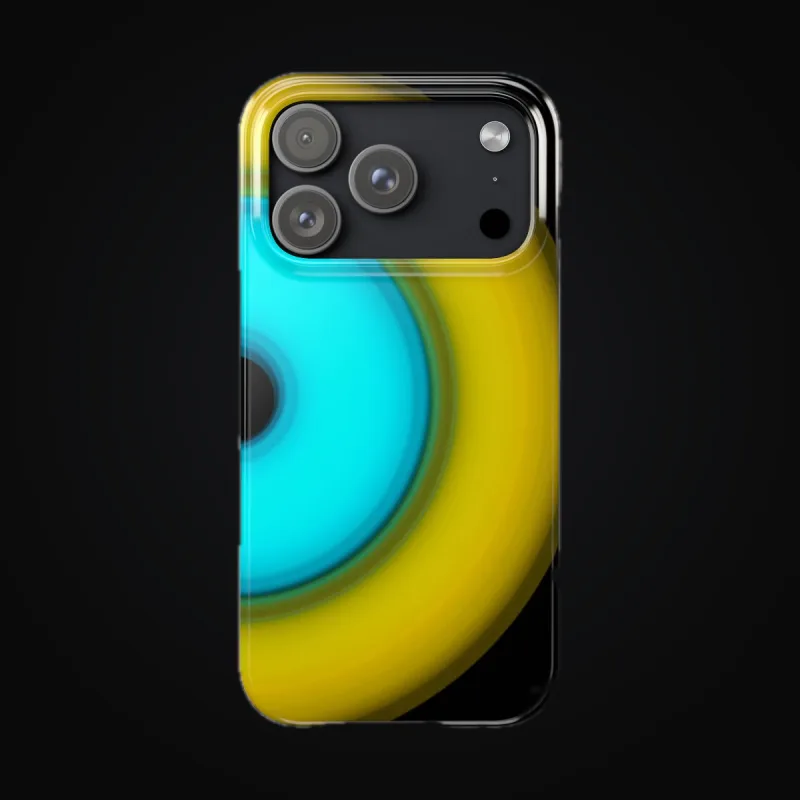
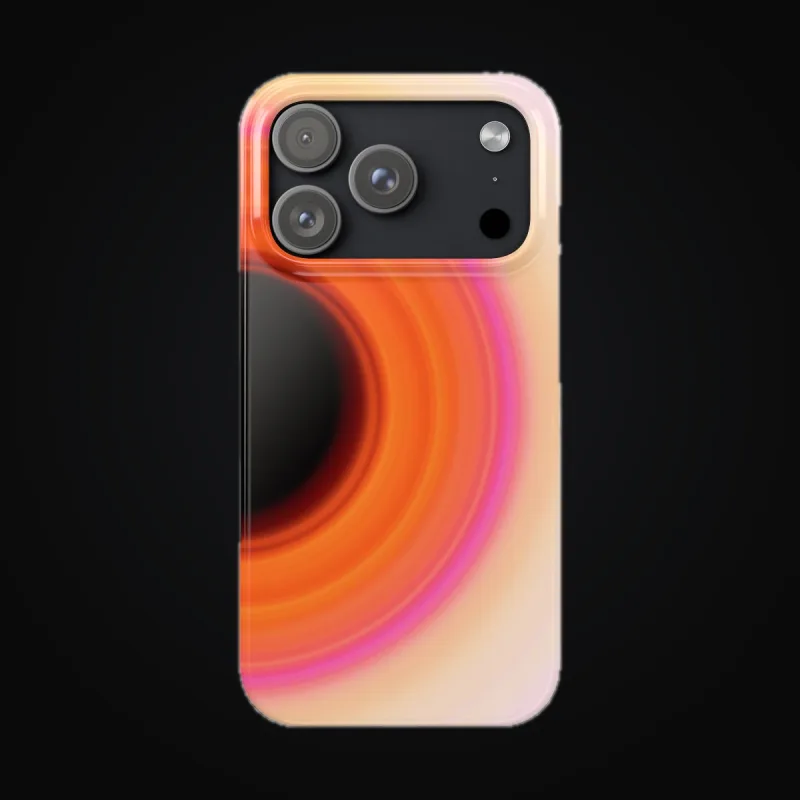
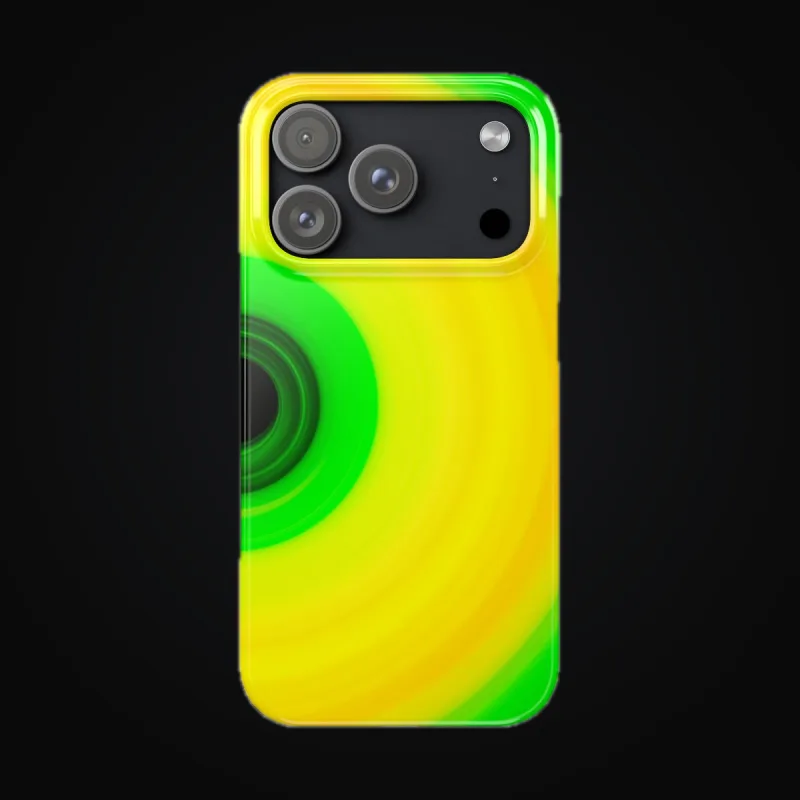
Phone Case
Phone Case mockup with original artwork by Michael Hill
Phone Case
Phone Case mockup with original artwork by Michael Hill
Phone Case
Phone Case mockup with original artwork by Michael Hill
Phone Case
Phone Case mockup with original artwork by Michael Hill
Phone Case
Phone Case mockup with original artwork by Michael Hill
Phone Case
Phone Case mockup with original artwork by Michael Hill
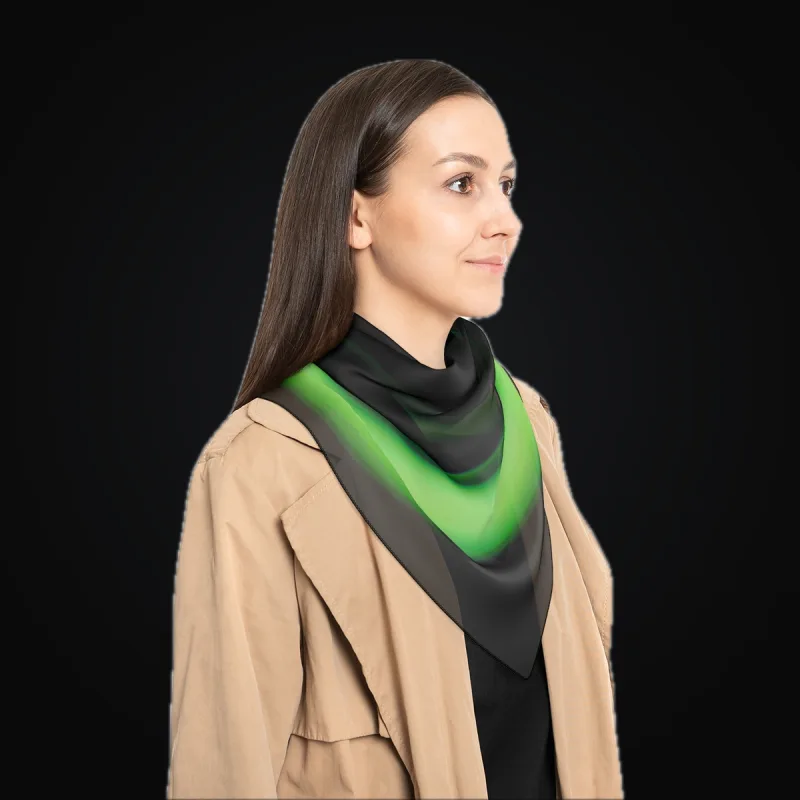
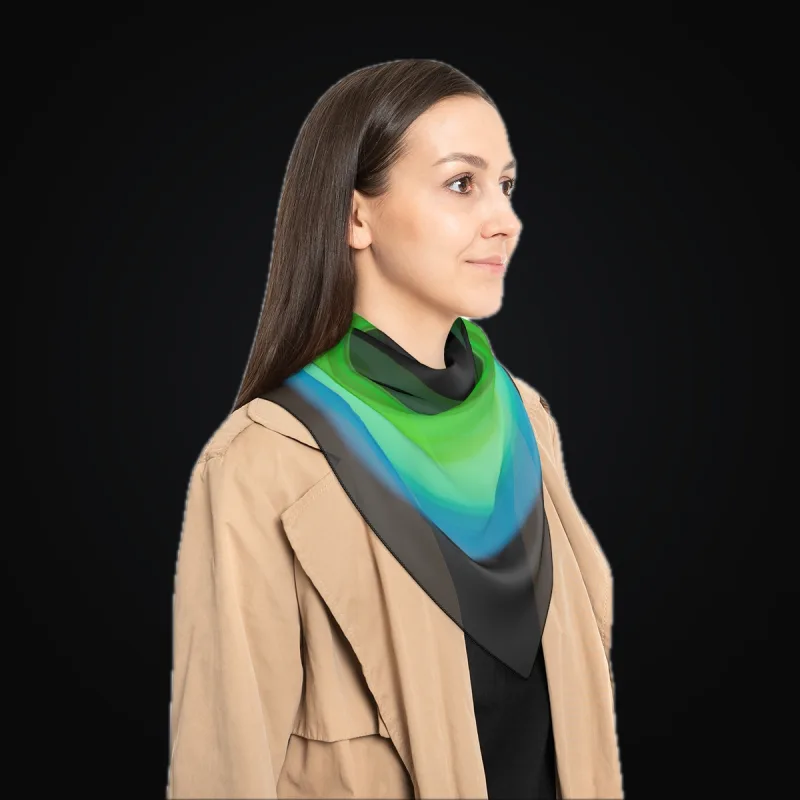
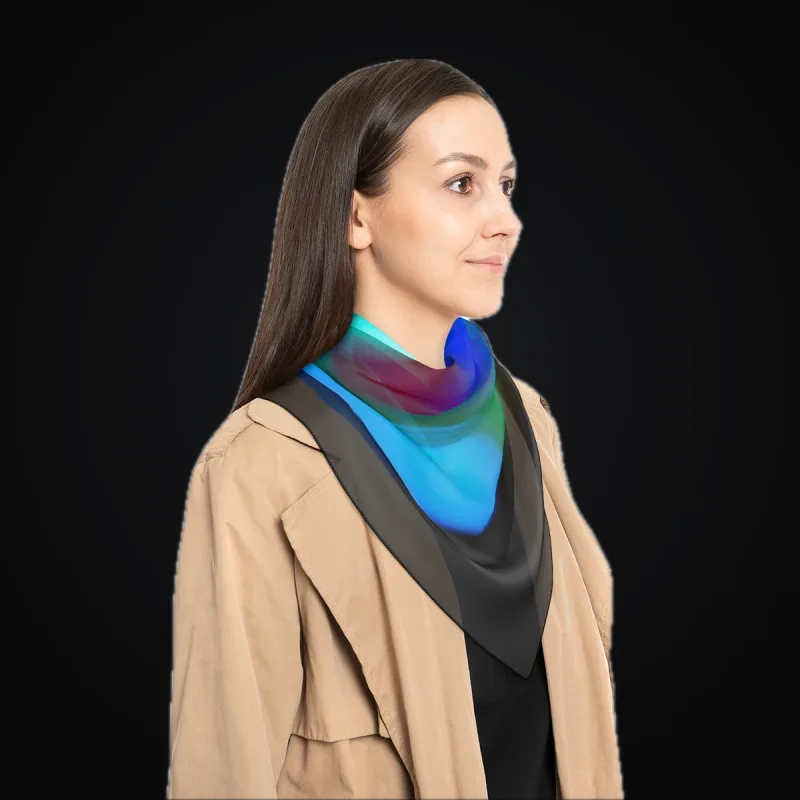
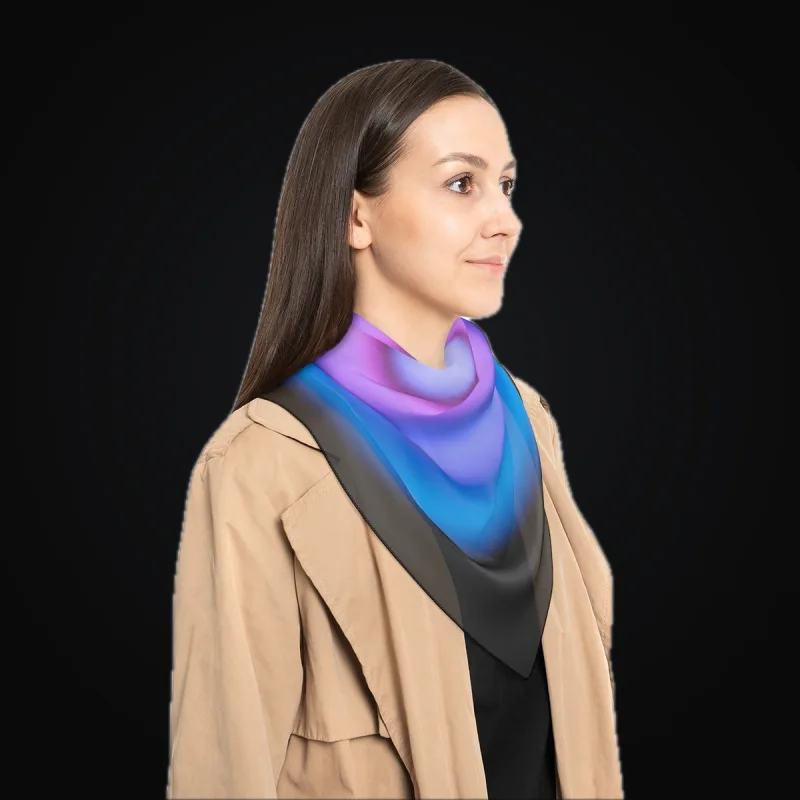
Poly Scarf
Poly Scarf mockup with original artwork by Michael Hill
Poly Scarf
Poly Scarf mockup with original artwork by Michael Hill
Poly Scarf
Poly Scarf mockup with original artwork by Michael Hill
Poly Scarf
Poly Scarf mockup with original artwork by Michael Hill
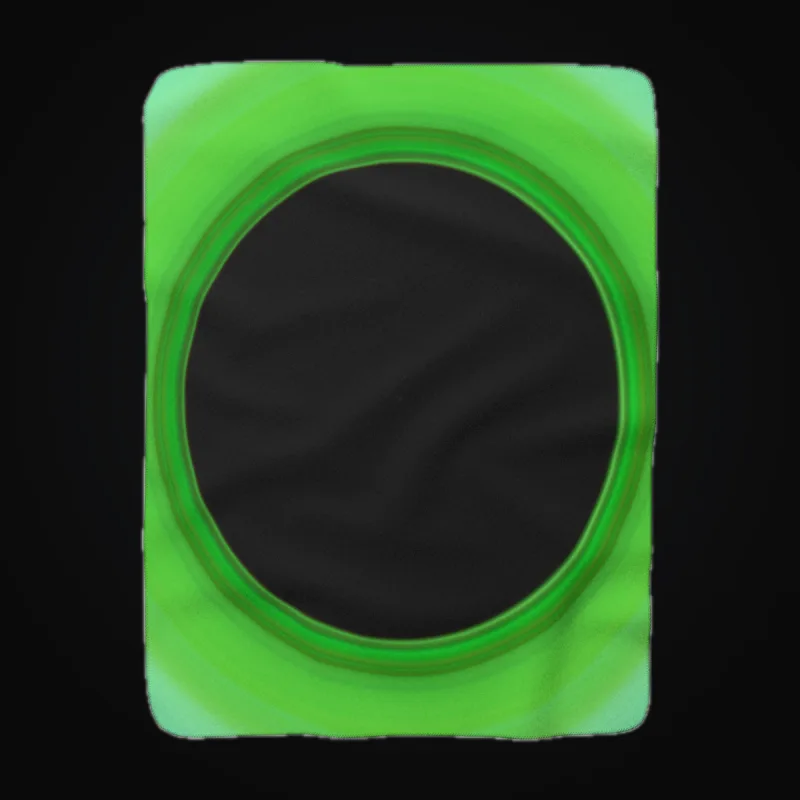
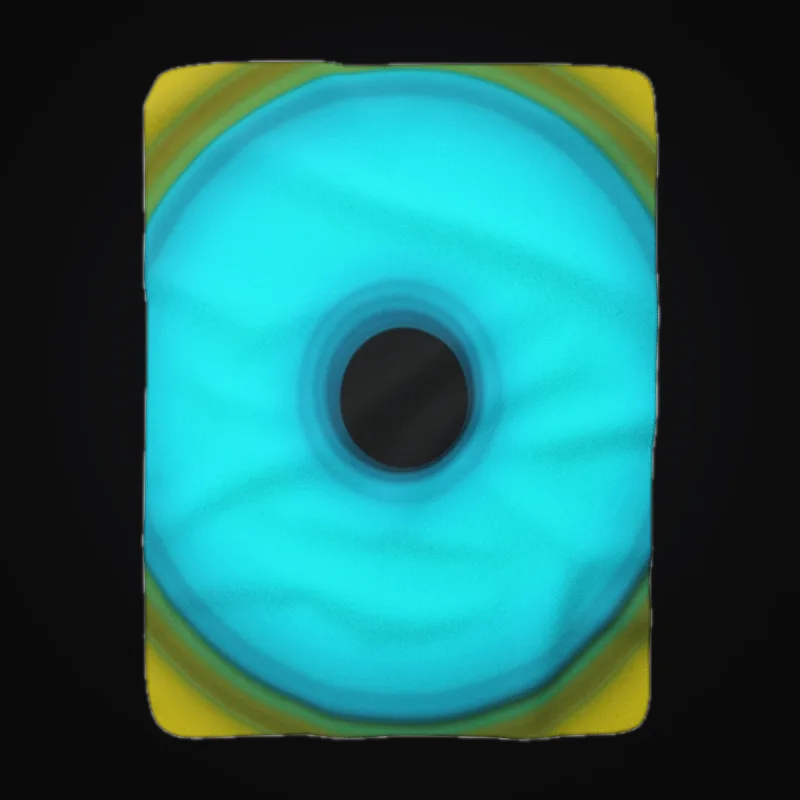
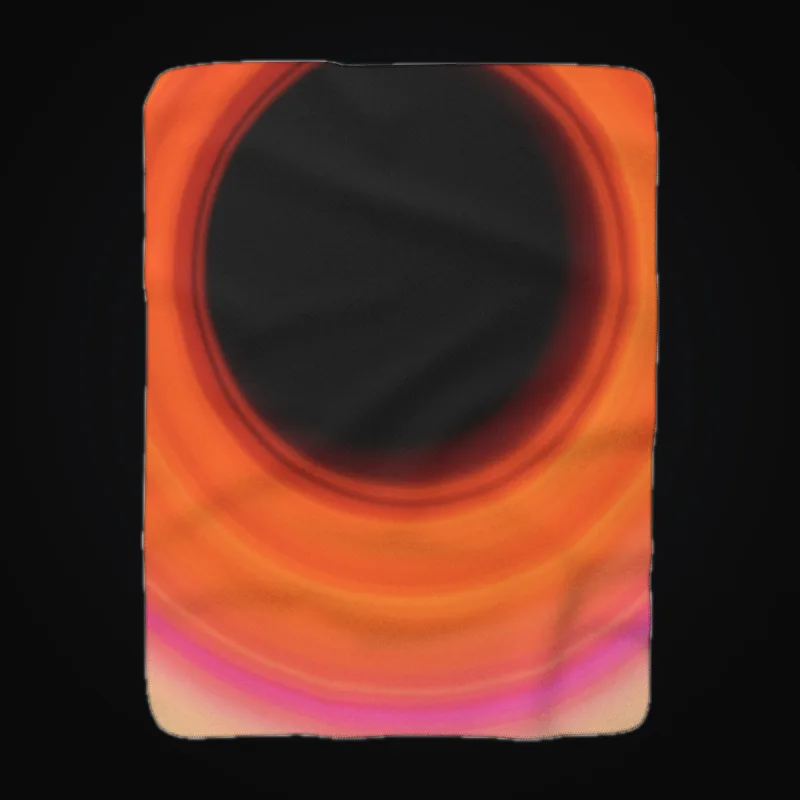
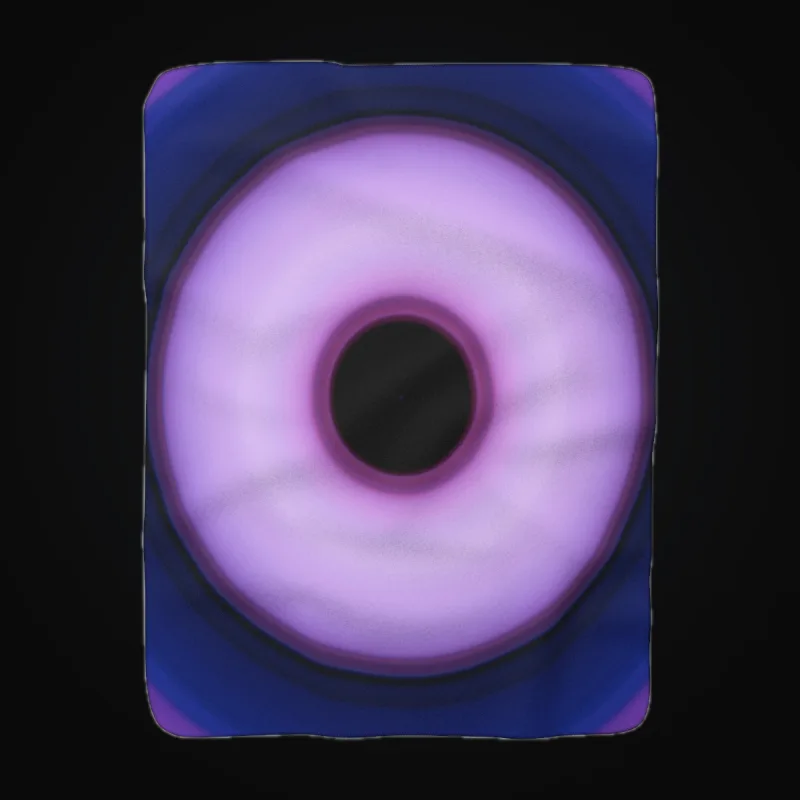
Sherpa Blanket
Sherpa Blanket mockup with original artwork by Michael Hill
Sherpa Blanket
Sherpa Blanket mockup with original artwork by Michael Hill
Sherpa Blanket
Sherpa Blanket mockup with original artwork by Michael Hill
Sherpa Blanket
Sherpa Blanket mockup with original artwork by Michael Hill
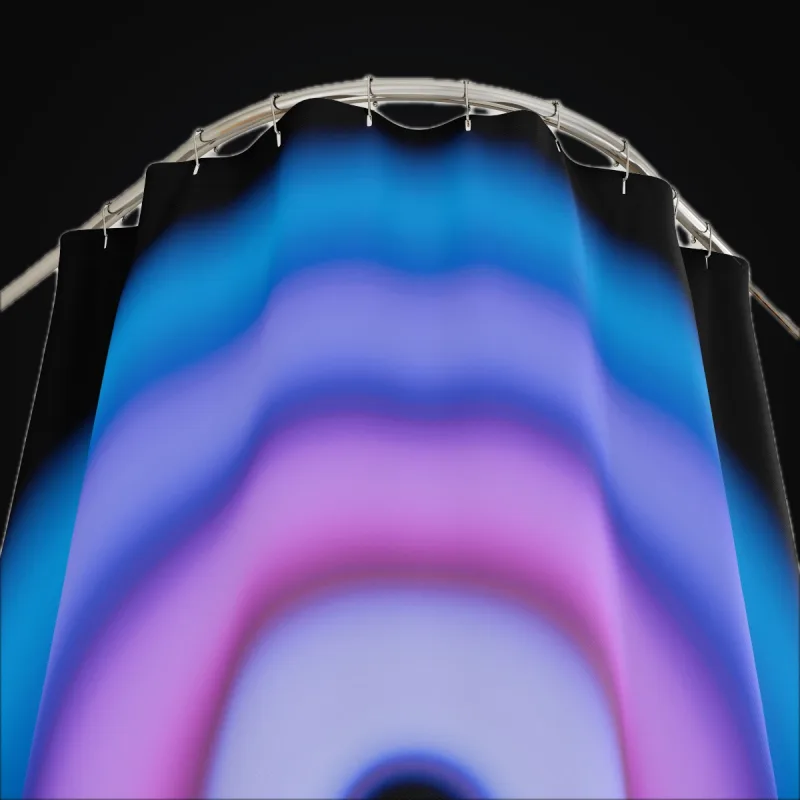
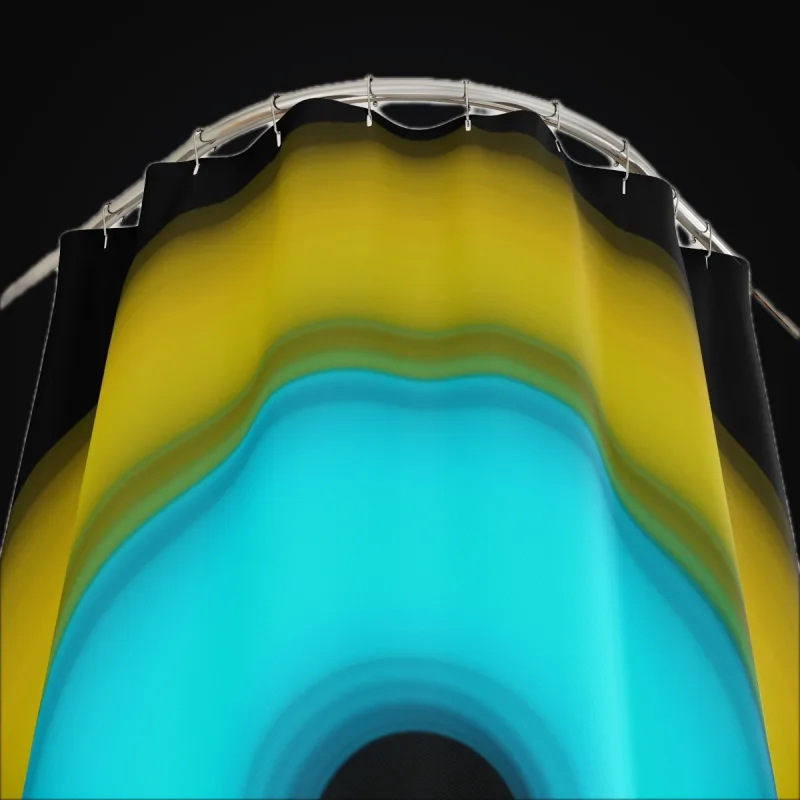
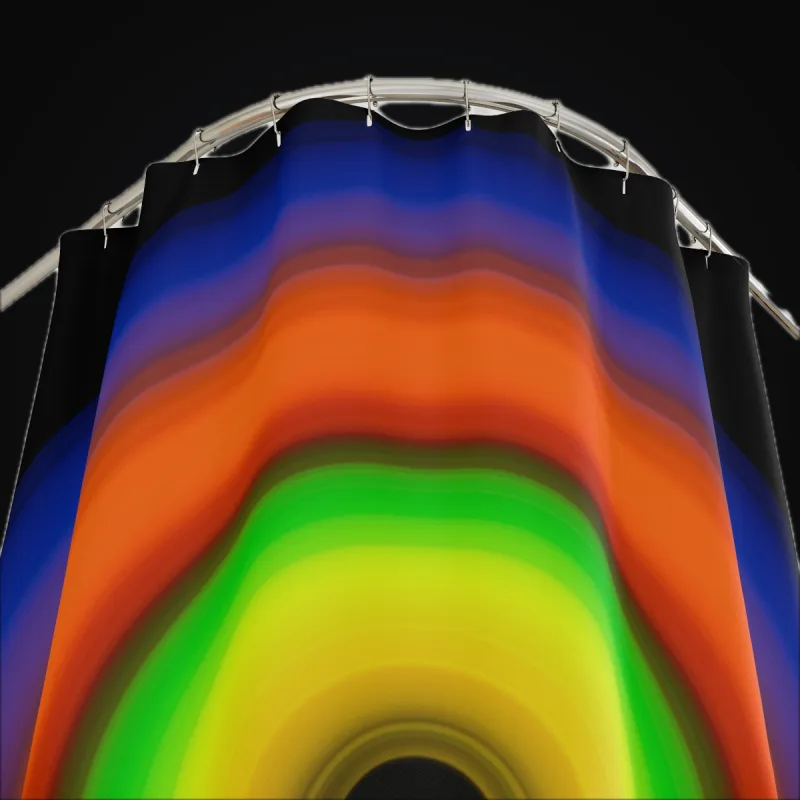
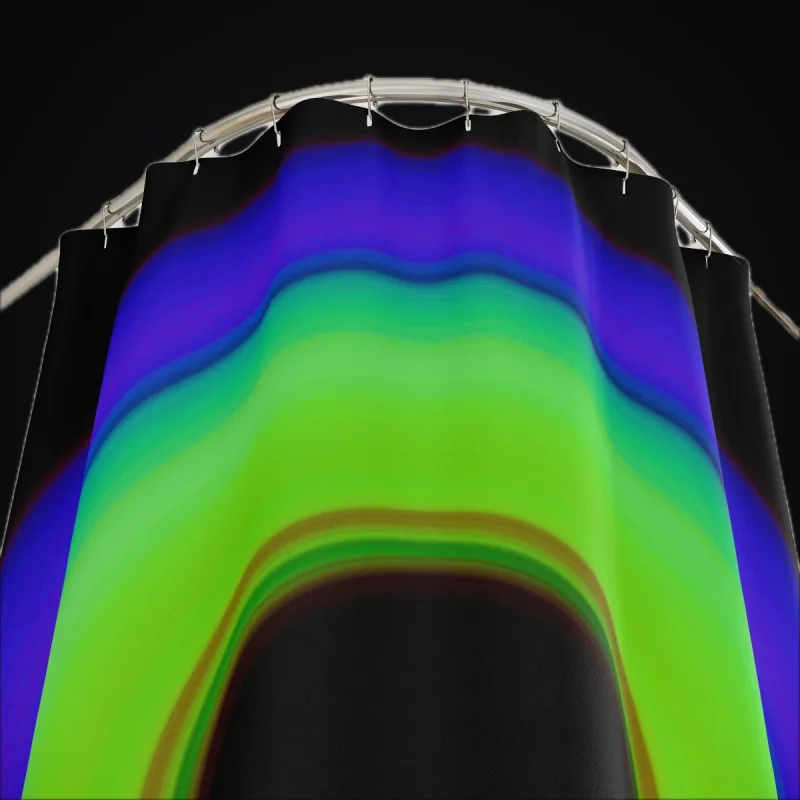
Shower Curtain
Shower Curtain mockup with original artwork by Michael Hill
Shower Curtain
Shower Curtain mockup with original artwork by Michael Hill
Shower Curtain
Shower Curtain mockup with original artwork by Michael Hill
Shower Curtain
Shower Curtain mockup with original artwork by Michael Hill
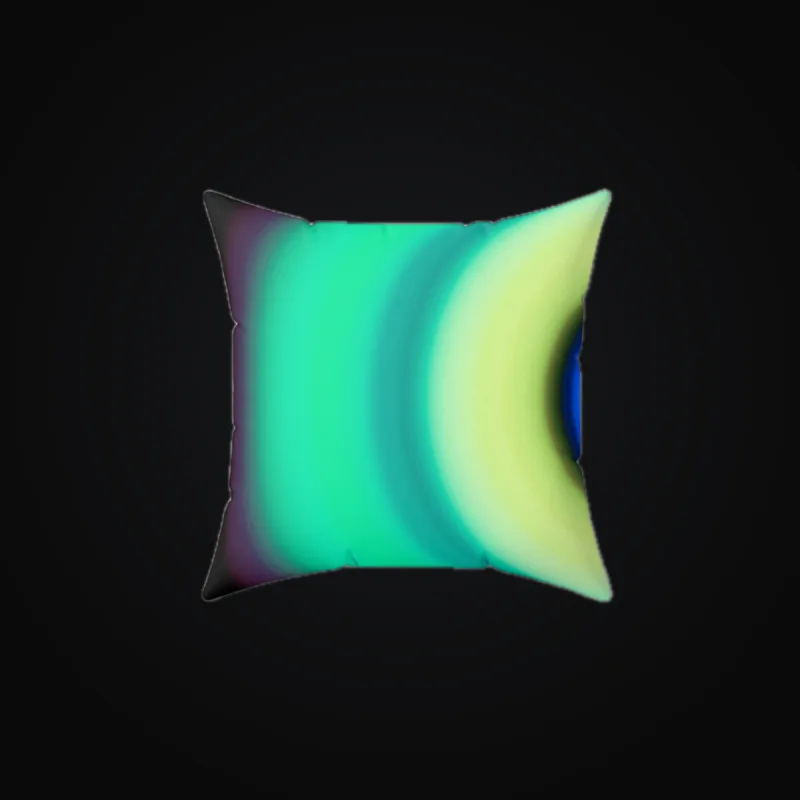
Pillow
Square Pillow mockup with original artwork by Michael Hill
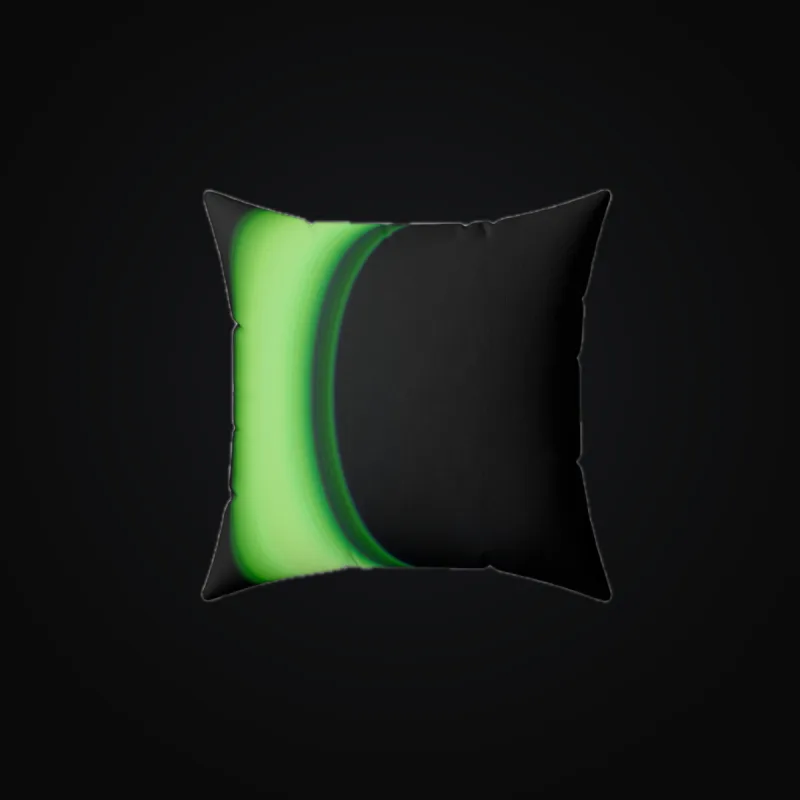
Square Pillow
Square Pillow mockup with original artwork by Michael Hill
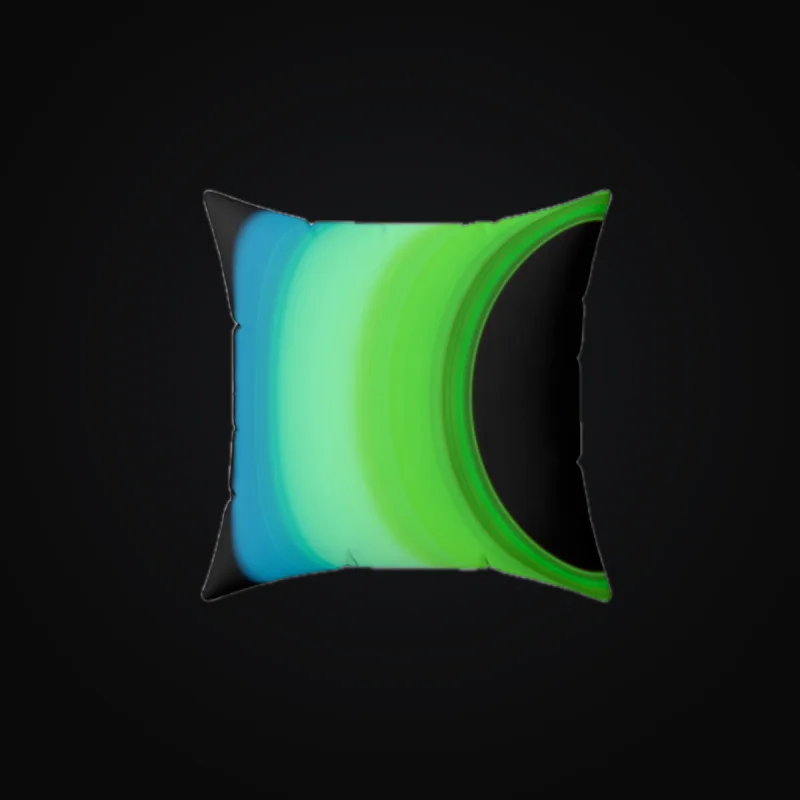
Square Pillow
Square Pillow mockup with original artwork by Michael Hill
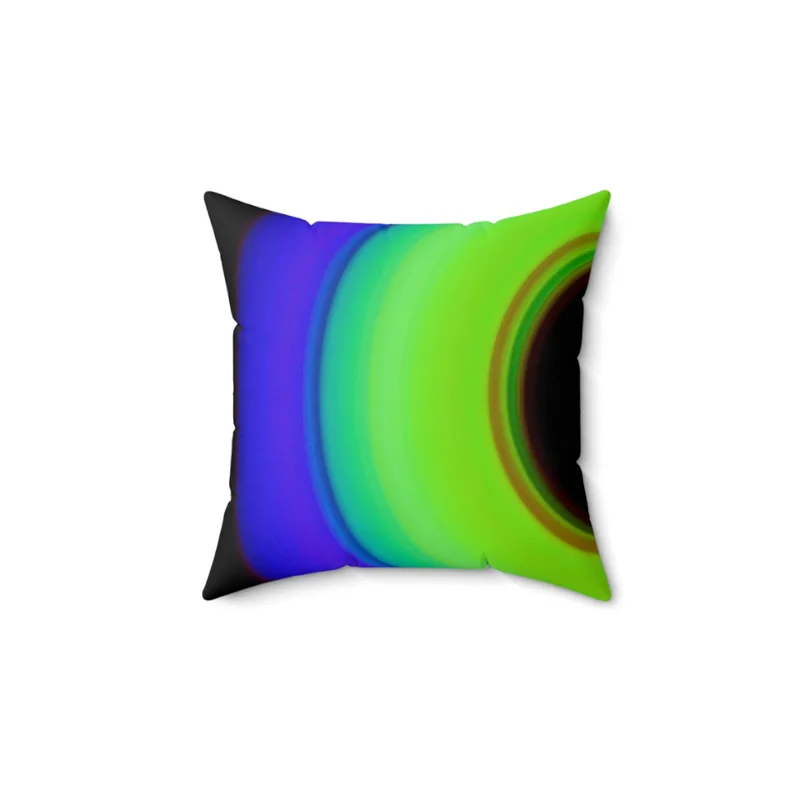
Throw Pillow
Square Pillow mockup with original artwork by Michael Hill
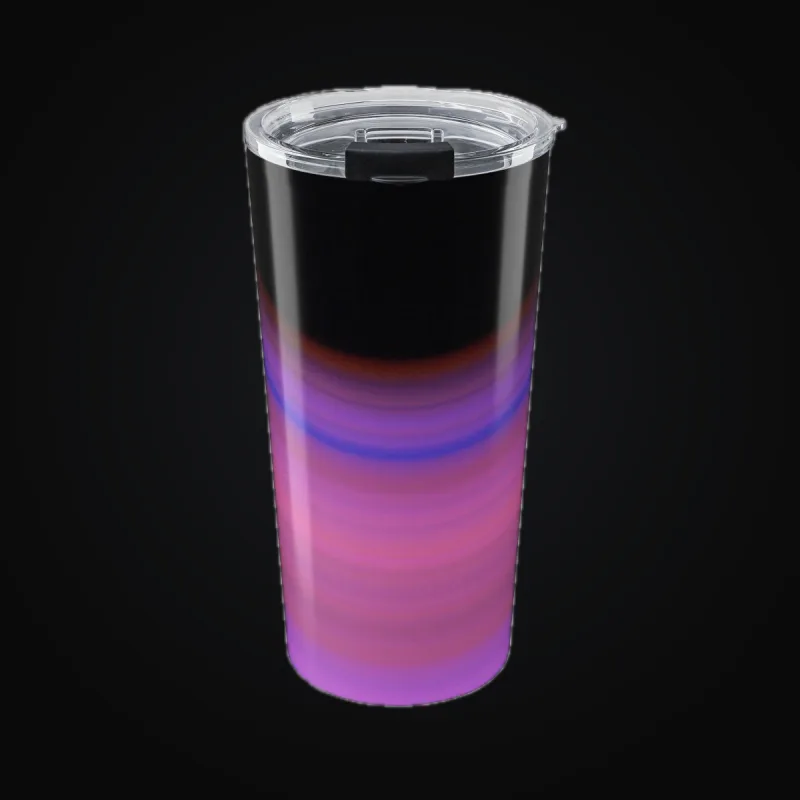
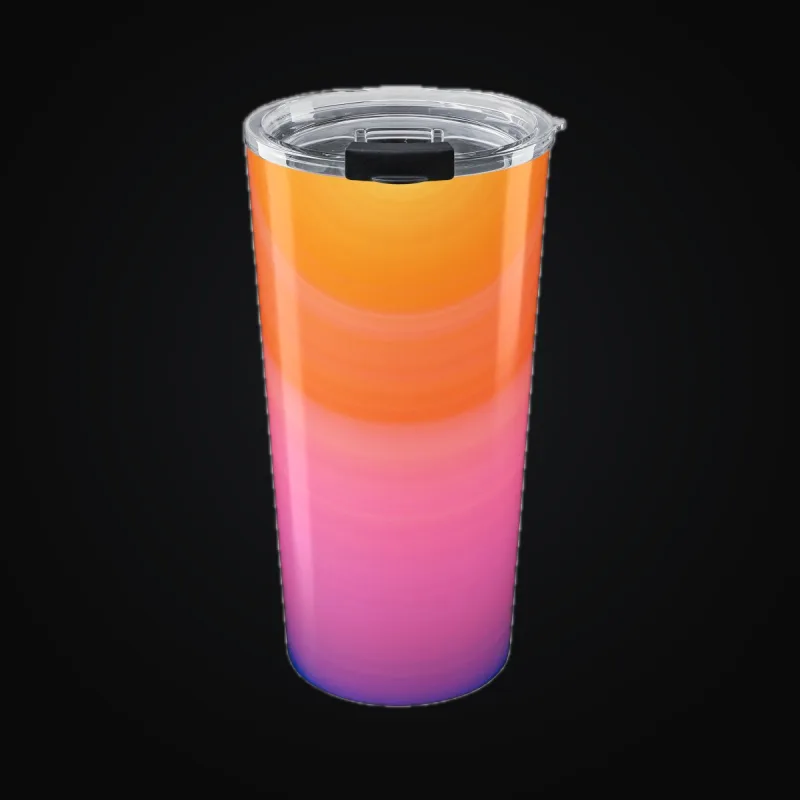
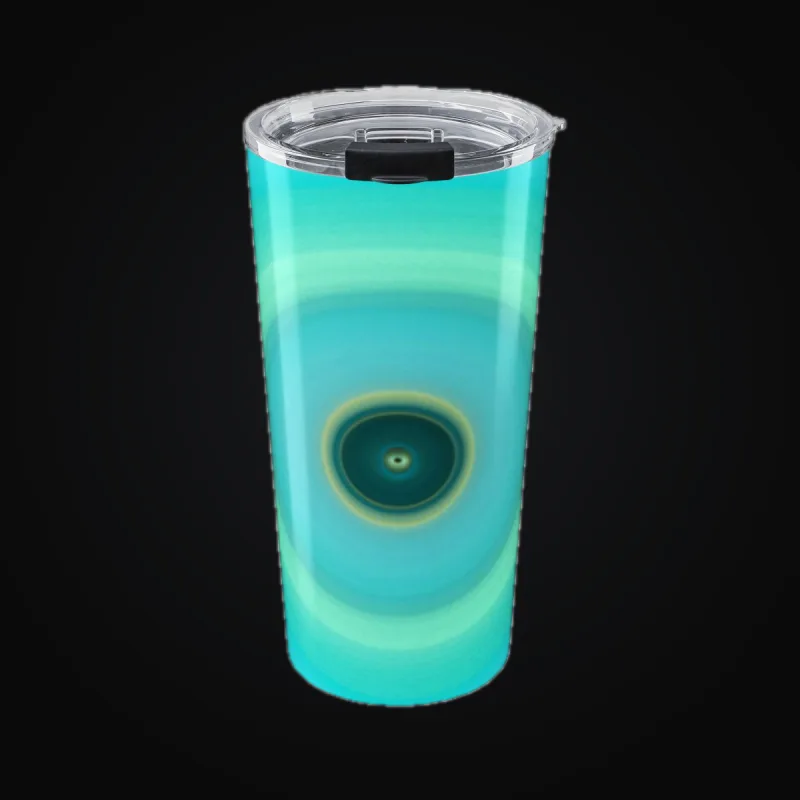
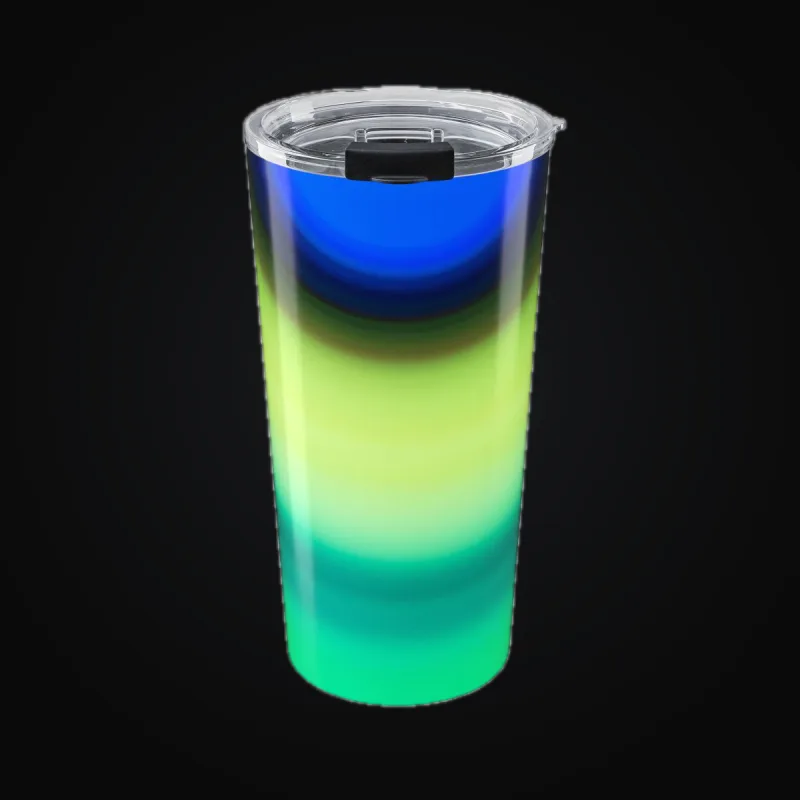
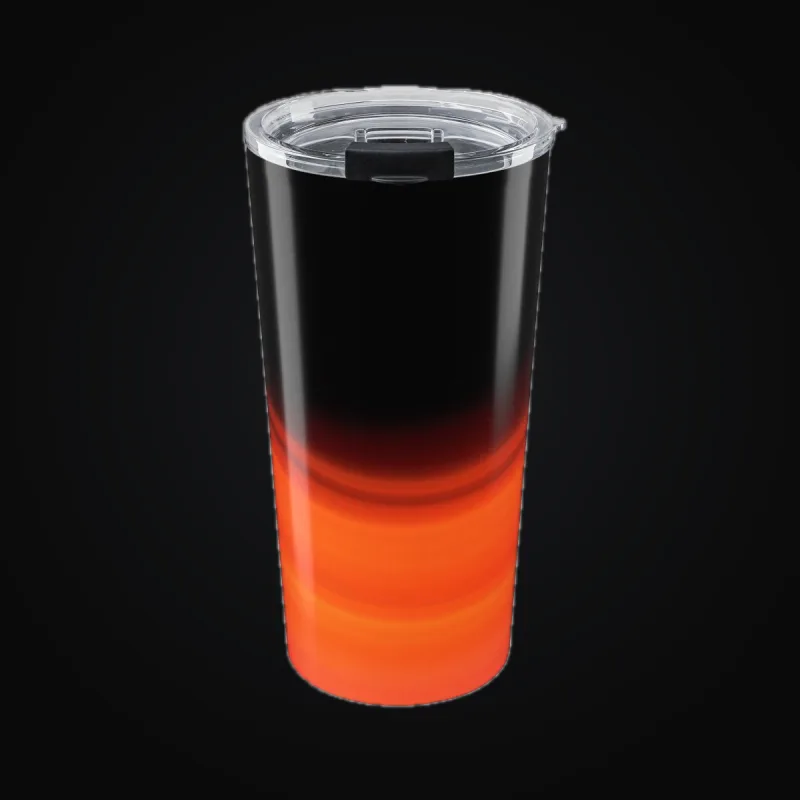
Tumbler
Tumbler mockup with original artwork by Michael Hill
Tumbler
Tumbler mockup with original artwork by Michael Hill
Tumbler
Tumbler mockup with original artwork by Michael Hill
Tumbler
Tumbler mockup with original artwork by Michael Hill
Tumbler
Tumbler mockup with original artwork by Michael Hill
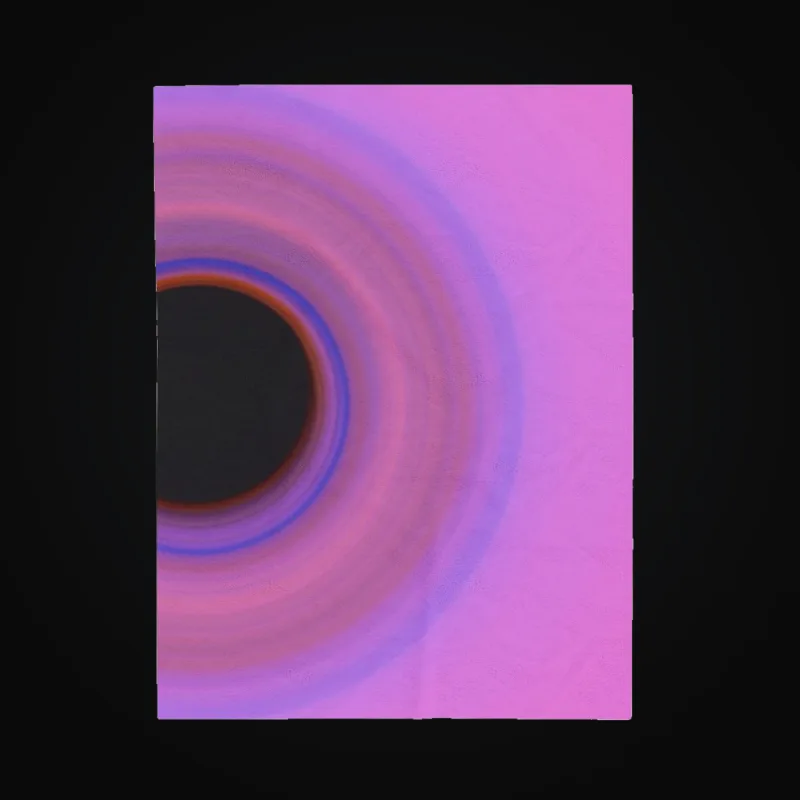
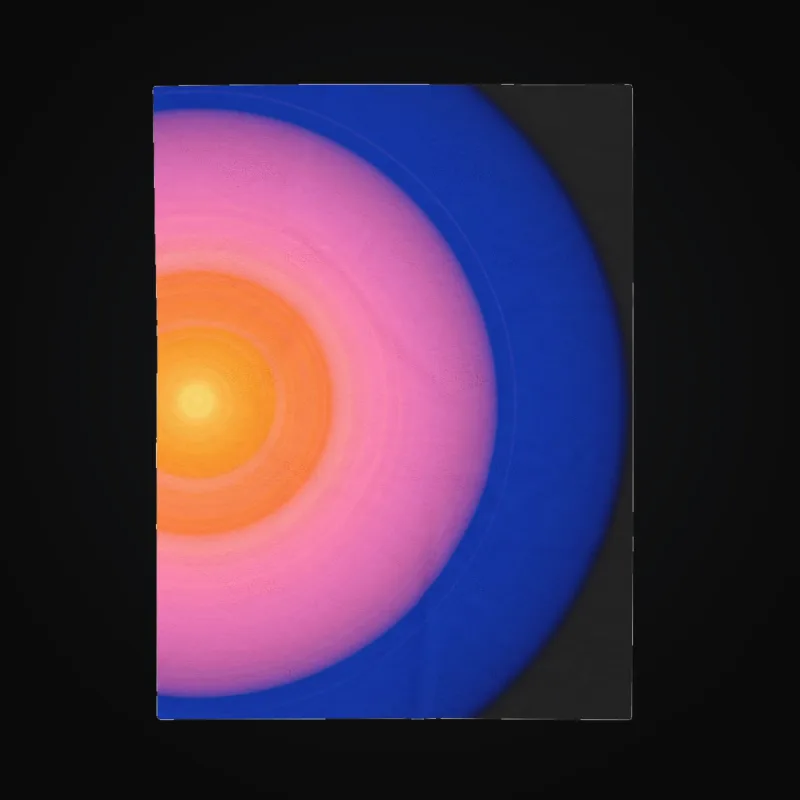
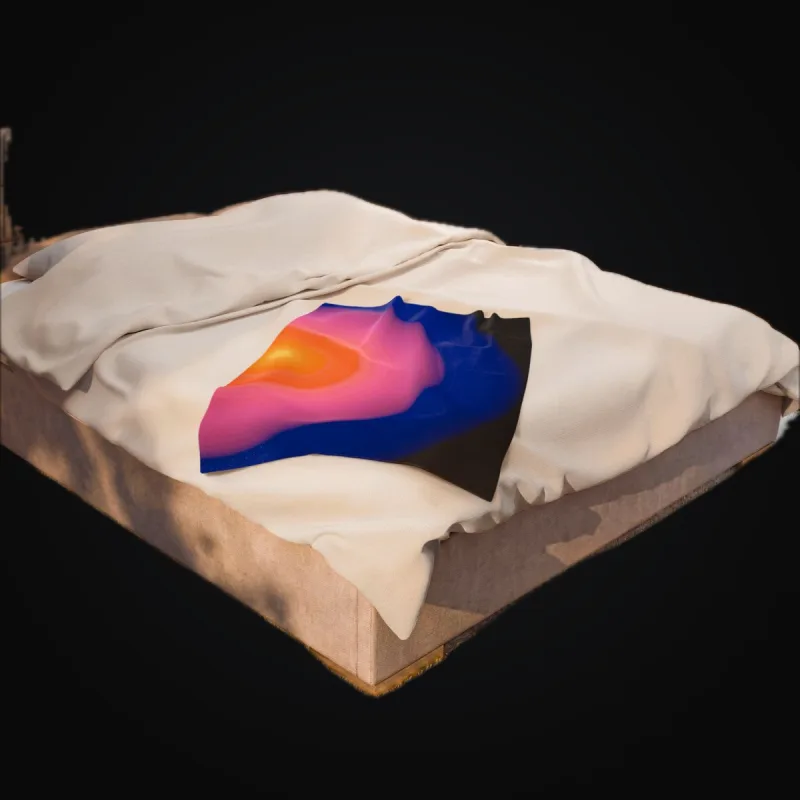
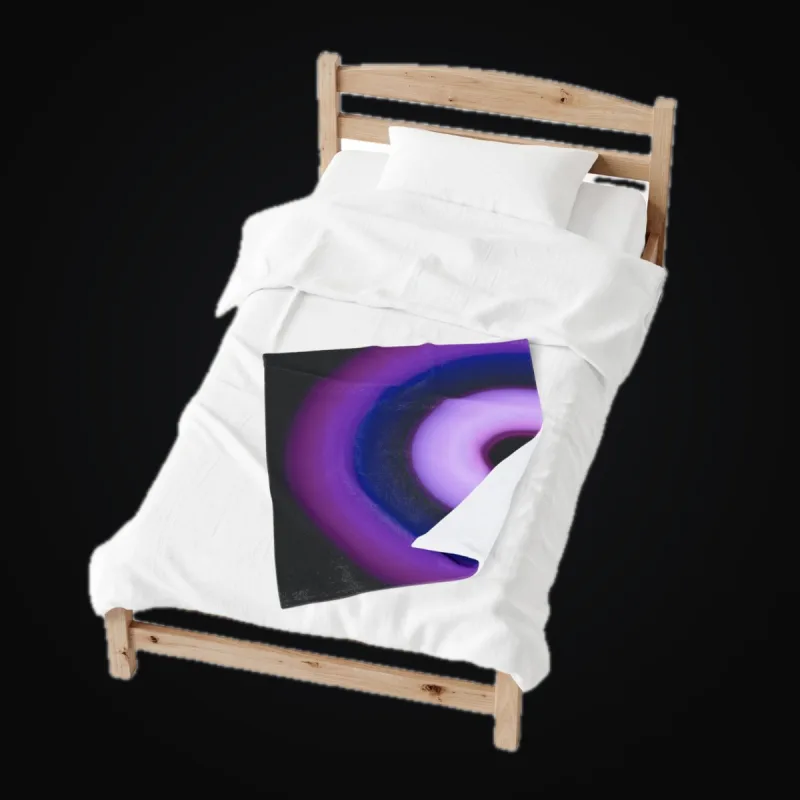
Velveteen Blanket
Velveteen Blanket mockup with original artwork by Michael Hill
Velveteen Blanket
Velveteen Blanket mockup with original artwork by Michael Hill
Velveteen Blanket
Velveteen Blanket mockup with original artwork by Michael Hill
Velveteen Blanket
Velveteen Blanket mockup with original artwork by Michael Hill
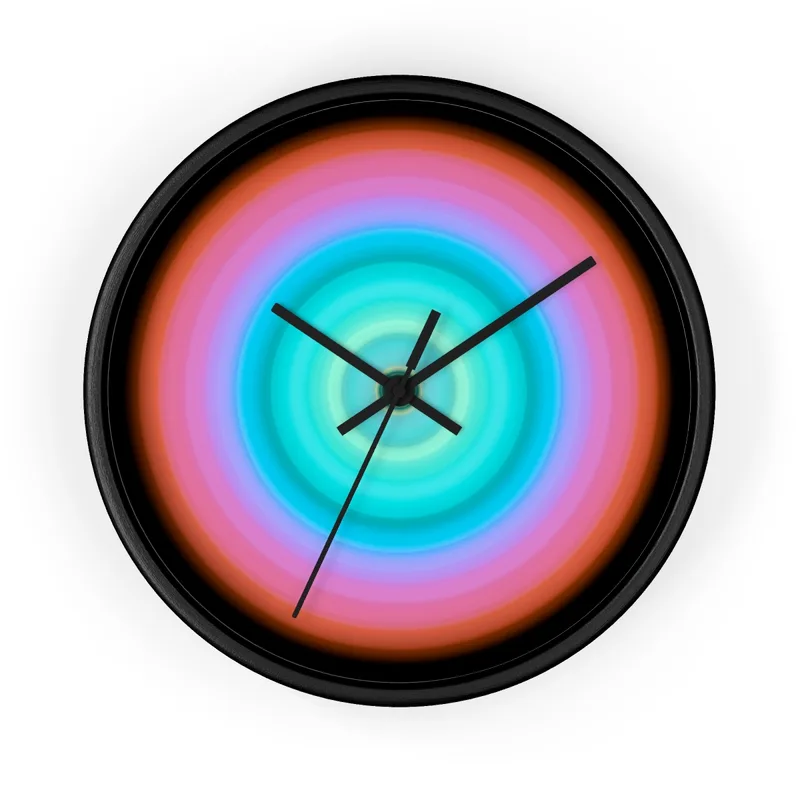
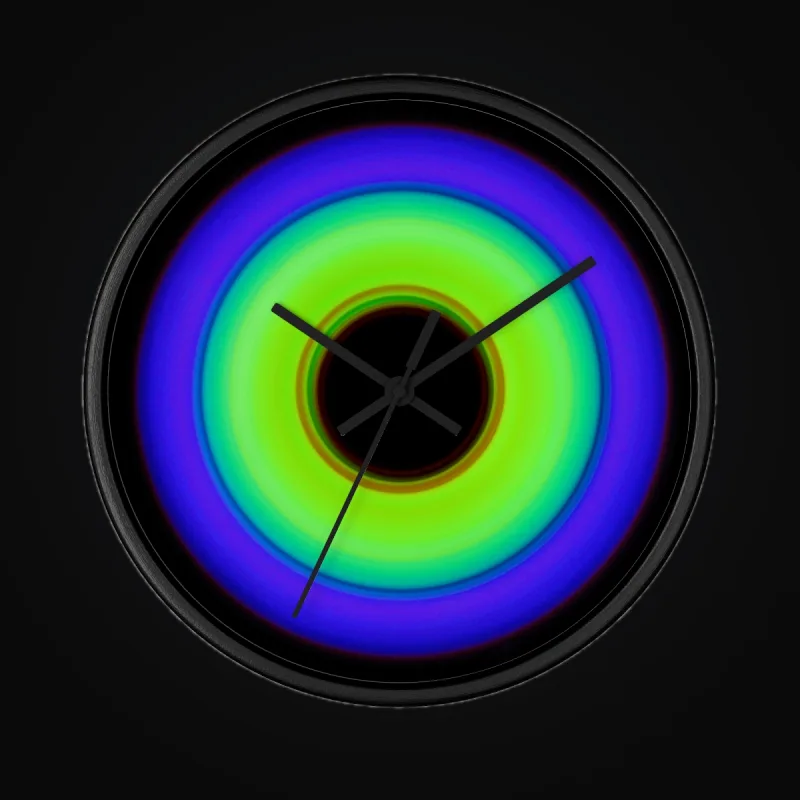
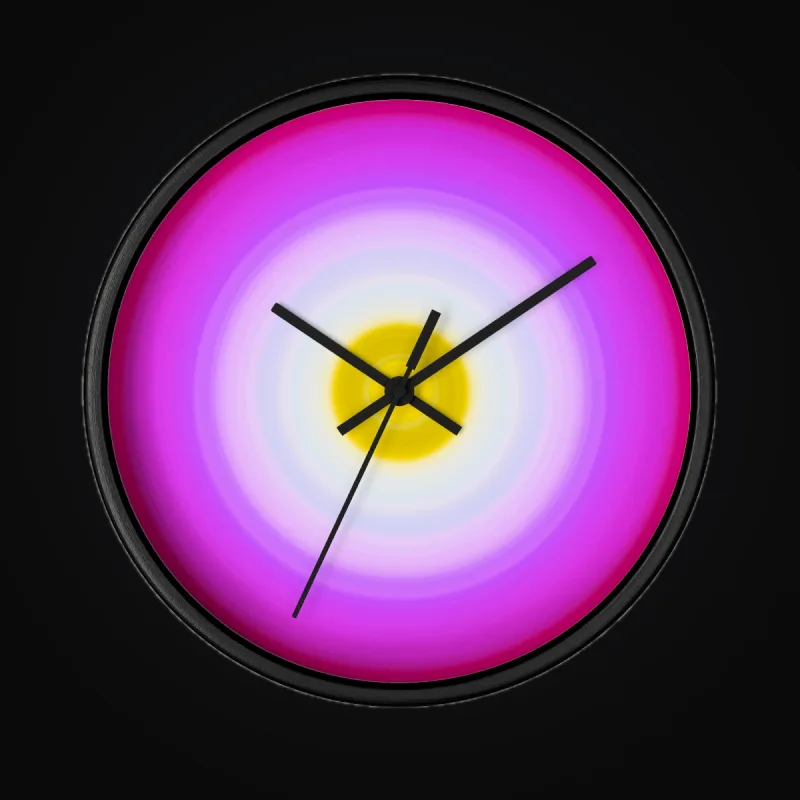
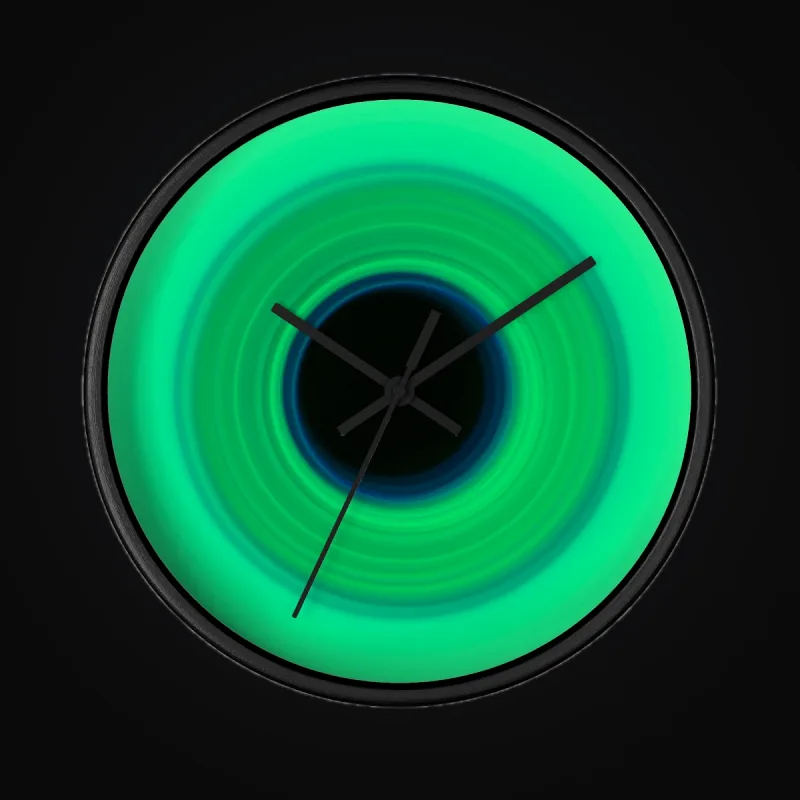
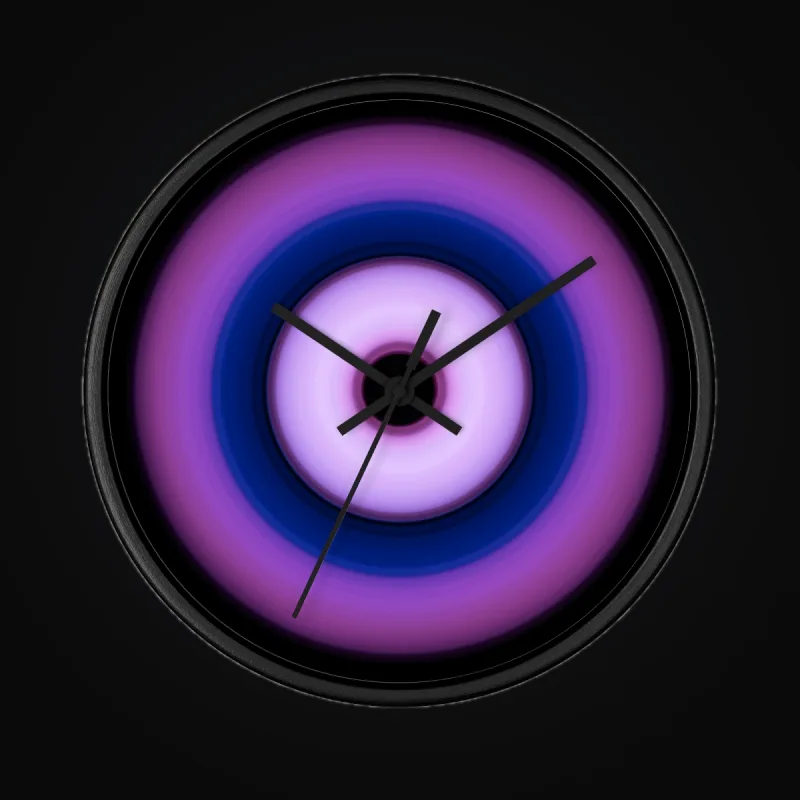
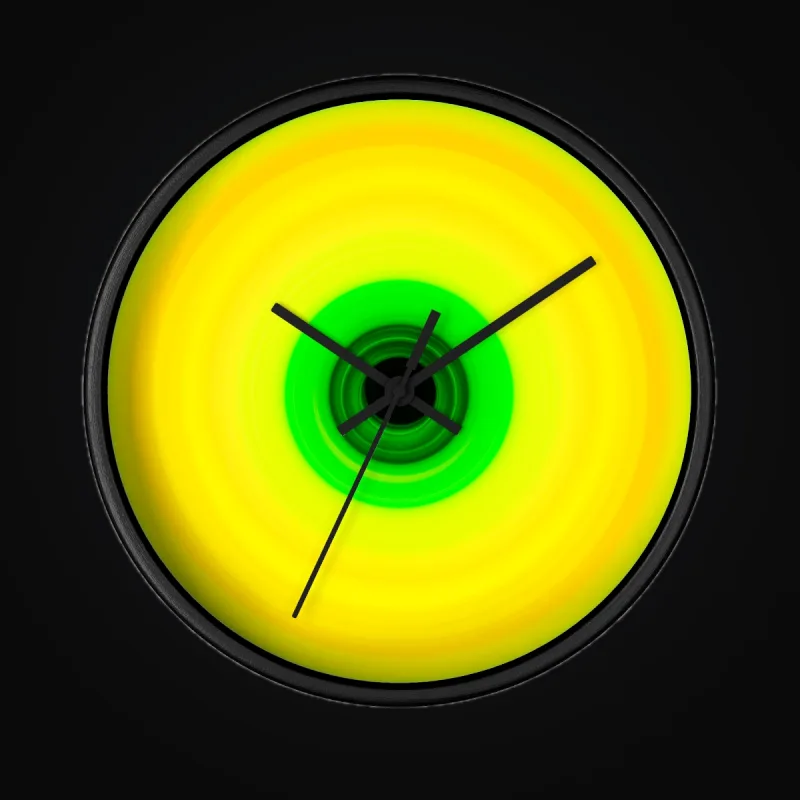
Wall Clock
Wall Clock mockup with original artwork by Michael Hill
Wall Clock
Wall Clock mockup with original artwork by Michael Hill
Wall Clock
Wall Clock mockup with original artwork by Michael Hill
Wall Clock
Wall Clock mockup with original artwork by Michael Hill
Wall Clock
Wall Clock mockup with original artwork by Michael Hill
Wall Clock
Wall Clock mockup with original artwork by Michael Hill
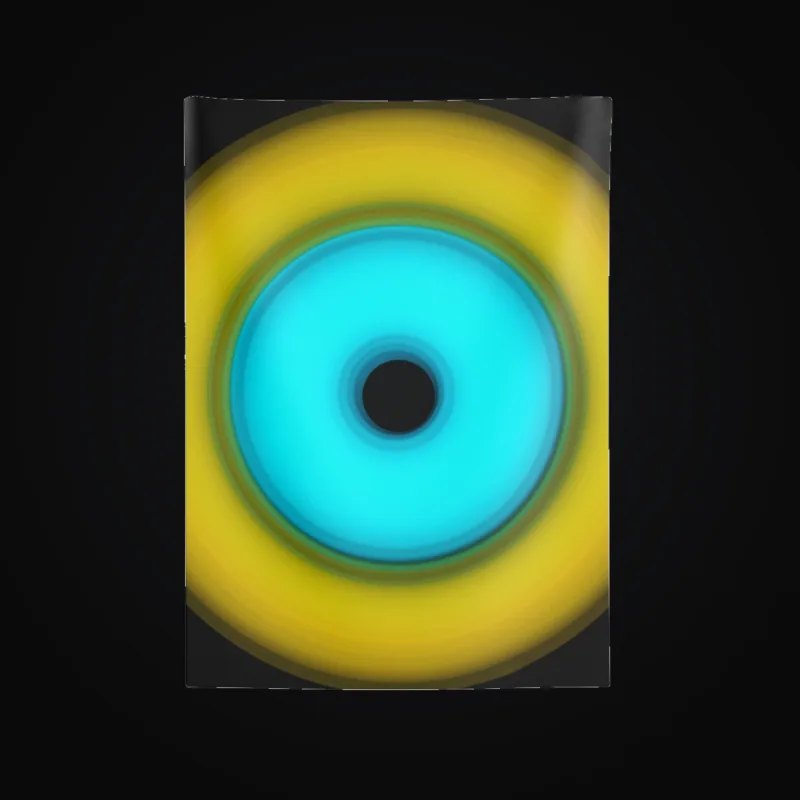
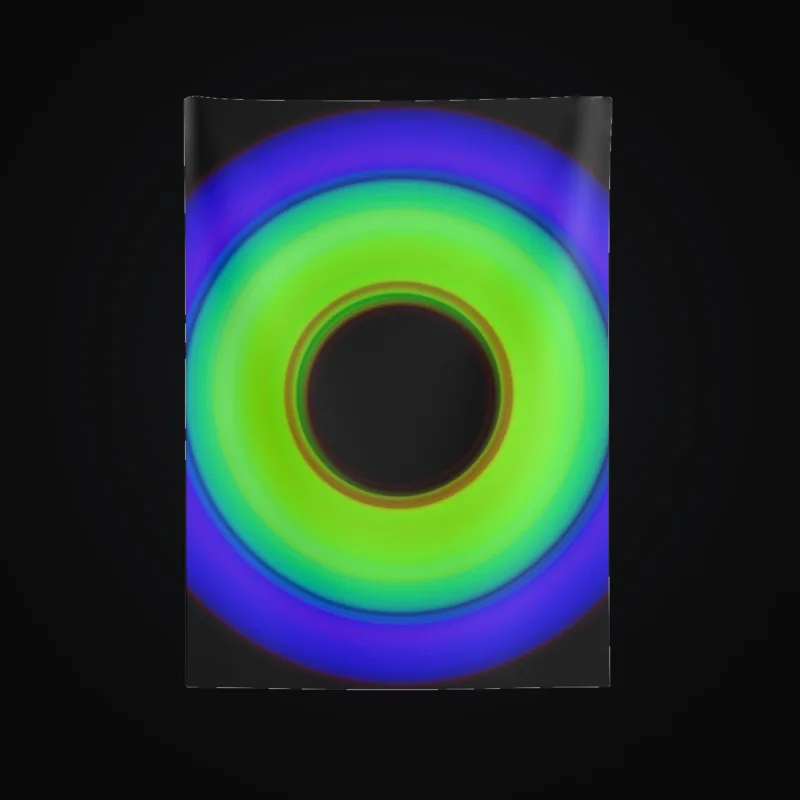
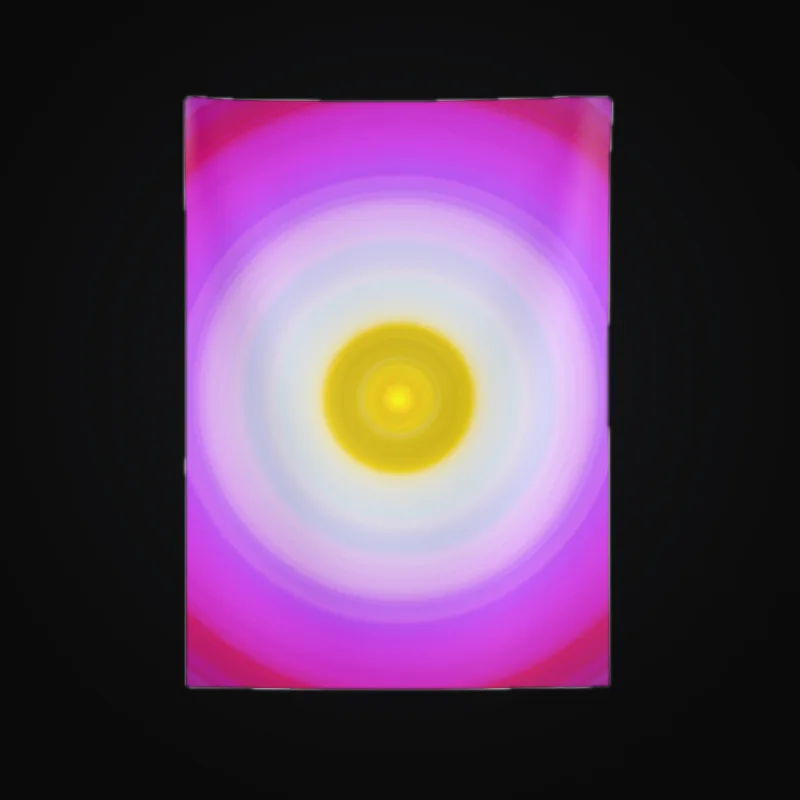
Wall Tapestry
Wall Tapestry mockup with original artwork by Michael Hill
Wall Tapestry
Wall Tapestry mockup with original artwork by Michael Hill
Wall Tapestry
Wall Tapestry mockup with original artwork by Michael Hill