Choose your stores and print providers
Use Shopify or Etsy with ArtDrop, create products with Gelato, Printify, or Printful, and choose the connection that fits your shop.
Before you begin
- Choose the storefront and products you want to sell.
How it works
ArtDrop connects artwork, listing copy, print products, and your storefront. The connections below determine where each product appears.
Steps
-
Shopify
Use Gelato or Printify to create products for your Shopify store. ArtDrop is available in the Shopify App Store.
-
Etsy
Publish digital downloads directly to Etsy. For physical products, choose the Printify shop or Gelato store connected to your Etsy shop.
-
Printful
Create products in your Printful store and review them there. When your Printful store is connected to your Shopify store, ArtDrop publishes the Shopify listing with your artwork, price, SKU, and a Printful mockup. Use Gelato or Printify for Etsy listings.
-
Shopify sales channels
By default, publication to the official Pinterest for Shopify sales channel is automatic for each Shopify product created by ArtDrop once that channel is installed on the merchant's Shopify store. This is Shopify channel publication, not direct Pinterest publishing by ArtDrop. Products can also use the sales channels installed and configured in your Shopify store, including Pinterest for Shopify and Shopify Marketplace Connect.
Expected result
Choose the storefront and provider combination for your products, then follow its setup guide.
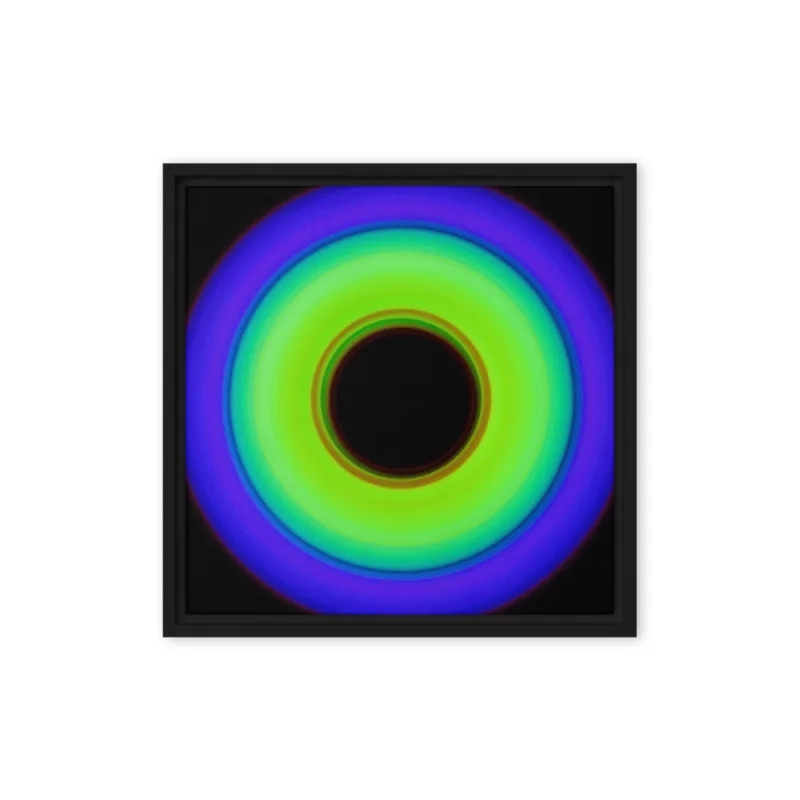
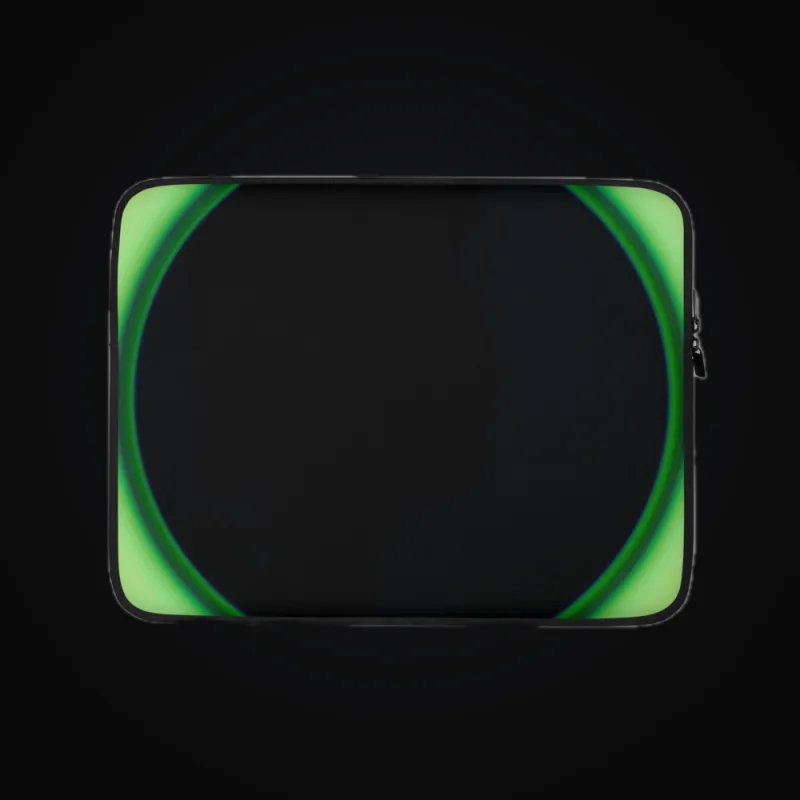
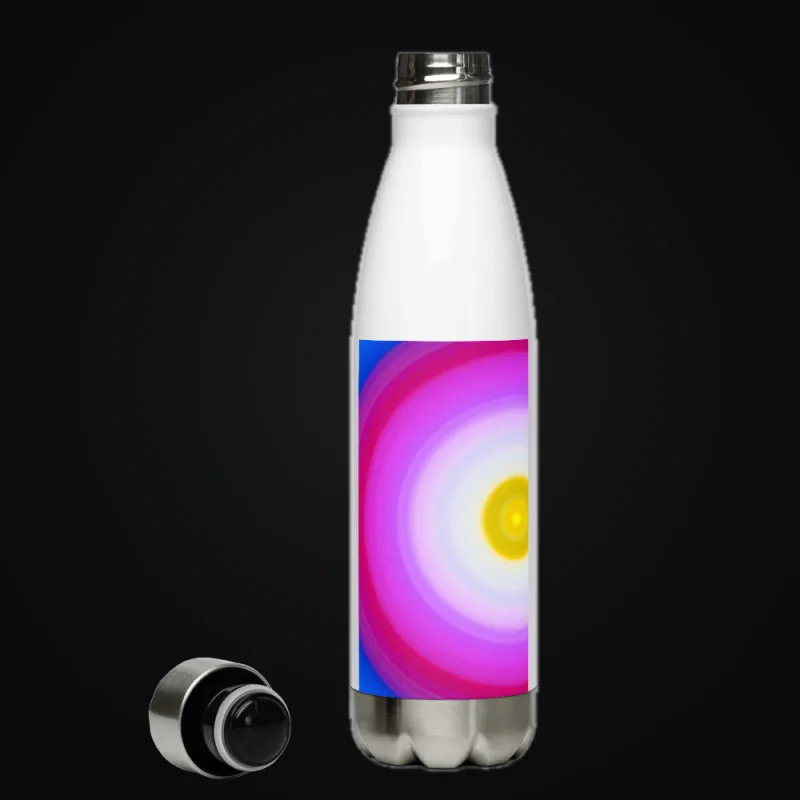
Provider-specific product mockups



Good to know
- ArtDrop handles products and listings. Your storefront and print provider handle orders and fulfillment.
- Shopify sales channel publication depends on the channel installed and configured in your store. It is separate from direct social posting.
- ArtDrop can publish reviewed posts to Bluesky from the web app. Connect your profile in Social Publishing, then review the caption and image before scheduling. Threads, Facebook Pages and Instagram professional account posting are built into Social Publishing. Each one opens to customers when Meta approves ArtDrop's review for it. TikTok posting is built and opens when TikTok approves ArtDrop's review. Until then, these channels show Coming soon in the app. Pinterest has its own reviewed Pin workflow in ArtDrop Web.
- ArtDrop creates product and listing data only. It does not access orders, customers, payments, shipping, or fulfillment. It does not relay orders or provide checkout.
- By default, publication to eBay through Shopify Marketplace Connect is automatic for each Shopify product created by ArtDrop once that sales channel is installed and configured on the merchant's Shopify store.
Troubleshooting
- A product is missing? Check its print provider and connected storefront, then review the message in Live Log.
How to undo or clean up
Change saved connections to use different destinations for future products.