Create products in Printful
Choose Printful products, variants, prices, and artwork placement. ArtDrop builds the product, and the Printful store you connect decides where it finishes.
Before you begin
- Printful stores come in two kinds, and Printful follows the one you connect. A Native or Manual Order/API store stands on its own: ArtDrop creates the product in Printful, and you publish it when you are ready. A store connected to your Shopify store carries the product through: ArtDrop creates the Shopify product, sets your artwork, price, and SKU on the Printful variant, attaches a Printful mockup as the product image, and publishes the listing to your sales channels. Review mode stops at a Shopify draft for you to publish instead.
- Create a private token in the Printful developer portal with read and write access to Sync Products and File Library. Paste it into the Printers pane, then choose the store you want ArtDrop to use.
- Connect the Printful store you want ArtDrop to use. To finish in Shopify, connect that Printful store to your Shopify store in Printful.
- Choose the products and variants you want to create.
How it works
ArtDrop creates the Printful product and checks its title, variants, prices, and artwork placement against your saved setup.

Steps
-
Connect your Printful store
Choose the Printful store you want ArtDrop to use.
-
Save a product
Select a catalog product, up to 100 variants, the artwork placement, and a price and SKU for each variant.
-
Upload artwork
Add an image to Drop Zone and follow the product in Live Log.
-
Open the product in a standalone store
ArtDrop creates the product in Printful, and you publish it when you are ready.
-
Follow a connected store into Shopify
ArtDrop creates the Shopify product, Printful imports it, and ArtDrop sets your artwork, price, and SKU on the Printful variant. ArtDrop attaches a Printful mockup as the product image, makes the product active, and publishes it to the sales channels you chose in settings.
-
Check the listing
Open the listing in Shopify and check the mockup and the price.
Expected result
Your Printful store contains the product with your artwork, chosen variants, prices, and SKUs. With a connected store, your Shopify store carries a live listing with your artwork, price, SKU, and a Printful mockup as the product image, on the sales channels you chose.
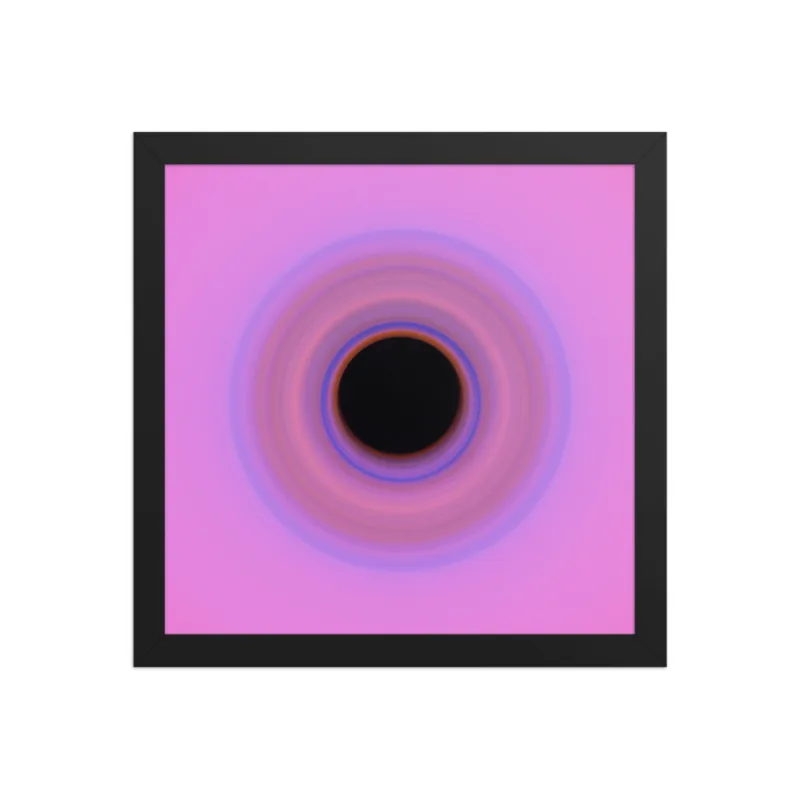
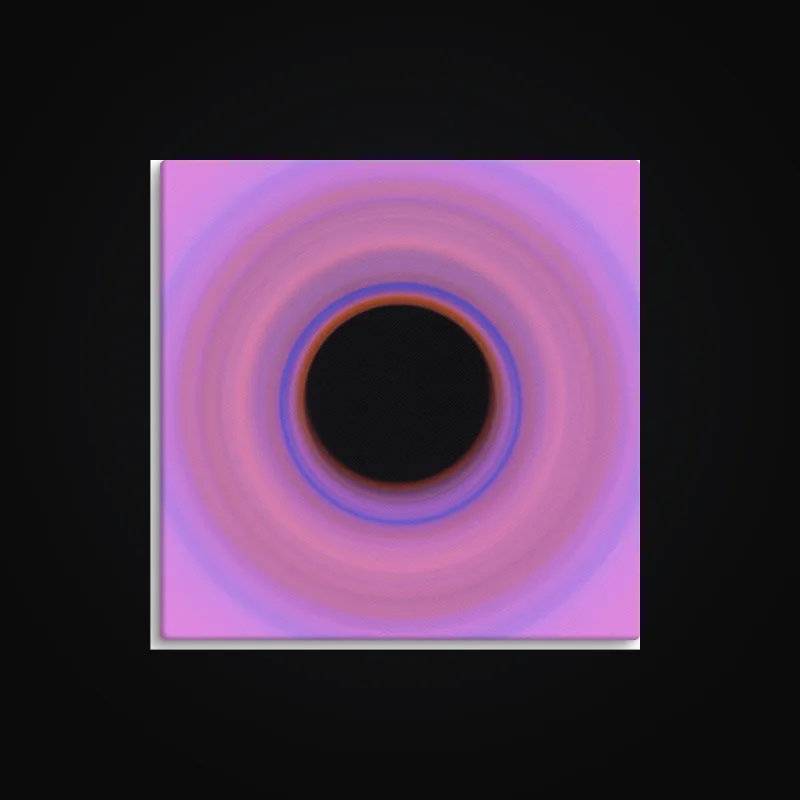
Printful wall art mockups

Good to know
- A Native or Manual Order/API store keeps the product in Printful. You publish it when you are ready.
- Printful products follow the same sales channels as your Gelato and Printify products.
- Mugs, matte posters, canvas prints, and tees are good first products for this route. Start with one and check the listing before you run a batch.
- Review the artwork placement and mockups in Printful before selling the product.
Troubleshooting
- A store cannot be selected? Check its type in Printful.
- A product needs attention? Compare the message with the existing Printful product before uploading the artwork again.
How to undo or clean up
Disable the saved product in ArtDrop to stop using it for new drops. Delete unwanted products in Printful.