Set up ArtDrop and create your first product
Connect your store, choose the products you want to sell, and upload artwork. ArtDrop prepares the product copy and creates your products.
Open guide// Product documentation
Start with setup, then choose a guide for artwork, products, stores, publishing, scheduling, or account care.
30 guides shown
No guide matches that search.

Example product outcomes

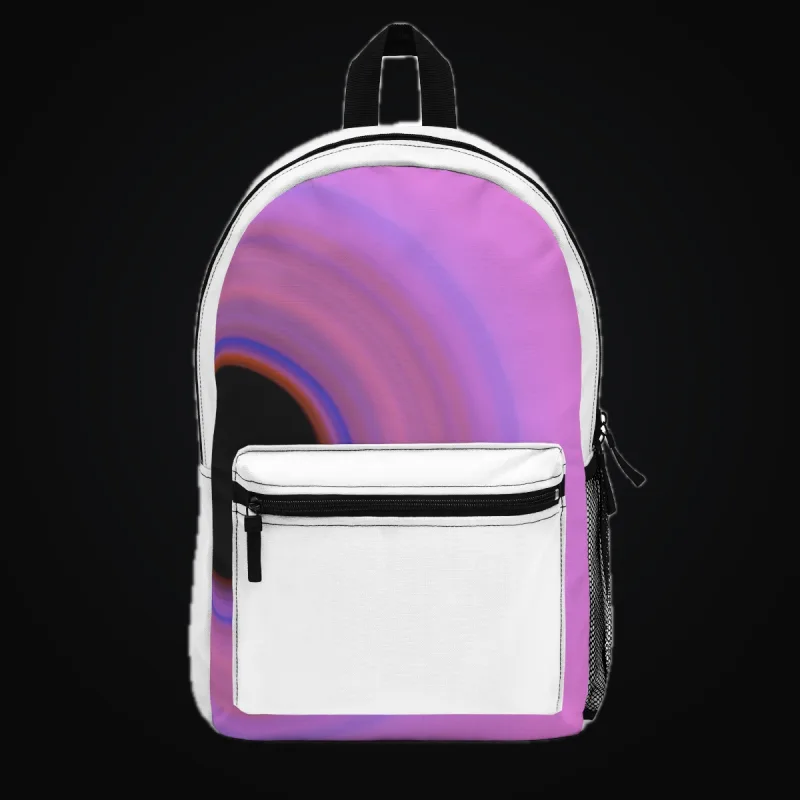

Explore these Printful and Printify mockups for product ideas.
Pick your surface, see where ArtDrop publishes, and make your first drop.
Connect your store, choose the products you want to sell, and upload artwork. ArtDrop prepares the product copy and creates your products.
Open guideUse Shopify or Etsy with ArtDrop, create products with Gelato, Printify, or Printful, and choose the connection that fits your shop.
Open guideArtDrop Web is $39 per month and runs in your browser. The Mac app is not available for purchase right now. Existing Mac licenses keep working.
Open guideConnect your stores, storage, and print providers.
Choose where ArtDrop stores your artwork so your print providers can use it to create products.
Open guideUse saved Gelato Studio templates or choose products from the Gelato catalog. Set variants, placement, and prices for future artwork drops.
Open guideConnect Shopify to create product listings from your artwork. Install ArtDrop from the Shopify App Store or connect your existing ArtDrop account.
Open guideChoose Printful products, variants, prices, and artwork placement. ArtDrop builds the product, and the Printful store you connect decides where it finishes.
Open guideSave your Printify products, variants, and prices, then turn artwork into listings for your connected Shopify or Etsy store.
Open guideCreate Etsy digital downloads from your artwork, or publish physical products through a Printify shop or Gelato store connected to Etsy.
Open guideCompare available base costs from your connected print providers and saved Printify templates to help choose products and set retail prices.
Open guidePrepare files and fabric panels, shape the copy, route each drop, schedule batches, and watch the Live Log.
One artwork across provider mockups, not proof of a completed drop


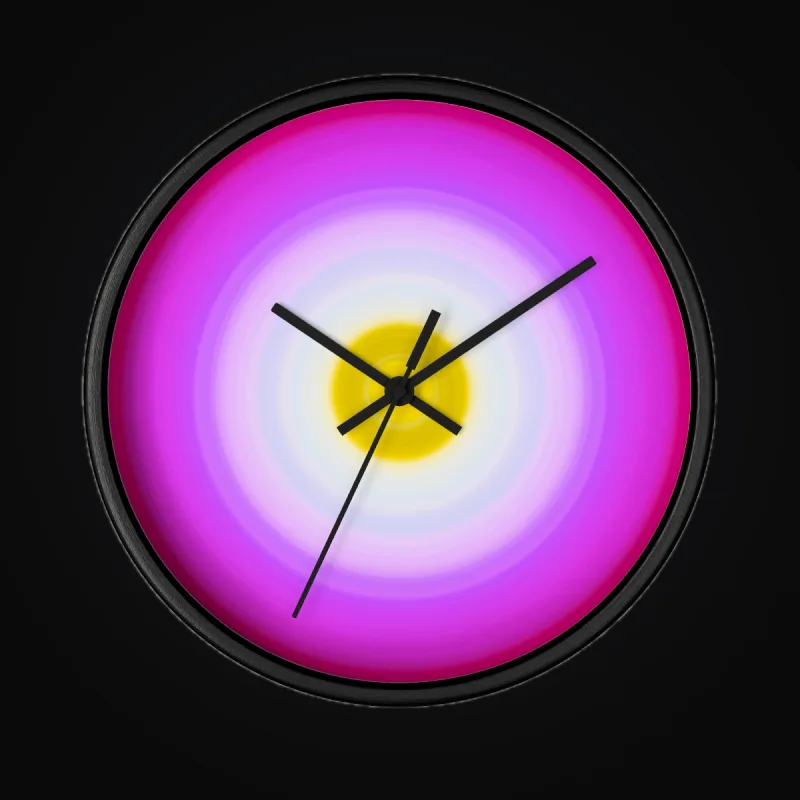

Choose a sharp, high-resolution artwork file, check its color and transparency, and preview how it fits the products you want to sell.
Open guideTurn your artwork into a Mirror repeat for Printify fabric. Set the motif size and background, then preview your product.
Open guideLet ArtDrop draft your product copy from the artwork and your writing preferences, or supply your own titles and descriptions.
Open guideUse your writing, website, or artwork to teach ArtDrop how you describe your work, then save the rules you want future listings to follow.
Open guideUpload a CSV or XLSX sheet with your artwork to supply titles, descriptions, tags, and store or product line choices for the batch.
Open guideUpload a matching JSON file to set an artwork’s title, description, tags, store, and product line, including for scheduled drops.
Open guideUpload several artworks together. Publish the batch now or spread releases over time, with ArtDrop Web running the schedule for you.
Open guideFollow each artwork in Customer activity and find the next step when a product needs attention.
Open guideAdd a Printify fabric product to your store. Choose MWW On Demand, save your product settings, and prepare a Mirror repeat.
Open guideCopy an image and paste it into ArtDrop to start a drop, using the same store and product settings as a file upload.
Open guideStores, product lines, and settings you set once and reuse everywhere.
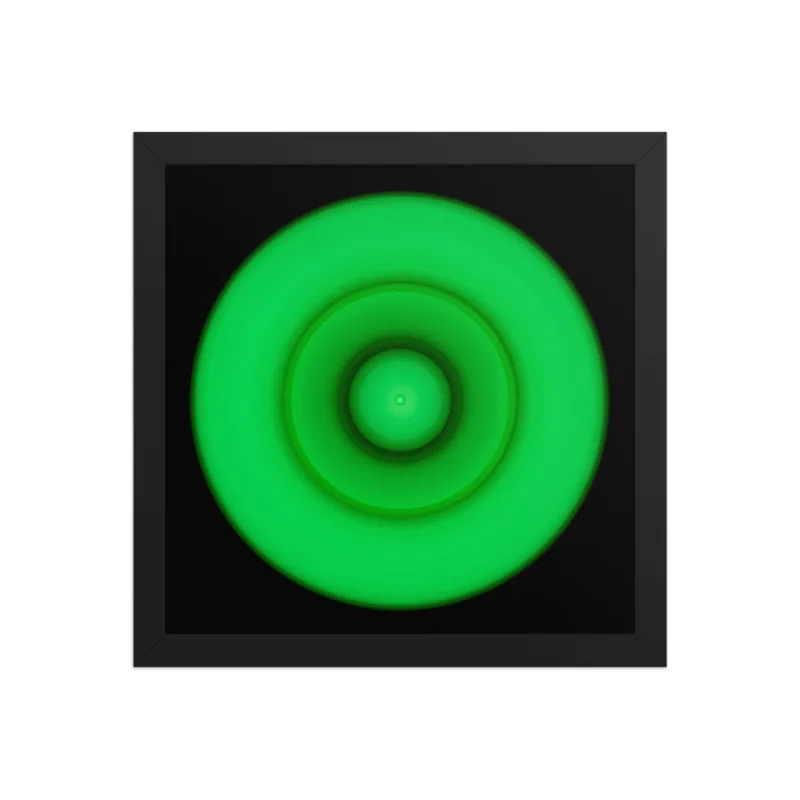
Wall art collection ideas

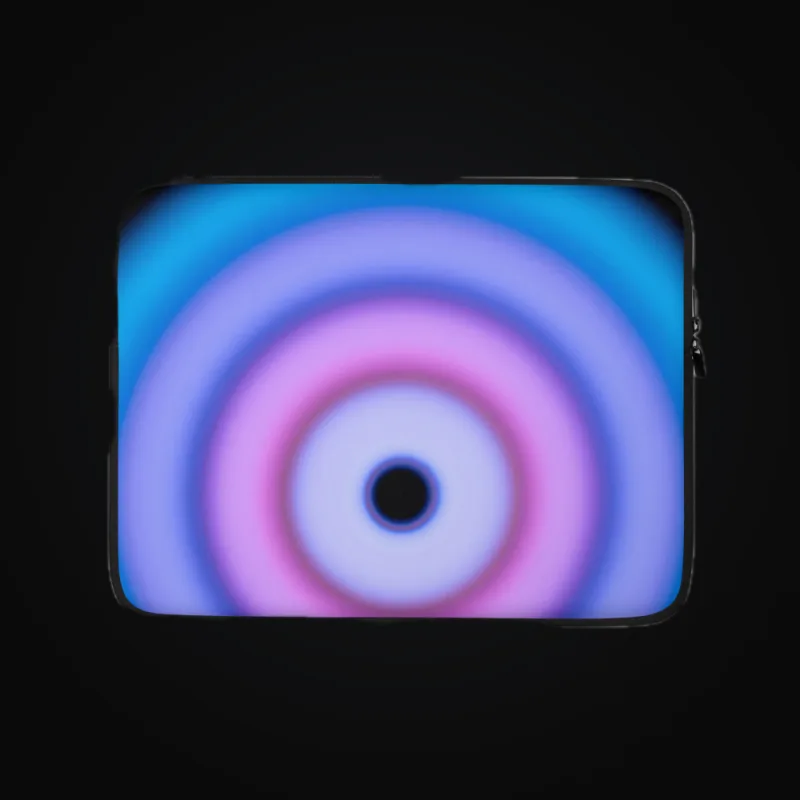
Desk and device collection ideas

Publish artwork to one store or several, with separate writing styles and product choices for each store.
Open guideUse product lines to give each collection its own titles, descriptions, tags, and saved product choices. Each store supports up to 50 lines.
Open guidePublish one artwork to several stores at once, or give each store its own release date and writing style.
Open guideEdit live Shopify listings without leaving ArtDrop.
Edit titles, descriptions, and tags for Shopify or Etsy products. Rewrite with ArtDrop can suggest fresh copy from the original artwork for you to review.
Open guidePasswordless sign-in, credentials, billing, and your data.
Manage or cancel your subscription, request a refund, back up settings, and export or delete your account data.
Open guideUse an email sign-in link to open ArtDrop. Add a passkey for quicker sign-in with your device’s fingerprint, face recognition, or screen lock.
Open guideConnect your store and print providers with the access ArtDrop needs, and keep account keys out of shared files and screenshots.
Open guideLimits, publishing destinations, and canonical ArtDrop terms.
Check supported artwork formats and the size limits for image uploads, copy sheets, JSON files, and Voice Trainer samples.
Open guideA quick reference to the words you see in ArtDrop, from drops and product lines to templates and scheduled releases.
Open guideSee where ArtDrop creates products for Shopify, Etsy, Gelato, Printify, and Printful, and where to open each finished listing.
Open guide