// Comparison · Print on demand automation
One artwork with ArtDrop or by hand.
See how ArtDrop brings product creation, listing copy, and store publishing together for each artwork.

// 01, Step-by-step
One artwork, side by side
ArtDrop writes the listings and reuses your saved products, variants, and prices. Upload the artwork, follow its progress, and review the finished products.
| Step | Manual | ArtDrop |
|---|---|---|
| 01, Upload image | Open each provider's product editor, choose a product, upload the artwork, and repeat for every provider you use. |
Drop or paste a TIF, TIFF, PNG, JPG, or JPEG. ArtDrop reads the image and available EXIF data, then applies the artwork to your saved product templates.
One drop, saved products
|
| 02, Write title | Think of a title that describes the piece, is SEO-friendly, and fits character limits. Type it for every product format. |
Use the Copy Engine to draft a title from the image and your saved voice, or supply one through a template, filename, CSV, sidecar, or the product editor.
ArtDrop system or seller-supplied title
|
| 03, Write description | Write and review the product description for each format and destination. |
The Copy Engine drafts the description in your saved voice. You can also use a template or write the description yourself.
Your voice, ready to refine
|
| 04, SEO fields and alt text | Research keywords, figure out which ones apply to this piece, add them manually to Shopify tags and metafields. |
ArtDrop can draft SEO fields and alt text. Product tags are assembled separately from your saved and supplied metadata.
Separate copy and tag sources
|
| 05, Create variants | Select sizes one by one. Set pricing per variant. Check every size and frame combination. |
ArtDrop builds the sizes, colors, frames, and other variants saved in each product template.
Saved once, reused
|
| 06, Publish the listing | Copy the content into Shopify or Etsy by hand. Add fields and collections, then check the listing. |
Supported Gelato and Printify routes can continue to Shopify or Etsy. Etsy digital downloads publish directly. A standalone Printful store finishes with the product in Printful, and you publish it when you are ready. A Printful store connected to your Shopify store finishes with a live Shopify listing carrying your artwork, price, SKU, and a Printful mockup.
Shopify or Etsy
|
| 07, Do it again for every store | Start over in Etsy. A different editor, a 13-tag limit, and separate uploads for every shop you run. |
Send one artwork to several selected stores. Each store uses its own saved voice, product lines, and product templates. Start with Shopify or Etsy, then add more stores when needed.
One artwork, several stores
|
| 08, Where it runs | You can work by hand on almost any device. Any separate bulk tool you add has its own browser and device requirements. |
ArtDrop Web runs in your browser on phones, tablets, and computers.
iPad, phone, desktop
|
| Total time |
Varies by workflow
measure a representative manual listing
|
Varies by artwork
file, templates, providers, and destinations matter
|
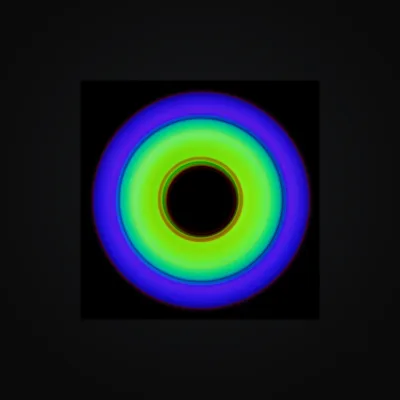
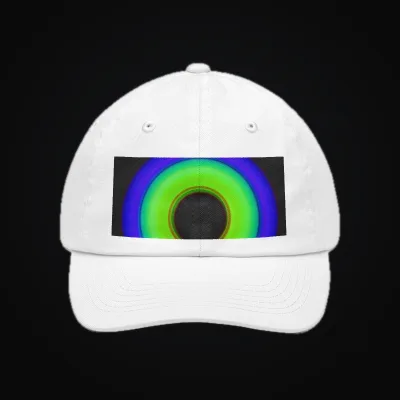
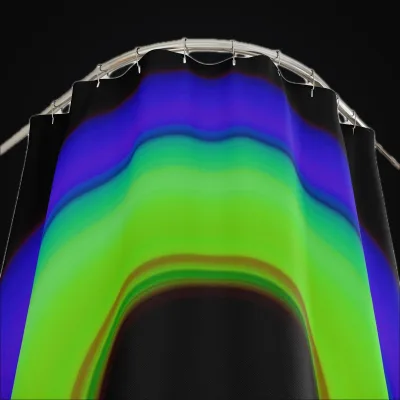
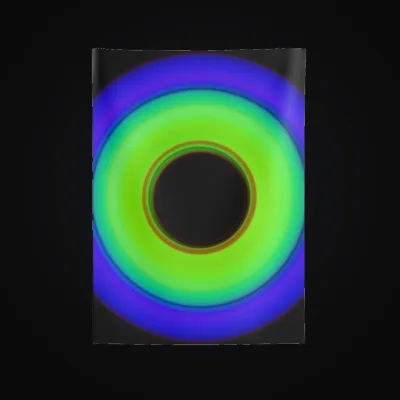
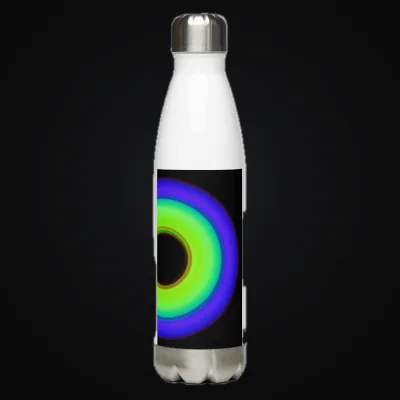
Provider mockup examples: See one artwork on five product formats in these Printful and Printify mockups.
// 02, Cost
A stack of tools vs.
one ArtDrop plan
Build your real total from current quotes for the copy, listing, scheduling, SEO, and bulk tools you use today.
Add your own review time and every connected-service charge to the current quotes.
ArtDrop Web is $39 per month. Up to 25 stores per account. Your first store is included. See Pricing for added-store prices.
Release to each selected store now or up to 30 days later. ArtDrop Web runs scheduled releases with the browser closed.
Continue with the broad POD automation comparison, the Shopify-specific roundup, or provider workflow guides for Printify, Gelato, Printful, and multi-provider publishing.
// 03, What you keep
Your art. Your stores.
Your relationships.
ArtDrop stays focused on creating product and listing data. You keep control of the services that sell, produce, and ship your work.
Connect your own accounts
Keep commerce in your store
Keep your provider relationships
// Ready to automate
Drop one artwork.
Build the collection.
ArtDrop Web is $39 per month. Up to 25 stores per account. Your first store is included. See Pricing for added-store prices.
Buy ArtDropArtDrop Web includes a 14-day money-back guarantee.